





How to Transfer the Videos/Photos?- 2 Options
1. Connect the camera directly to a computer via the Type-C cable, whten a dialog will pop up, select MSDC to start downloading files
2. With an card reader (Included), put the memory card on the card reader, transfer files directly to your computer!
How to Charge the Camera? -2 Options
1. Connect the camera directly to a power source using the included USB cable (charging while shooting is supported).
2. Place the battery in the included charging dock, then connect the dock to a power source using the included USB cable.
How to Take Clear Pictures with Autofocus?
1. Half-press the shutter button.
2. Wait for the focus frame to turn from yellow to green – It means the subject is in focus.
3. Full-press the shutter button – Capture the shot when the focus is locked and the image is sharp.
How to Use the Camera as a Webcam?
Connect the camera directly to a computer via the Type-C cable(Included), whten a dialog will pop up, select PC Camera to use the camera as a webcam for live streaming or video chat.
Shutter button not working?
1. Check TF card storage (top-right of LCD screen).
2. Light press to focus (green frame), then press again to shoot.


How to Transfer the Videos/Photos?- 2 Options
1. Connect the camera directly to a computer via the Type-C cable, whten a dialog will pop up, select MSDC to start downloading files
2. With an card reader (Included), put the memory card on the card reader, transfer files directly to your computer!
How to Charge the Camera? -2 Options
1. Connect the camera directly to a power source using the included USB cable (charging while shooting is supported).
2. Place the battery in the included charging dock, then connect the dock to a power source using the included USB cable.
How to Take Clear Pictures with Autofocus?
1. Half-press the shutter button.
2. Wait for the focus frame to turn from yellow to green – It means the subject is in focus.
3. Full-press the shutter button – Capture the shot when the focus is locked and the image is sharp.
How to Use the Camera as a Webcam?
Connect the camera directly to a computer via the Type-C cable(Included), whten a dialog will pop up, select PC Camera to use the camera as a webcam for live streaming or video chat.
Shutter button not working?
1. Check TF card storage (top-right of LCD screen).
2. Light press to focus (green frame), then press again to shoot.
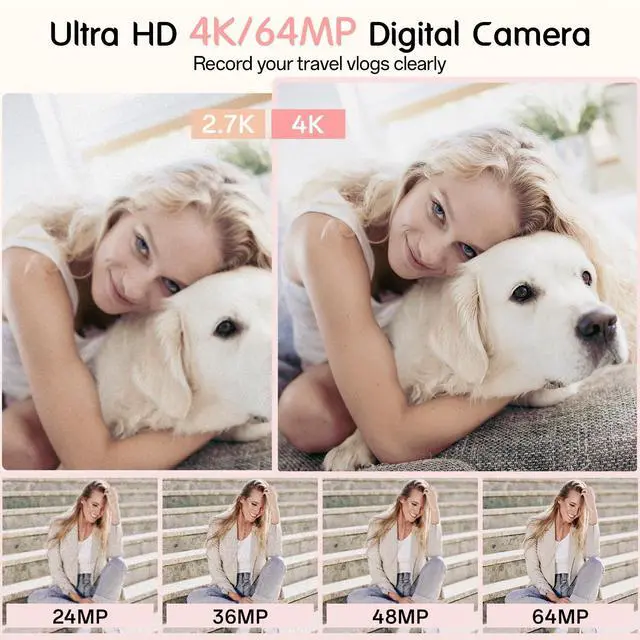
| Video Resolution | 4K(3840x2160), 2.7K(2688x1520), 1080P(1920x1080), 720P(1280x720) |
|---|---|
| Photo Resolution | 64MP(9200x6900), 48MP(8000x6000), 36MP(7936x4480HD), 24MP(5600x4200), 16MP(4608x3456), 12MP(4000x3000), 7MP(3648x2048HD), 5MP(2592x1944) |
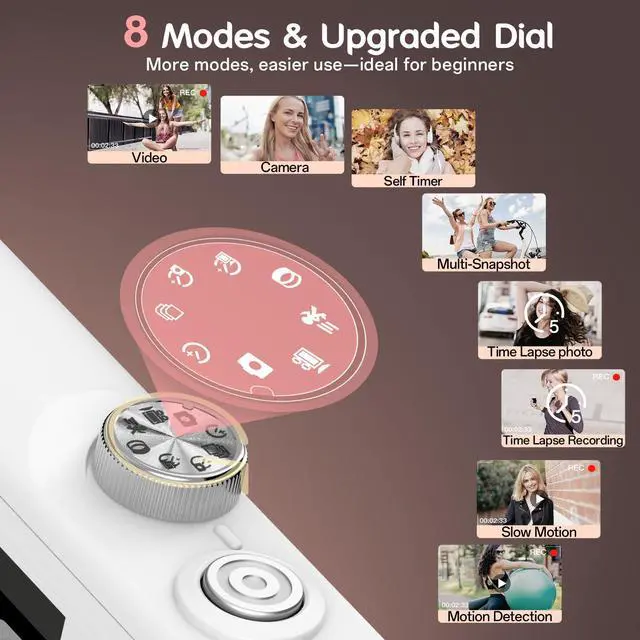
| Video Mode | Time Lapse Recording, Slow Motion, Motion Detection, Video |
| Photo Mode | Camera, Self Timer, Multi-Snapshot, Time Lapse Photo |
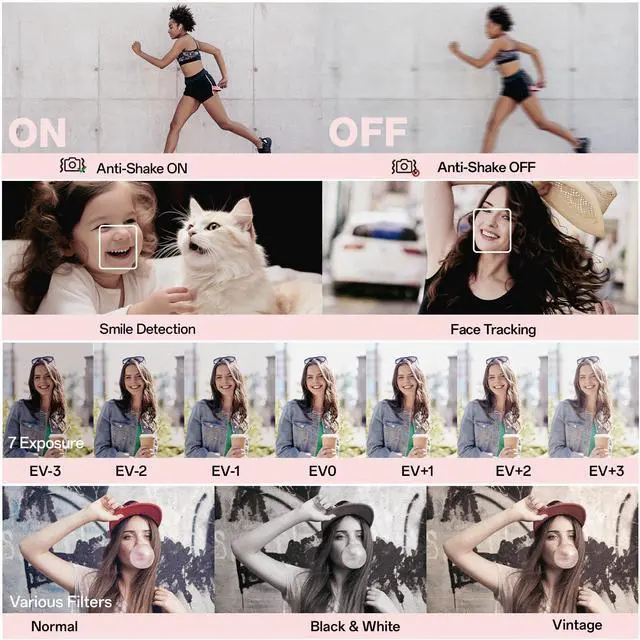
| Exposure compensation | ±3.0 EV |
| White Balance | Auto/Sunny/Cloudy/Fluorescent/Incandescent |
| Image Quality | Ultra High/High/Normal |
| ISO Sensitivity | Auto/ISO100/ISO200/ISO400. |
| Sharpness | Sharp/Normal/Soft |
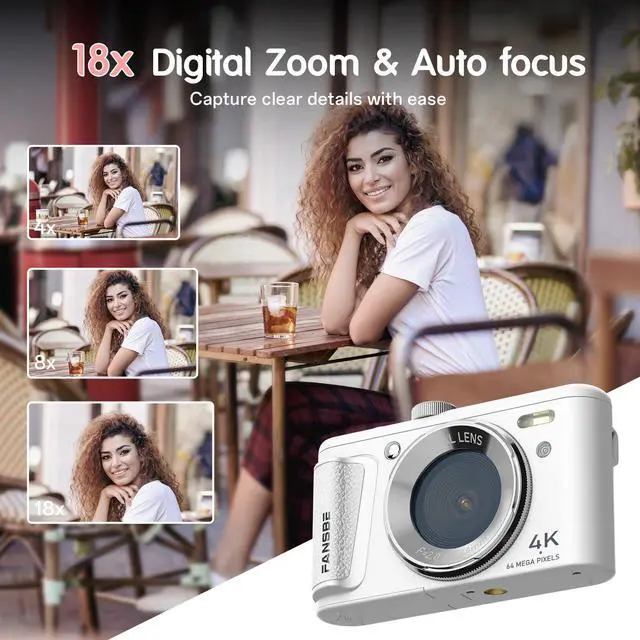
| Other functions | 18XZoom/AF autofocus/Anti-shake/Face tracking/Smile recognition/20 filters/Beauty/Time stamp/Key tone/Timer shutdown/Multi-language/Webcam/Record while charging |
| Memory Card | 32G; supports TF memory card and MMC card (4GB to 256G, transfer rate: class4-class10) |
| File Format | Photo/JPG , Video/AVI |
| Image Sensor | Sony CMOS |
| Support Operating Systems | Win7/Win8/Win10/Win11, etc. |
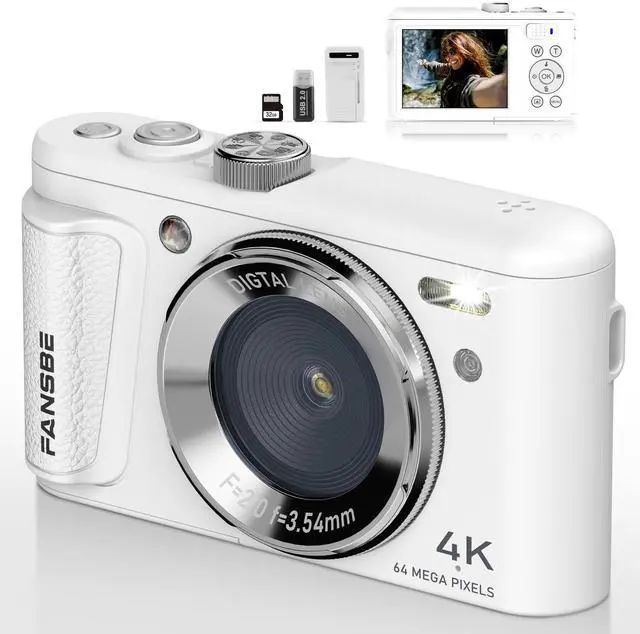
| Package Included | 1*Digital Camera, 1*32GB Memory Card, 2* 800mAh Lithium Batteries, 1*Type-C Cable, 1*Card Reader, and 1*Charger, 1*Storage Pouch, 1*Manual, 1*Lens Cleaning Cloth, 1*Wrist Strap, 1*Neck Strap |