



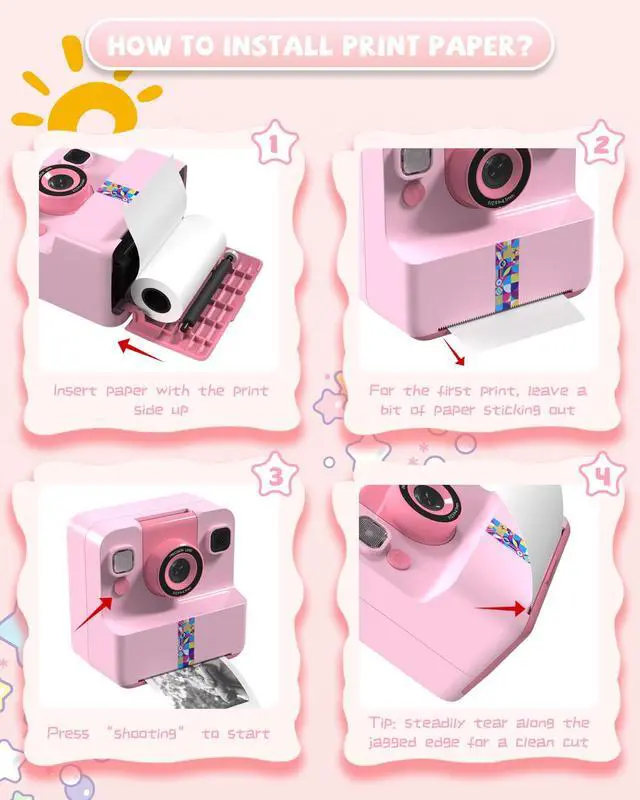



How to prevent paper jams at the output slot?(install printing paper step)
Step 1:Open the slot.
Step 2:Pull the end of the paper out beyond the output slot.
Step 3:Close the compartment until it clicks into place.
Note: After printing the photo, slowly peel off the paper along the gears.
How to install kids camera anti-loss strap?
Step 1: Remove the rubber band. Detach the loop piece.
Step 2: Hold the thin string and gently push it through the camera hole. When it comes out the other hole, separate the string and pass the loop piece through.
Step 3: Reattach the loop piece.
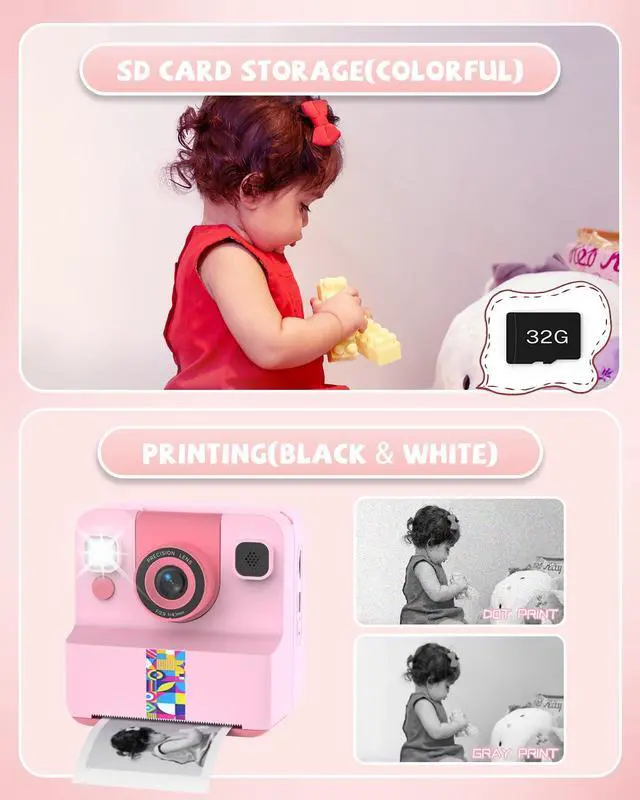
Is the kids instant print camera only able to print black and white photos?
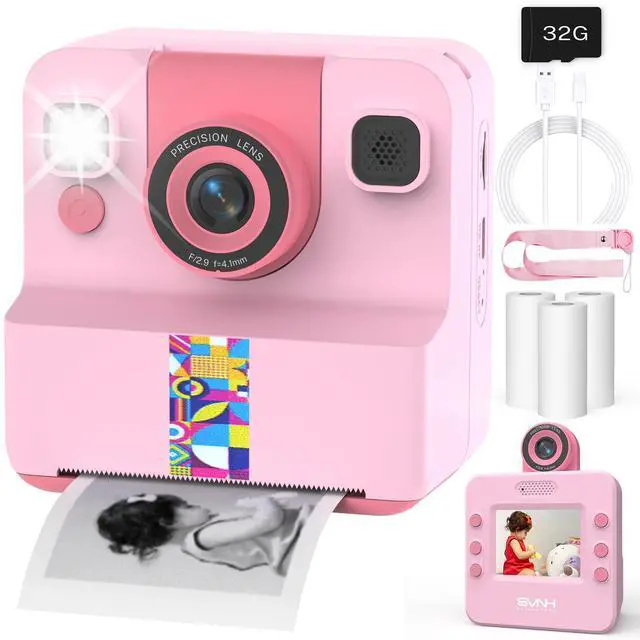
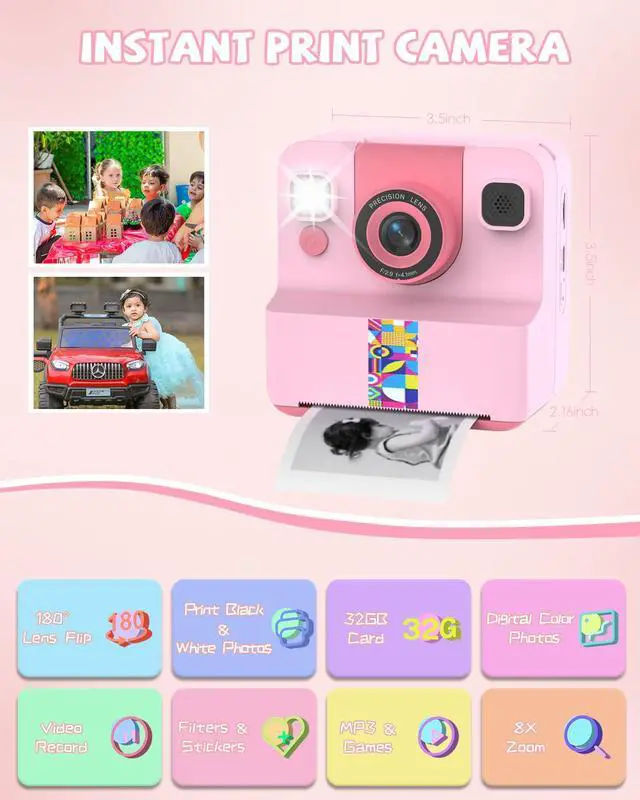
Yes, it can only print slightly blurry black and white photos, but when a memory card is inserted, the camera will save the original color photos digitally.
How to print photos from the camera gallery?
First open the gallery on the camera, then open the photo you want to print, and finally press the m button to print the black and white photo.
What is the size of the printing paper? (How to choose replacement printing paper?)
Single sheet size: about 3.8" x 2.2"(L x W). When choosing replacement thermal printing paper, each roll should be within 2.2 inches in length and within 1.15 inches in diameter.


Sylvanthos–Growing Up Together
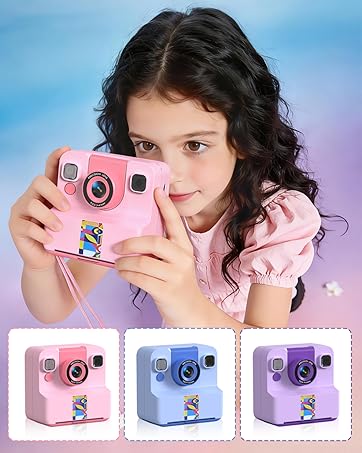
At Sylvanthos, we create kids’ toy phones and instant print camerastoy designed not only to entertain, but to capture the magic of childhood.
Our mission is simple: help families grow, play, and discover together. Because childhood isn’t just about toys—it’s about memories you’ll cherish forever.
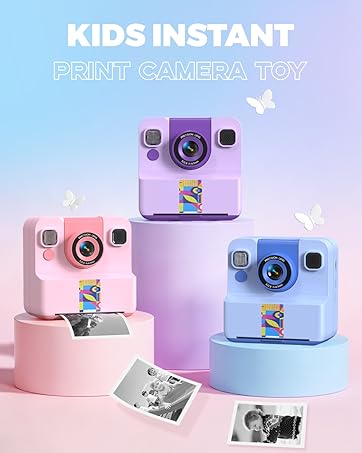
Sylvanthos Kids Instant Camera
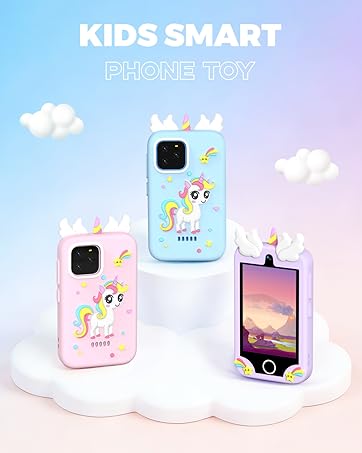
Sylvanthos Kids smart phone




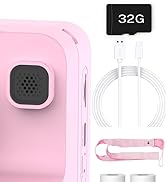

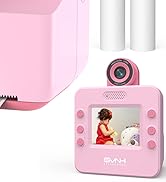
Pink Kids Camera Toy

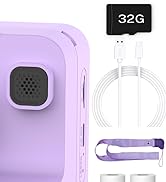

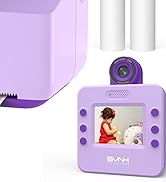
Purple Kids Camera Toy

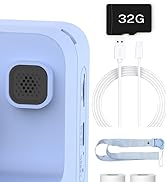

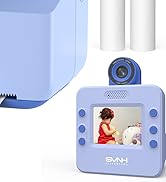
Blue Kids Camera Toy

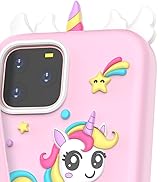

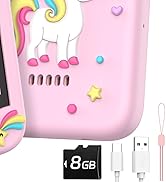
Pink Kids Phone Toy

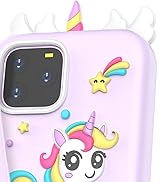

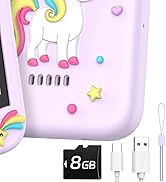
Purple Kids Phone Toy

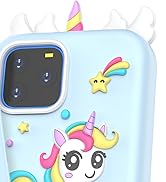

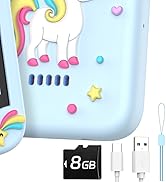
Blue Kids Phone Toy


How to prevent paper jams at the output slot?(install printing paper step)
Step 1:Open the slot.
Step 2:Pull the end of the paper out beyond the output slot.
Step 3:Close the compartment until it clicks into place.
Note: After printing the photo, slowly peel off the paper along the gears.
How to install kids camera anti-loss strap?
Step 1: Remove the rubber band. Detach the loop piece.
Step 2: Hold the thin string and gently push it through the camera hole. When it comes out the other hole, separate the string and pass the loop piece through.
Step 3: Reattach the loop piece.
Is the kids instant print camera only able to print black and white photos?
Yes, it can only print slightly blurry black and white photos, but when a memory card is inserted, the camera will save the original color photos digitally.
How to print photos from the camera gallery?
First open the gallery on the camera, then open the photo you want to print, and finally press the m button to print the black and white photo.
What is the size of the printing paper? (How to choose replacement printing paper?)
Single sheet size: about 3.8" x 2.2"(L x W). When choosing replacement thermal printing paper, each roll should be within 2.2 inches in length and within 1.15 inches in diameter.
Sylvanthos–Growing Up Together
At Sylvanthos, we create kids’ toy phones and instant print camerastoy designed not only to entertain, but to capture the magic of childhood.
Our mission is simple: help families grow, play, and discover together. Because childhood isn’t just about toys—it’s about memories you’ll cherish forever.
Sylvanthos Kids Instant Camera
Sylvanthos Kids smart phone
Pink Kids Camera Toy
Purple Kids Camera Toy
Blue Kids Camera Toy
Pink Kids Phone Toy
Purple Kids Phone Toy
Blue Kids Phone Toy