



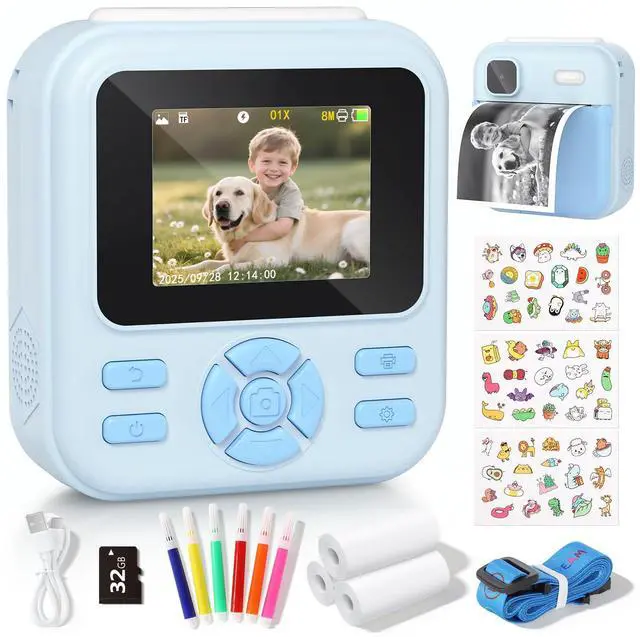
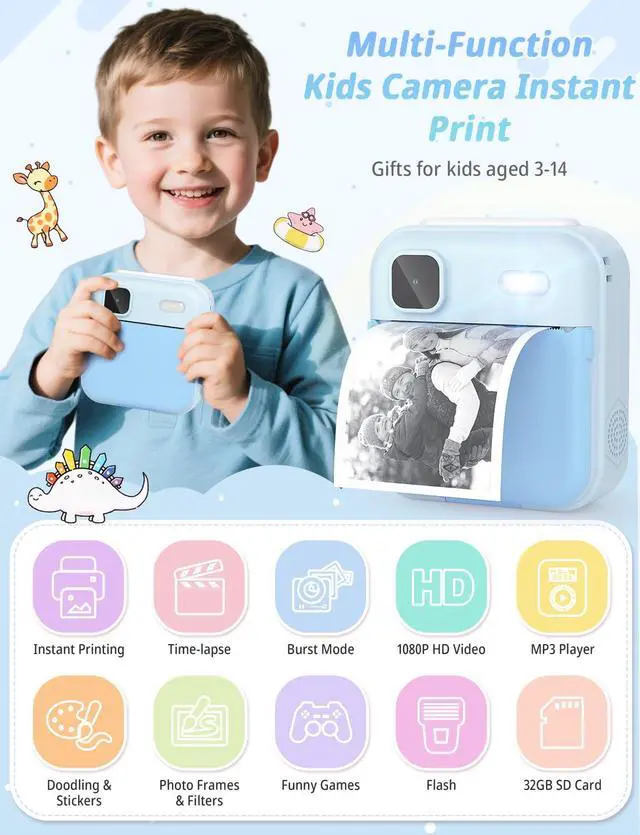
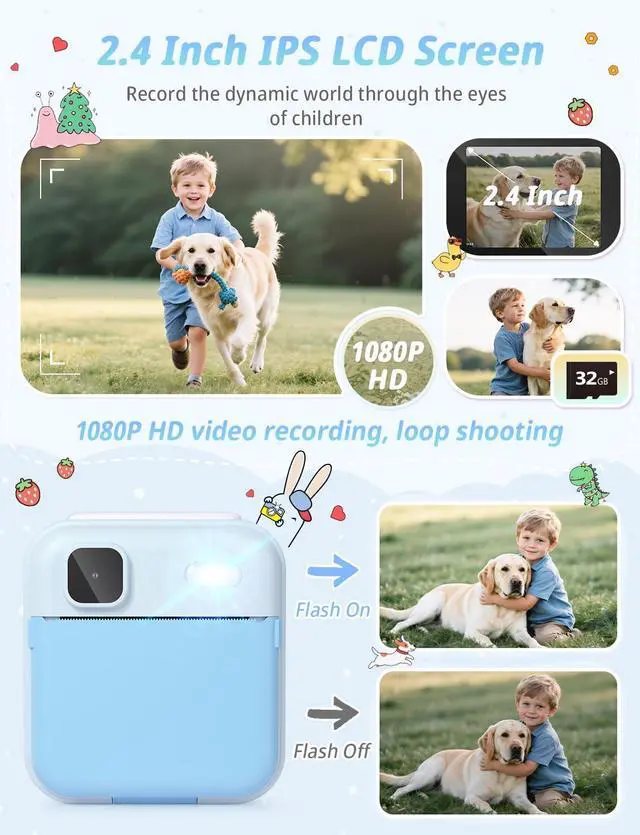
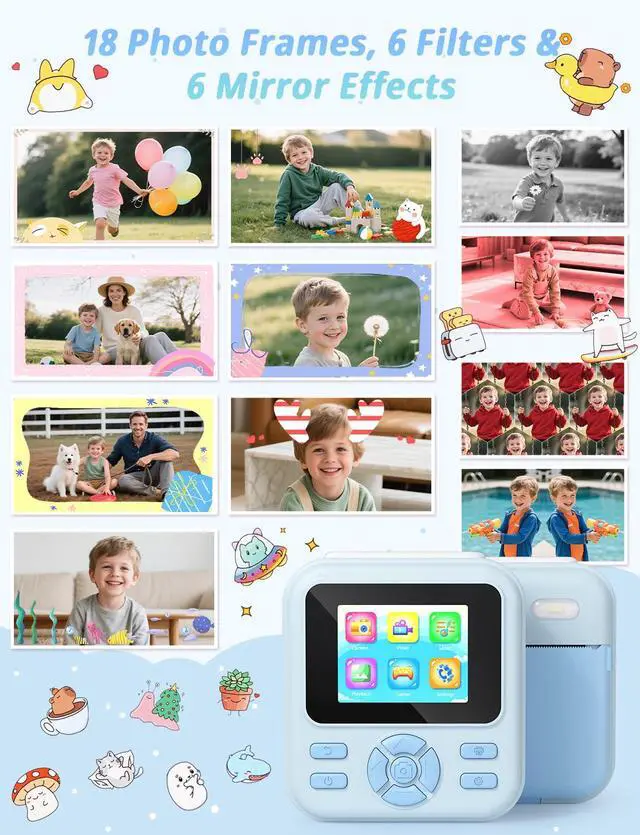
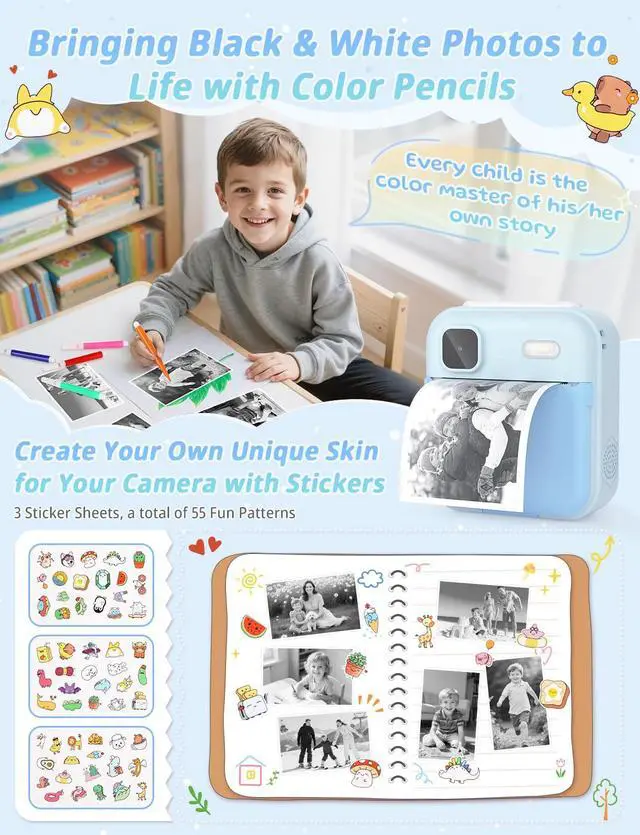
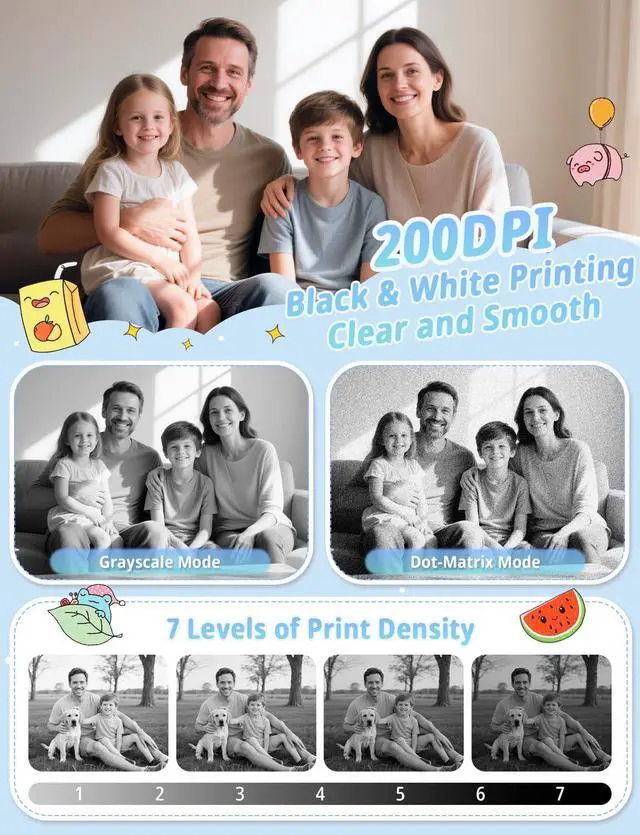
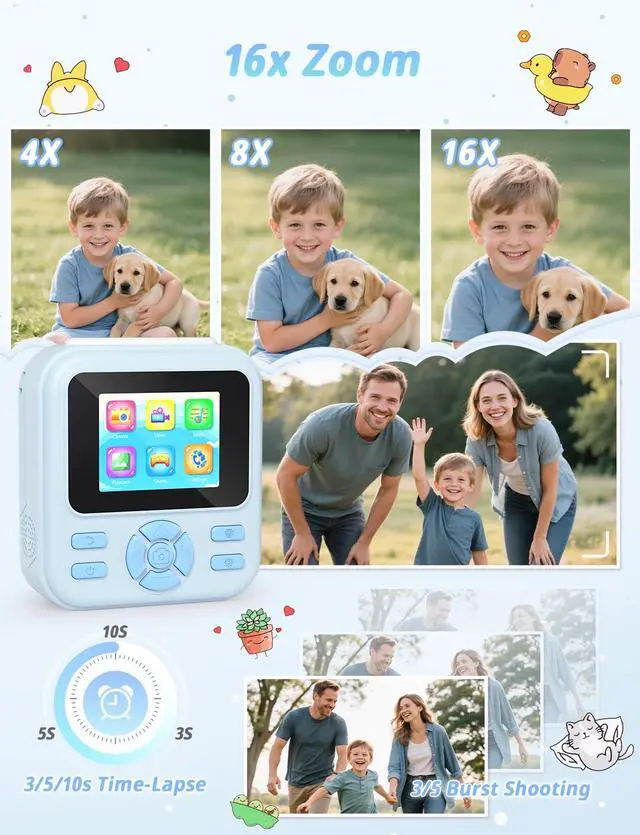



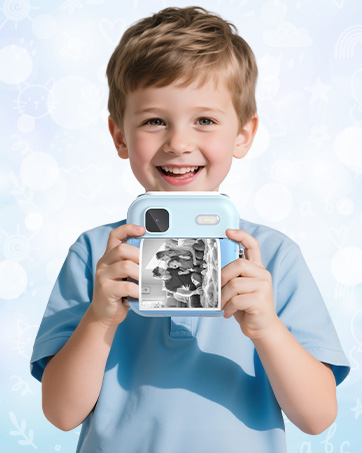
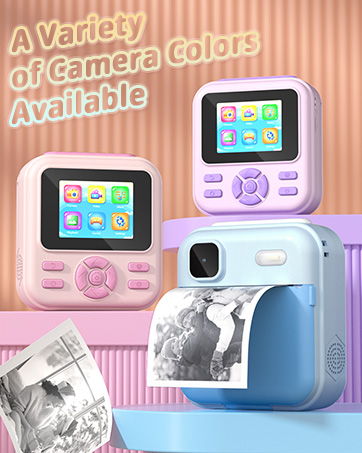
- At YOHOOLYO, we inspire creativity and capture moments for children. Our Kids Instant Print Camera combines fun and functionality, allowing young explorers to document their adventures.
- Designed for ages 3-12, it encourages imaginative play through photography. With user-friendly features and instant printing, we empower children to express themselves and share their unique perspectives. Join us in fostering a love for exploration and creativity!
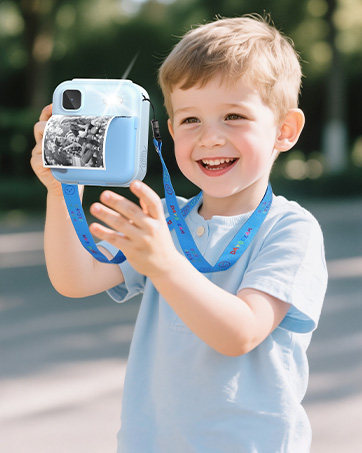


How to turn off the printing function?
Each time you select the photo mode, the camera defaults to photo + print mode.
In this mode, a short press of the [Print Button] will turn off the printing function, allowing you to take photos without printing them.
How to turn on the fill light?
Select the photo mode, long press the [Right Button] to turn the fill light on or off
• First long press,the fill light stays on.
• Second long press,the fill light only on when the shutter is pressed.
• Third long press,the fill light is off.


How to turn off the printing function?
Each time you select the photo mode, the camera defaults to photo + print mode.
In this mode, a short press of the [Print Button] will turn off the printing function, allowing you to take photos without printing them.
How to turn on the fill light?
Select the photo mode, long press the [Right Button] to turn the fill light on or off
• First long press,the fill light stays on.
• Second long press,the fill light only on when the shutter is pressed.
• Third long press,the fill light is off.
- At YOHOOLYO, we inspire creativity and capture moments for children. Our Kids Instant Print Camera combines fun and functionality, allowing young explorers to document their adventures.
- Designed for ages 3-12, it encourages imaginative play through photography. With user-friendly features and instant printing, we empower children to express themselves and share their unique perspectives. Join us in fostering a love for exploration and creativity!