here!
here!
I’m your shopping assistant for PC builds, upgrades, and everything tech.
Got questions? Ask away!
Start a conversation
here!
I’m your shopping assistant for PC builds, upgrades, and everything tech.
Got questions? Ask away!
Start a conversation
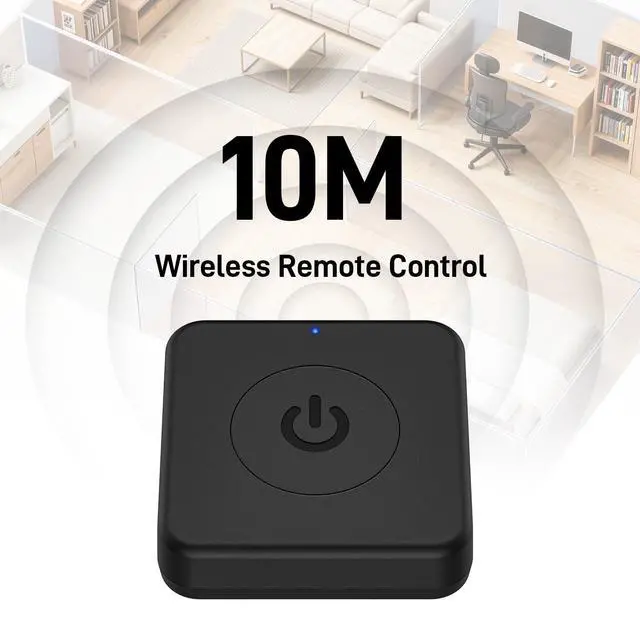
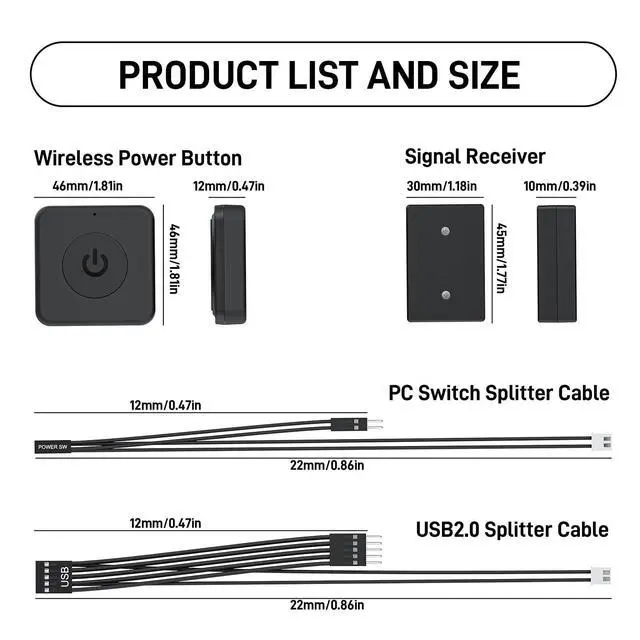



Any questions? Ask CelesteSM will help you find out quickly.
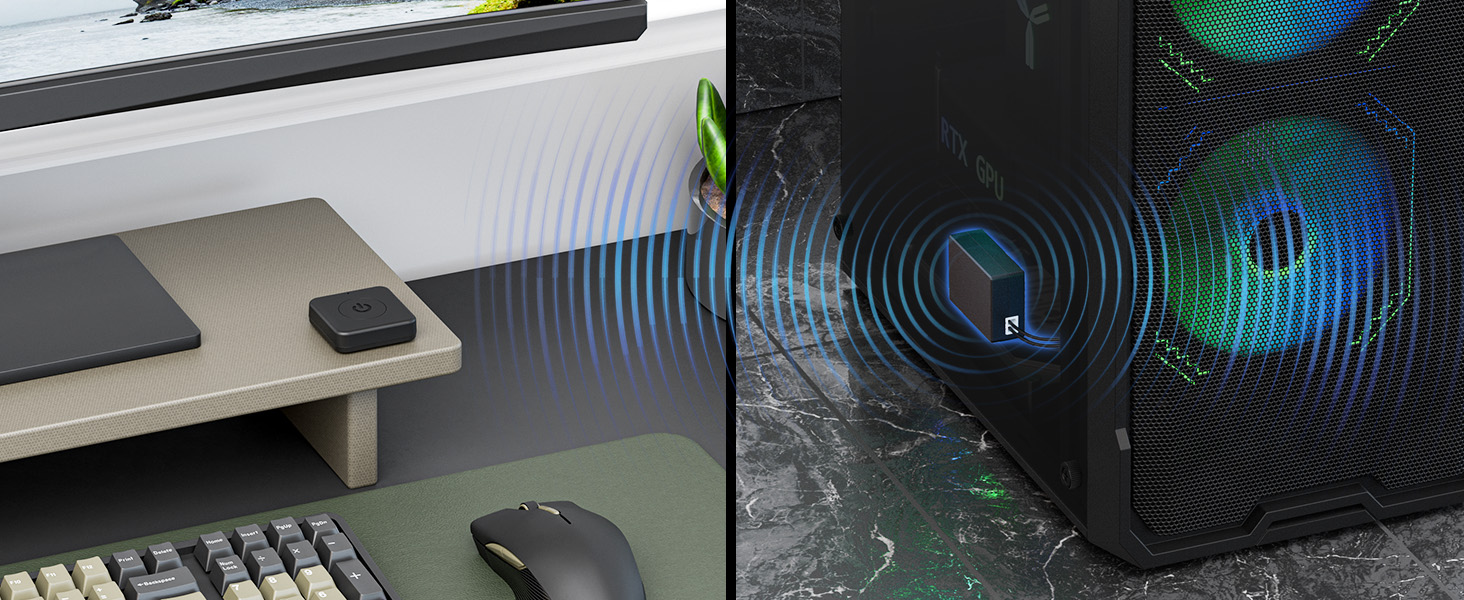
Should I need to pair the power button before use?
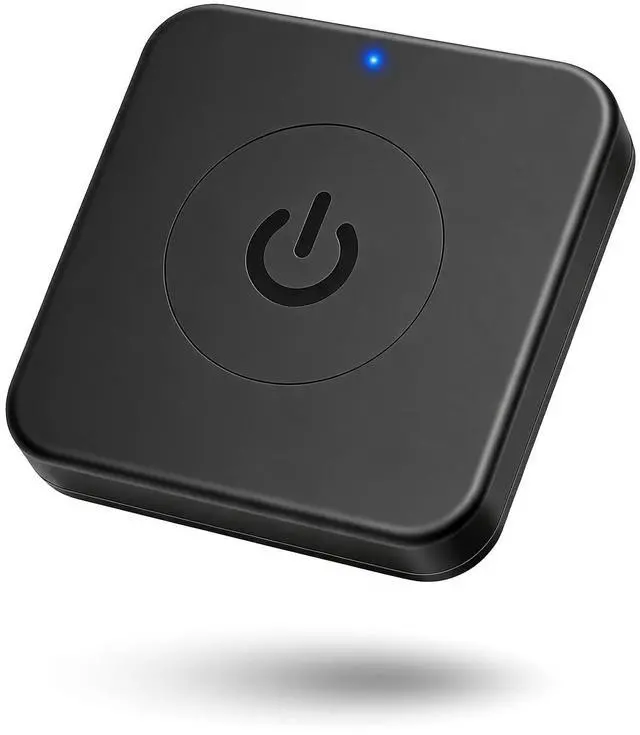
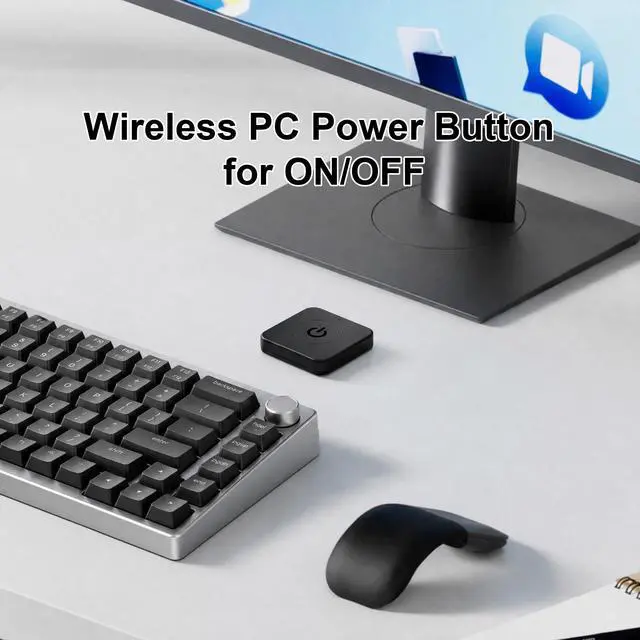
No, this PC power button is pre-paired to its signal receiver. *Note: Please avoid using multiple products in the same place, as their signal receivers may be controlled by the same power button.
Why does the power button only control PC OFF?
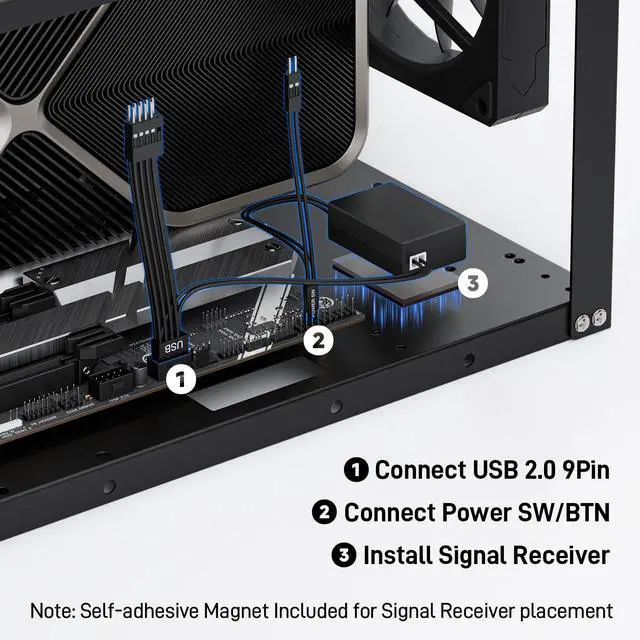
Please Enable "Always-On USB Power" and Disable "ErP/EUP Ready" option in BIOS. More question, please check the user manual.
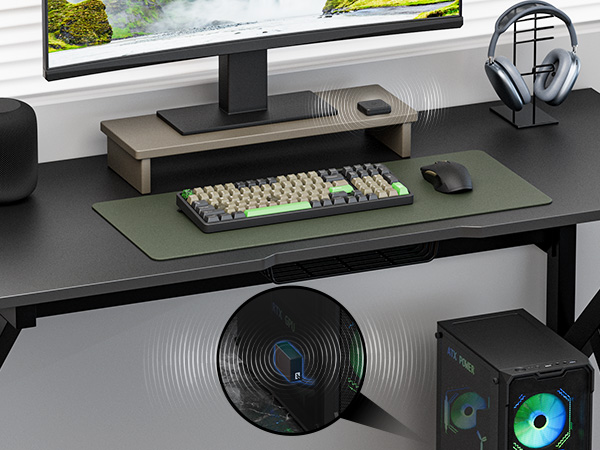
Should I need to pair the power button before use?
No, this PC power button is pre-paired to its signal receiver. *Note: Please avoid using multiple products in the same place, as their signal receivers may be controlled by the same power button.
Why does the power button only control PC OFF?
Please Enable "Always-On USB Power" and Disable "ErP/EUP Ready" option in BIOS. More question, please check the user manual.