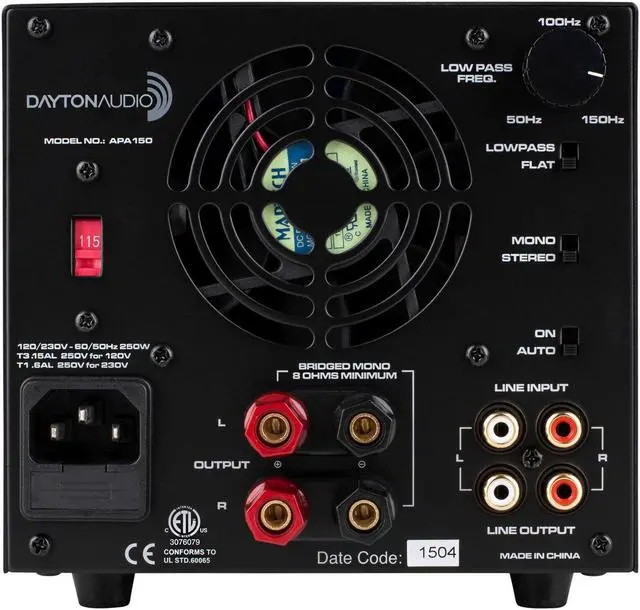
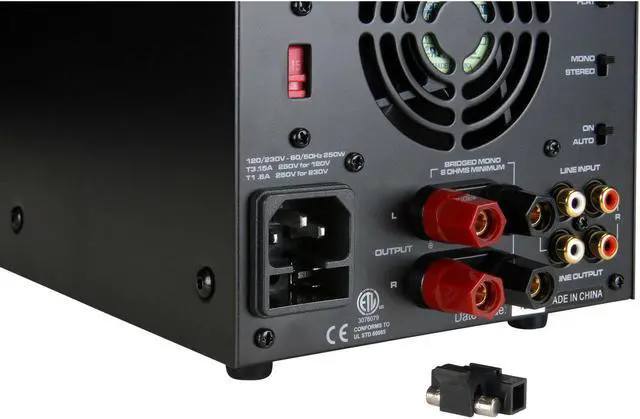
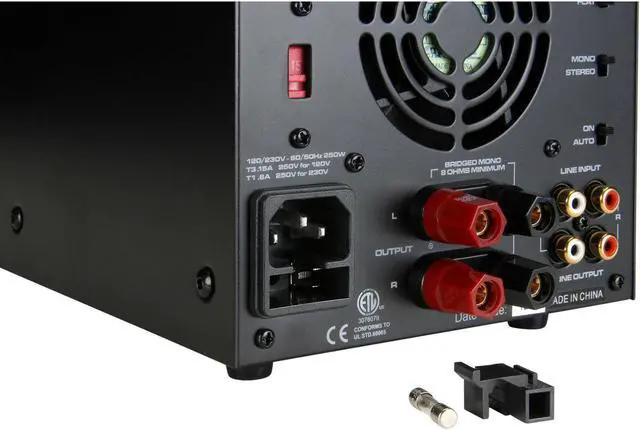
CONNECTING THE APA150 Connecting a line-level device 1. Locate the RCA line-level output from your source device. 2. Using RCA patch cables, connect the appropriate channel from the source output to the amplifier input. 3. For a mono line-level signal, use the left-level input. Daisy-Chaining APA150s 1. Connect the line-level input from source device as above. 2. Connect the line-level output from first amplifier to line level input on the second amplifier. Using the APA150s Low-Pass Filter 1. Ensure Low Pass-Flat switch is set to Low Pass.
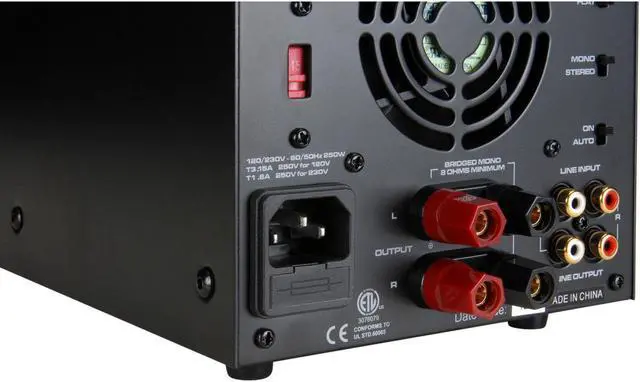
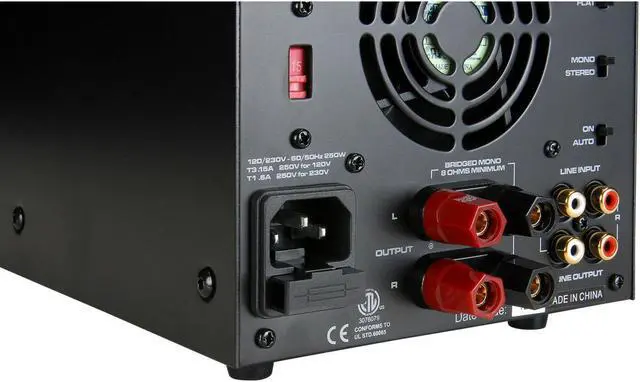
2. Connect line-level input from source device. 3. Connect loud speakers as described below. 4. Adjust crossover frequency until desired output is reached. Connecting Your Loudspeakers for Stereo Operation 1. Ensure that the amplifier is powered down. 2. Remove approximately 1/2'' of the insulation from your speaker cables' positive and negative conductors. 3. Loosen the speaker binding posts by turning the knobs counter-clockwise, exposing the wire insert hole. 4. Observing polarity, insert the conductors into their appropriate binding posts and tighten the knobs down, securing the conductors in place.
Connecting Your Loudspeakers for Bridged-Mono Operation 1. Set the Mono-Stereo switch to Mono position. 2. Remove approximately 1/2'' of insulation from your speaker cables' positive and negative conductors. 3. Loosen speaker binding posts by turning the knobs counter-clockwise, exposing the wire insert hole. 4. Connect positive conductor to top left binding post. 5. Connect negative conductor to bottom right binding post. Highlights Sleek modern design looks good and sounds great Virtually noise-free fan operation for near field applications High current, discrete output transistors that run cool and quiet





 here!
here!