




Simple Recording Guitar Interface for beginners
Portable, cheap and affordable
Note: Compatible with computers, but not with all computer recording software and effects software, as the MOMIX CAB is really just a simple and portable phone recording device.
1/4 inch Jack
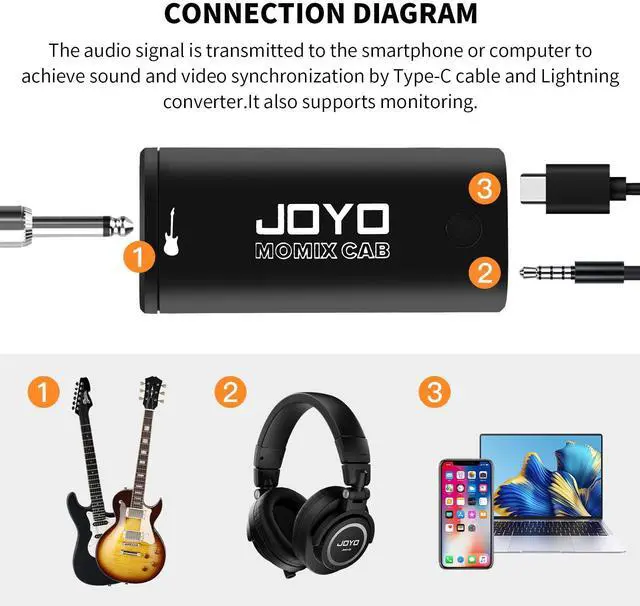
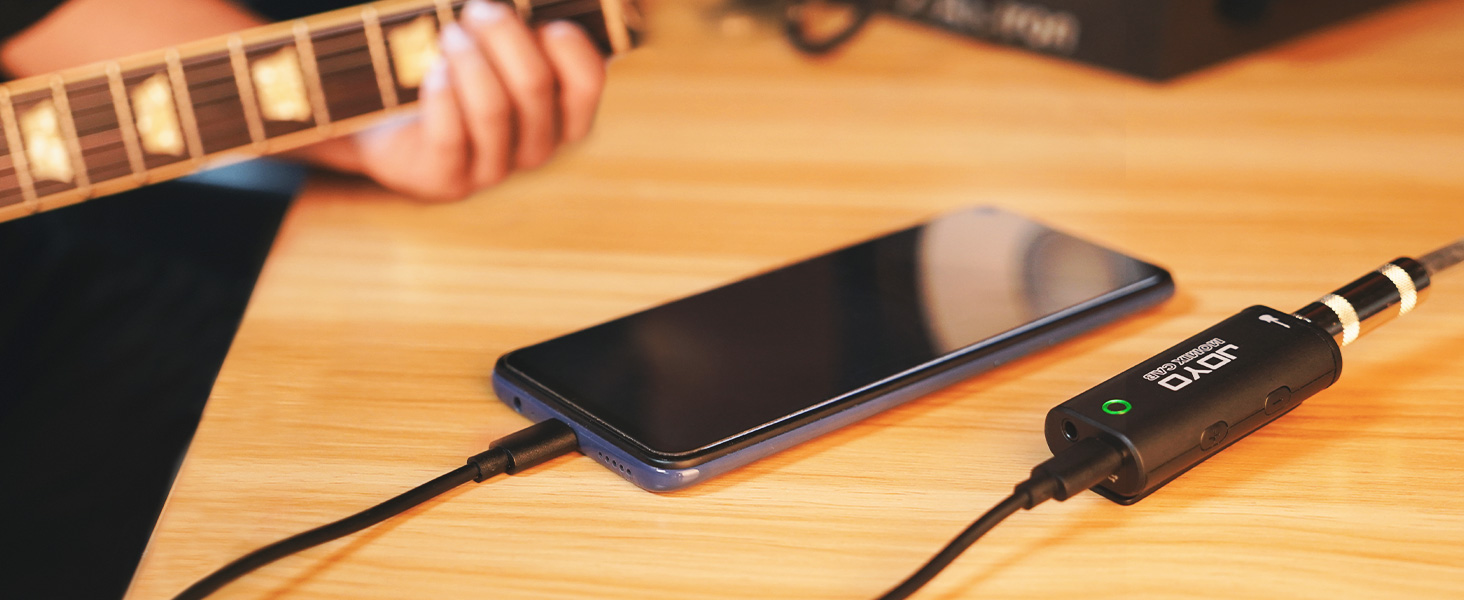
Compatible with iphones and Android phones with USB-C cable and Lightning converter. However, due to too many smartphone recording apps, MOMIX CAB is not compatible with all recording apps.
Easy to use
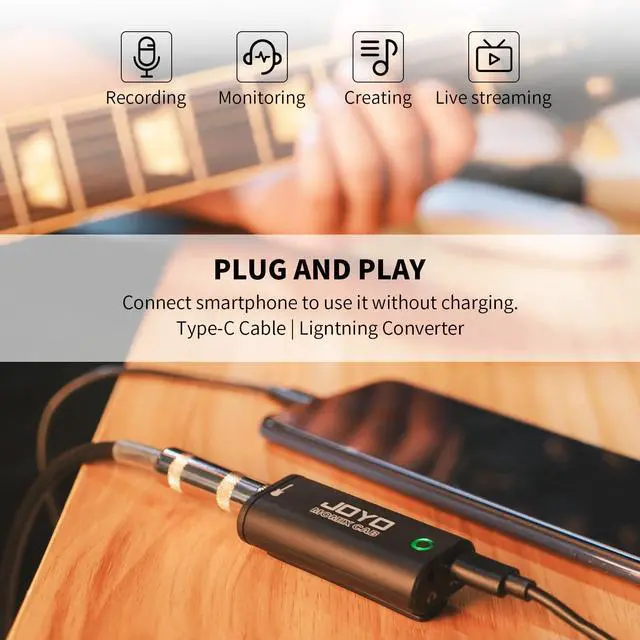
Portable pocket guitar audio interface for recording, plug and play.
Details

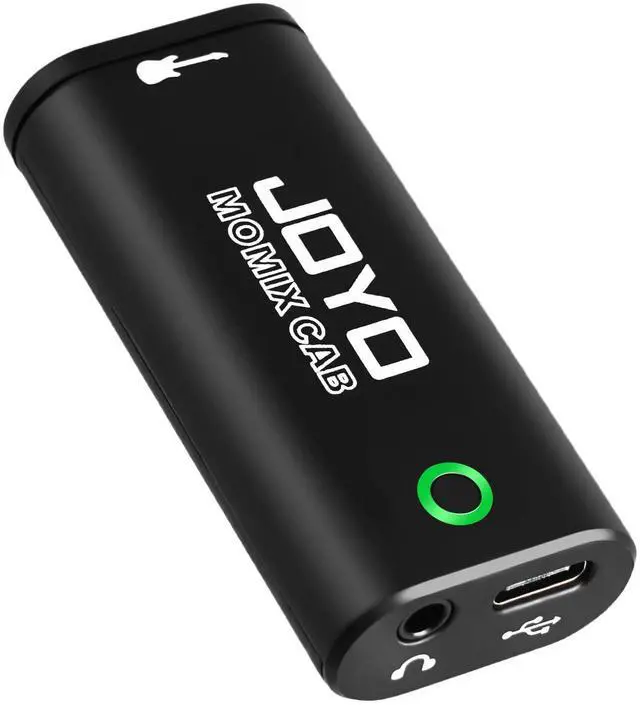
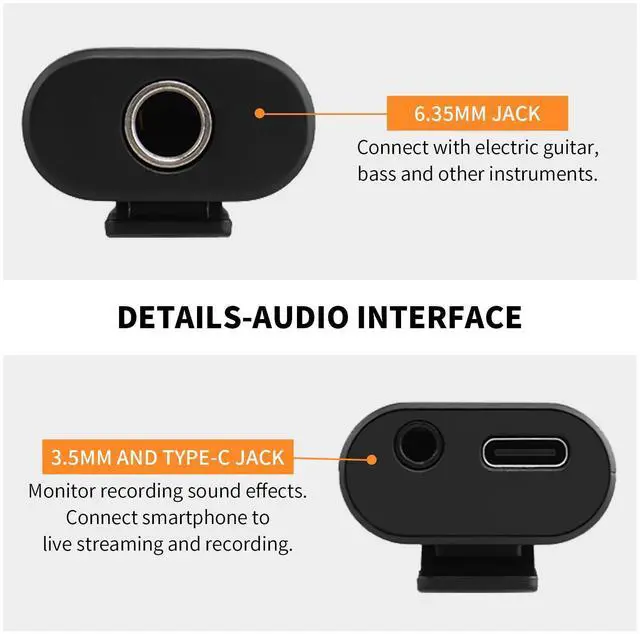
Type-C and Lightning Jack
- Includes Type-C cable and a conterter with Lightning port for different smartphone.

Active Detectivity
- The indicator light turn from green to red shows that the volume is too high. It's time to reduce to minimize sound loss.

Portable Design
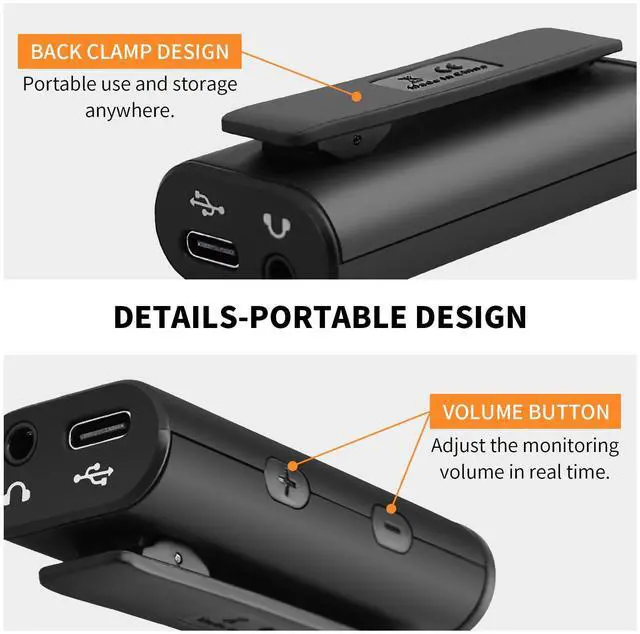
- Portable back clip design, can be carried around, easy to use.
- Headphone monitor jack, can only be used for monitoring, not input!

Pocket Size
- Mini size, it fit directly into the pocket and easy to carry at outdoors.
MOMIX CAB Guitar Interface
Merchant VideoSpecification

Portable, cheap and affordable
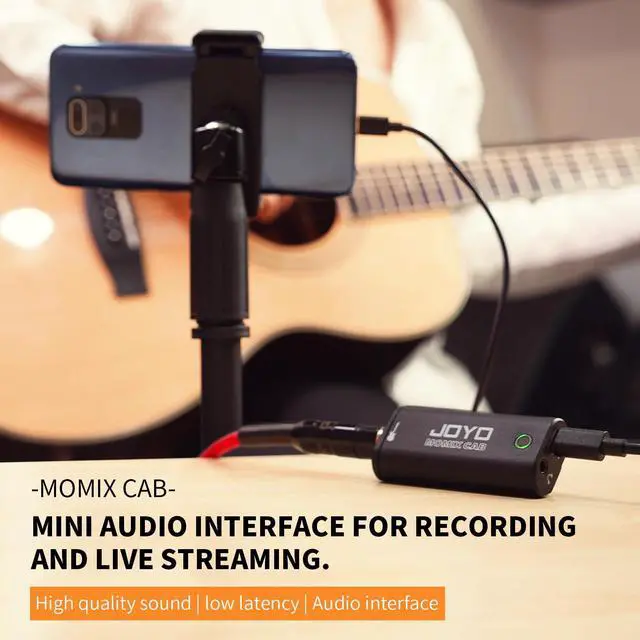
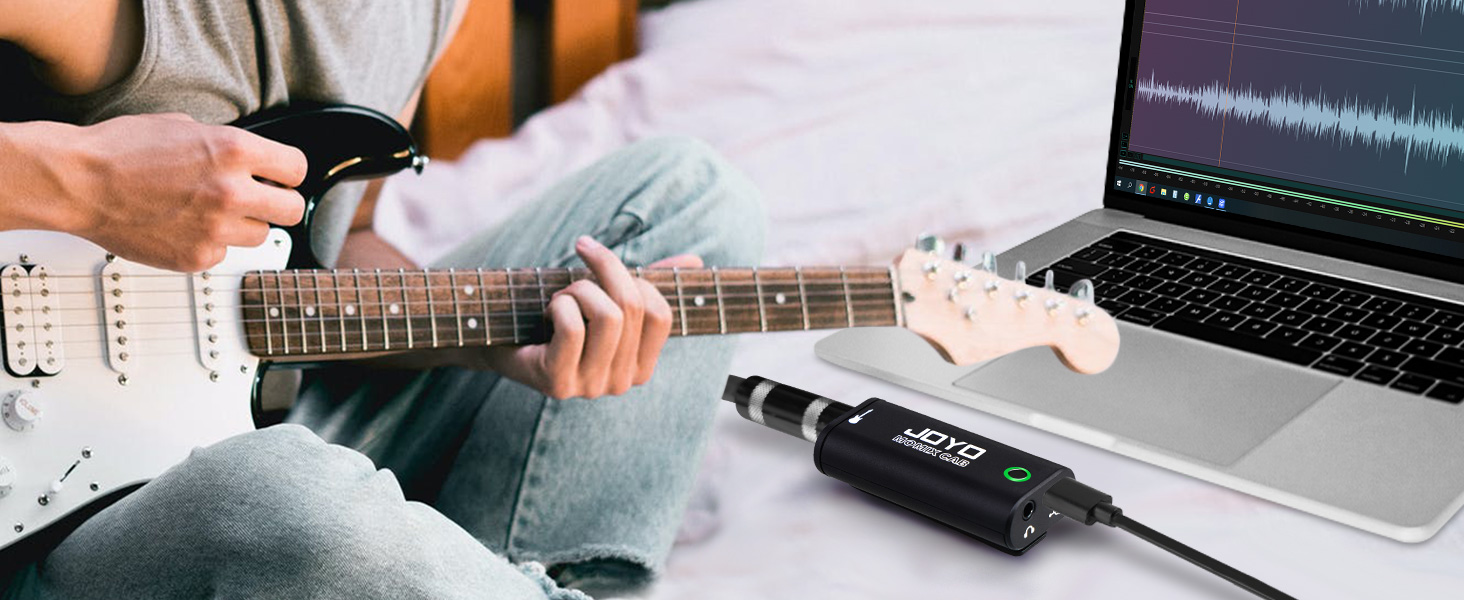
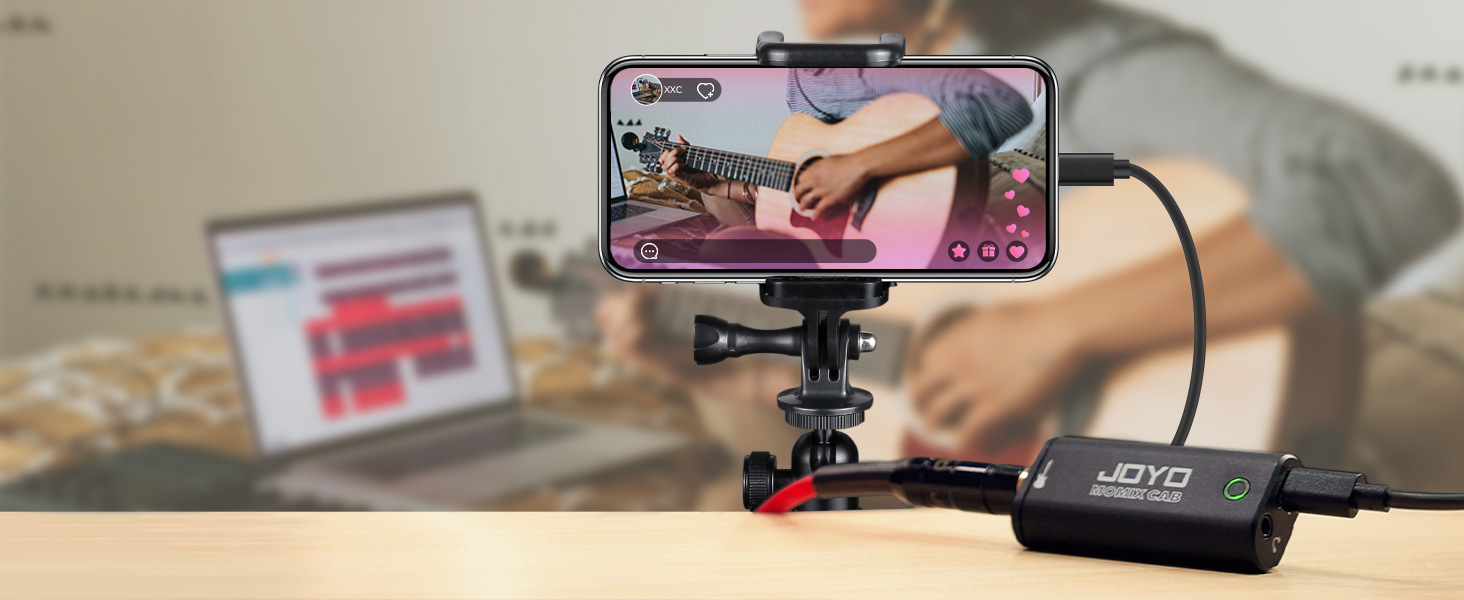
- MOMIX CAB is a mini guitar audio interface for smartphone and laptop, easy to use, recording and live stream via it anytime and anywhere.
- It can be powered by smartphone, connect it via the Type-C cable. If you need audio-to-video sync, MOMIX CAB can output the audio to your smart phone directly, ensuring high quality recording. Perfect for composing songs, playing guitar, live recording for musicians' performances, making the music performance more convenient and versatile!
Professional Audio Devices
 MOMIX CAB |  MOMIX PRO |  Active Direct Box |  XLR Cables 20ft | |
|---|---|---|---|---|
Customer Reviews | — | — | — | — |
Price | — | — | — | — |
Type | Guitar Audio Interface | Audio Mixer | DI Box | XLR Cables |
Feature | Plug & Play | Dual Channel Reverb | Reamping,Phantom Powered | Noise reduction |
Rich Interface | Type-C,Lightning,6.35mm Jack | 6.35mm,XLR,Type-C,Lightning | XLR Input 2 in 1,6.35mm | XLR |
Compatible Devices | Guitar,Phone,Laptop,PC | Phone,Laptop,Mic,Instrument | Pedal,Bass,Electric Guitar | Mic,Instruments |
Rechargeable | No | Yes | No | No |
What type of product is MOMIX CAB? Is it compatible with PC?
Portable, cheap and affordable.Mini guitar audio inerface support monaural audio recording.It really is an easy phone guitar recording interface. Yes, not only for smartphones, but also for computers. Just recording and cannot mix the tone quality.
Is it compatible with various recording apps with phones or computer recording software?
Note: It is not compatible with all phone apps, effect software or computer recording software as it is just a simple phone audio interface, not a sound card. we recommend using computer or phone's built-in recorder to record if apps ao not support.
What if my active pickup output is extremely large and easily peaks?
If it is easy to exceed the peak, it is necessary to reduce the volume.
What are the unique designs of MOMIX CAB?
1.Active detectivity. The indicator light turn from green to red, it's time to reduce volume to minimize sound loss.
2.Pocket storage, easy to carry outdoors.
3.Clip-on design, easy to use.
4.No need to charge, plug and play.
If you get a product failure, how do you check if it is a product problem?
1. Check whether the indicator light is bright through the phone connection rather than computer
2. Switch between USB-C and Lightning jacks to troubleshoot interface problems
(Note: This product is not compatible with various apps and software)
Simple Recording Guitar Interface for beginners
Portable, cheap and affordable
1/4 inch Jack
Easy to use


Note: Compatible with computers, but not with all computer recording software and effects software, as the MOMIX CAB is really just a simple and portable phone recording device.
Compatible with iphones and Android phones with USB-C cable and Lightning converter. However, due to too many smartphone recording apps, MOMIX CAB is not compatible with all recording apps.
Portable pocket guitar audio interface for recording, plug and play.
Details
Type-C and Lightning Jack
- Includes Type-C cable and a conterter with Lightning port for different smartphone.
Active Detectivity
- The indicator light turn from green to red shows that the volume is too high. It's time to reduce to minimize sound loss.
Portable Design
- Portable back clip design, can be carried around, easy to use.
- Headphone monitor jack, can only be used for monitoring, not input!
Pocket Size
- Mini size, it fit directly into the pocket and easy to carry at outdoors.
MOMIX CAB Guitar Interface
Merchant VideoSpecification
| Audio's sample rate | 48kHz |
|---|---|
| Sampling accuracy: | 16bit |
| Guitar Input Impedance | 220kQ |
| Guitar Input Sensitivity | -10dBV |
| Power | Type-C 5V/50mA |
| Connector Type | 1/4 inch Jack /Type-C/Lightning |
plug and play
Portable, cheap and affordable
- MOMIX CAB is a mini guitar audio interface for smartphone and laptop, easy to use, recording and live stream via it anytime and anywhere.
- It can be powered by smartphone, connect it via the Type-C cable. If you need audio-to-video sync, MOMIX CAB can output the audio to your smart phone directly, ensuring high quality recording. Perfect for composing songs, playing guitar, live recording for musicians' performances, making the music performance more convenient and versatile!
Professional Audio Devices
MOMIX CAB |  MOMIX PRO | Active Direct Box | XLR Cables 20ft |
|---|---|---|---|
| Customer Reviews | |||
| — | — | — | — |
| Price | |||
| — | — | — | — |
| Type | |||
| Guitar Audio Interface | Audio Mixer | DI Box | XLR Cables |
| Feature | |||
| Plug & Play | Dual Channel Reverb | Reamping,Phantom Powered | Noise reduction |
| Rich Interface | |||
| Type-C,Lightning,6.35mm Jack | 6.35mm,XLR,Type-C,Lightning | XLR Input 2 in 1,6.35mm | XLR |
| Compatible Devices | |||
| Guitar,Phone,Laptop,PC | Phone,Laptop,Mic,Instrument | Pedal,Bass,Electric Guitar | Mic,Instruments |
| Rechargeable | |||
| No | Yes | No | No |
What type of product is MOMIX CAB? Is it compatible with PC?
Portable, cheap and affordable.Mini guitar audio inerface support monaural audio recording.It really is an easy phone guitar recording interface. Yes, not only for smartphones, but also for computers. Just recording and cannot mix the tone quality.
Is it compatible with various recording apps with phones or computer recording software?
Note: It is not compatible with all phone apps, effect software or computer recording software as it is just a simple phone audio interface, not a sound card. we recommend using computer or phone's built-in recorder to record if apps ao not support.
What if my active pickup output is extremely large and easily peaks?
If it is easy to exceed the peak, it is necessary to reduce the volume.
What are the unique designs of MOMIX CAB?
1.Active detectivity. The indicator light turn from green to red, it's time to reduce volume to minimize sound loss.
2.Pocket storage, easy to carry outdoors.
3.Clip-on design, easy to use.
4.No need to charge, plug and play.
If you get a product failure, how do you check if it is a product problem?
1. Check whether the indicator light is bright through the phone connection rather than computer
2. Switch between USB-C and Lightning jacks to troubleshoot interface problems
(Note: This product is not compatible with various apps and software)