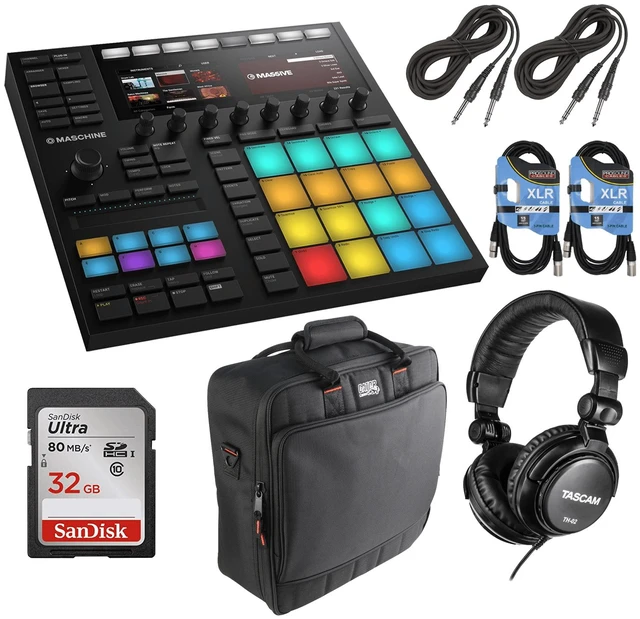
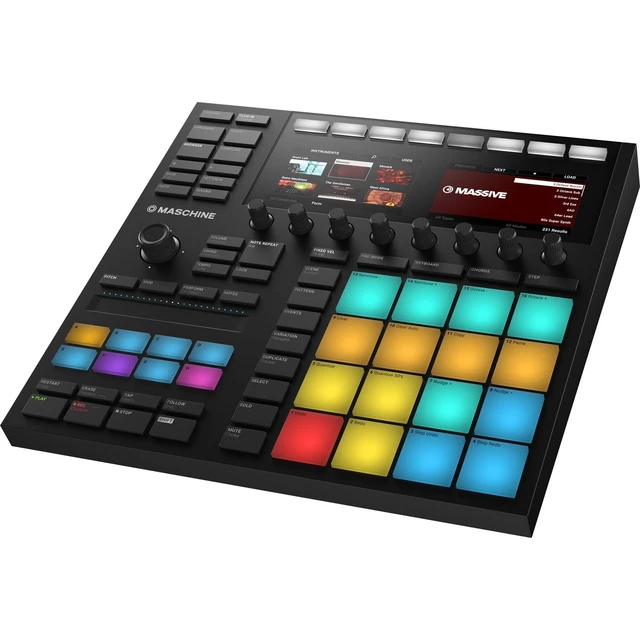
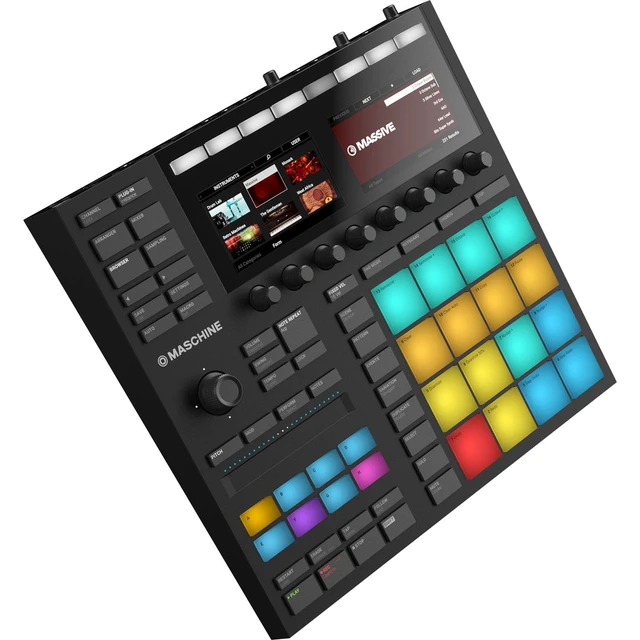
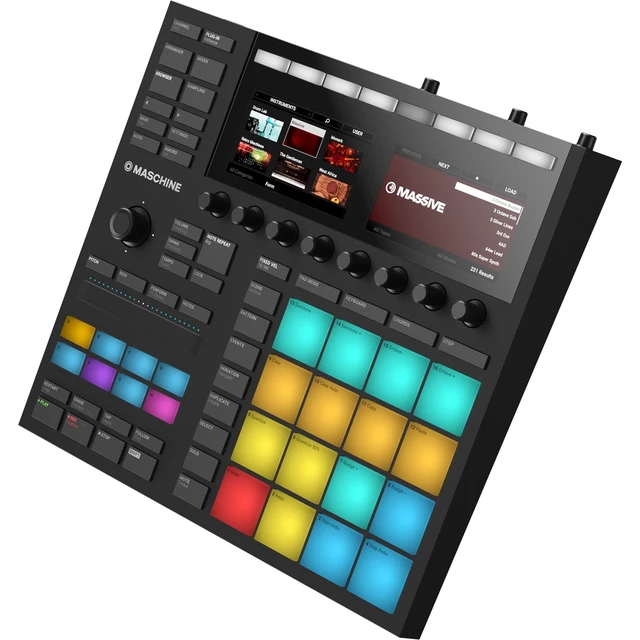
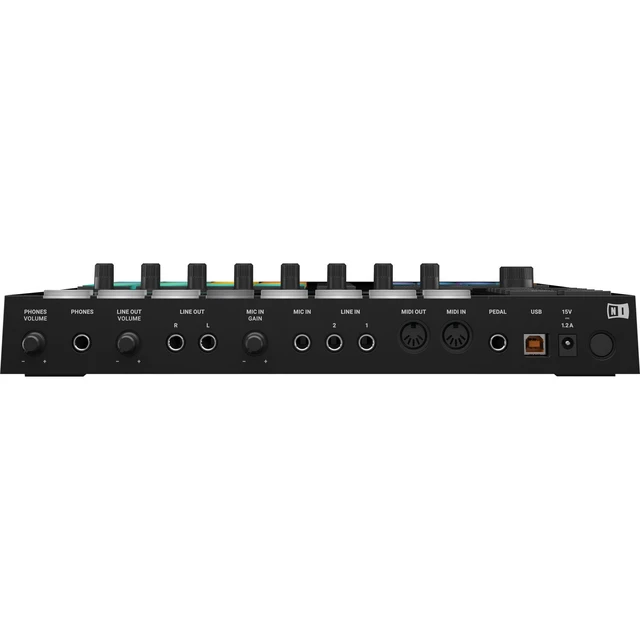
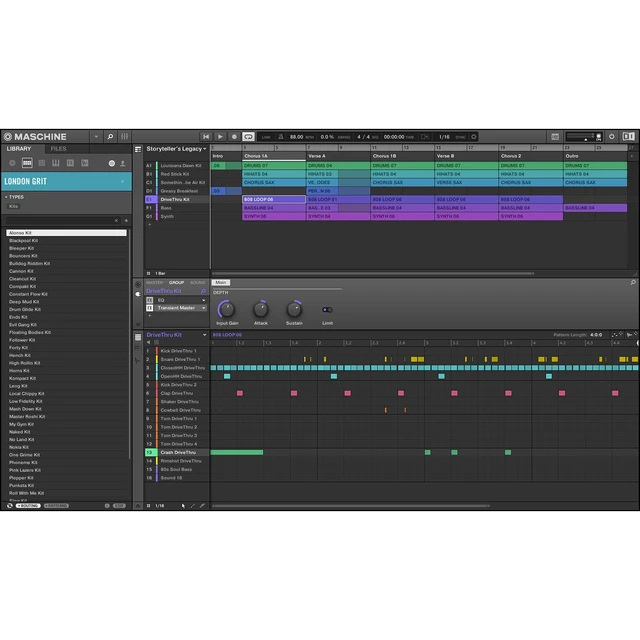
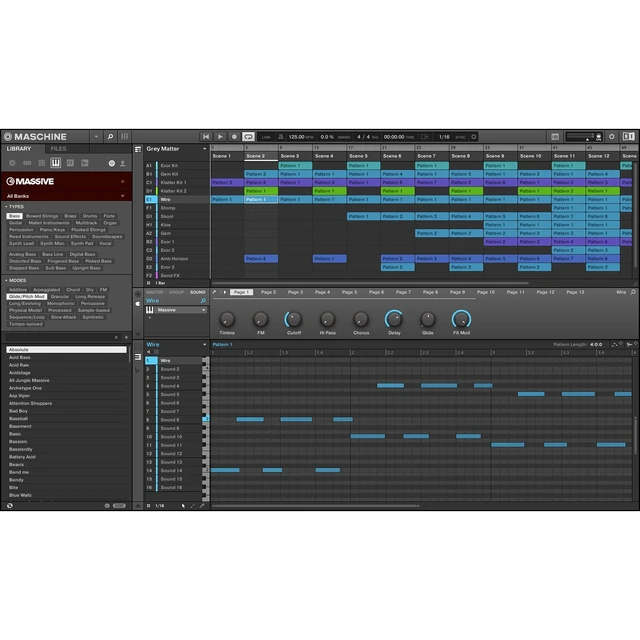
The black Native Instruments MASCHINE MK3 Groove Production Studio is a professional production and performance system, designed for both Mac and Windows. This combination hardware controller and integrated software offers a classic groove-box workflow, with a fast and intuitive interface that is designed to boost your speed and increase your focus. With the ability to act as a sequencer, sampler, VST/AU plug-in host, and multi-effects unit, the MASCHINE MK3 supports beat-making, live performance, and moreall with the benefit of collaborative computer software. The software is stocked with an 8GB sample library that includes drum kits, synth sounds, loops, and more. The touch-sensitive pads make it easy to sequence drum patterns, bass lines, loops, etc. Plus, with color-coding, you can assign certain colors to certain instruments so you'll always know what's what without having to test it. The hardware interface features a professional-quality, 24-bit/96 kHz USB audio interface with stereo line inputs and outputs, as well as a microphone input and separate headphone output. The controller also features 16 extra-large, multi-colored, illuminated pads with velocity and aftertouch, 2 high-resolution full color displays, 8 touch-sensitive endless rotary potentiometers, 50 backlit buttons, 1 four-directional push encoder, 1 dual-touch Smart Strip, and 8 multi-colored group buttons. There are MIDI input and output ports (5-pin DIN) for connecting additional keyboards and controllers. The MASCHINE MK3 provides the flexibility of computer-based music production with straightforward, two-handed control for composing, performing, browsing, sampling, slicing, sound-shaping, and tweaking effects. You can easily load your samples, effects, and plug-ins through the software, and then control them with the pads and knobsthere's no need to touch the computer's mouse or keyboard. And, you can always expand your sound with optional MASCHINE Expansions. The Native Instruments MASCHINE MK3 ships with a USB cable and a power adapter.
What's New in MK3
Bigger Pads Big, bold, and in your face, the larger pads create more room for complex moves like flams and rolls. New technological updates make the pads more sensitive to lighter touches, for more expressive playing. Also, since the center-to-center distance is the same, your muscle memory and workflow don't have to change More Pads & Buttons The 47 white, backlit click-buttons provide direct physical response; and with the colored transport controls, the MK3 hardware provides a wealth of physical and visual excitement for intuitive beat making Studio-Grade Audio Interface MASCHINE now comes with a studio-grade, 24-bit / 96 kHz audio interface for precision sound. Simply patch in a synth or add a dynamic mic for quick recording and sampling. Stereo line and MIDI ports make it an ideal centerpiece for any studio. Plus, it's USB-powered, so you can record anywhere with your laptop, or plug in the included power supply unit for brighter pads Faster Workflow The new hardware layout cuts through the clutter to help you stay focused and get your ideas out fast. Instead of being hidden behind a shift-function button, some of the most-used features and functions can now be accessed directly with one touch Pad Input Mode Buttons: Play drum rhythms, program patterns, or play melodies and chords, switching easily with the click of a button
Lock Button: Take parameter snapshots, tweak settings, and return to the original settings to discover new transitions
Macro Button: Simply touch a knob to assign your favorite parameters to macros and start tweaking
Note Repeat Button: Play fills and arps during a performance with a larger, easier-to-find button
Updated Transport Section: Transport buttons now include deeper integration with most DAWs and direct access to Follow and Tempo Tap
Fixed Velocity Button: Program





 here!
here!