


Out of stock
This item is currently out of stock and it may or may not be restocked.
Most customers receive within 5-7 days.
Shop it at NeweggBusiness.

Meet Your Seller

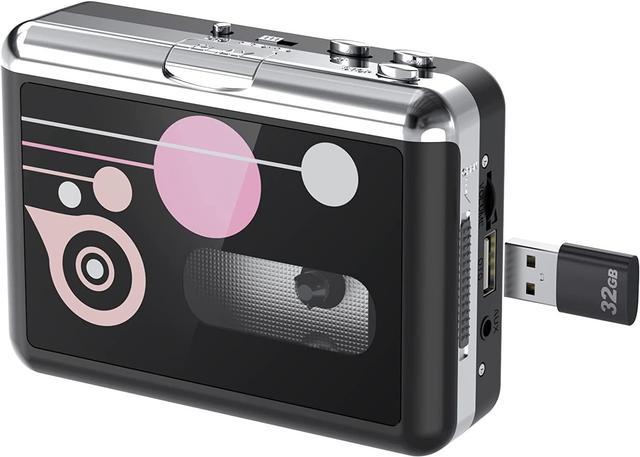
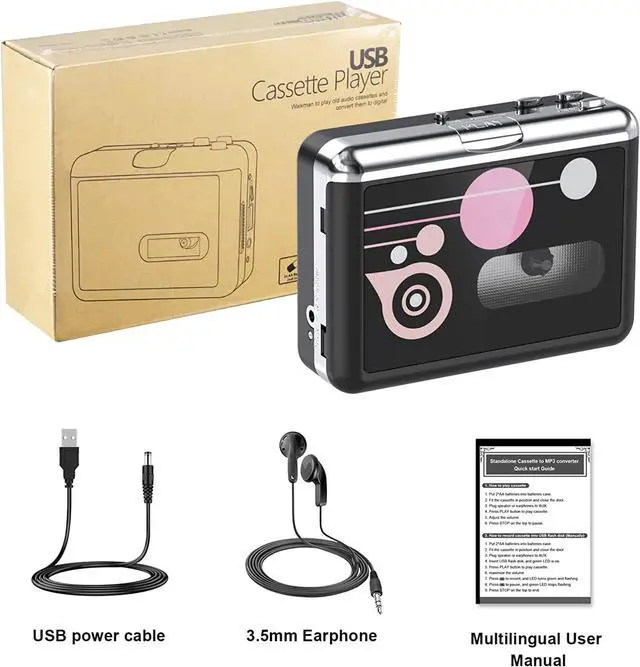
Rybozen Cassette Player, Portable USB Cassette to MP3 Converter, Walkman Audio Music Cassette Tape to Digital Converter Player with Earphones, No PC Required, Black

#1 Best Seller
Best Seller
in Cassette Players
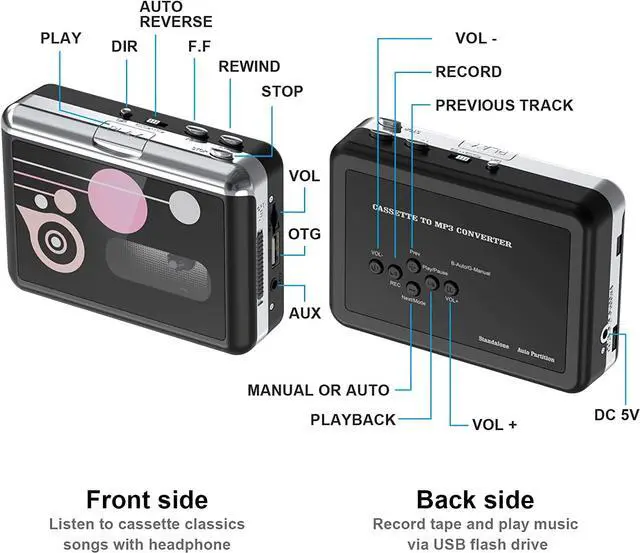
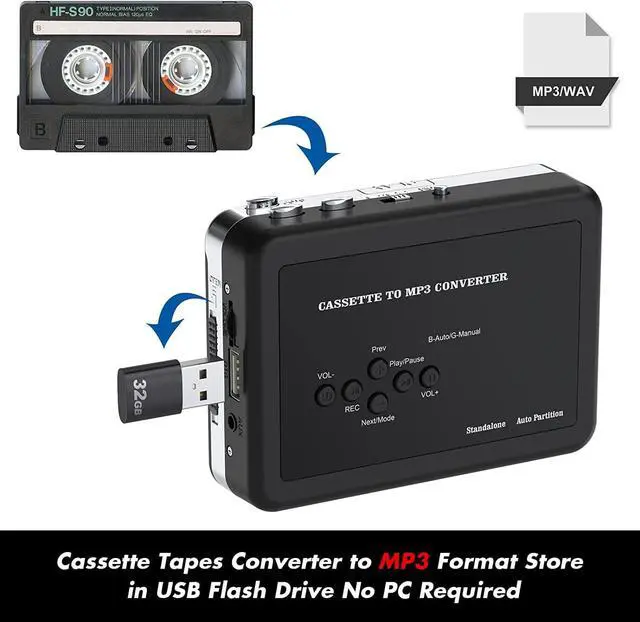
  • Plug and Play Insert the USB flash drive into the cassette player interface, convert the music from the tape to MP3 files and save to the USB flash drive, no PC required. Simple operation, save your precious time. The converter comes with a volume control button, you can adjust the volume during recording, playback; Compatible with USB2.0 and USB 3.0.
  • USB Cassette to MP3 ConverterCassette Player helps effortlessly convert old tapes to MP3 files with playback function. It works with the USB drive (FAT32 format, below to 32G), which have better performance and prevent the recorded files from skipping during playback .
  • Auto Reverse Function Cassette to MP3 converter, automatically switch to the other side of the tape for analogy or recording, without manual operation.Audio Rates: A44.1 and 32kHz@16-bit for YouTube MP3 making. Audio channel: L/R, bit rate: 128 Kbbs. High-quality audio output allows you to listen on earphones, or other speaker systems.
Overview
Specs
Reviews
avatar

Any questions? Our AI beta will help you find out quickly.

image for this item
Walkman Cassette to MP3 Converter is simple to use and set up. It is ideal for inexperienced individuals looking to convert cassette tapes into MP3 files.

Notes:

  • Only work with a USB drive with FAT32 formats up to 128G
  • Not work with PC directly
image for this item


One-touch convert tapes to MP3


With Rybozen cassette tape converter, you can easily convert your old cassette tapes to MP3 format and directly save into USB flash drive!

Just put your tape in and play, then press record button and wait. After all songs are played, it will automatically save the mp3 files to your USB flash drive. Then turn the cassette to the other side and record it.

image for this item
Save into USB Drive

Convert cassette tape into MP3 and directly save into USB flash drive (Supports FAT32 formats up to 128G) .

And you can instantly play the recorded music.

This means it can be used as a music player, play music in the USB flash drive or cassette tapes.

Please note: USB flash drive is not included in the package.

image for this item
Auto / Manual Switch

There are two modes to operate this cassette tape converter ---automatic mode and manual mode:

1. In automatic mode, the device will convert your tapes into mp3 files and partition each song automatically.

2. In manual mode, you need to partition each song by press next button during recording.

image for this item
Auto Reverse

When set to the "loop" icon, the converter will record side A and side B in an endless loop, which needs to be stopped manually. 

image for this item
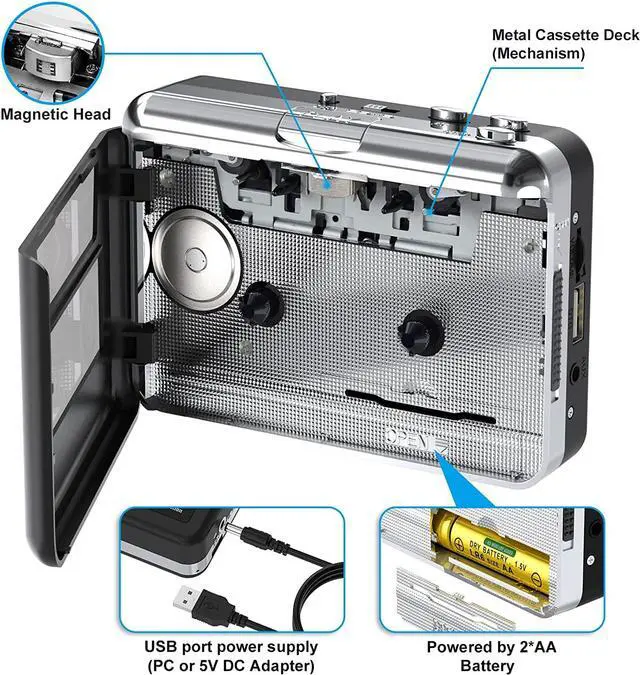
Two Ways to Power

You have two ways to power your Walkman Cassette Player:


  • USB Port Power Supply USB Charging Cable included)
  • 2*AA Battery (not included)
image for this item
Film protection

A transparent screen is attached to the surface of the cassette machine to protect it from wounds and dust. 

image for this item
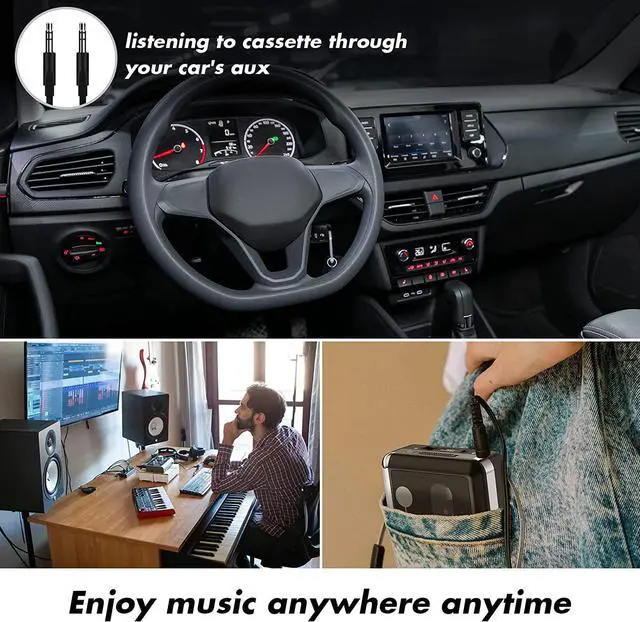
3.5mm AUX jack

Use AUX port, you can also record music from other sources with a 3.6mm audio cable (such as: radio, MP3 players, anything with audio line out)n 

image for this item
Features:
  • Automatically or manually partition songs.
  • Stand alone, no computer required.
  • Plug & play.
  • With playback can check the recorded music on the device.
  • Small size, can play, convert anywhere.
image for this item
Walkman Cassette to MP3 Converter is simple to use and set up. It is ideal for inexperienced individuals looking to convert cassette tapes into MP3 files.

Notes:

Only work with a USB drive with FAT32 formats up to 128G
Not work with PC directly

Warranty & Returns

Warranty, Returns, And Additional Information

Warranty

  • Please contact the Seller directly for warranty information. Warranty information may also be found on the Manufacturer's website.
  • CONTACT

Return Policies

Manufacturer Contact Info

LOADING...