



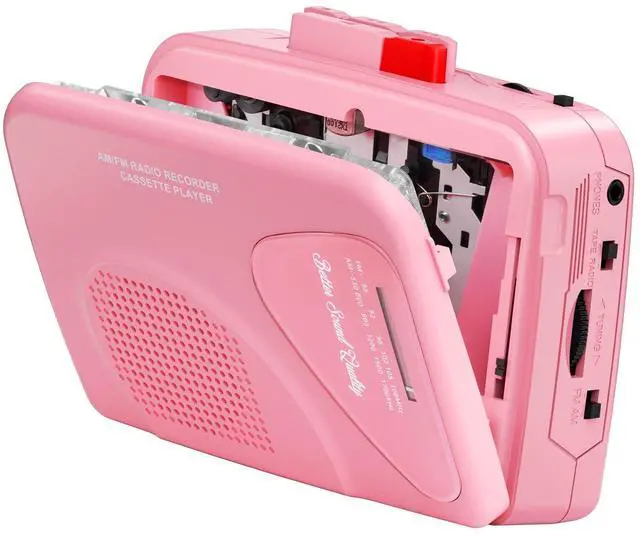
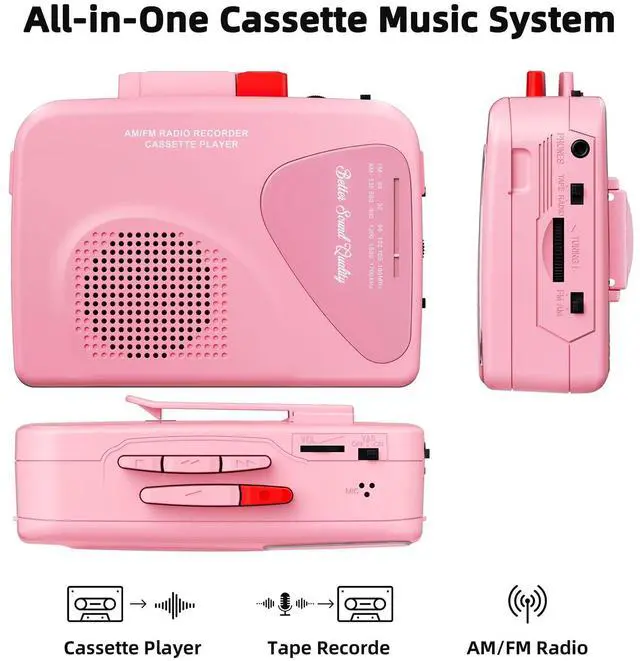
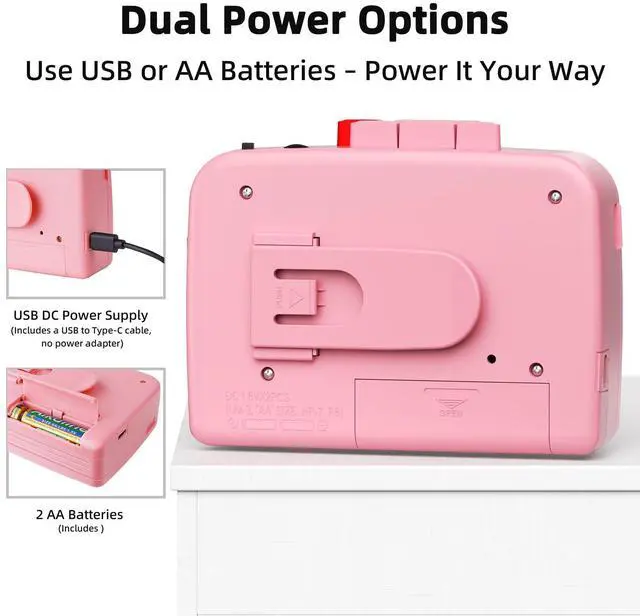
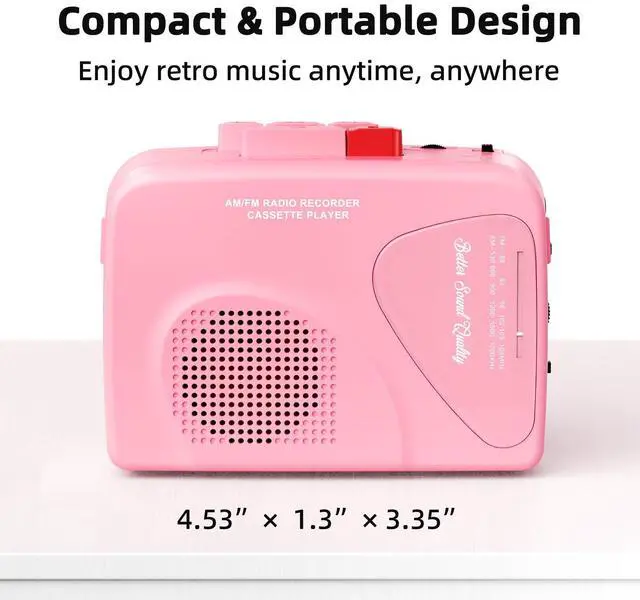
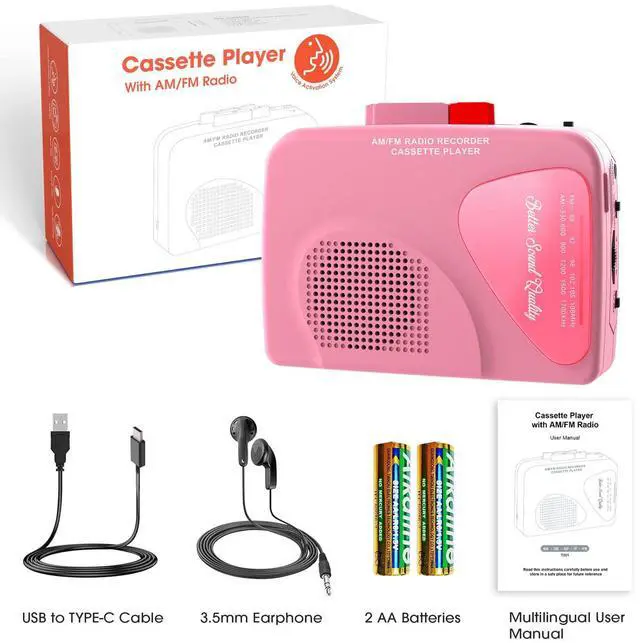



Mersoco cassette players have different styles and functions for you to choose from. Let you enjoy your treasured tapes, and convert your tapes to digital for permanent storage, to prevent the tapes from being accidentally discarded, aged, damaged, and losing audio content.
We are committed to providing richer, higher quality, and more affordable products and services, hoping to bring a more professional and caring experience to every customer.

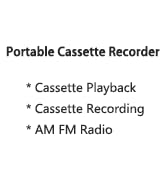
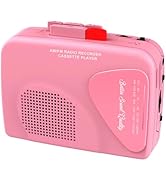
Cassette Recorder Player
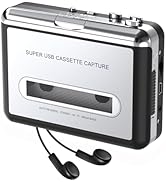
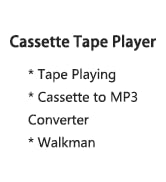
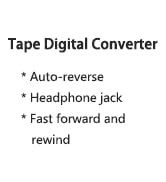
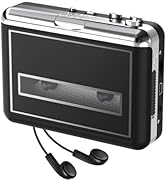
Walkman Cassette Player
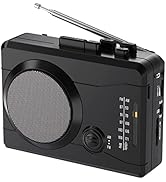
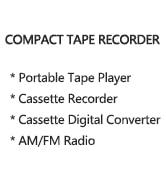
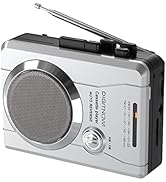
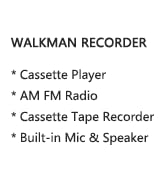
Compact Cassette Tape Recorder
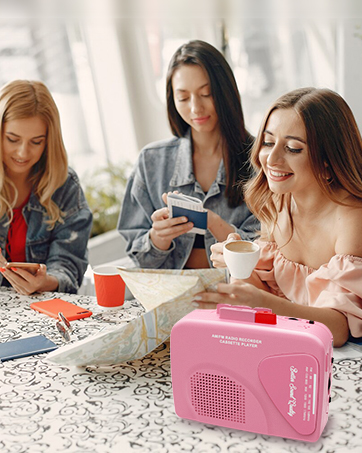

Clean the tape heads regularly, as dirty heads can cause sound distortion or improper tape speed. Press the "Play" button and clean the tape head, capstan, and pinch roller with a cotton swab dipped in tape head cleaner or alcohol.


Recording Instruction
1.Before recording, check that the blank tape has "Recording Lips" on both sides (A/B).
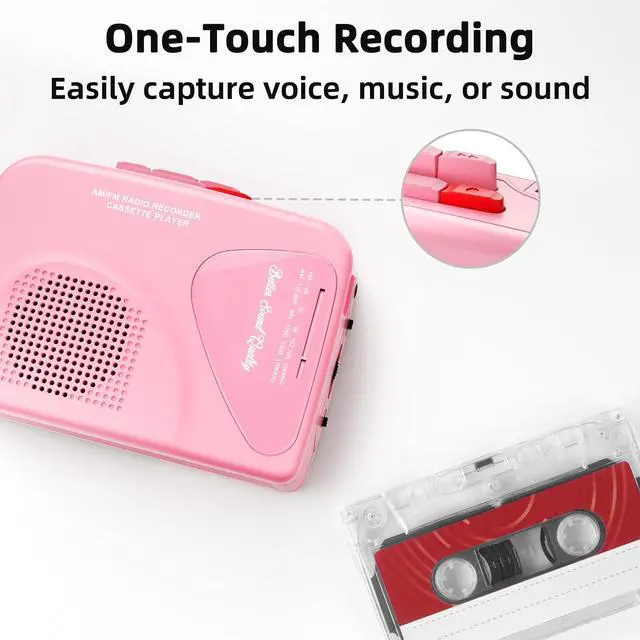
2.Insert cassette, choose source (radio/mic), adjust volume, and press red "REC" to start.
3.Press "Stop" to end recording.
4.Press "Fast Backward" to return to the beginning, then press "Play" to review.

Radio Operation
1. Switch the function selector to "Radio".
2. Switch the band selector to "AM" or "FM" for the desired band.
3. Turn the tuning control to select the desired station.
4. Adjust the volume control to obtain the desired volume.


Clean the tape heads regularly, as dirty heads can cause sound distortion or improper tape speed. Press the "Play" button and clean the tape head, capstan, and pinch roller with a cotton swab dipped in tape head cleaner or alcohol.
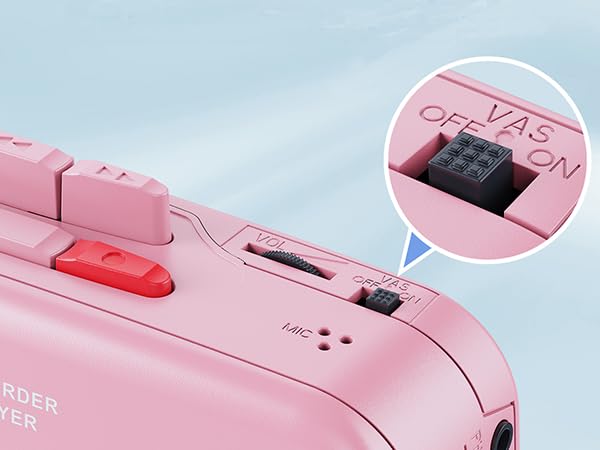
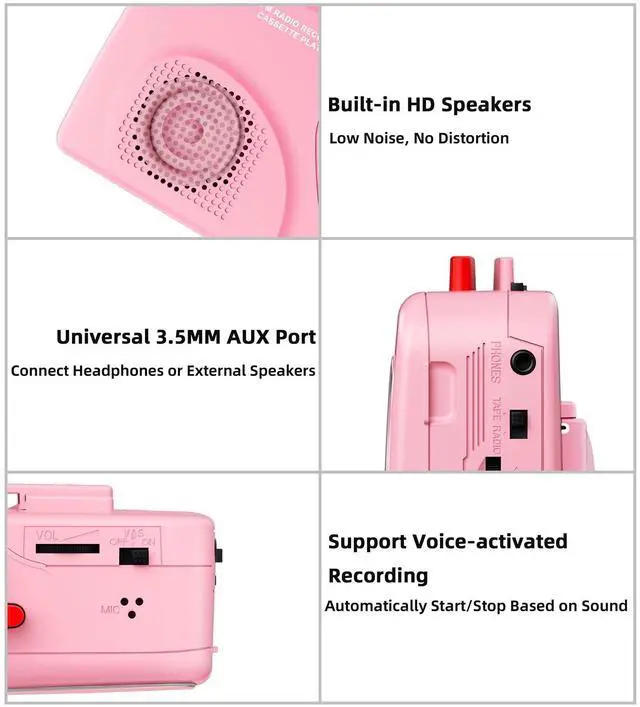
Voice Activation System
When the "VAS" switch is turned on, the tape player will start recording when it hears sound and stop recording when there's no sound. This prevents wasted tape.
Recording Instruction
1.Before recording, check that the blank tape has "Recording Lips" on both sides (A/B).
2.Insert cassette, choose source (radio/mic), adjust volume, and press red "REC" to start.
3.Press "Stop" to end recording.
4.Press "Fast Backward" to return to the beginning, then press "Play" to review.
Radio Operation
1. Switch the function selector to "Radio".
2. Switch the band selector to "AM" or "FM" for the desired band.
3. Turn the tuning control to select the desired station.
4. Adjust the volume control to obtain the desired volume.

Mersoco cassette players have different styles and functions for you to choose from. Let you enjoy your treasured tapes, and convert your tapes to digital for permanent storage, to prevent the tapes from being accidentally discarded, aged, damaged, and losing audio content.
We are committed to providing richer, higher quality, and more affordable products and services, hoping to bring a more professional and caring experience to every customer.
Cassette Recorder Player
Walkman Cassette Player
Compact Cassette Tape Recorder