



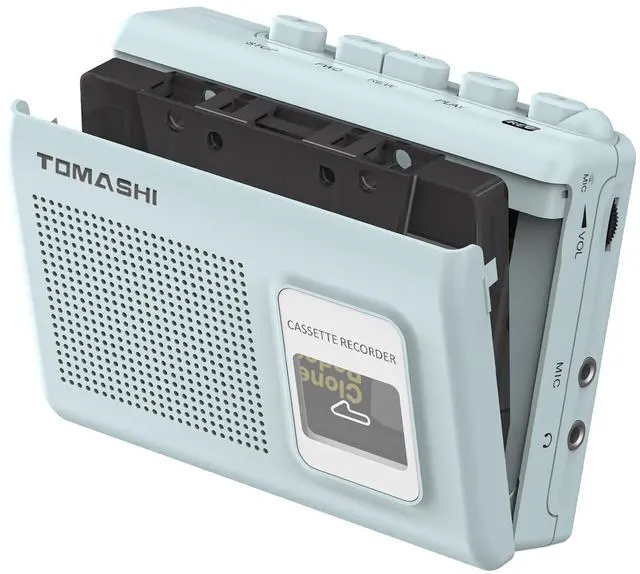




Static display


Cassette Player Operation
1. Insert the earphone plug into the jack.
2. Set the function selector to "tape" if needed.
3. Open the cassette door, insert a tape with the exposed side up, and close it.
4. Press play and adjust the volume as desired.
5. Press stop to turn off.

Recording Operation
1. Ensure the blank cassette tape has "Recording Lips" on both sides (A/B).
2. Close the door, select music or a program from the radio/mic, adjust the volume, and press "REC" to start recording.
3. Monitor via headphones or speakers.
4. Press "Stop" to end recording.

Specifications
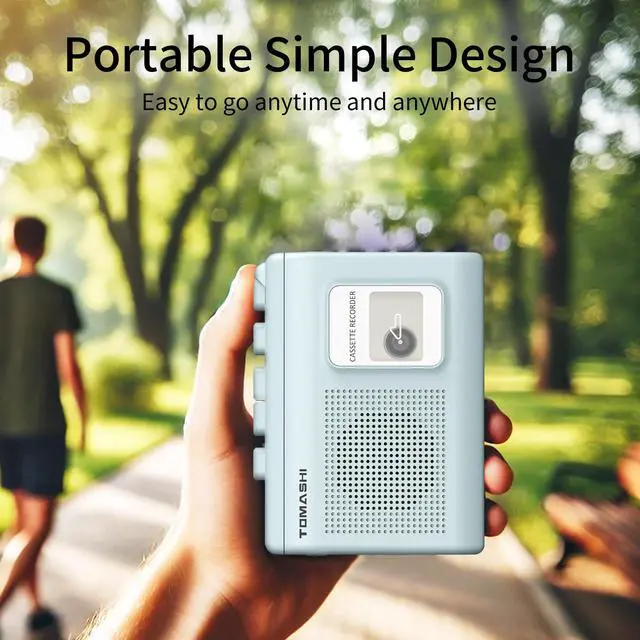
This device features cassette play and record functions, a built-in microphone, a microphone jack, an earphone jack, and an AC/DC adaptor jack. It operates on two AA batteries and has a compact size of 120mm (L) × 38mm (W) × 87mm (H), weighing just 0.33 pounds.


Static display
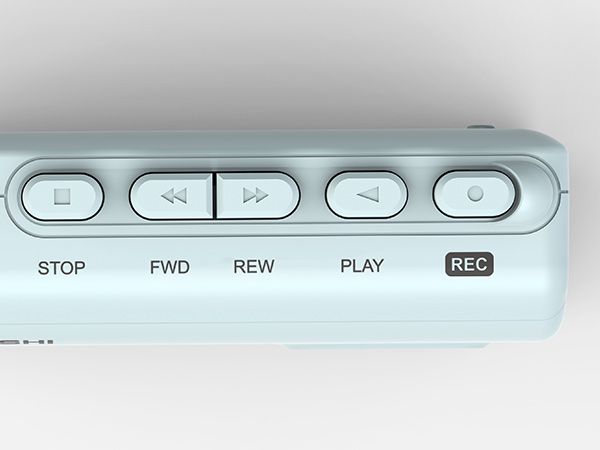
Button Display
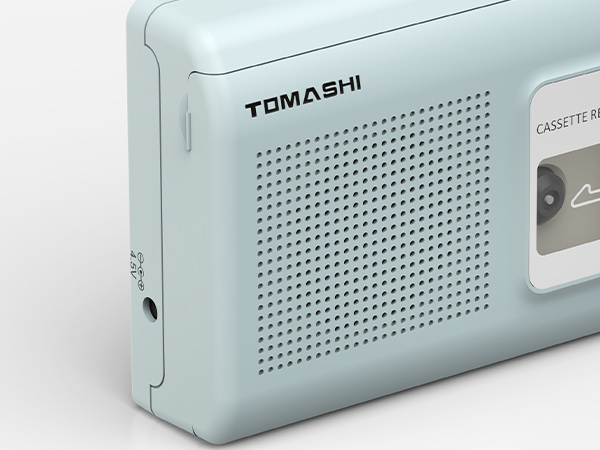
High Quality Speaker
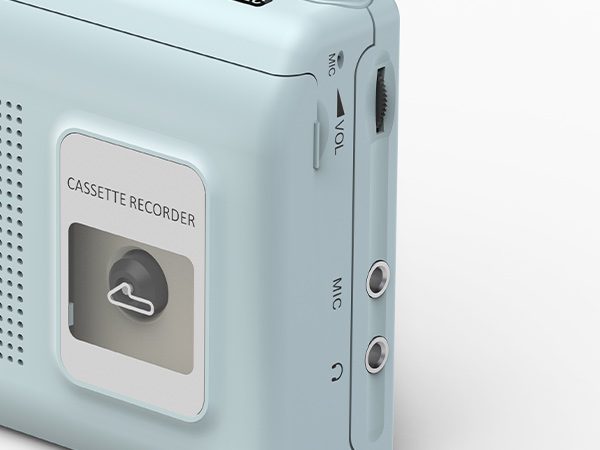
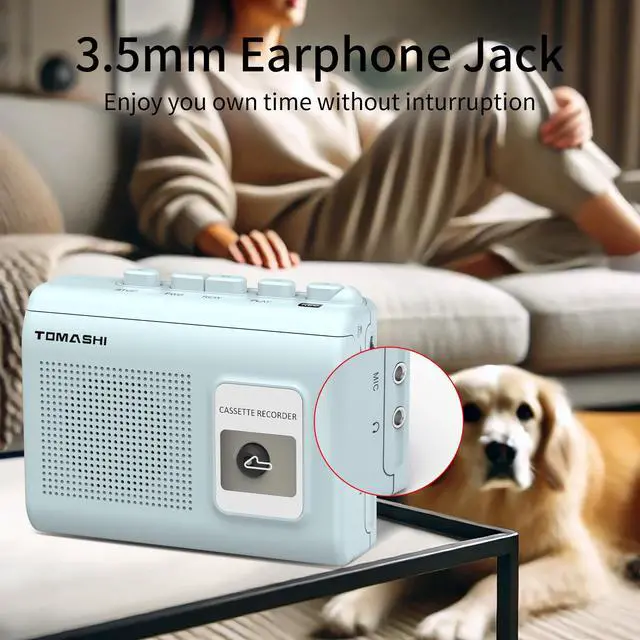
Earphone Jack+Mic Jack+Volume Control
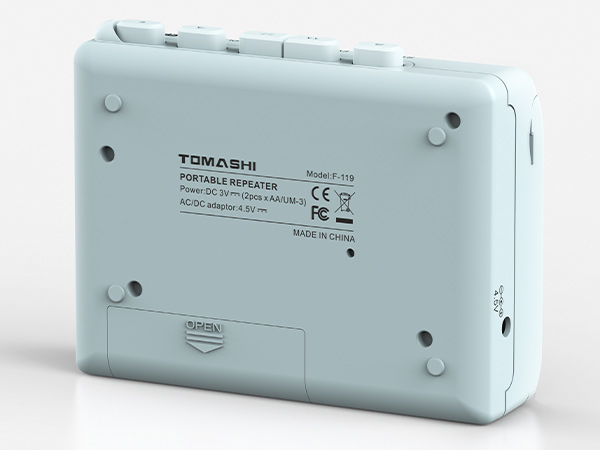
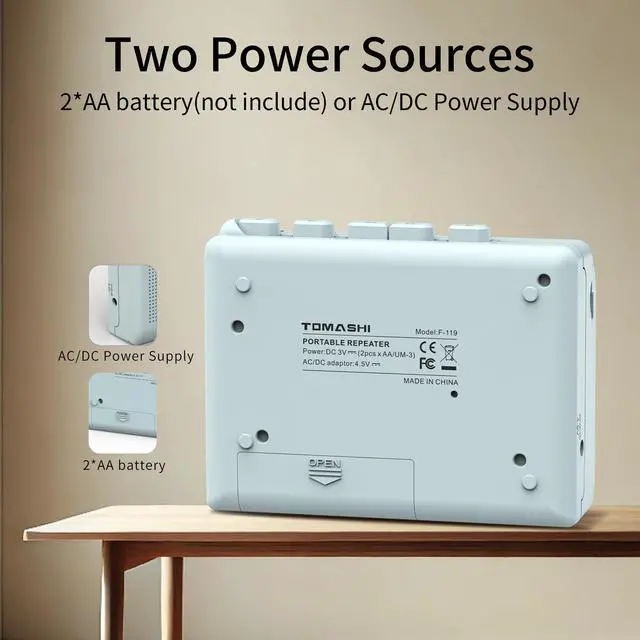
2*AA battery(not include) or AC/DC Power Supply
Cassette Player Operation
1. Insert the earphone plug into the jack.
2. Set the function selector to "tape" if needed.
3. Open the cassette door, insert a tape with the exposed side up, and close it.
4. Press play and adjust the volume as desired.
5. Press stop to turn off.
Recording Operation
1. Ensure the blank cassette tape has "Recording Lips" on both sides (A/B).
2. Close the door, select music or a program from the radio/mic, adjust the volume, and press "REC" to start recording.
3. Monitor via headphones or speakers.
4. Press "Stop" to end recording.

Specifications
This device features cassette play and record functions, a built-in microphone, a microphone jack, an earphone jack, and an AC/DC adaptor jack. It operates on two AA batteries and has a compact size of 120mm (L) × 38mm (W) × 87mm (H), weighing just 0.33 pounds.
