




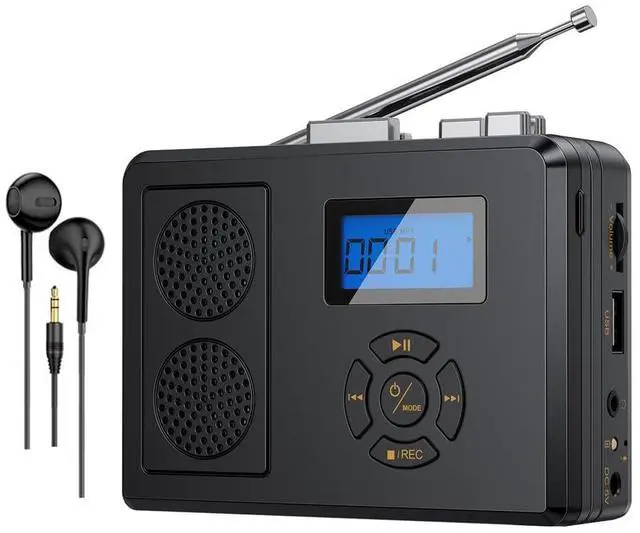


Multifunctional Tape Player & Easy to Use

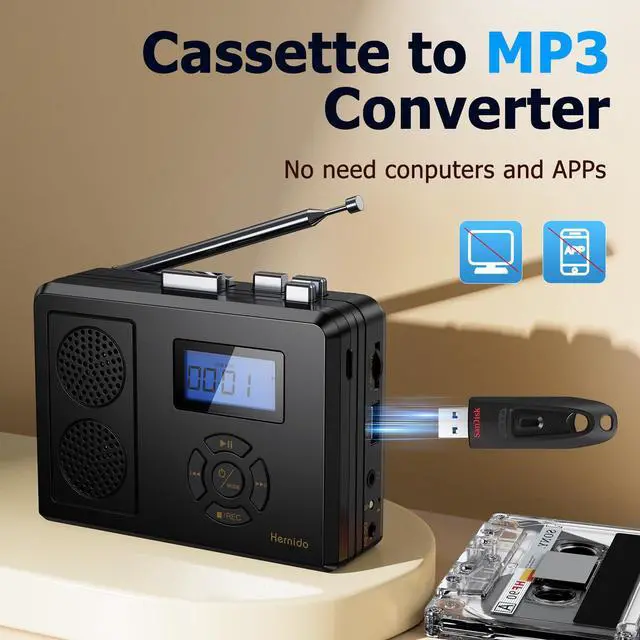
Convert Your Old Cassette Tapes to MP3 Format

- Cassette to Digital
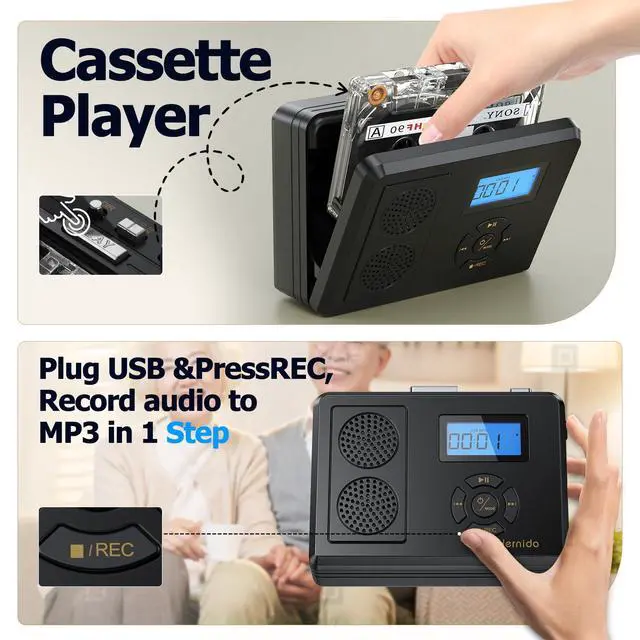
Put the tape into the player and press button PLAY to play music, insert the U disk into the USB port.
Long press the button Stop/Recording to start recording, and long press the button Stop/Recording to stop recording.
After the recording is completed, the cassette file will be stored in the form of mp3 file on the U disk.
(The player supports play the mp3 file, please switch the mode of the player to the USB mode.)
- Recording
Step 1: Switch to RECORD Mode
Step 2: Plug in USB – No Apps, No Cables!
Step 3: Play Anywhere – MP3 Ready for Phone/Car/Cloud

- DIR (Direction Control)
No more yanking tapes out to switch sides! With the DIR button, instantly reverse playback direction while the cassette keeps rolling.
- REVMODE (Choose how your cassette flows)
LOOP MODE: Endless beats – when Side A ends, it auto-flips to Side B and loops forever.
ONE-SIDE MODE: Keep it simple – plays only the side you select (A or B).
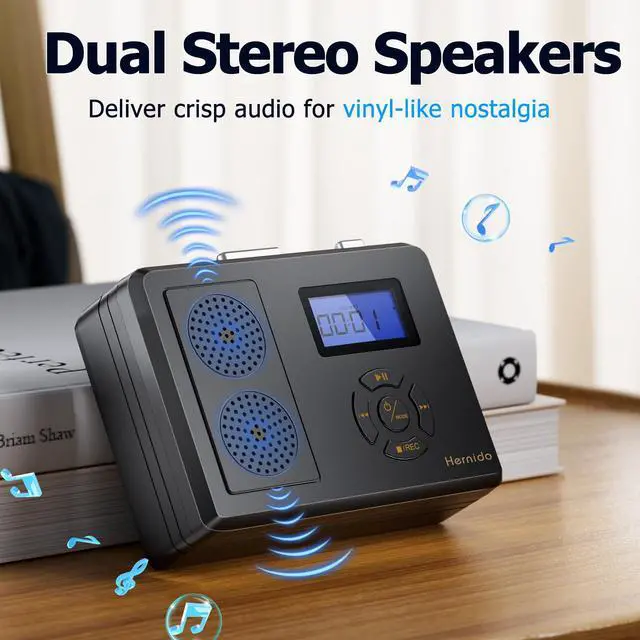
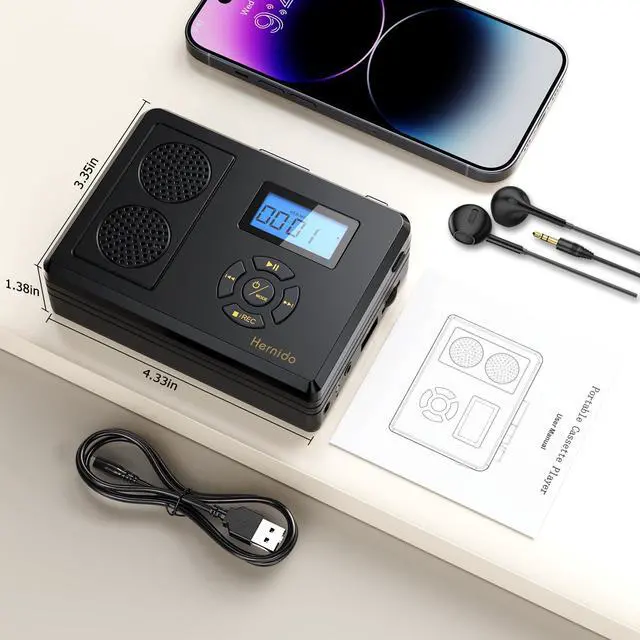
Enjoy High Quilty Sound & 3.5mm Earphone Output

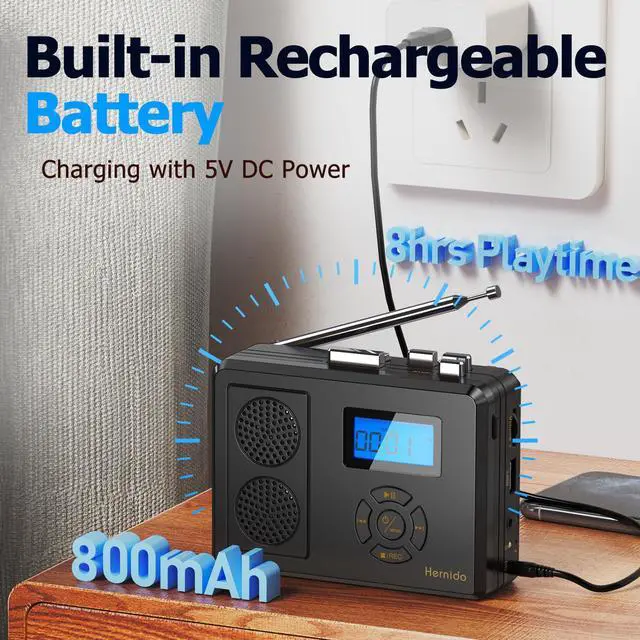
Rechargeable Batteries that Last More Than 8 Hours

Multifunctional Tape Player & Easy to Use

Convert Your Old Cassette Tapes to MP3 Format

- Cassette to Digital
Put the tape into the player and press button PLAY to play music, insert the U disk into the USB port.
Long press the button Stop/Recording to start recording, and long press the button Stop/Recording to stop recording.
After the recording is completed, the cassette file will be stored in the form of mp3 file on the U disk.
(The player supports play the mp3 file, please switch the mode of the player to the USB mode.)
- Recording
Step 1: Switch to RECORD Mode
Step 2: Plug in USB – No Apps, No Cables!
Step 3: Play Anywhere – MP3 Ready for Phone/Car/Cloud

- DIR (Direction Control)
No more yanking tapes out to switch sides! With the DIR button, instantly reverse playback direction while the cassette keeps rolling.
- REVMODE (Choose how your cassette flows)
LOOP MODE: Endless beats – when Side A ends, it auto-flips to Side B and loops forever.
ONE-SIDE MODE: Keep it simple – plays only the side you select (A or B).
Enjoy High Quilty Sound & 3.5mm Earphone Output

Rechargeable Batteries that Last More Than 8 Hours
