


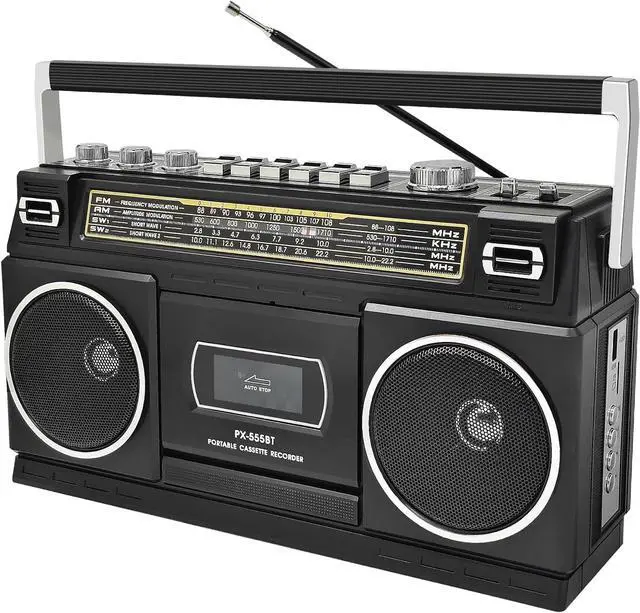
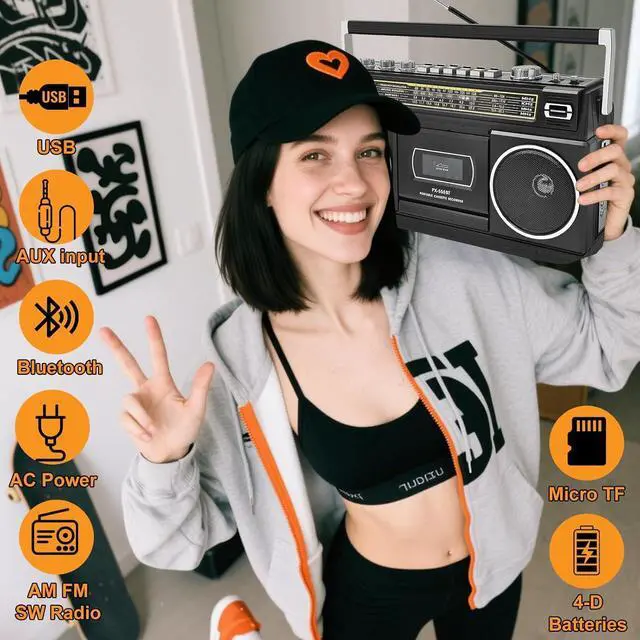

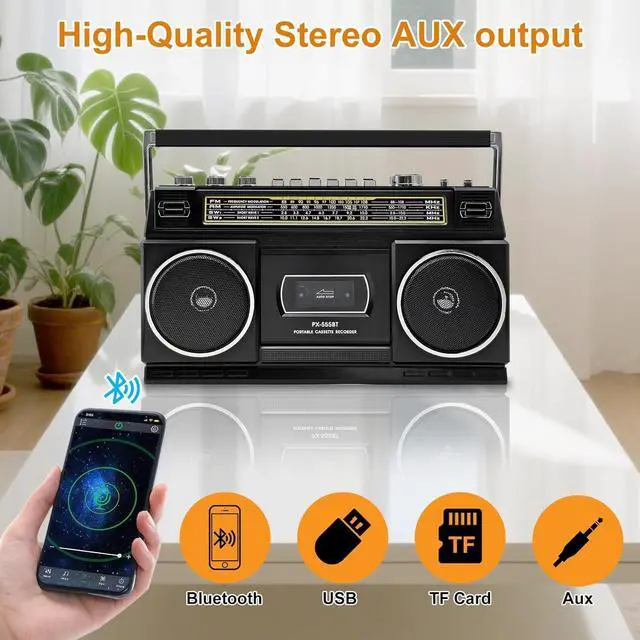
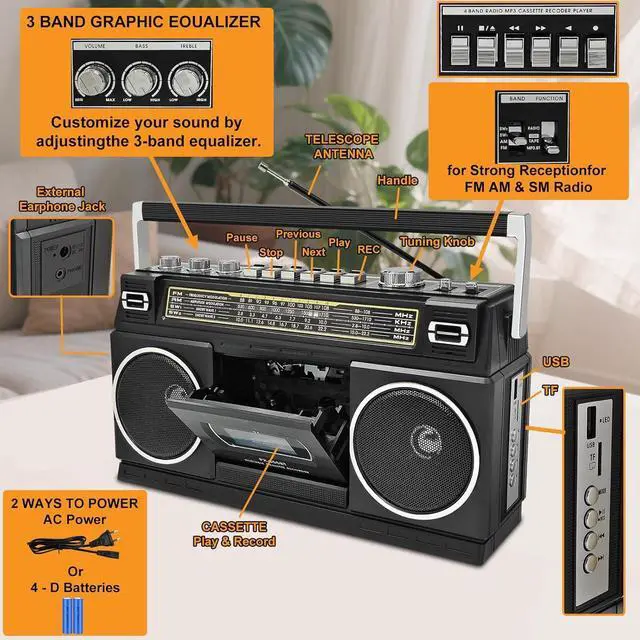


The Ultimate Cassette Player Boombox: Tape, Bluetooth, Radio.


Tape Transcription Tutorial 1
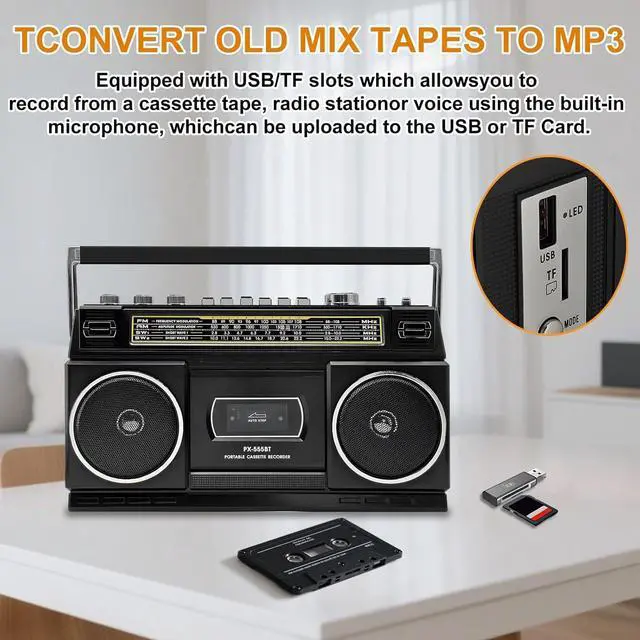
Recording into USB/TF card through built-in microphone
1. Insert the USB/TF card into the USB/TF socket
2. Push the function button to the "MP3. BT" position
3. If there is a song in the USB/TF card, it will start playing. Long press the "REC." button, and the LED light will flash quickly. the USB/TF card will stop playing, and the external sound source will sound into the built-in microphone. The device will input the sound into the USB/TF card, and then press the "REC." button to stop record. The LED light will stop flashing
Recording the tape into USB/TF card
1. Insert the USB/TF card into the USB/TF socket
2. Push the function button to the "TAPE/OFF" position
3. Press the "PLAY" button to play the tape. When the audio source needs to be recorded is playing, Long press the "REC." button, and the LED light will flash quickly,and the device will input the audio source played by the tape into the USB/TF card. And then press the "REC." button to stop record. The LED light will stop flashing

Tape Transcription Tutorial 2
Recording Bluetooth into USB/TF card
1. Insert the USB/TF card into the USB/TF socket
2. Push the function button to the "MP3. BT" position
3. Press the "M" button to switch to Bluetooth mode
4. After successfully pairing the Bluetooth, select the audio source that needs to be recorded and Long press the "REC." button, and the LED light will flash quickly. The audio source will be recording into the USB/TF card. press the "REC." button to stop record. The LED light will stop flashing
Playing or deleting audio the files
When there is a recording file recorded by this device in USB/TF, long press the "M" button to switch to playing the recording file. Double click"M" button to delete the current recording file.Then you will hear the sound of "du", and the recording file has been deleted.


The Ultimate Cassette Player Boombox: Tape, Bluetooth, Radio.
Tape Transcription Tutorial 1
Recording into USB/TF card through built-in microphone
1. Insert the USB/TF card into the USB/TF socket
2. Push the function button to the "MP3. BT" position
3. If there is a song in the USB/TF card, it will start playing. Long press the "REC." button, and the LED light will flash quickly. the USB/TF card will stop playing, and the external sound source will sound into the built-in microphone. The device will input the sound into the USB/TF card, and then press the "REC." button to stop record. The LED light will stop flashing
Recording the tape into USB/TF card
1. Insert the USB/TF card into the USB/TF socket
2. Push the function button to the "TAPE/OFF" position
3. Press the "PLAY" button to play the tape. When the audio source needs to be recorded is playing, Long press the "REC." button, and the LED light will flash quickly,and the device will input the audio source played by the tape into the USB/TF card. And then press the "REC." button to stop record. The LED light will stop flashing
Tape Transcription Tutorial 2
Recording Bluetooth into USB/TF card
1. Insert the USB/TF card into the USB/TF socket
2. Push the function button to the "MP3. BT" position
3. Press the "M" button to switch to Bluetooth mode
4. After successfully pairing the Bluetooth, select the audio source that needs to be recorded and Long press the "REC." button, and the LED light will flash quickly. The audio source will be recording into the USB/TF card. press the "REC." button to stop record. The LED light will stop flashing
Playing or deleting audio the files
When there is a recording file recorded by this device in USB/TF, long press the "M" button to switch to playing the recording file. Double click"M" button to delete the current recording file.Then you will hear the sound of "du", and the recording file has been deleted.