





ABOUT US
- Reshow is a brand that focus on cassette to MP3 converters. Its purpose is to get you back to the past by listening to those very old audio cassette tapes, and to make your precious memories of tapes available for a longer time in MP3 format.
- As a professional brand established in 2015, we still keep improving for our products and services. Sincerely hope every customer gets what they expect.


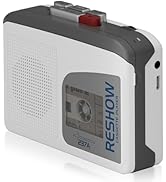

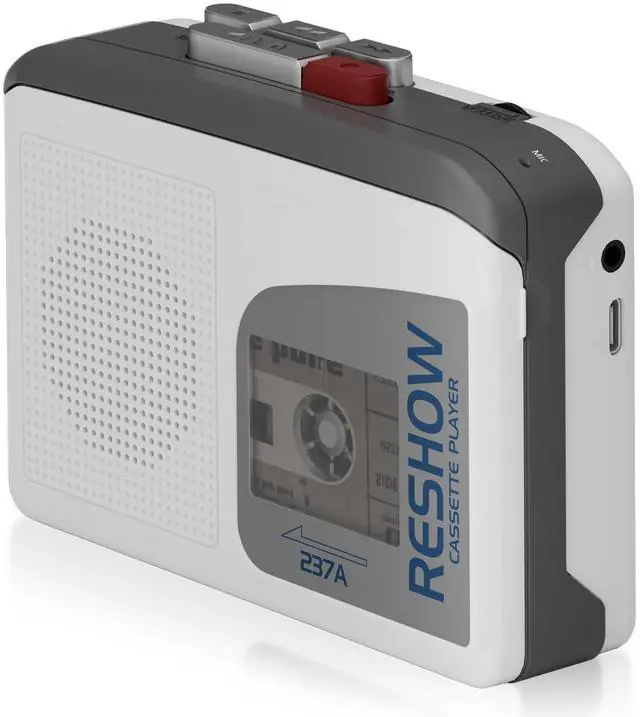
Reshow Cassette Tape Player

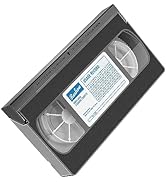
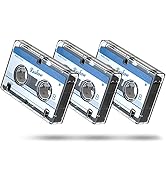

Reshow Cleaner Kit

Why do we love what we do?
*We are enjoying in customers' feedback when they share their happiness from some very old audio cassette tapes.
*Make more people surprised that these precious memories have not been lost with the development of digital age, and it still can be re-showed by our cassette players and can be converted as MP3 format to be reserved for a longer time.


Product Display


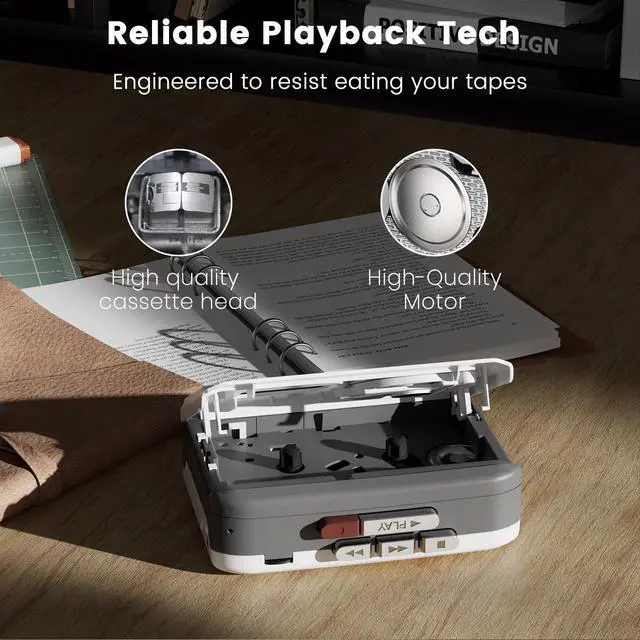
How to Play a Cassette
1.Open the cassette compartment and insert a tape with the exposed side facing up.
2.Press the PLAY button to start playback.
3.Adjust the volume using the volume wheel.
4.Use the FAST FORWARD or REWIND buttons as needed.
5.Press STOP to end playback.

How to Record Using the Built-in Microphone
1.Insert a blank or erasable cassette into the compartment.
2.Press the RECORD button to start recording. Speak clearly near the built-in microphone.
4.Press STOP when finished.
5.Rewind the tape, then press PLAY to review your recording.
Note: Recording will erase any existing content on the tape.
Reshow Hot Selling Cassette player
 Model 237A |  Model 235A White |  Model 235A Black |  Model 218 Silver |  Model 218 Black |  Model 231 Silver | |
|---|---|---|---|---|---|---|
Customer Reviews | — | — | — | — | — | — |
Price | — | — | — | — | — | — |
Built-in Speaker | ? | ? | ? | ? | ? | ? |
MP3 Conversion | ? | ? | ? | ? | ? | ? |
Record to Tape | ? | ? | ? | ? | ? | ? |
Reverse Recording (Line-In) | ? | ? | ? | ? | ? | ? |
Auto Track Splitting | ? | ? | ? | ? | ? | ? |
Conversion Method | — | Via PC Software | Via PC Software | Via PC Software | Via PC Software | Direct to USB Drive |
Why does my cassette not play properly or make noise?
Please check that the cassette is clean and inserted correctly. Use a soft cloth to clean the tape head. Try another tape to confirm the issue. If noise occurs only with the speaker, test with headphones.
Why did my original tape content disappear after recording?
The 237A uses an overwrite recording system — new audio replaces existing content. Please use a blank tape for recording. For best results, place the sound source close to the mic and adjust the volume for clear, balanced sound.
How should I power the cassette player? Can I use USB and batteries together?
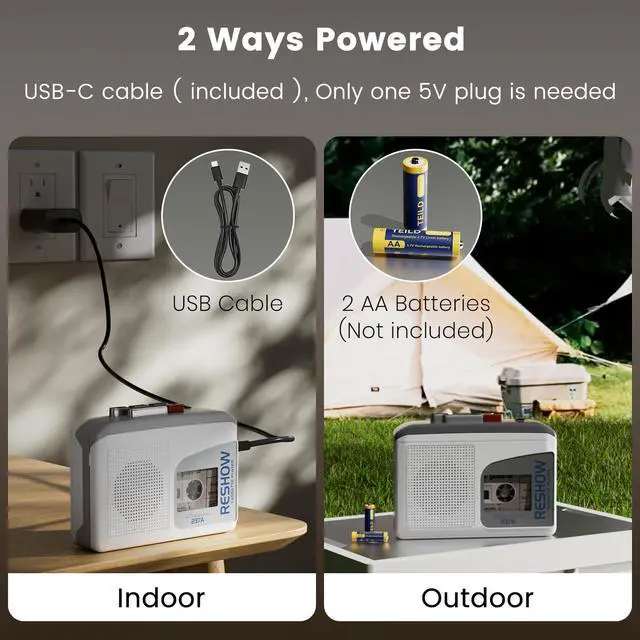
Supports 2×AA batteries or USB-C power. Do not use both at the same time to avoid device damage. For stable indoor use, USB power is recommended; batteries are ideal for portable use.


Product Display
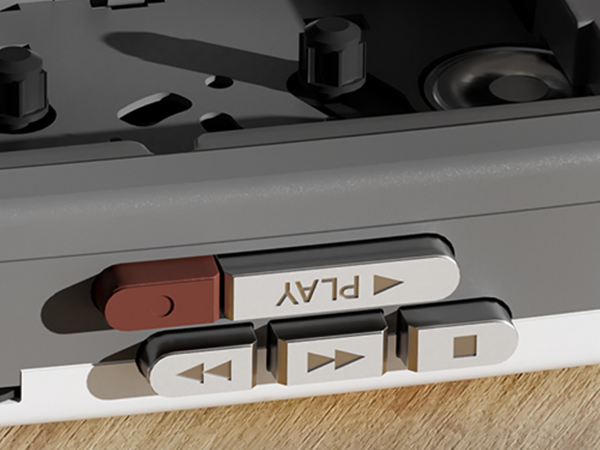
Button Display
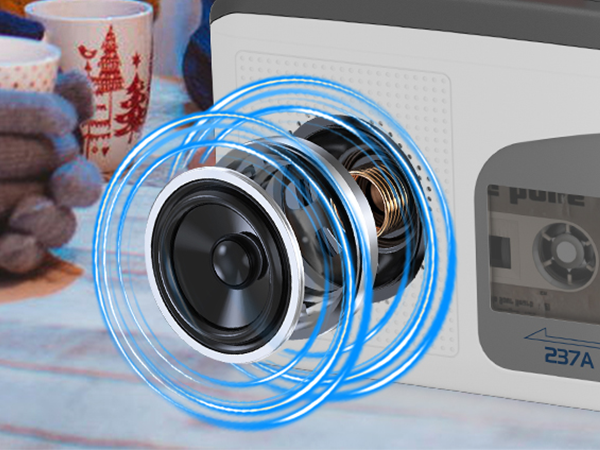
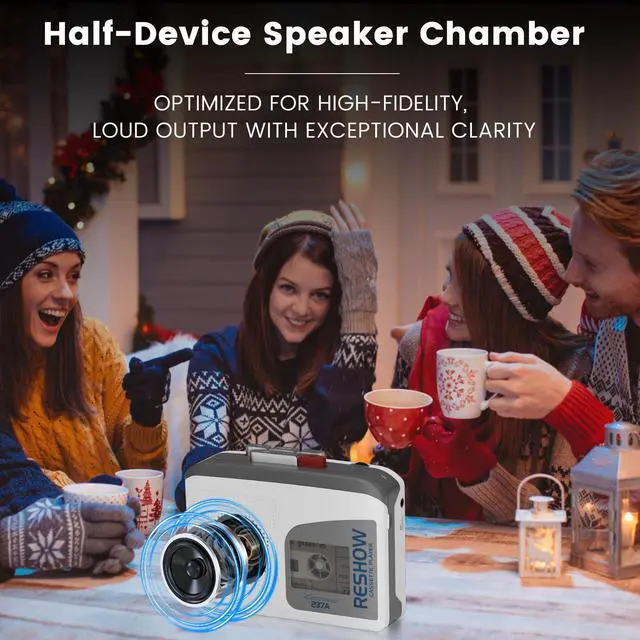
High Quality Speaker
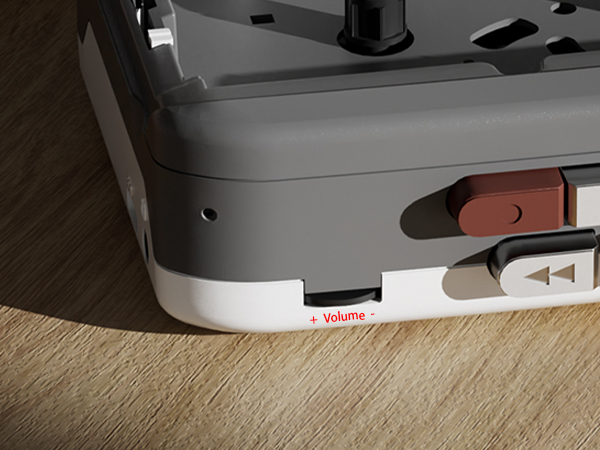
Volume Control
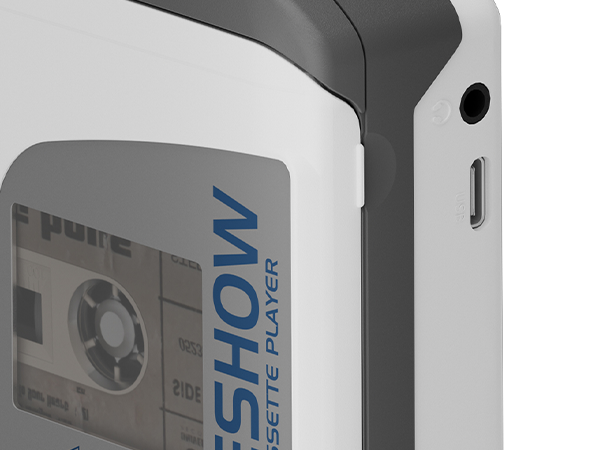
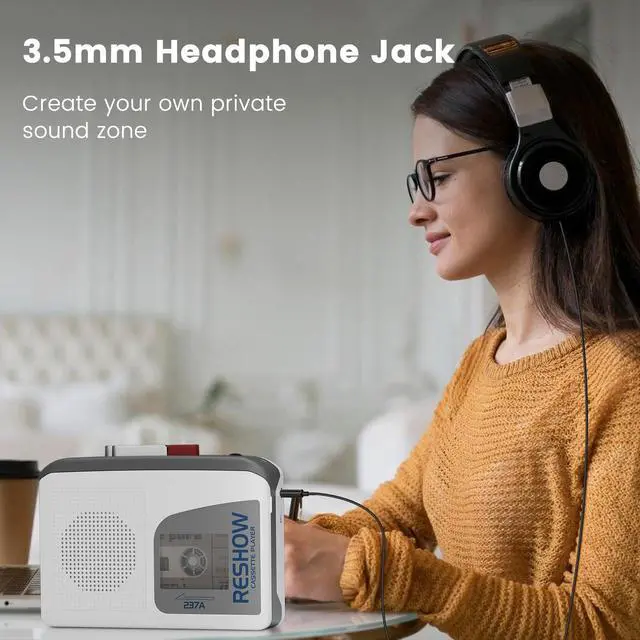
3.5mm Headphone Hole + Power Port
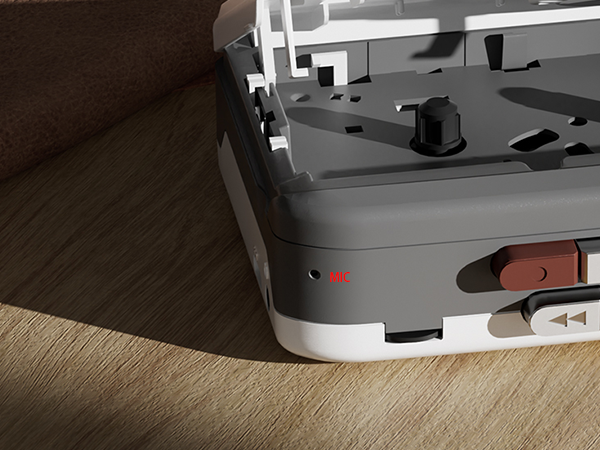
MIC Input
How to Play a Cassette
1.Open the cassette compartment and insert a tape with the exposed side facing up.
2.Press the PLAY button to start playback.
3.Adjust the volume using the volume wheel.
4.Use the FAST FORWARD or REWIND buttons as needed.
5.Press STOP to end playback.
How to Record Using the Built-in Microphone
1.Insert a blank or erasable cassette into the compartment.
2.Press the RECORD button to start recording. Speak clearly near the built-in microphone.
4.Press STOP when finished.
5.Rewind the tape, then press PLAY to review your recording.
Note: Recording will erase any existing content on the tape.
Reshow Hot Selling Cassette player
Model 237A | Model 235A White | Model 235A Black | Model 218 Silver | Model 218 Black | Model 231 Silver |
|---|---|---|---|---|---|
| Customer Reviews | |||||
| — | — | — | — | — | — |
| Price | |||||
| — | — | — | — | — | — |
| Built-in Speaker | |||||
| ? | ? | ? | ? | ? | ? |
| MP3 Conversion | |||||
| ? | ? | ? | ? | ? | ? |
| Record to Tape | |||||
| ? | ? | ? | ? | ? | ? |
| Reverse Recording (Line-In) | |||||
| ? | ? | ? | ? | ? | ? |
| Auto Track Splitting | |||||
| ? | ? | ? | ? | ? | ? |
| Conversion Method | |||||
| — | Via PC Software | Via PC Software | Via PC Software | Via PC Software | Direct to USB Drive |
Why does my cassette not play properly or make noise?
Please check that the cassette is clean and inserted correctly. Use a soft cloth to clean the tape head. Try another tape to confirm the issue. If noise occurs only with the speaker, test with headphones.
Why did my original tape content disappear after recording?
The 237A uses an overwrite recording system — new audio replaces existing content. Please use a blank tape for recording. For best results, place the sound source close to the mic and adjust the volume for clear, balanced sound.
How should I power the cassette player? Can I use USB and batteries together?
Supports 2×AA batteries or USB-C power. Do not use both at the same time to avoid device damage. For stable indoor use, USB power is recommended; batteries are ideal for portable use.
ABOUT US
- Reshow is a brand that focus on cassette to MP3 converters. Its purpose is to get you back to the past by listening to those very old audio cassette tapes, and to make your precious memories of tapes available for a longer time in MP3 format.
- As a professional brand established in 2015, we still keep improving for our products and services. Sincerely hope every customer gets what they expect.
Reshow Cassette Tape Player
Reshow Cleaner Kit
Why do we love what we do?
*We are enjoying in customers' feedback when they share their happiness from some very old audio cassette tapes.
*Make more people surprised that these precious memories have not been lost with the development of digital age, and it still can be re-showed by our cassette players and can be converted as MP3 format to be reserved for a longer time.