
• $67.99
  • Free 30-day Returns
  • Price alert
    Shop it at NeweggBusiness.

    Meet Your Seller

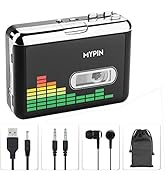
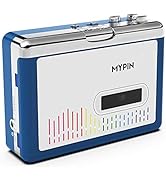
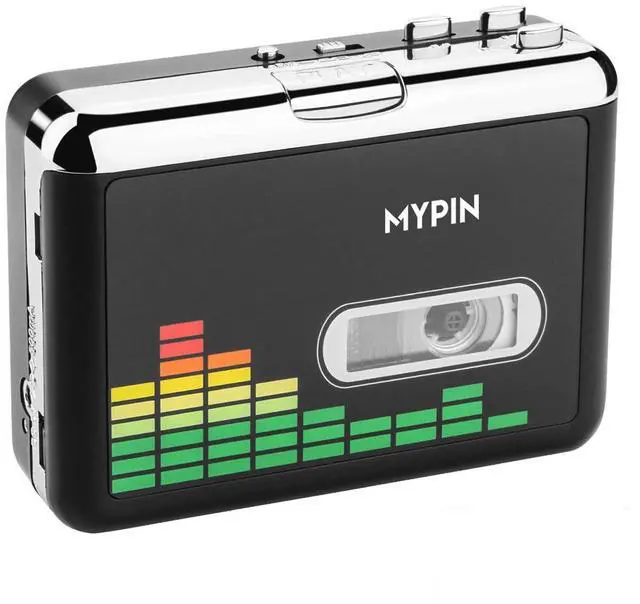
    USB Cassette to MP3 Converter, Portable Walkman Cassette Audio Music Player Tape-to-MP3 Converter with Earphones, Volume Control, Auto Reverse, No PC Required

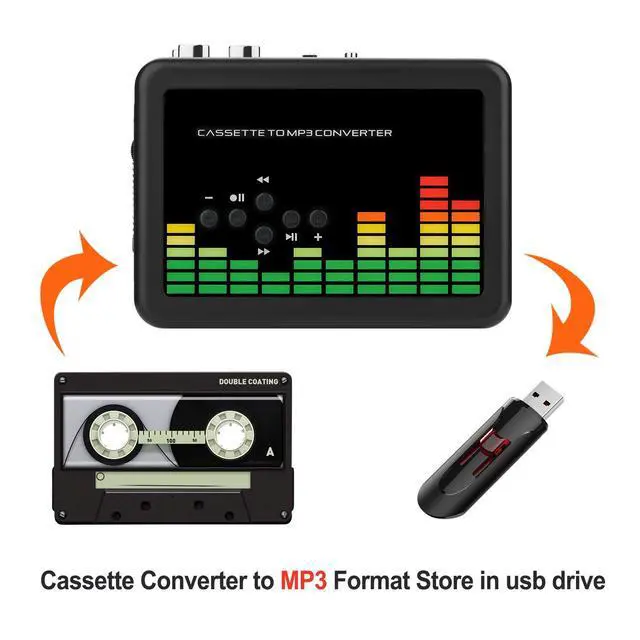
    • Cassette to MP3 Converter -- Convert cassette tape to MP3 files, no computer required. The converter records your tape(either manually or automatically) onto a USB flash drive, then it can be transferred anywhere; The converter comes with a volume control button, you can adjust the volume during recording, as well as playback;Compatible with USB2.0 and USB 3.0
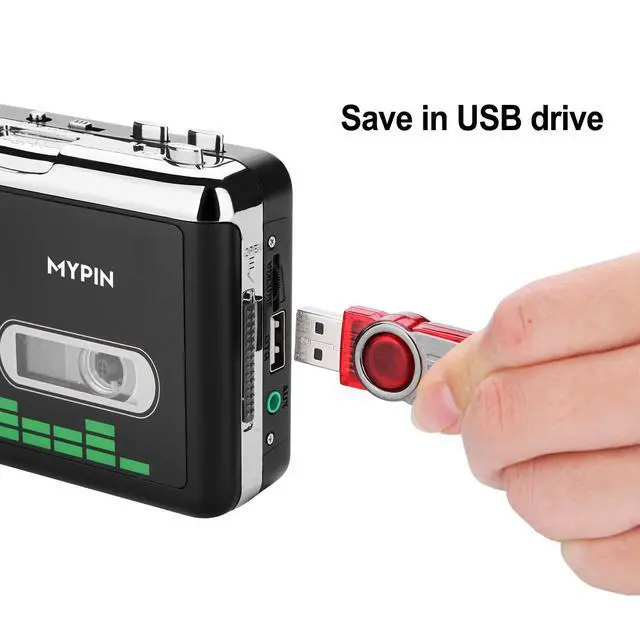
    • USB Cassette Capture-- It helps effortlessly convert old tapes to MP3 files with playback function. This tape converter works with the USB drive in FAT, FAT32 formats up to 128G; A fast USB drive with higher read rate (4M-6M/S) will have better performance and prevent the recorded files from skipping during playback.
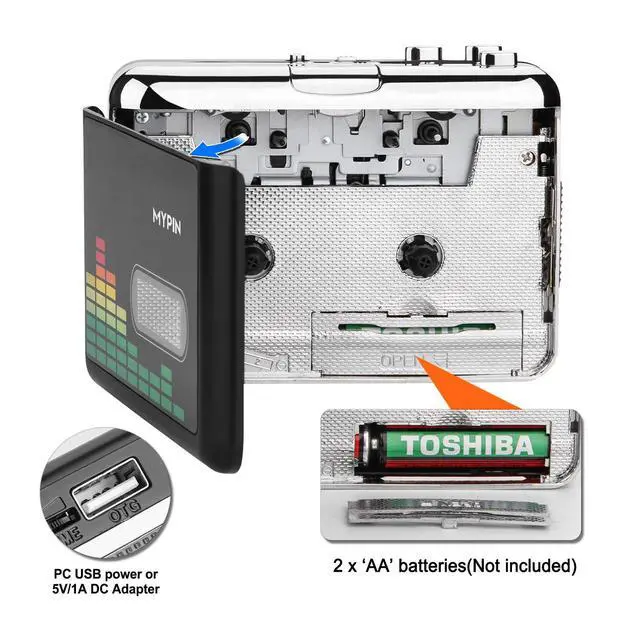
    • Auto Reverse -- This cassette converter can automatically switch sides of tape while a conversion is underway. Audio Rates: A44.1 and 48kHz@16-bit for YouTube MP3 making, Powered by USB port or 2X AA batteries, USB power is more stable than batteries
    • Auto / Manual Mode -- With the auto mode, this cassette to MP3 converter will save each song or each sentence (e.g., of an audiobook) into a separate MP3 file (track); Default on manual mode, switch to auto mode with the button
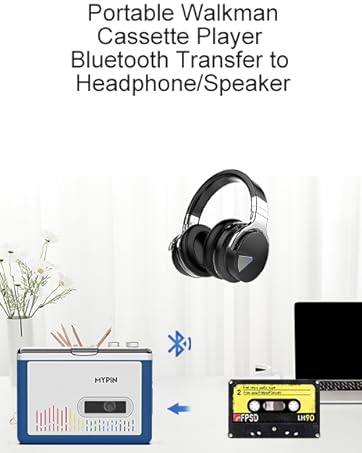
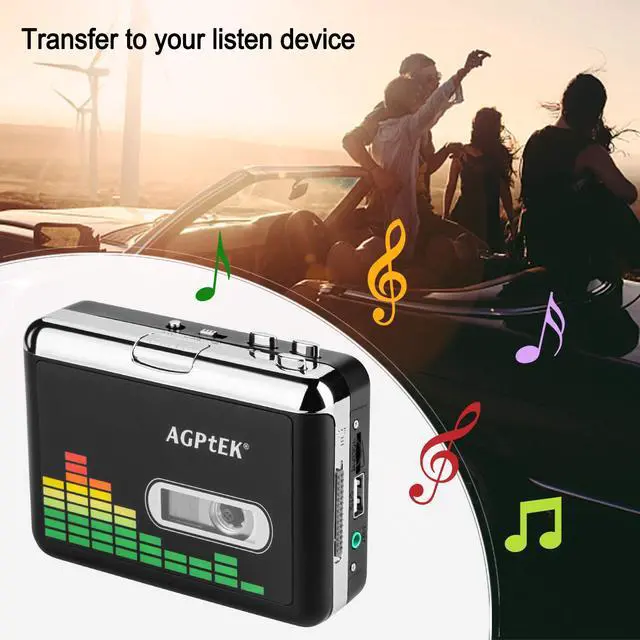
    • Standard Walkman Use-- This is a user-friendly MP3 converter with a classic "walkman" look. You can use headphones, earbuds, or an audio port to car speaker with the 3.5mm AUX jack. It comes with headphones so that you can listen while you convert tapes to MP3, and there is a carry bag for basic protection
    +
    +
    Overview
    Specs
    Reviews
    avatar

    Any questions? Our AI beta will help you find out quickly.

    USB Cassette to MP3 Converter
    USB Cassette to MP3 Converter
    USB Cassette to MP3 Converter
    USB Cassette to MP3 Converter
    USB Cassette to MP3 Converter

    MYPIN Cassette to MP3 Converter


    1. Converts cassettes to MP3 files without a computer or additional software
    2. AUX line-in port lets you convert audio from other sources (radio, CD player, etc.)with 3.5mm stereo cable(included)
    3. Makes high-quality 128 Kbps recordings
    4. Auto and manual recording modes

    • Sorry, not work with PC directly

    • Best work with a USB drive with FAT32 formats up to 128G;A fast USB drive with higher read rate (4M-6M/S) will have better performance and prevent the recorded files from skipping during playback

    • Not record anything to the tape in turn

    USB Cassette to MP3 Converter
    USB Cassette to MP3 Converter
    USB Cassette to MP3 Converter
    USB Cassette to MP3 Converter
    USB Cassette to MP3 Converter

    MYPIN Cassette to MP3 Converter

    1. Converts cassettes to MP3 files without a computer or additional software
    2. AUX line-in port lets you convert audio from other sources (radio, CD player, etc.)with 3.5mm stereo cable(included)
    3. Makes high-quality 128 Kbps recordings
    4. Auto and manual recording modes

    • Sorry, not work with PC directly

    • Best work with a USB drive with FAT32 formats up to 128G;A fast USB drive with higher read rate (4M-6M/S) will have better performance and prevent the recorded files from skipping during playback

    • Not record anything to the tape in turn

    Product information

    Brand MYPIN
    Mounting Type Wall Mount
    Interface Type USB
    Number of Channels 2
    Product Dimensions 4.4"L x 3.2"W
    Material Metal
    Manufacturer MYPIN
    Item Weight 9.4 ounces
    Item model number PC000249-NCUSF
    Is Discontinued By Manufacturer No
    Date First Available January 25, 2018

    Additional Features

    • [Promotion for Converter & Original USB ]-- For a better recording experience. Get it with our original USB flash drive for only $39.99! (SEARCHING ASIN: B08H1NFMR9, or SEARCHING ASIN: B08CX89MK2 for USB drive)

    Warranty & Returns

    Warranty, Returns, And Additional Information

    Warranty

    • Please contact the Seller directly for warranty information. Warranty information may also be found on the Manufacturer's website.
    • CONTACT

    Return Policies

    Manufacturer Contact Info

    LOADING...