








Versatile recording system:
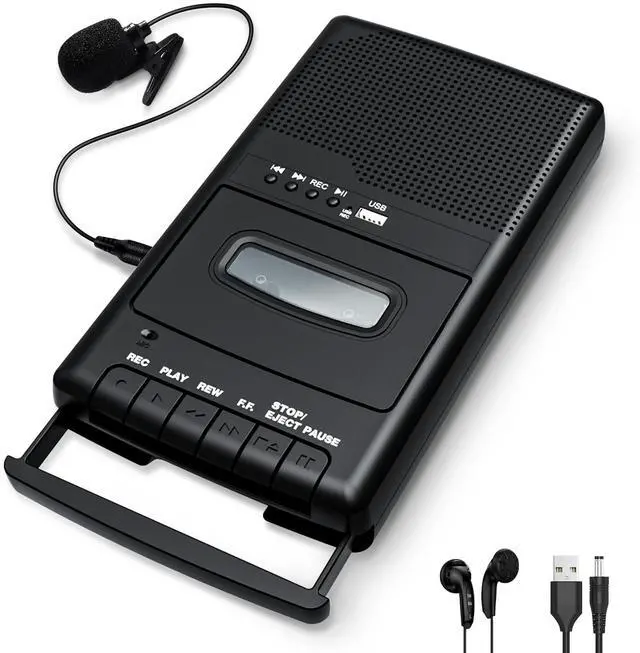
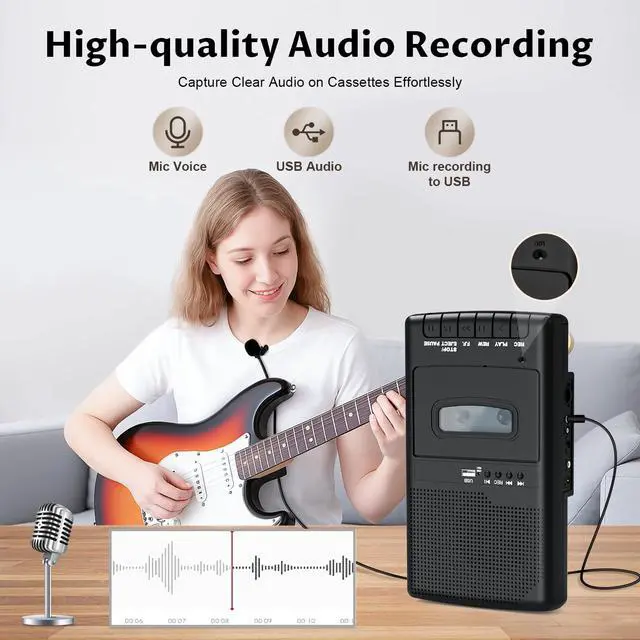
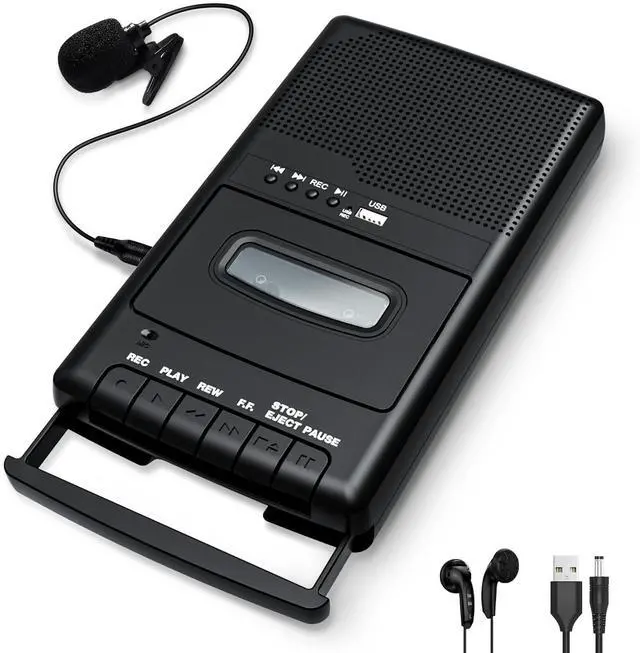
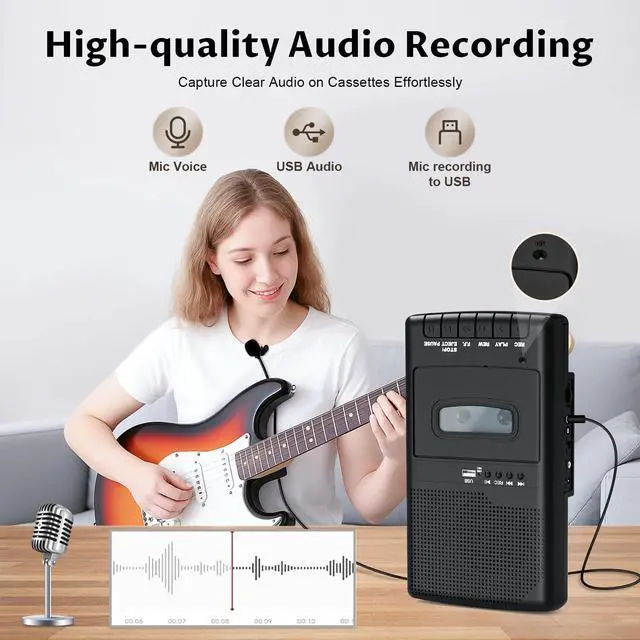
• Built-in or standalone microphones for recording audio to cassette or USB stick.
• Ideal for recording meetings, lectures, and more.


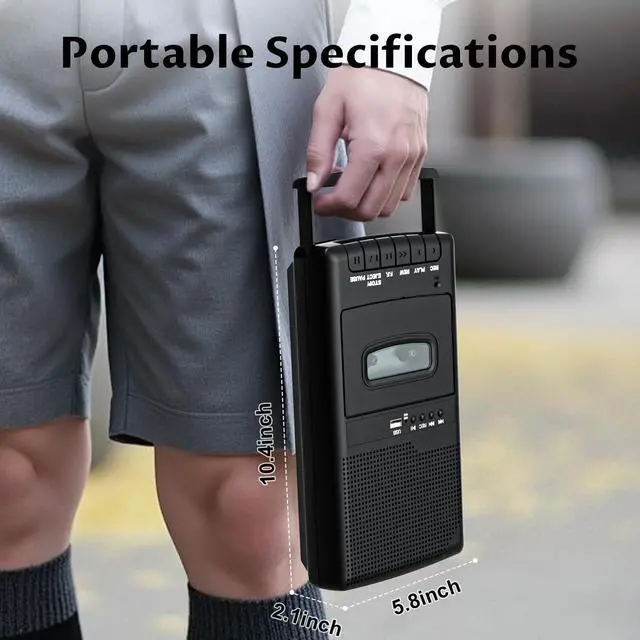
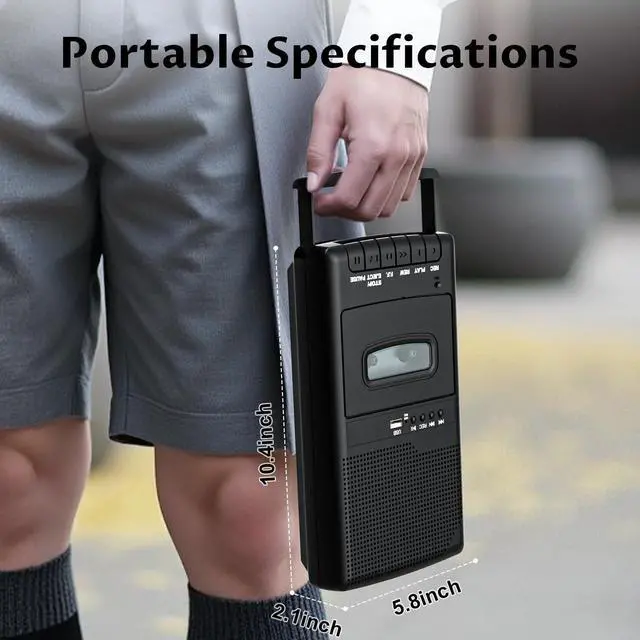
This nostalgic cassette player takes you back to the golden age of the 1980s and offers perfect playback with all the functions of a classic cassette recorder, including play, fast-forward, rewind, pause, and record.
Product Highlights:
? Retro design. ? Hi-Fi speaker output. ? Integrated multifunction design. ? A must-have for cassette collectors.
The device supports two playback modes:
- Cassette Mode: Relive your collection of old cassettes and homemade mixtapes.
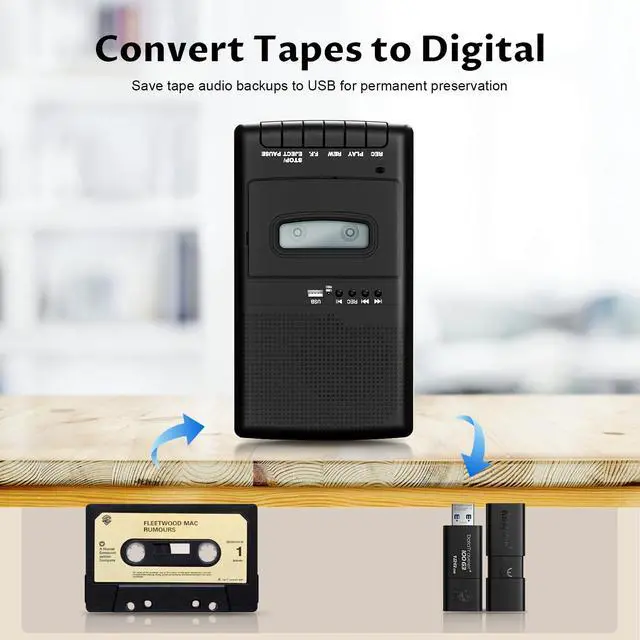
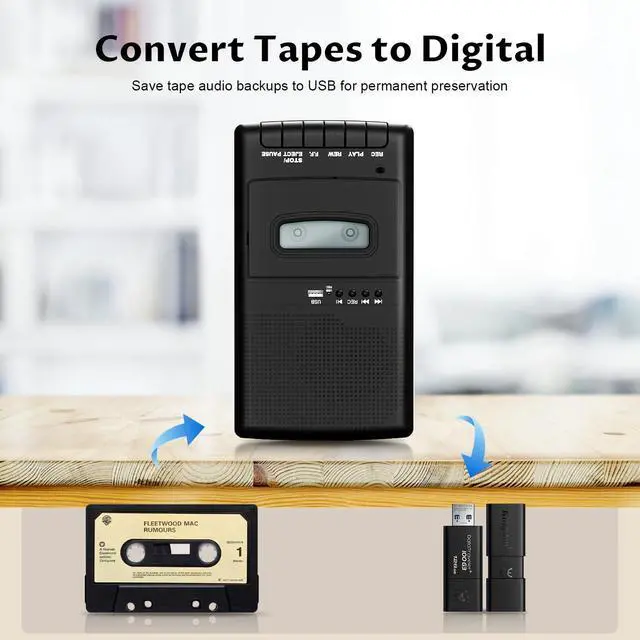
- USB Mode: As an audio converter, it allows you to digitize music from cassettes and save it to a USB flash drive. It can also be used as a USB audio player and USB cassette recorder.
Recording Instructions:
1. Insert the cassette player: Make sure the cassette is inserted correctly, otherwise recording will not start.
2. Using the Record Button: When the Record button appears, press and hold the REC+PLAY button for about 3 seconds to lock it before starting recording. 3. Checking the Tape Status: New, blank tapes are ready for use. Check the write-protect function before using the tape for recording (see the manual for more information).
Important Notes:
Power Management:
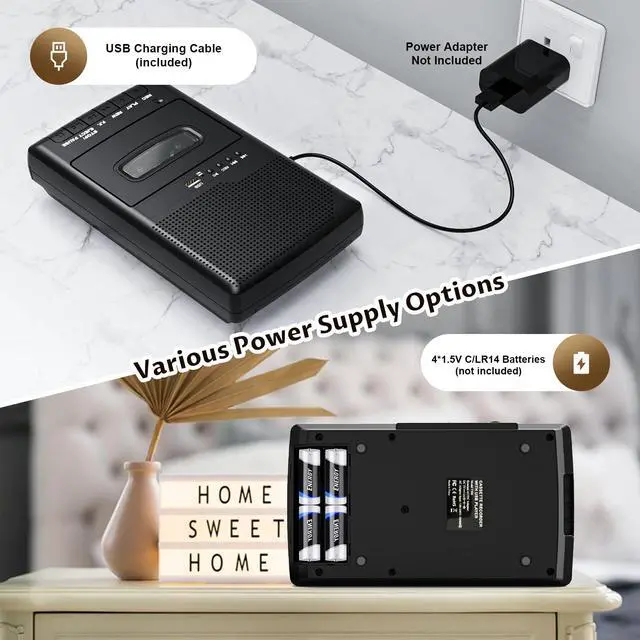
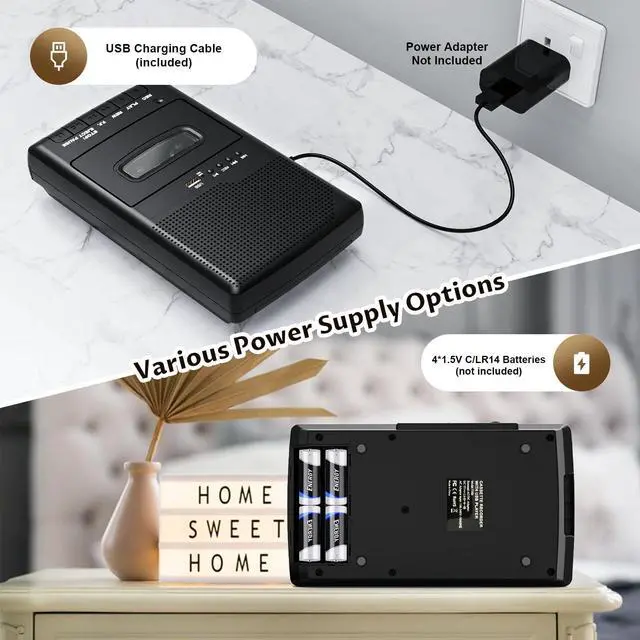
- Once the battery is inserted into the compartment, connect the AC adapter (DC 5V/1A). The battery will automatically disconnect.
Tape Care:
- Make sure the tape is properly wound before use.
- An improperly wound tape may cause playback errors or damage.
- If the tape becomes slack, we recommend rewinding it manually using a pencil or other tool.
Why is there a hissing or noise during playback?
Please keep the tape clean. Try using anhydrous alcohol and cotton swabs to gently wipe the tape head, pressure rollers, and drive shaft.
What format is the file saved to the USB flash drive?
It will be saved as a lossless WAV file format, faithfully reproducing the original sound. If it cannot be played, please try installing a third-party music player.
Why is there no sound during playback?
Please check if the side switch is set to the corresponding TAPE or USB position. Check if the side volume knob is turned up.

Versatile recording system:
• Built-in or standalone microphones for recording audio to cassette or USB stick.
• Ideal for recording meetings, lectures, and more.


This nostalgic cassette player takes you back to the golden age of the 1980s and offers perfect playback with all the functions of a classic cassette recorder, including play, fast-forward, rewind, pause, and record.
Product Highlights:
? Retro design. ? Hi-Fi speaker output. ? Integrated multifunction design. ? A must-have for cassette collectors.
The device supports two playback modes:
- Cassette Mode: Relive your collection of old cassettes and homemade mixtapes.
- USB Mode: As an audio converter, it allows you to digitize music from cassettes and save it to a USB flash drive. It can also be used as a USB audio player and USB cassette recorder.
Recording Instructions:
1. Insert the cassette player: Make sure the cassette is inserted correctly, otherwise recording will not start.
2. Using the Record Button: When the Record button appears, press and hold the REC+PLAY button for about 3 seconds to lock it before starting recording. 3. Checking the Tape Status: New, blank tapes are ready for use. Check the write-protect function before using the tape for recording (see the manual for more information).
Important Notes:
Power Management:
- Once the battery is inserted into the compartment, connect the AC adapter (DC 5V/1A). The battery will automatically disconnect.
Tape Care:
- Make sure the tape is properly wound before use.
- An improperly wound tape may cause playback errors or damage.
- If the tape becomes slack, we recommend rewinding it manually using a pencil or other tool.
Why is there a hissing or noise during playback?
Please keep the tape clean. Try using anhydrous alcohol and cotton swabs to gently wipe the tape head, pressure rollers, and drive shaft.
What format is the file saved to the USB flash drive?
It will be saved as a lossless WAV file format, faithfully reproducing the original sound. If it cannot be played, please try installing a third-party music player.
Why is there no sound during playback?
Please check if the side switch is set to the corresponding TAPE or USB position. Check if the side volume knob is turned up.