





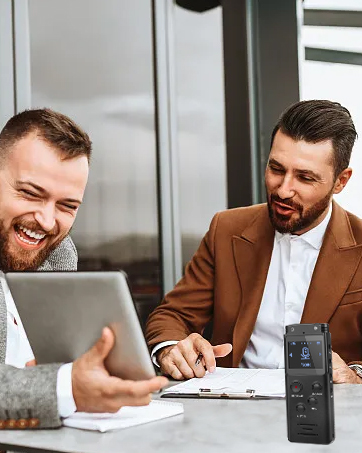




A-B Repeat Function
During playback, short press "A-B" button, B on the screen and blink, it's the starting point. Press "A-B" again, A-B on the screen and start repeat. Press A-B again to exit repeat mode.
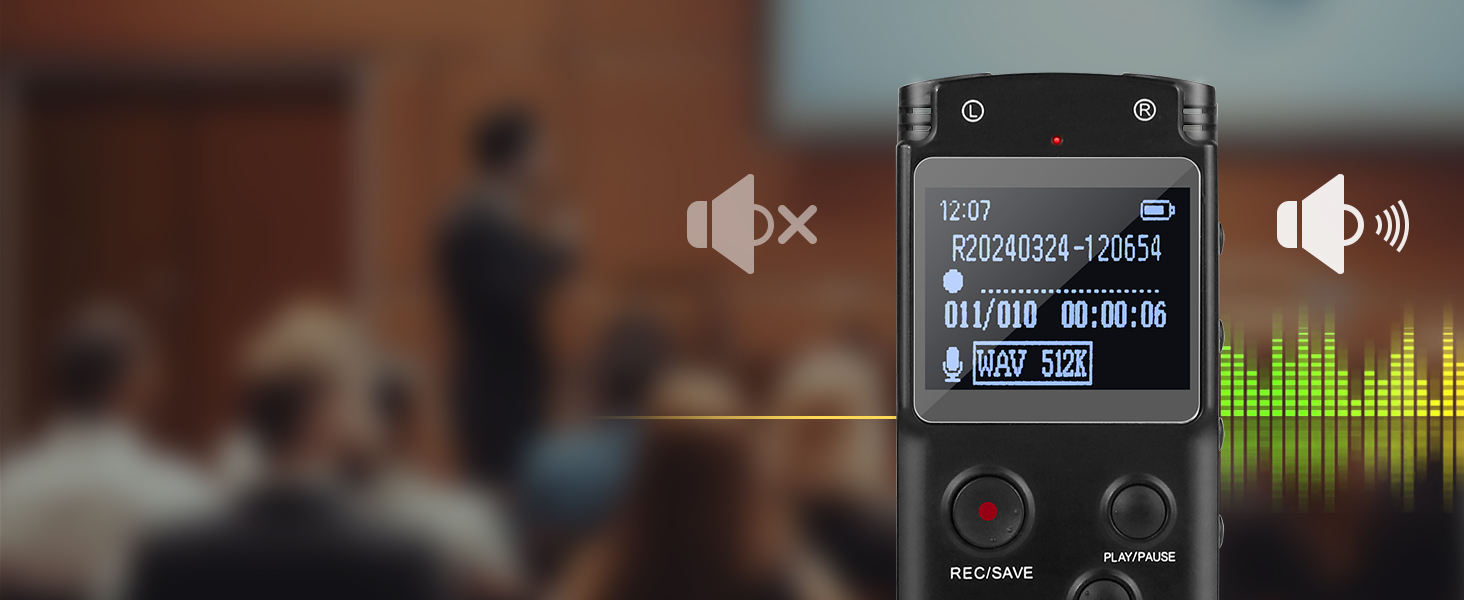
Voice Activated Recorder
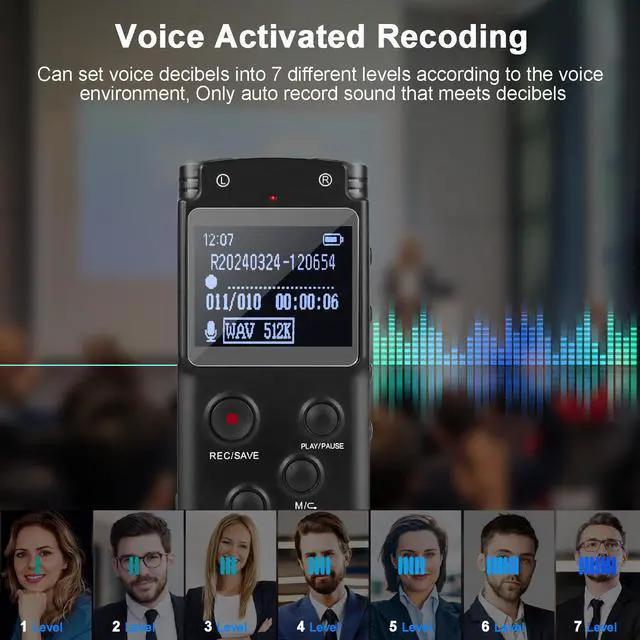
The voice-activated function can be set to on or off, when turned on, all your recordings afterward will be voice-activated, the record device record only when the detectable decibels are reached.
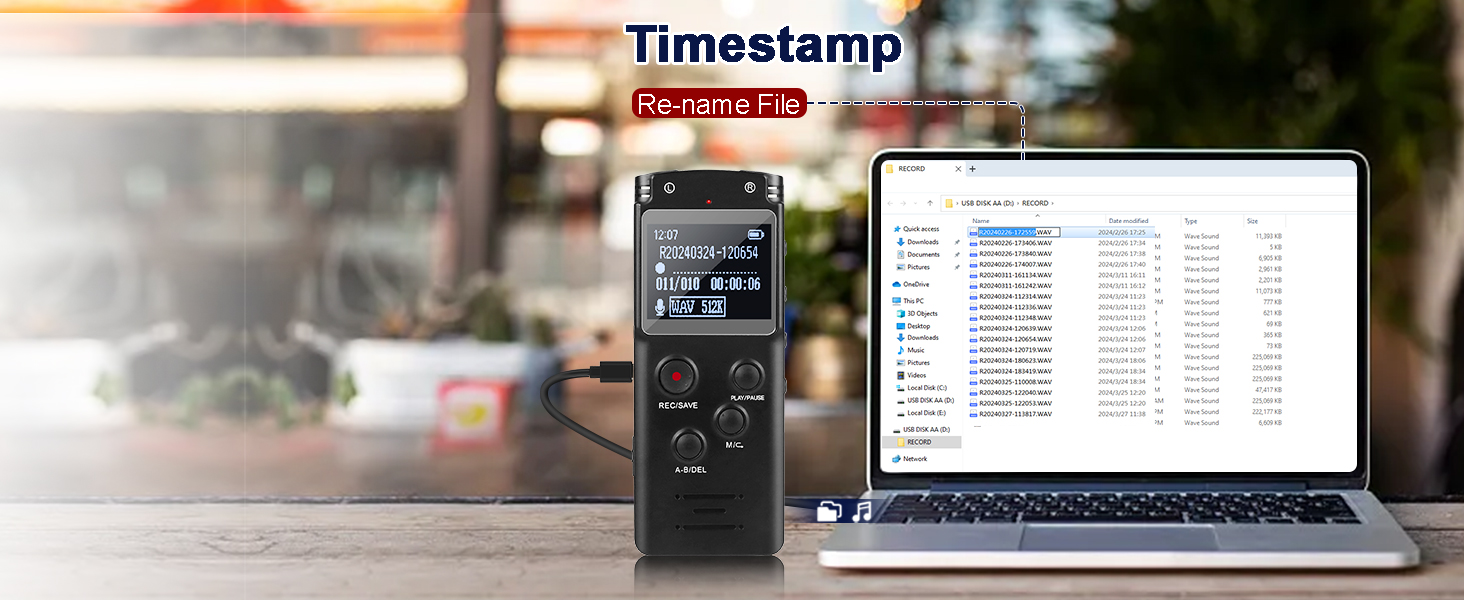
Easy File Management
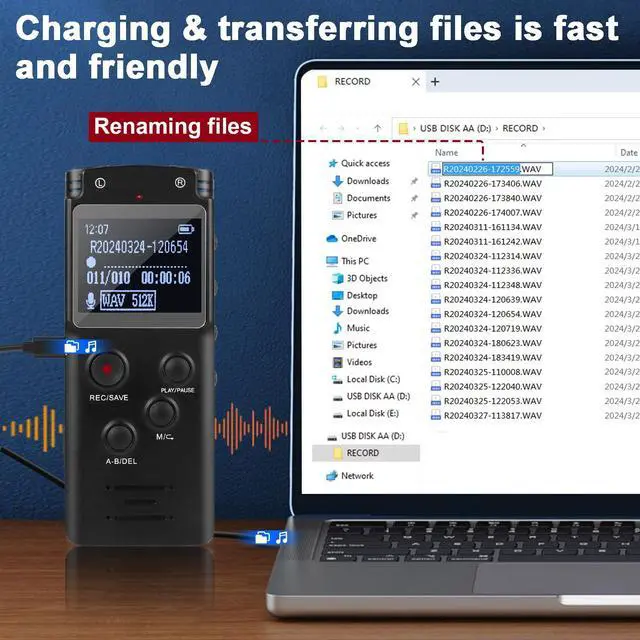
Recording files are timestamped for easy identification. You can also connect to PC to listen to the recording files or rename them. Please synchronize the recorder's time with the local time firstly.


Good for recording lectures, meetings, classes, interviews, etc.

More Features and Q&A
1. How to start and save recording?
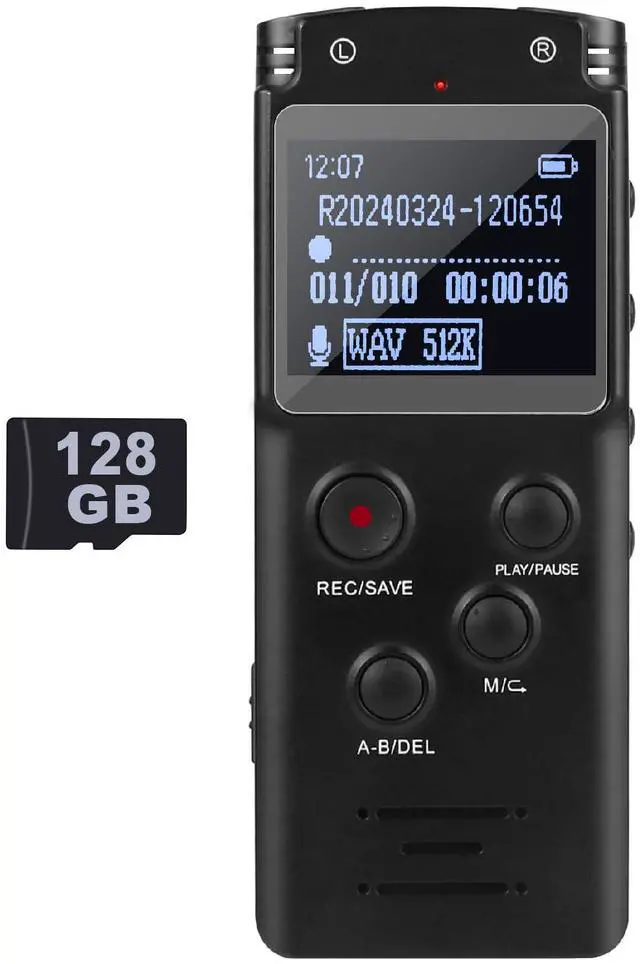
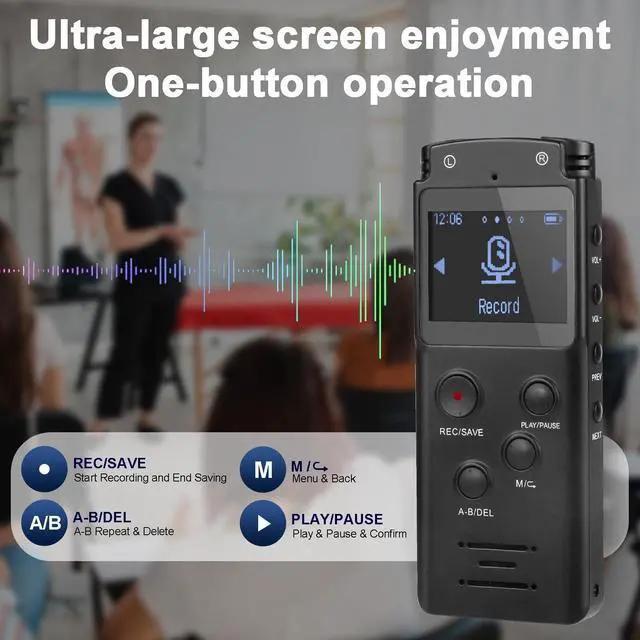
After powering on, the machine in any state, press the "REC/SAVE", machine enters the recording state; short press the "REC/SAVE" again, the machine saves the current recording file. You can pause recording at any time during the recording process by short pressing "PLAY/PAUSE".
2. How to delete recorded files on recorder?
1)Quick Deletion: Press "A-B/DEL" in Pause interface, select delete option by "VOL+" or "VOL-". "Yes" means delete, "No" means cancel, press "PLAY-PAUSE" to confirm. 2)File Deletion: Long press "M/" in the playback interface. You can choose to delete single file or all files.
3. How to use the A-B repeat feature?
When playing voice or music, press the "A-B/DEL", at this time the interface appears "B" blink for the start of the repeat section, press the "A-B/DEL" again, at this time the interface is the end of the repeat section, start repeating. Exit the repeat mode by pressing the "A-B/DEL" key briefly.
4.How to re-name the recording files?
Recording files are named in a specific year-month-day-hour-minute-second format. Please synchronize to the local time first after receiving the product (set via Setting?Date&Time). You can rename and managed the files by connecting the recorder to your computer using the USB cable included in the package.
5. My tape recorder suddenly won't turn on, what should I do? If I received a defective or used product, what should I do?
1)Please check if the device is fully charged first, use the charging cable that comes with the device (other charging cables may not match the voltage and cannot charge) to charge the device for a period of time before trying to turn it on. If not we will give you a solution in the first. 2)Sorry for the bad shopping experience because of the logistics. We will give you a satisfactory solution.

A-B Repeat Function
Voice Activated Recorder
Easy File Management


During playback, short press "A-B" button, B on the screen and blink, it's the starting point. Press "A-B" again, A-B on the screen and start repeat. Press A-B again to exit repeat mode.
The voice-activated function can be set to on or off, when turned on, all your recordings afterward will be voice-activated, the record device record only when the detectable decibels are reached.
Recording files are timestamped for easy identification. You can also connect to PC to listen to the recording files or rename them. Please synchronize the recorder's time with the local time firstly.
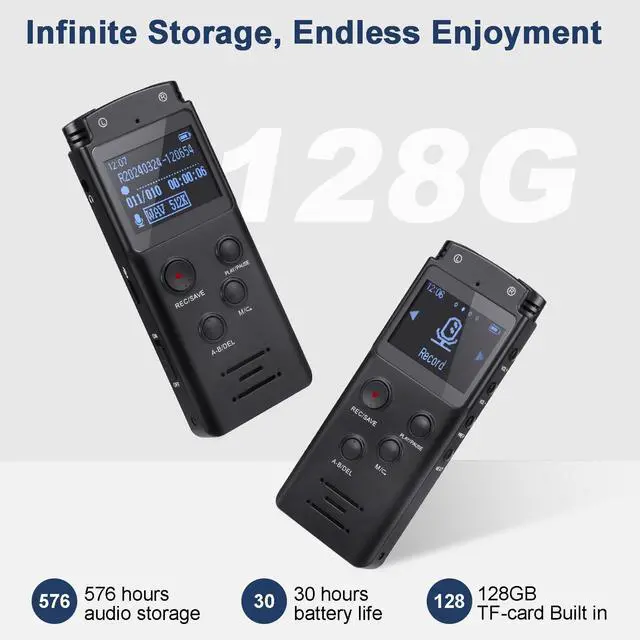
The upgraded large storage space and battery life fully satisfy all your recording needs.
New Feature Last Played, jump directly to your last played file, no need to filter again.


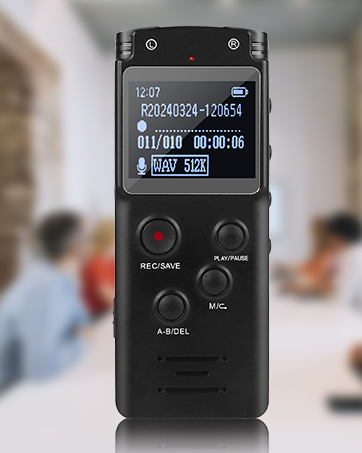
Good for recording lectures, meetings, classes, interviews, etc.

More Features and Q&A
1. How to start and save recording?
After powering on, the machine in any state, press the "REC/SAVE", machine enters the recording state; short press the "REC/SAVE" again, the machine saves the current recording file. You can pause recording at any time during the recording process by short pressing "PLAY/PAUSE".
2. How to delete recorded files on recorder?
1)Quick Deletion: Press "A-B/DEL" in Pause interface, select delete option by "VOL+" or "VOL-". "Yes" means delete, "No" means cancel, press "PLAY-PAUSE" to confirm. 2)File Deletion: Long press "M/" in the playback interface. You can choose to delete single file or all files.
3. How to use the A-B repeat feature?
When playing voice or music, press the "A-B/DEL", at this time the interface appears "B" blink for the start of the repeat section, press the "A-B/DEL" again, at this time the interface is the end of the repeat section, start repeating. Exit the repeat mode by pressing the "A-B/DEL" key briefly.
4.How to re-name the recording files?
Recording files are named in a specific year-month-day-hour-minute-second format. Please synchronize to the local time first after receiving the product (set via Setting?Date&Time). You can rename and managed the files by connecting the recorder to your computer using the USB cable included in the package.
5. My tape recorder suddenly won't turn on, what should I do? If I received a defective or used product, what should I do?
1)Please check if the device is fully charged first, use the charging cable that comes with the device (other charging cables may not match the voltage and cannot charge) to charge the device for a period of time before trying to turn it on. If not we will give you a solution in the first. 2)Sorry for the bad shopping experience because of the logistics. We will give you a satisfactory solution.
Digital Voice Recorder
Good idea for lectures, interviews, meetings, classes, daily recordings and more!
Portable Voice Recorder
Audio Recorder
Tape Recorder
Voice Activated Recorder