• $19.99
  • Shipped by halongzhiUKshop

    Price alert
    Shop it at NeweggBusiness.

    Meet Your Seller

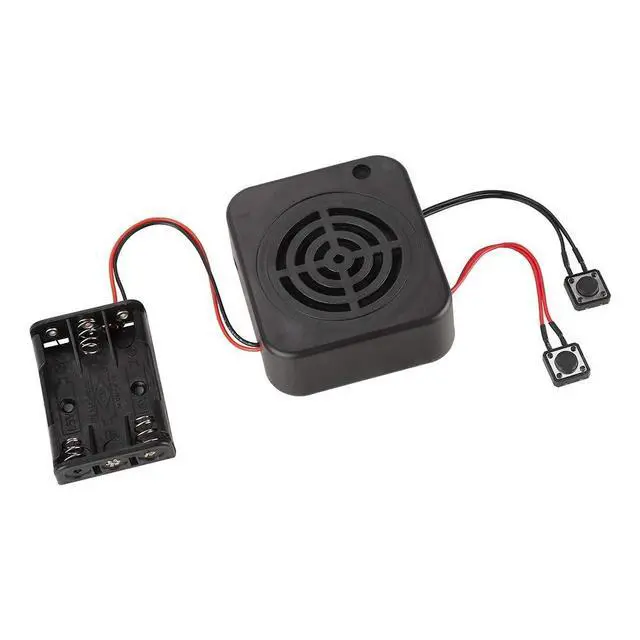
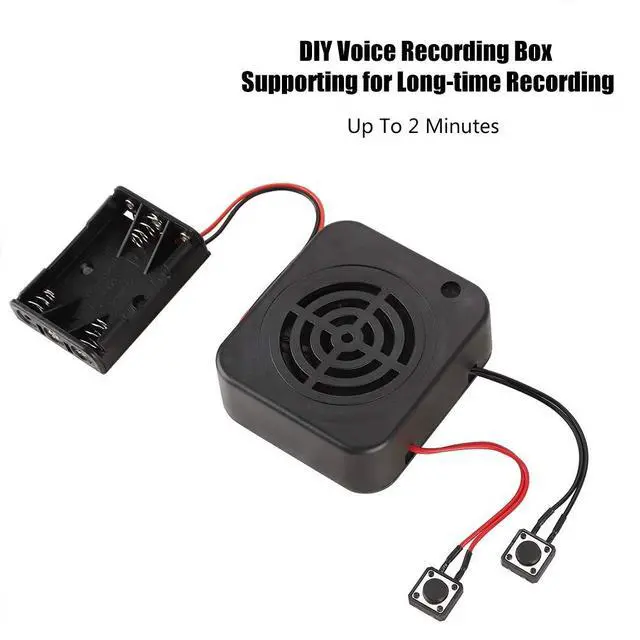
    Voice Recording Box, 2/4 Minutes 3W DIY Personalized Practical with 2 Control Buttons Clear Sound for Stuffed Animals/Gift/Toy Message Recording Module(#1)

    • DIY RECORDING MODE: Great for expressing emotions or recalling information if you are making plush dolls at home; our recorder can record your audio and make it permanent; get and use the recorder in any DIY crafting project to make custom , recordable gifts
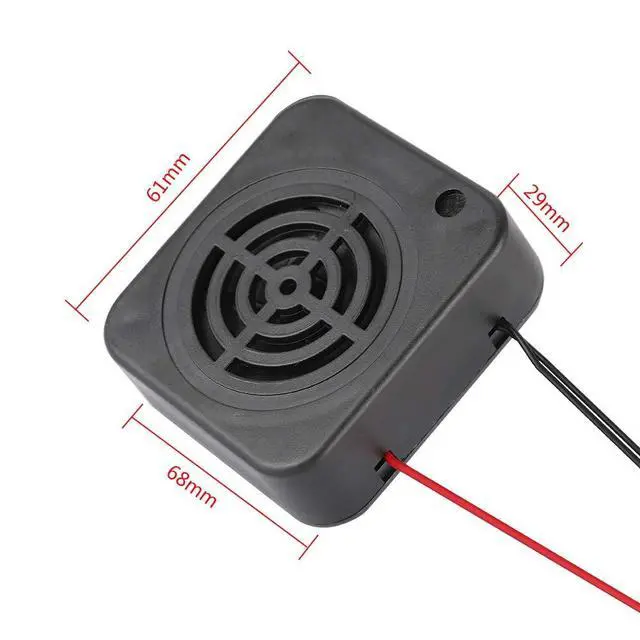
    • SIZE: The recording box size is about 68*61*25MM/2.7*2.4*1.0 inch. This amazing voice recorder module is just the right size to fit the back of a favorite stuffed animal. Or it's for placing on the back of a poster for a special birthday message, announcement or science fair project
    • THE SOUND QUALITY IS CLEAR: The red is for recording and the black is for playback. Play : Press the to start playing the recorded sound (black line with ). Record : red line with . Support long recording, up to 2 minutes, far more than similar products
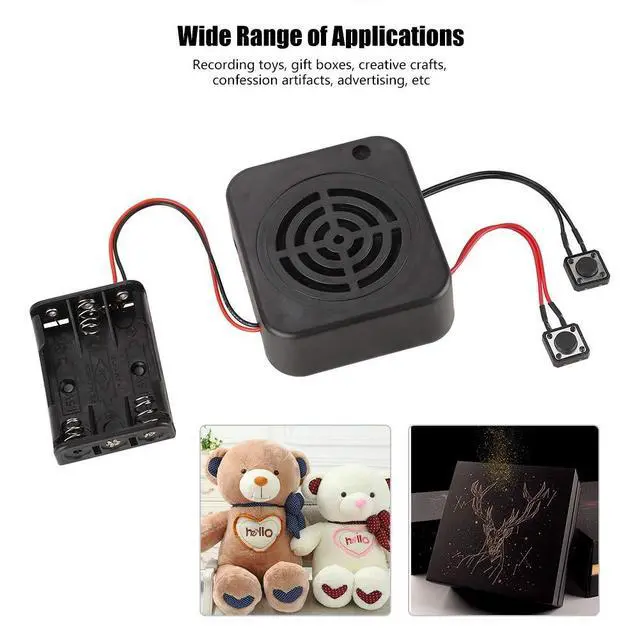
    • WIDE RANGE OF APPLICATIONS: DIY voice message box adds sound effects to plush toys, plush toys, interactive school projects, photo frames, children's activities, and paintings, which can help you express your emotions, or leave messages for prompts, greatly increasing the fun and practicality of toys
    +
    +
    Overview
    Specs
    Reviews
    avatar

    Any questions? Our AI beta will help you find out quickly.

    Specification:

    Type: DIY Recording Box

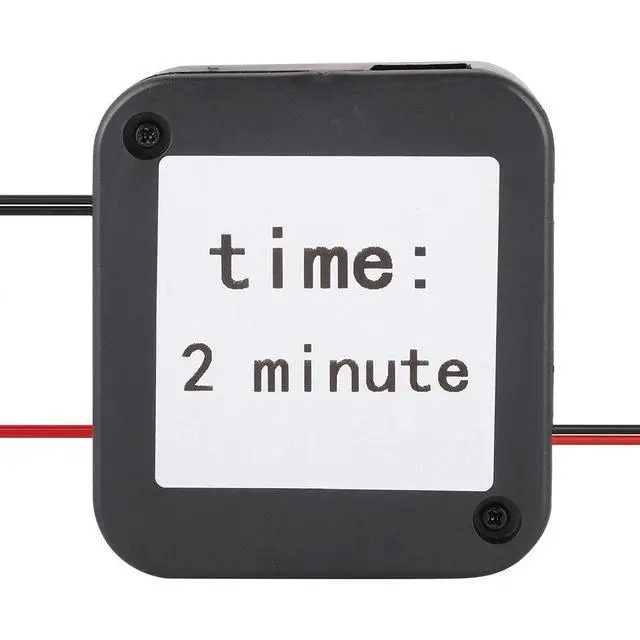
    Recording playback time: 2 minutes

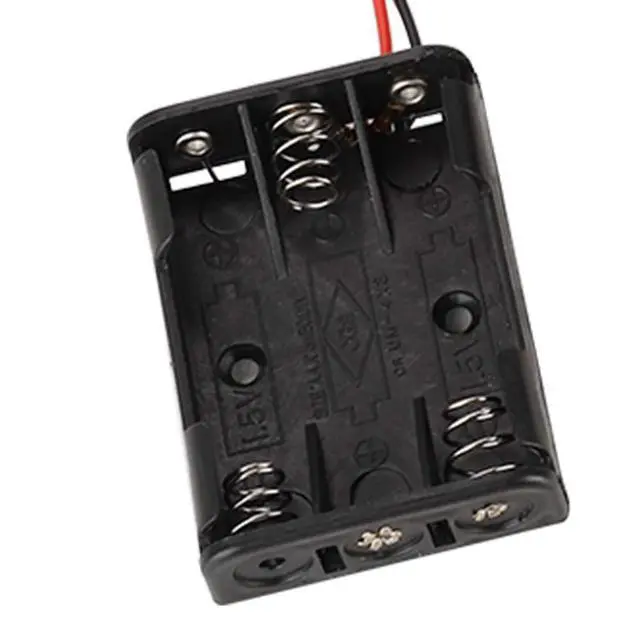
    Battery pack: 3 * 1.5V AAA batteries (NOT Included)

    Play : Press the to start playing the recorded sound (black with line)

    Record : red with line

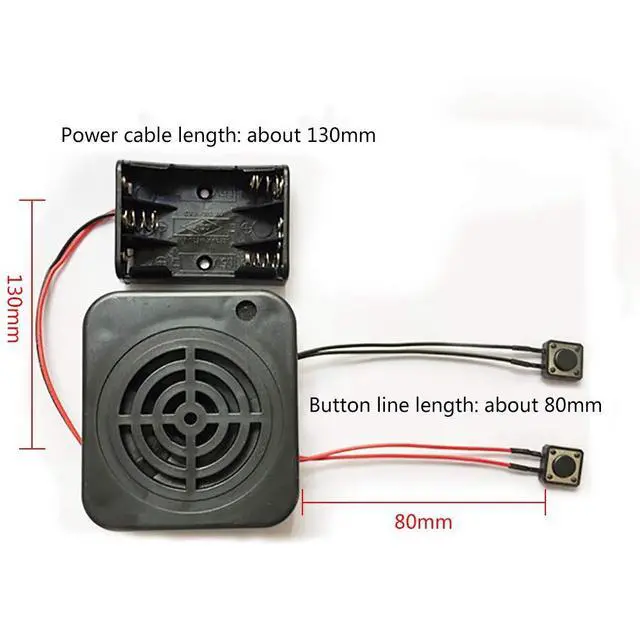
    Power cable length: Approx. 130MM (Manual welding, dimensional deviation ±10mm)

    Recording box size: Approx. 68 * 61 * 25MM/2.7*2.4*1.0 in

    Package list:

    1 * Recording Box

    Note:

    1. Please note that there is NO battery in the package.

    2. Please allow slight error due to manual measurement.

    3. Different monitor colors may be different. Thanks for your kind understanding.

    Instructions:

    Q1. How to record?

    A: Recording and playback operations:

    Press the recording , hear the "DI" sound to release the recording , then speak to the microphone within 5-10 cm to start recording, press the recording again, hear the "" sound then release the recording , indicating the recording is completed. Then press the play again to play the currently recorded sound. During the playback process, press the play again to stop playing the sound.

    Q2. If we recorded the wrong voice, can we re-record it?

    A: Yes, you can press the record to re-record.

    Q3. How to delete the recording?

    A: Press and hold the record , do not record, when you hear the "DI" sound, release your hand. Then press the record to re-record.

    4. The with the red wire is the recording , and the with the black wire is the playback .

    Warranty & Returns

    Warranty, Returns, And Additional Information

    Warranty

    • Please contact the Seller directly for warranty information. Warranty information may also be found on the Manufacturer's website.
    • CONTACT

    Return Policies

    Manufacturer Contact Info

    LOADING...