


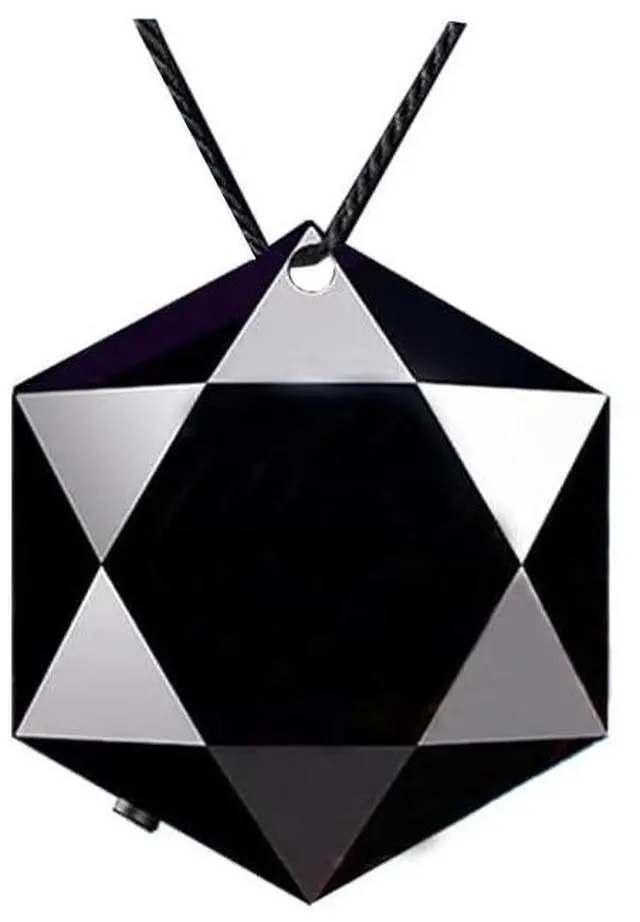




Ultra-Compact Mini Voice Recorder with 28 Hours Long Continuous Recording!
Tiny in size, lightweight and pocket-portable
No bulky design, no complicated operation. Perfect for daily audio recording needs.
this small but powerful recorder delivers stable long-lasting use and great portability for students, office workers and personal daily use.

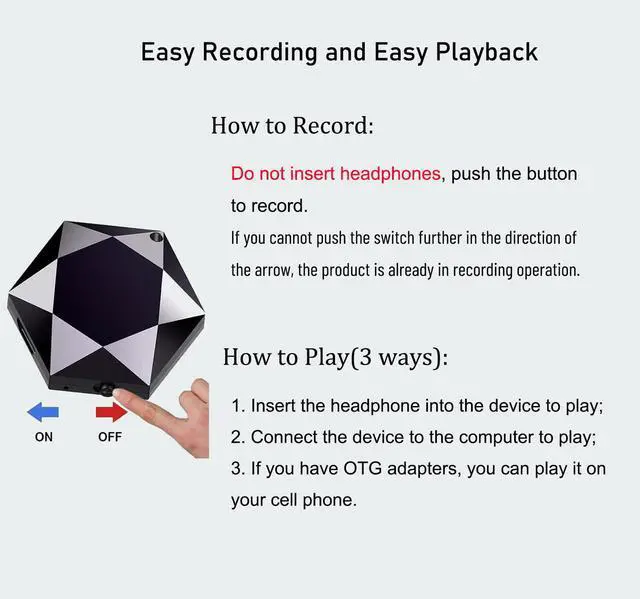
Easy to use
Headphone unplugged
Push switch to "ON" to start recording
Push Switch to "OFF" to save the recording.

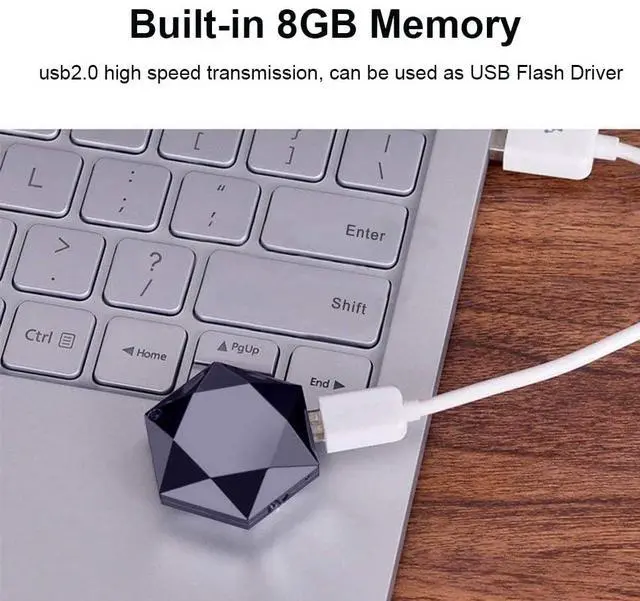
Two ways to charge:
- Connect the recorder to the USB port of the computer.
- Connect the device to a power outlet.

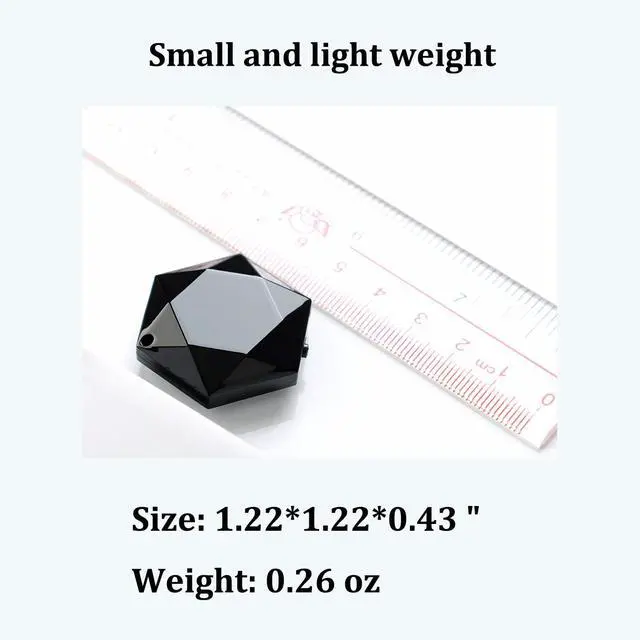
very small and lightweight
Size: 31mm*31mm*11mm
Weight: 7.5g
Material: ABS

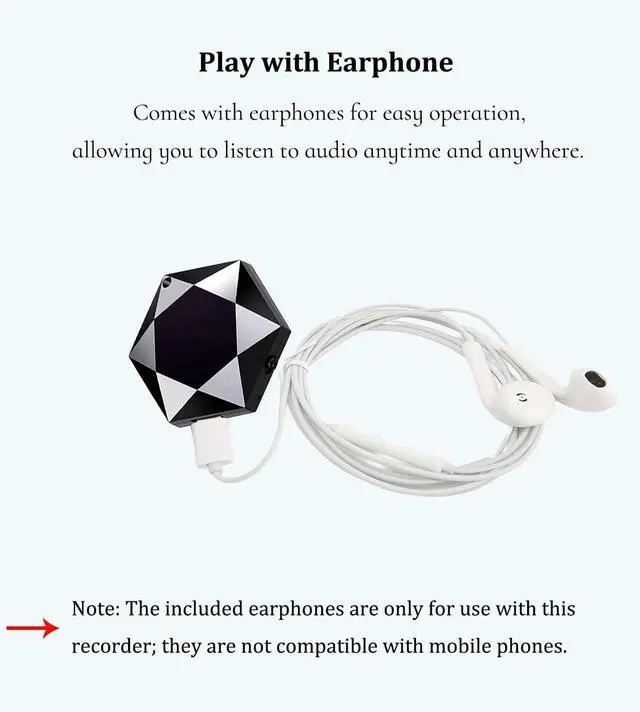
With earphone
You can play audio anywhere.

Voice activated recording
When sound is detected, it will automatically start recording.(please set it first)
it can not record low volume in voice control mode. We suggest using the factory's standard recording mode.

Audio file will be timestamp named
Please connect the device to computer and find "Time Synchronization Tool---SET DISK TIME" to set the disk time.
For Mac system, please use "FACTORY.TXT" to set the disk time.

How to use the earphone?
- Insert the earphone into the device.
- slide the switch on to enter play mode. You can hear the music or your recording.
Volume Adjustment:
During play mode, long press"+"or "-" to increase or decrease volume.
Song/Audio File Switching:
During play mode, short press "pause/play" to switch between songs and audio files. Press "+"or "-" to switch between previous and next song / file.
Pause Mode:
On play mode, long press"pause/play" to enter into pause mode.(red and blue led flash alternately). short press "pause/play" to enter play mode again.
Ultra-Compact Mini Voice Recorder with 28 Hours Long Continuous Recording!
Tiny in size, lightweight and pocket-portable
No bulky design, no complicated operation. Perfect for daily audio recording needs.
this small but powerful recorder delivers stable long-lasting use and great portability for students, office workers and personal daily use.
Easy to use
Headphone unplugged
Push switch to "ON" to start recording
Push Switch to "OFF" to save the recording.
Two ways to charge:
- Connect the recorder to the USB port of the computer.
- Connect the device to a power outlet.
very small and lightweight
Size: 31mm*31mm*11mm
Weight: 7.5g
Material: ABS
With earphone
You can play audio anywhere.
Voice activated recording
When sound is detected, it will automatically start recording.(please set it first)
it can not record low volume in voice control mode. We suggest using the factory's standard recording mode.
Audio file will be timestamp named
Please connect the device to computer and find "Time Synchronization Tool---SET DISK TIME" to set the disk time.
For Mac system, please use "FACTORY.TXT" to set the disk time.
How to use the earphone?
- Insert the earphone into the device.
- slide the switch on to enter play mode. You can hear the music or your recording.
Volume Adjustment:
During play mode, long press"+"or "-" to increase or decrease volume.
Song/Audio File Switching:
During play mode, short press "pause/play" to switch between songs and audio files. Press "+"or "-" to switch between previous and next song / file.
Pause Mode:
On play mode, long press"pause/play" to enter into pause mode.(red and blue led flash alternately). short press "pause/play" to enter play mode again.