



  • $72.99
  • Free 30-day Returns
  • Shipped by RunRich Garden

    Price alert
    Shop it at NeweggBusiness.

    Meet Your Seller

    300-Hour Voice Recorder | Mini Audio Recorder with Voice Activation Portable Recording Device for Meetings, Lectures, Interviews, and Car Use

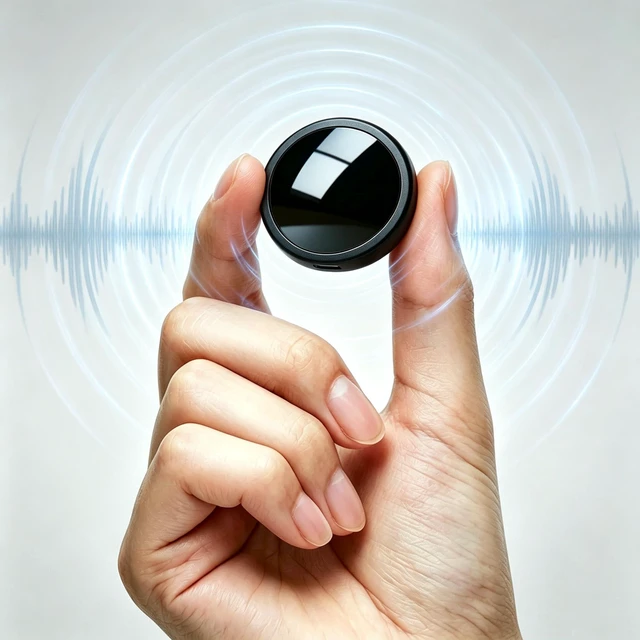
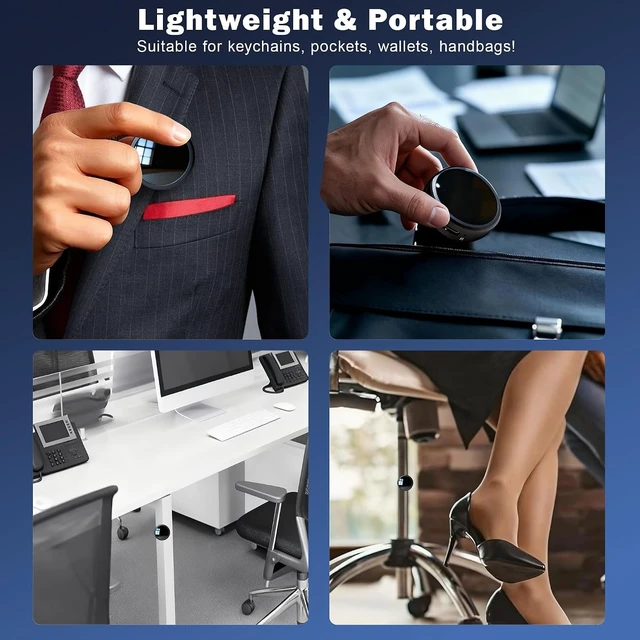
    • Pocket-Sized & Easy to CarryThis compact voice recorder is lightweight and discreet, making it simple to slip into your pocket or bag. Ideal for meetings, lectures, interviews, or travel, it lets you capture important audio anytime without drawing attention.
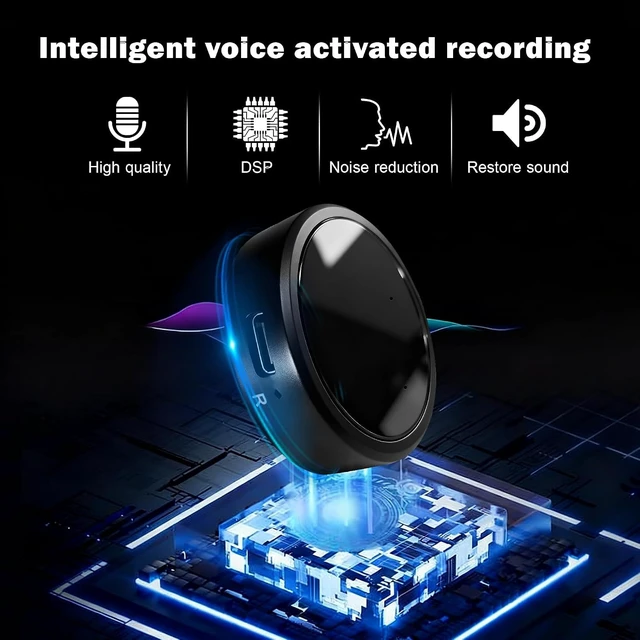
    • Clear & Natural Audio with Noise ReductionCapture every detail with enhanced clarity. The built-in intelligent noise reduction technology helps minimize background interference, delivering clean and natural voice recordingseven in noisy surroundings.
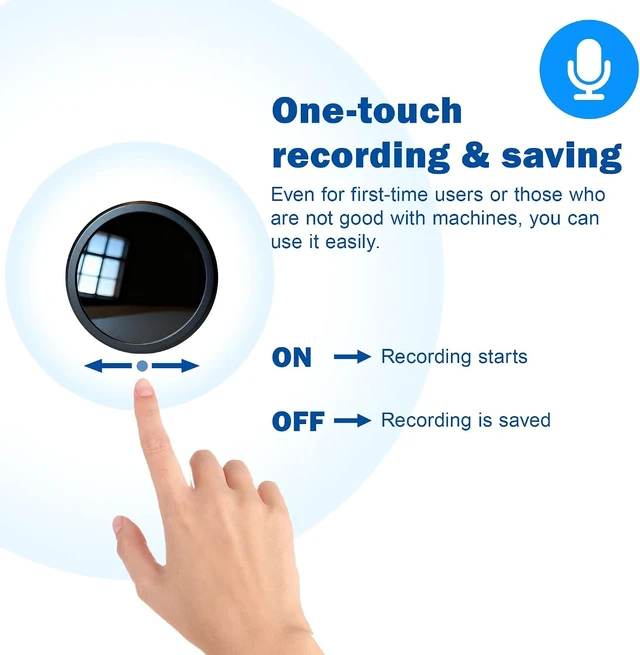
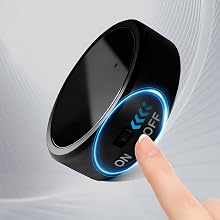
    • One-Switch Easy OperationDesigned for simplicity, this recorder features intuitive one-step control. Just slide to R to begin recording and switch to OFF to automatically save your file. No complicated settingsquick, smooth, and reliable so you never miss important moments.
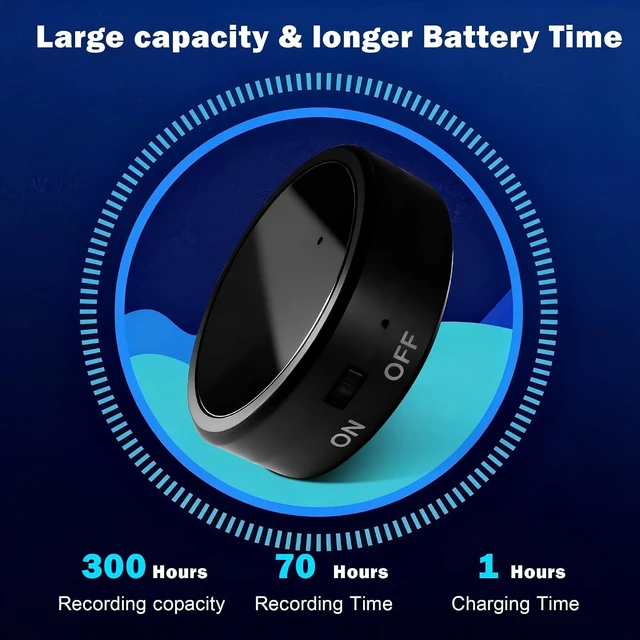
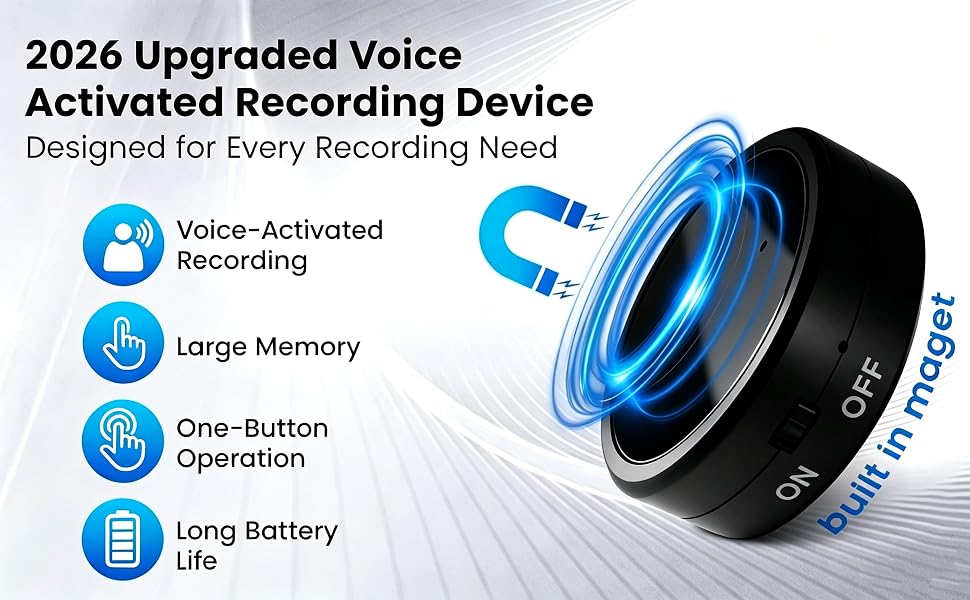
    • Large Storage & Long-Lasting BatteryFeaturing 16GB built-in memory and a durable rechargeable battery, this recorder supports up to 300 hours of recording time. Ideal for extended meetings, lectures, interviews, or travel, ensuring reliable performance without frequent charging or file transfers.
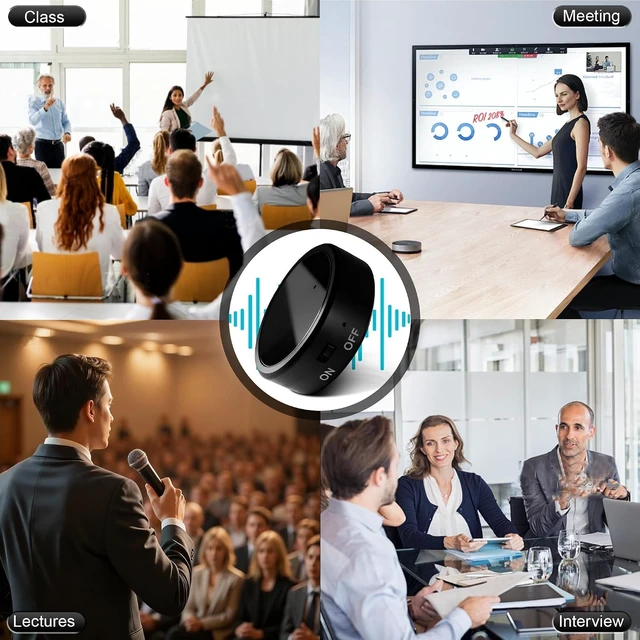
    • Versatile for Work, Study & Everyday UseDesigned for students, journalists, professionals, and travelers, this recorder makes it easy to capture lectures, interviews, meetings, or personal ideas on the go. A practical and compact tool to help you stay organized, accurate, and efficient in daily life.
    +
    +
    Overview
    Specs
    Reviews
    avatar

    Any questions? Our AI mode will help you find out quickly.

    Voice Recorder

    recoding device

    How to Start and Stop Recording

    • Charge Before Use: Please fully charge the device before recording.
    • One-Touch Operation: Flip the switch to ON ? Recording starts automatically. Flip the switch to OFF ? Recording stops and is saved.

    RECORDING DEVICE

    How to Use Voice-Controlled Recording Mode

    • Connect the device to your computer with the included USB data cable.
    • Open the removable hard drive on your computer.
    • Locate the "recset" folder.
    • Change "VOR:0" ? "VOR:1", then save the file.

    Remember to save after editing, otherwise changes won’t apply.

    RECORDING DEVICE

    How to Delete Recordings

    • Connect the device to your computer with the included USB data cable.
    • Open the removable hard drive.
    • Find the "RECORD" folder.
    • Select the file you want to delete ? Right click ? Delete.
    recoding device

    How to Play Back Recordings

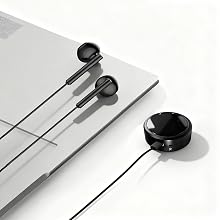
    • Option 1: Using Headphones Plug in headphones and listen directly.
    • Option 2: Using a Computer Connect the device to your computer. Open the removable hard drive. Go to the "RECORD" folder. Select the recording file ? Click to play.

    recoding device
    recording device
    Voice Recorder
    recoding device

    How to Start and Stop Recording

    • Charge Before Use: Please fully charge the device before recording.
    • One-Touch Operation: Flip the switch to ON ? Recording starts automatically. Flip the switch to OFF ? Recording stops and is saved.

    RECORDING DEVICE

    How to Use Voice-Controlled Recording Mode

    • Connect the device to your computer with the included USB data cable.
    • Open the removable hard drive on your computer.
    • Locate the "recset" folder.
    • Change "VOR:0" ? "VOR:1", then save the file.

    Remember to save after editing, otherwise changes won’t apply.

    RECORDING DEVICE

    How to Delete Recordings

    • Connect the device to your computer with the included USB data cable.
    • Open the removable hard drive.
    • Find the "RECORD" folder.
    • Select the file you want to delete ? Right click ? Delete.

    recoding device

    How to Play Back Recordings

    • Option 1: Using Headphones Plug in headphones and listen directly.
    • Option 2: Using a Computer Connect the device to your computer. Open the removable hard drive. Go to the "RECORD" folder. Select the recording file ? Click to play.

    recoding device
    recording device
    300-Hour Voice Recorder | Mini Audio Recorder with Voice Activation Portable Recording Device for Meetings, Lectures, Interviews, and Car Use

    Warranty & Returns

    Warranty, Returns, And Additional Information

    Warranty

    • Please contact the Seller directly for warranty information. Warranty information may also be found on the Manufacturer's website.
    • CONTACT

    Return Policies

    Manufacturer Contact Info

    LOADING...