here!
here!
I’m your shopping assistant for PC builds, upgrades, and everything tech.
Got questions? Ask away!
Start a conversation
here!
I’m your shopping assistant for PC builds, upgrades, and everything tech.
Got questions? Ask away!
Start a conversation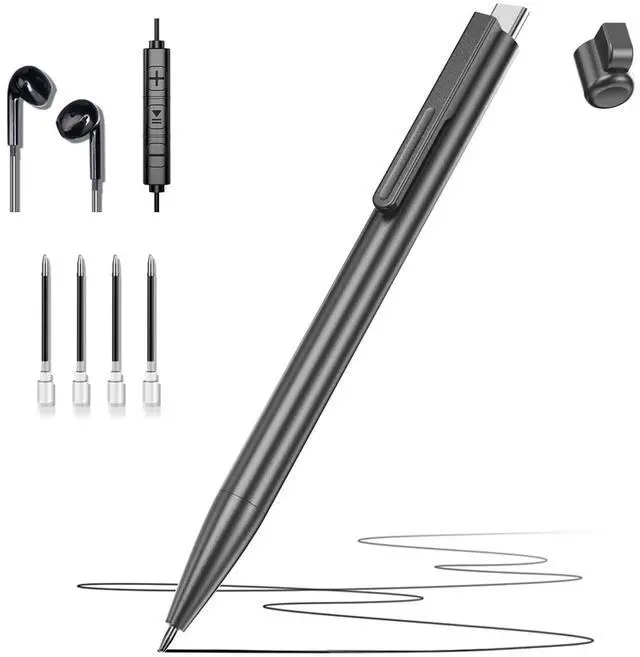



Any questions? Ask CelesteSM will help you find out quickly.
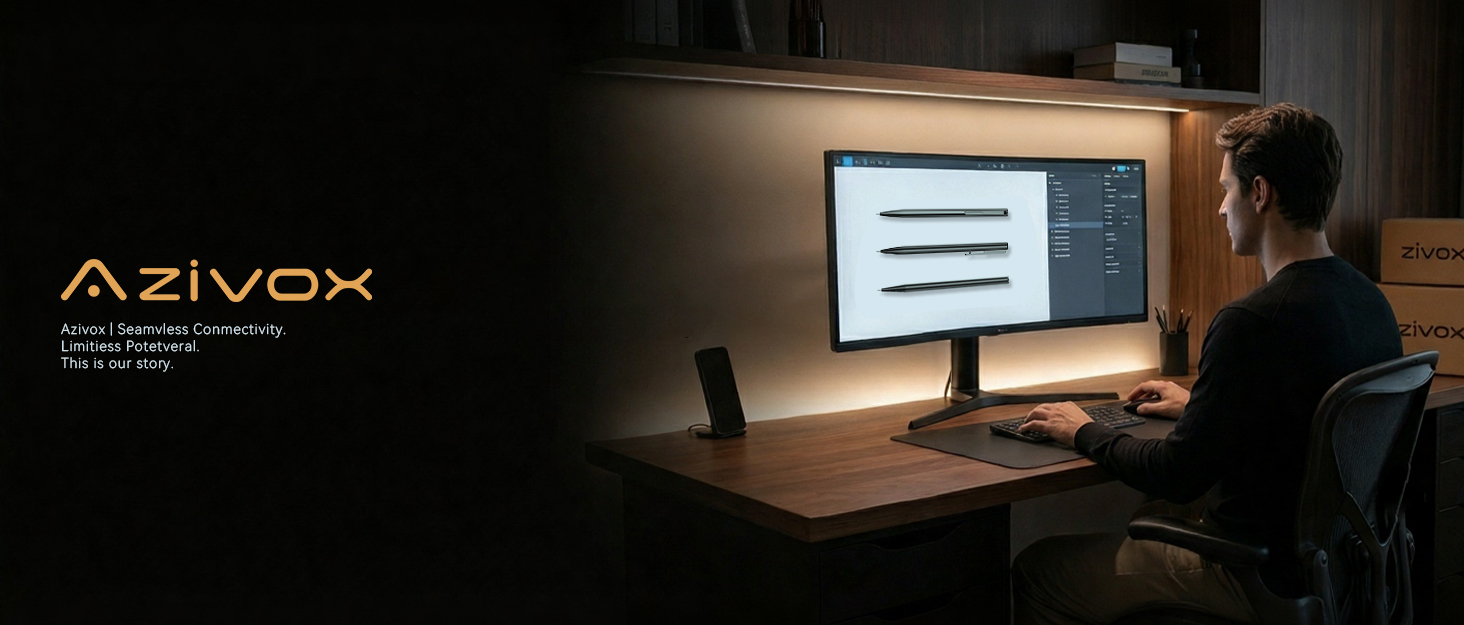

At Azivox, we believe that every memory is unique and deserves to be captured perfectly. That’s why we’re dedicated to creating the best digital voice recorders, designed to simplify the recording process and deliver exceptional audio quality.
As the years went by, Azivox continued to grow and evolve, always staying true to its core mission: to empower people to capture life’s


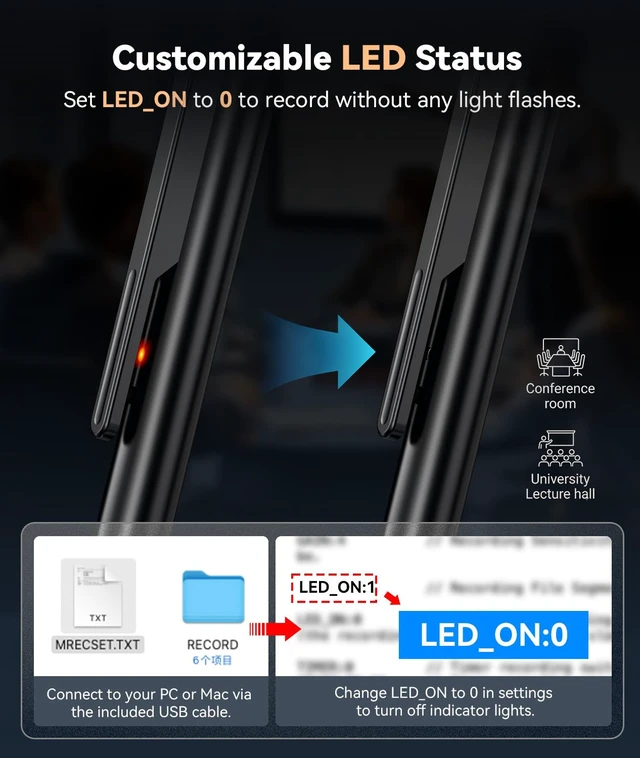
Does the indicator light stay on while recording?
By default, the red light flashes while recording. You can connect the device to a PC or Mac and disable it in the settings. Once turned off, the light stays off during recording — it only turns red when paused to indicate standby.
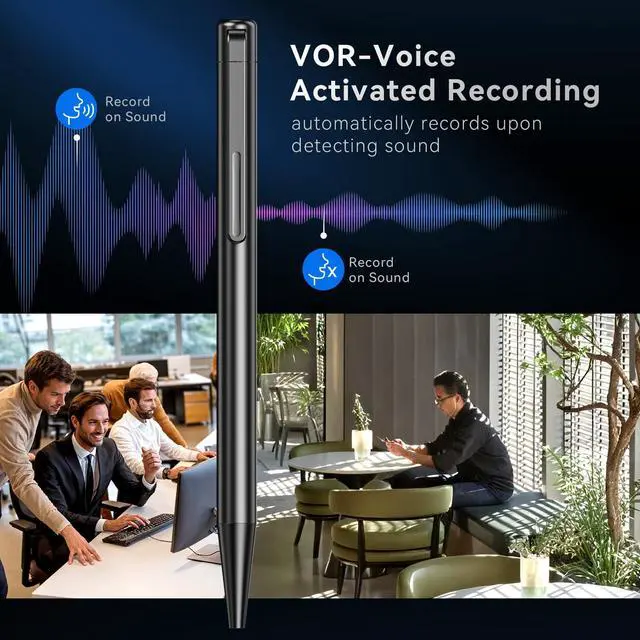
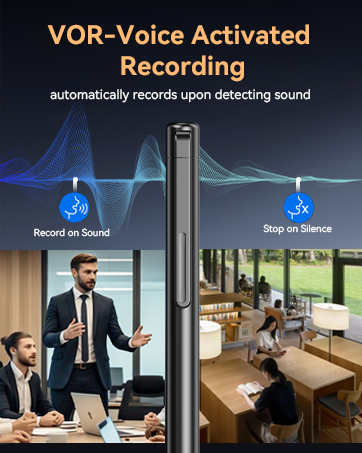
Can I adjust the voice activation sensitivity?
Yes! It has 7 adjustable sensitivity levels, from 0 to 7. Just connect the device to your computer and adjust the settings. The higher the level, the more sensitive it is to surrounding sounds.
How do I play back recordings on this device?
Playback options:
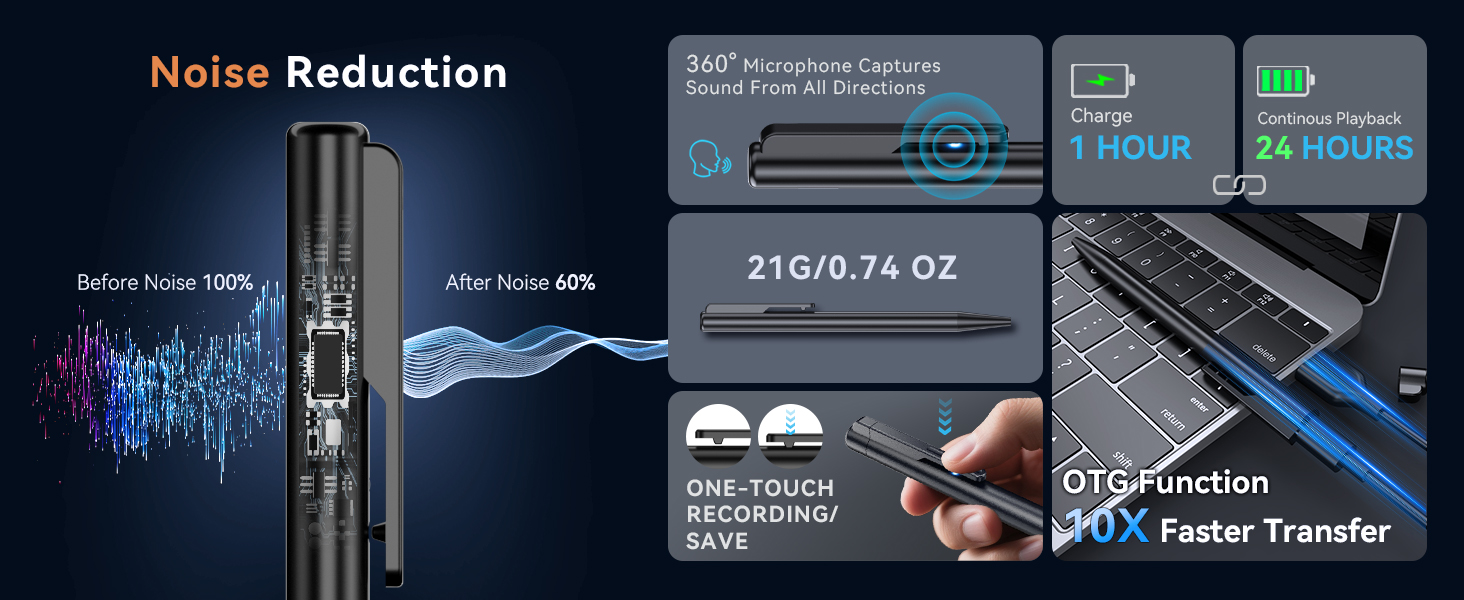
1. Plug in the included earphones for instant playback
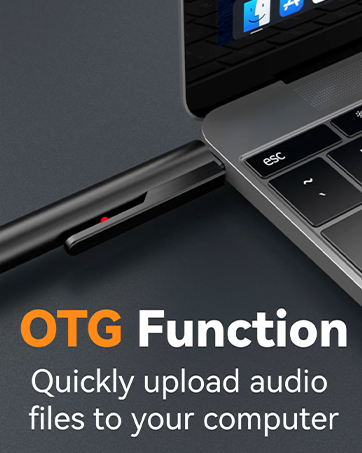
2. Connect to your computer or phone to access files
Supports OTG on Type-C phones. Non-Type-C ports will need an adapter (sold separately).
Does this device support transcription?
This device doesn't transcribe audio on its own, but here's a workaround: upload your recordings to any AI tool and it'll handle both the transcription and the summary for you. No extra cost, no need to buy transcription credits.
How do I delete recordings?
To delete files, just plug the device into your phone or computer.


Does the indicator light stay on while recording?
By default, the red light flashes while recording. You can connect the device to a PC or Mac and disable it in the settings. Once turned off, the light stays off during recording — it only turns red when paused to indicate standby.
Can I adjust the voice activation sensitivity?
Yes! It has 7 adjustable sensitivity levels, from 0 to 7. Just connect the device to your computer and adjust the settings. The higher the level, the more sensitive it is to surrounding sounds.
How do I play back recordings on this device?
Playback options:
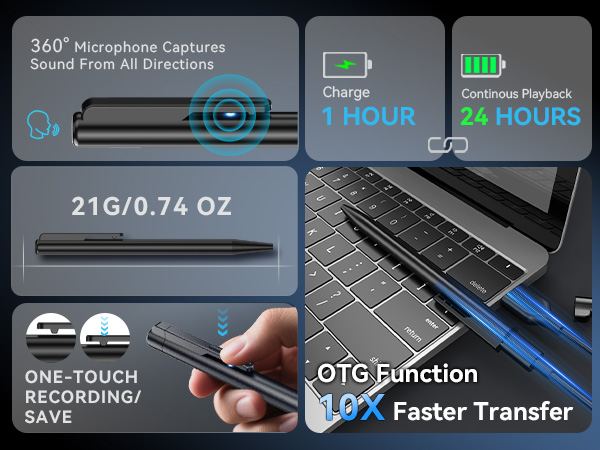
1. Plug in the included earphones for instant playback
2. Connect to your computer or phone to access files
Supports OTG on Type-C phones. Non-Type-C ports will need an adapter (sold separately).
Does this device support transcription?
This device doesn't transcribe audio on its own, but here's a workaround: upload your recordings to any AI tool and it'll handle both the transcription and the summary for you. No extra cost, no need to buy transcription credits.
How do I delete recordings?
To delete files, just plug the device into your phone or computer.


At Azivox, we believe that every memory is unique and deserves to be captured perfectly. That’s why we’re dedicated to creating the best digital voice recorders, designed to simplify the recording process and deliver exceptional audio quality.
As the years went by, Azivox continued to grow and evolve, always staying true to its core mission: to empower people to capture life’s