here!
here!
I’m your shopping assistant for PC builds, upgrades, and everything tech.
Got questions? Ask away!
Start a conversation
here!
I’m your shopping assistant for PC builds, upgrades, and everything tech.
Got questions? Ask away!
Start a conversation
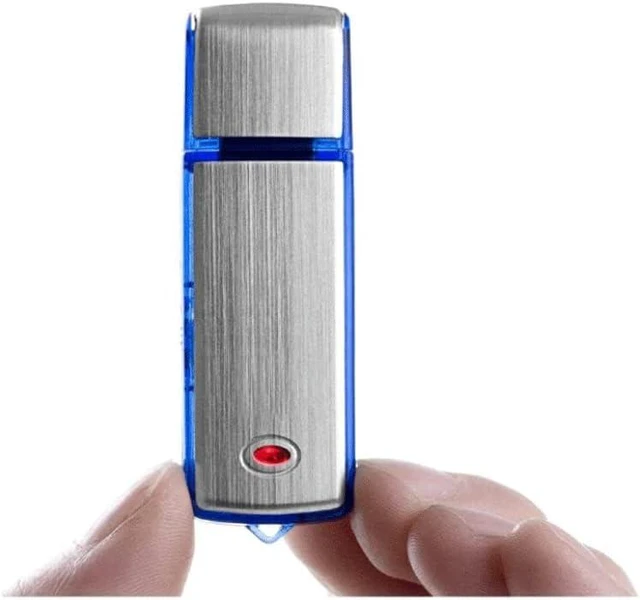
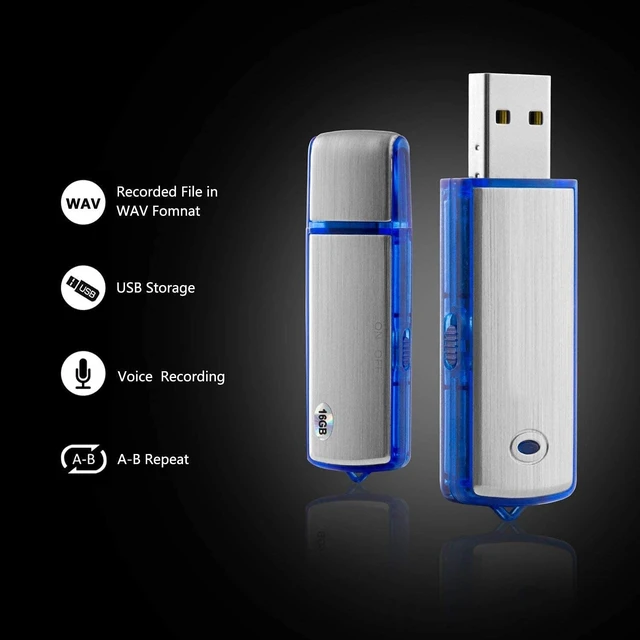
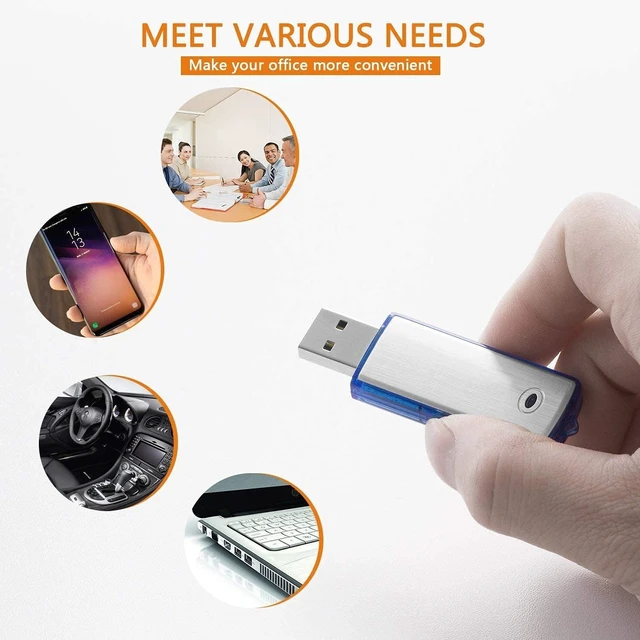



Any questions? Ask CelesteSM will help you find out quickly.
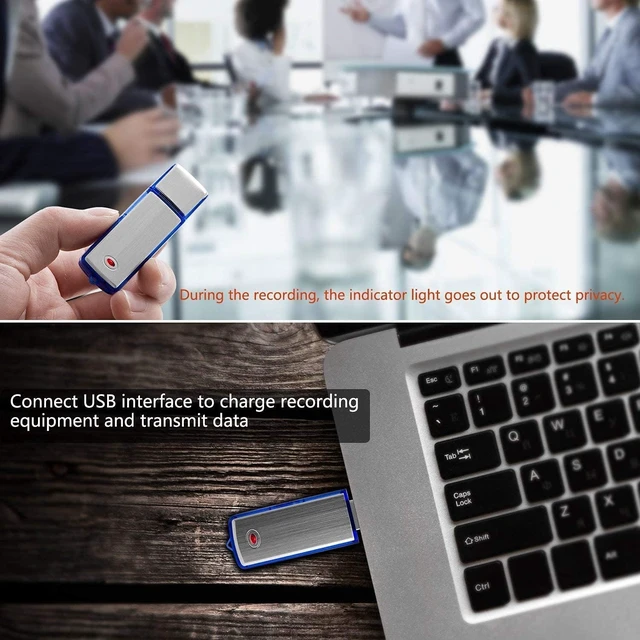
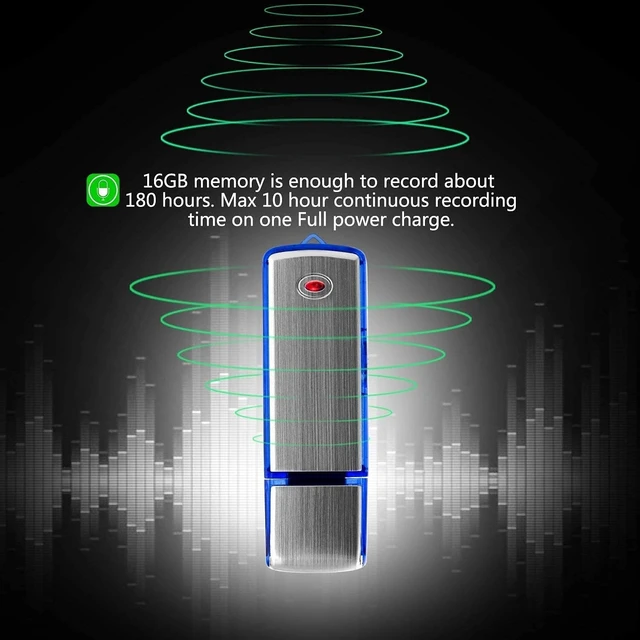
1.Switch to REC is Power on,Red LED light on then Change to Blue flash Thrice into Recording, Blue light off.The indicator light didn't go on during the recording. 2. Stops recording: Switch to STOP Red LED light on once to Save the Voice Recording as Files. Digital Recorder Power off. 3. Play: Connect to computer, copy recording files to the computer, and play recording via the computers Windows Media Player. 4.Connect Digital Recorder to your computer, the red light Slow blink, Starts charging up automatically. When the battery is full, the red light always on. 5. If you want to connect to your computer using it only as USB flash drives.Make sure the button kept stop 6. Do not interrupt recording: when recording and the battery is at low power state, Please shut down and connect to the computer or charger, and then turn on "REC". The blue light will flash slowly to continue recording. 7. Troubleshooting tips: the device can not work suddenly, do not worry, you only need to insert small sharp objects into the reset hole, and press the reset button, then this device can work again. 8.Cannot record: 1. The blue light is on, indicating that the memory is full, and the product cannot record, and it will automatically shut down after 25 seconds. 2. The red and blue lights will flash at the same time to indicate low power, and it will automatically shut down after 25 seconds. 3. No indicator light is on , Please charge for 30 minutes first, if there is no indicator light after charging, please take measures to troubleshoot and reset the product or contact the after-sales service. Thank you for choosing our company's product!