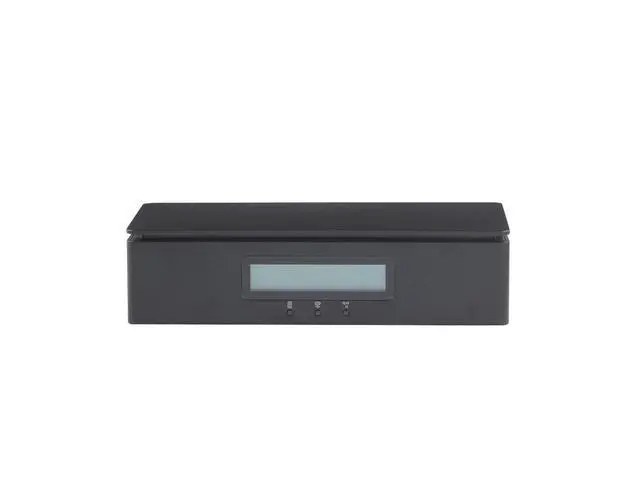
The HP Remote System Controller (7K6D7AA) is an external remote-management controller for compatible HP Z workstations, suited to IT teams that need remote console access and system management, including pre-boot access on supported platforms.
Recommended For
- IT teams managing compatible HP Z workstation fleets who need centralized remote monitoring and maintenance across multiple systems.
- Workstation administrators who need remote KVM access, power control, or system-status checks for supported HP Z desktops without relying on the host operating system.
- Organizations supporting compatible HP Z2 G9-or-later and Z4, Z6, or Z8 G5-or-later workstations that want remote support and maintenance from another location.
- IT staff deploying supported HP Z workstations who need remote access for hardware diagnostics, system information, or bare-metal imaging.
Real-World Use Scenarios
- When a compatible HP Z workstation at another site needs attention, an IT administrator can use remote KVM access to view and control it without traveling to the machine.
- If a workstation cannot boot into its operating system, support staff can use remote pre-boot access to inspect settings, make BIOS changes, or start recovery and re-imaging tasks.
- During a multi-workstation rollout, an IT team can use remote management and re-imaging tools to prepare compatible machines centrally, reducing the need to configure each one in person.
- For supported workstation models and required connections, an administrator can check host power status and manage power remotely when a machine is unresponsive or needs maintenance.
- When managing a workstation fleet, IT staff can use a shared management view to check system information and hardware status, helping them spot issues and plan support across multiple machines.




 here!