

Your Browsing History
- Free 30-day Returns
$44.99
Ships from China.




Meet Your Seller

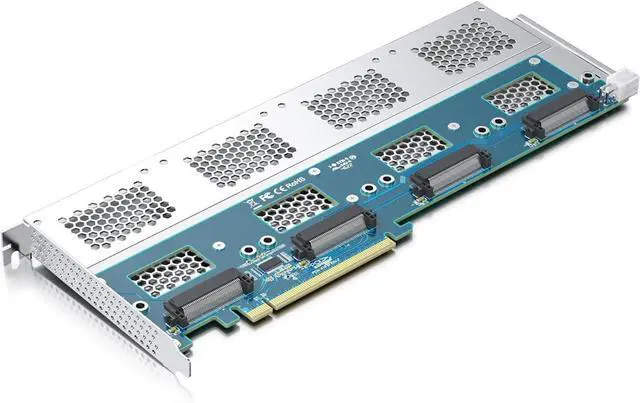
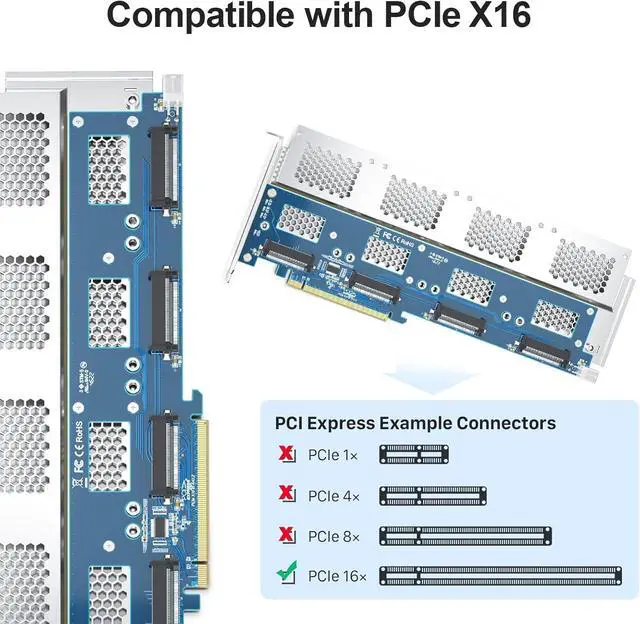
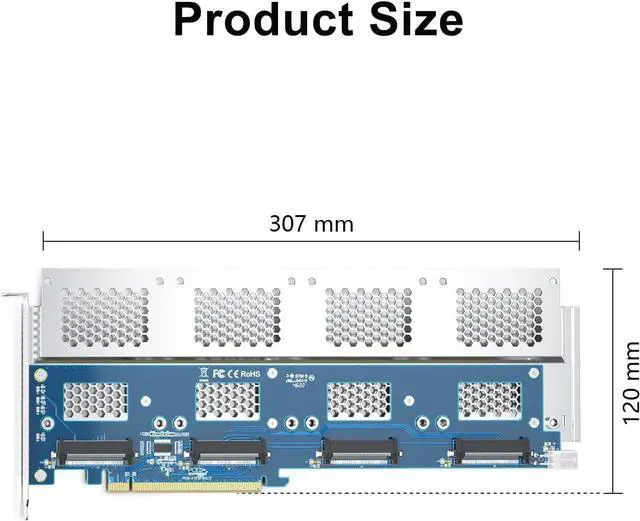
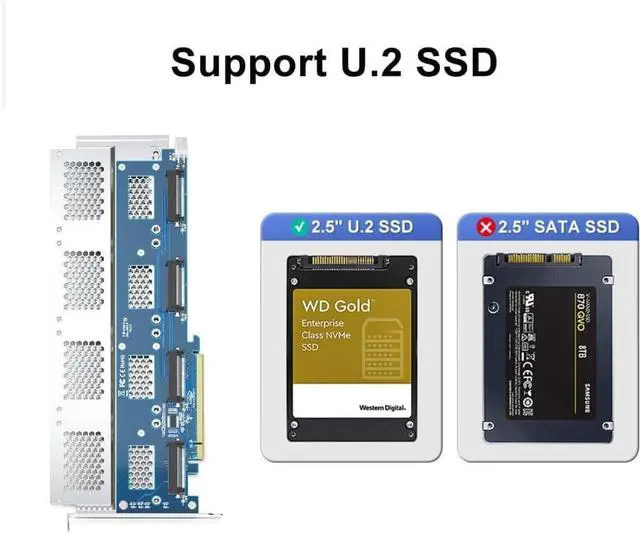
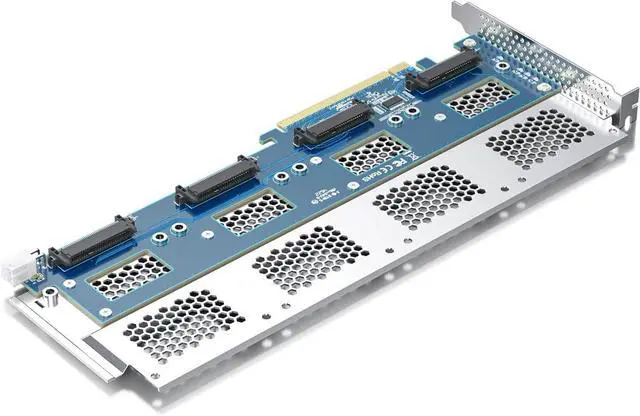
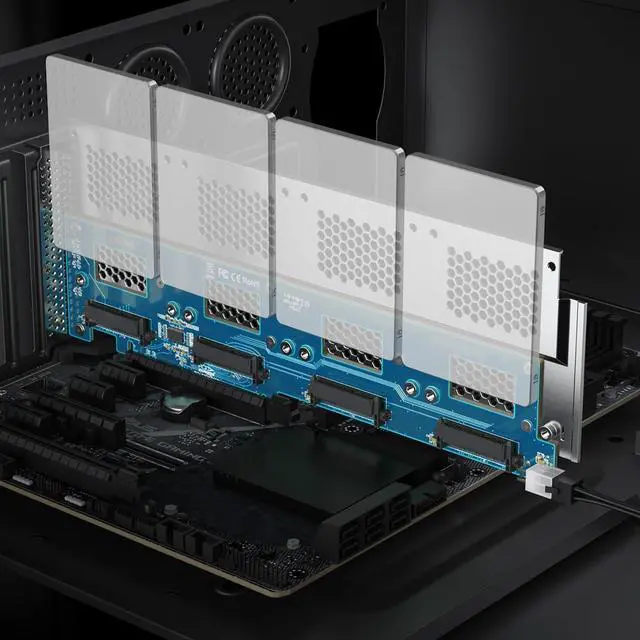


Quad U.2 to PCIe X16 Adapter, SFF-8639 to PCIe 3.0 X16 Card Without PCIe Bifurcation Function, Support 4 x U.2 SSD or Soft raid(PCIe Bifurcation Motherboard is Required)
- The U.2 NVMe adapter supports the use of 4x U.2 NVMe SSDs simultaneously, but the motherboard must be equipped with PCIe bifurcation function, and be able to set PCIe X4X4X4X4 or Hyper M.2 X16 mode (Note: X8X4X4 or X4X4X8 mode can only recognize 3 U.2 SSDs.)
+
+
Overview
Specs
Reviews

Any questions? Our AI mode will help you find out quickly.
Try me now
The U.2 NVMe adapter supports the use of 4x U.2 NVMe SSDs simultaneously, but the motherboard must be equipped with PCIe bifurcation function, and be able to set PCIe X4X4X4X4 or Hyper M.2 X16 mode (Note: X8X4X4 or X4X4X8 mode can only recognize 3 U.2 SSDs.)
Important: Because this adapter does not support PCIe Bifurcation, it requires a motherboard that supports PCIe Bifurcation. Otherwise, only the Port-1 port can recognize the U.2 SSD. Before purchasing, please check the PCIe expansion slot part of the motherboard manual on the motherboard manufacturer's website, or consult us directly
Support OS Booting: Reinstall the OS, and set up BIOS/UEFI boot from this U.2 SSD (Note: Some motherboards are too old to support OS booting. In this case, U.2 SSDs can be used as storage disks)
OS compatibility: Plug-and-play in Windows 11/10/8/Linux/Mac OS (Note: Not support Windows 7). The new U.2 SSD needs to be initialized and formatted before it can be recognized by the computer host
Friendly Service: Provides 24/7 Customer Service, 30 Days Free-returned, 1 Year Free Warranty and Lifetime Technology Support.
Important: Because this adapter does not support PCIe Bifurcation, it requires a motherboard that supports PCIe Bifurcation. Otherwise, only the Port-1 port can recognize the U.2 SSD. Before purchasing, please check the PCIe expansion slot part of the motherboard manual on the motherboard manufacturer's website, or consult us directly
Support OS Booting: Reinstall the OS, and set up BIOS/UEFI boot from this U.2 SSD (Note: Some motherboards are too old to support OS booting. In this case, U.2 SSDs can be used as storage disks)
OS compatibility: Plug-and-play in Windows 11/10/8/Linux/Mac OS (Note: Not support Windows 7). The new U.2 SSD needs to be initialized and formatted before it can be recognized by the computer host
Friendly Service: Provides 24/7 Customer Service, 30 Days Free-returned, 1 Year Free Warranty and Lifetime Technology Support.
Warranty & Returns
Warranty, Returns, And Additional Information
Warranty
- Please contact the Seller directly for warranty information. Warranty information may also be found on the Manufacturer's website.
- CONTACT
Return Policies
- Return for refund within: 30 days
- Return for replacement within: 30 days
- This item is covered by Connecting Technology Return Policy
Manufacturer Contact Info
- For a directory of all our manufacturers, please click below.
- Manufacturers Directory
LOADING...