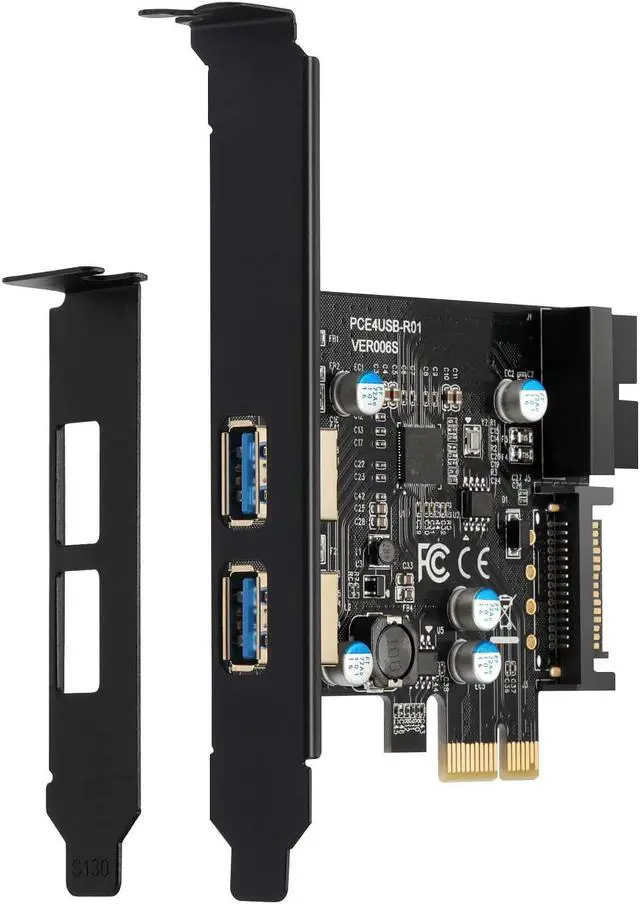
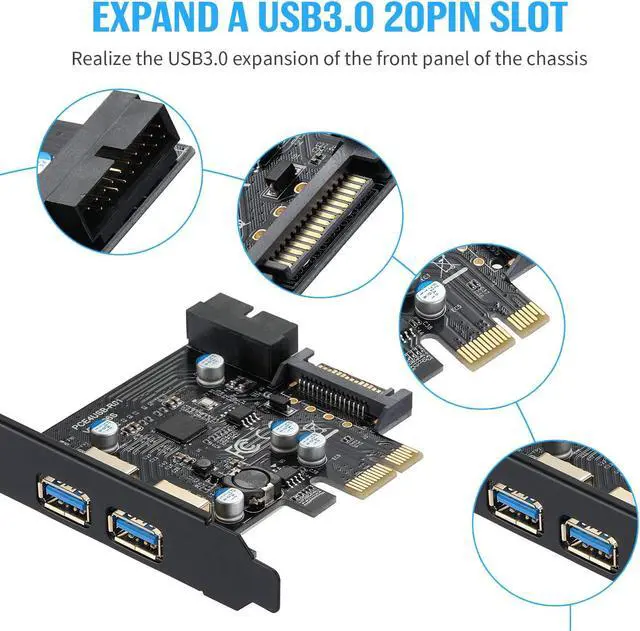
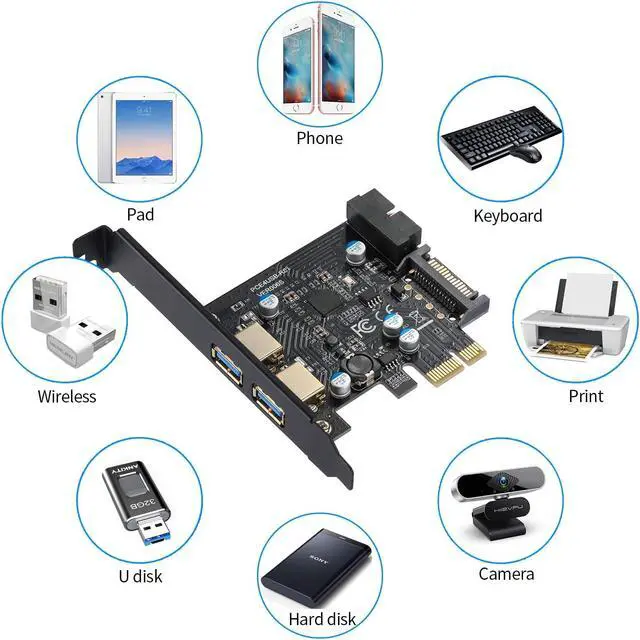
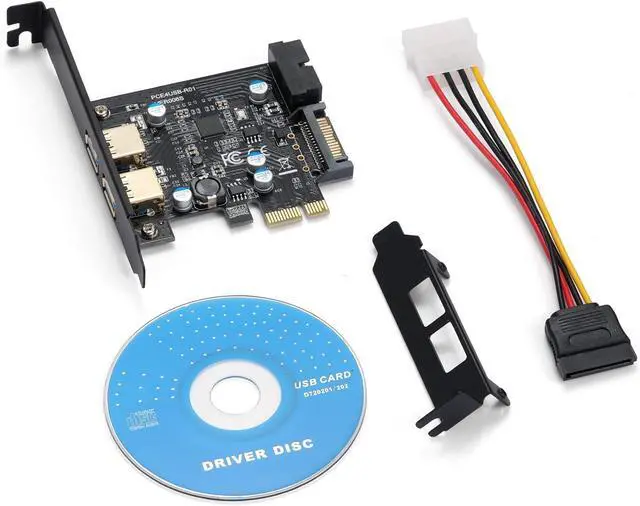
Multiport expansion cardThe PCI-E expansion card provides 2 external USB 3.1 Gen 1 ports (2 USB Type-A ports) for your computer. You can connect keyboard, mouse, external hard disks, CD/DVD drives, webcams, USB printers, scanners, game controllers, digital cameras, etc.
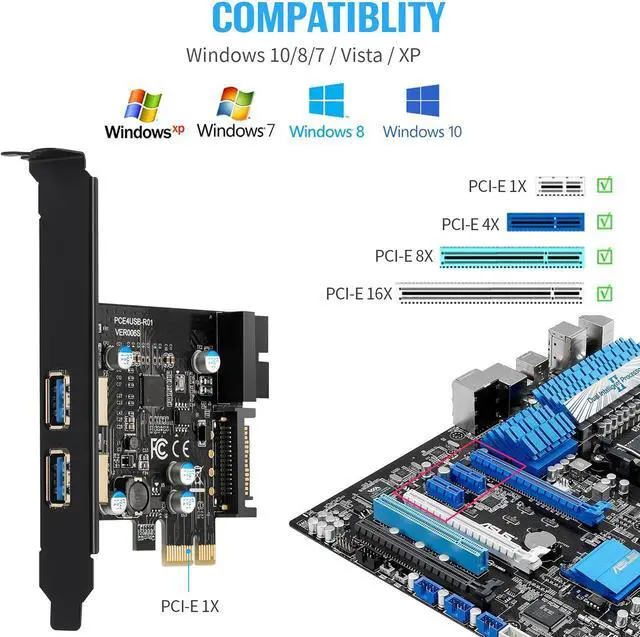
Extensive compatibility The card is compatible with Windows XP / 2003 / Vista/7/8/10/(32/64 bit). The card only requires the installation of a driver, which you can download from our CD driver if you are using Windows 7. Note: Windows XP,/Vista/7, Server, requires driver installation, Win10/Win8 does not require drivers.
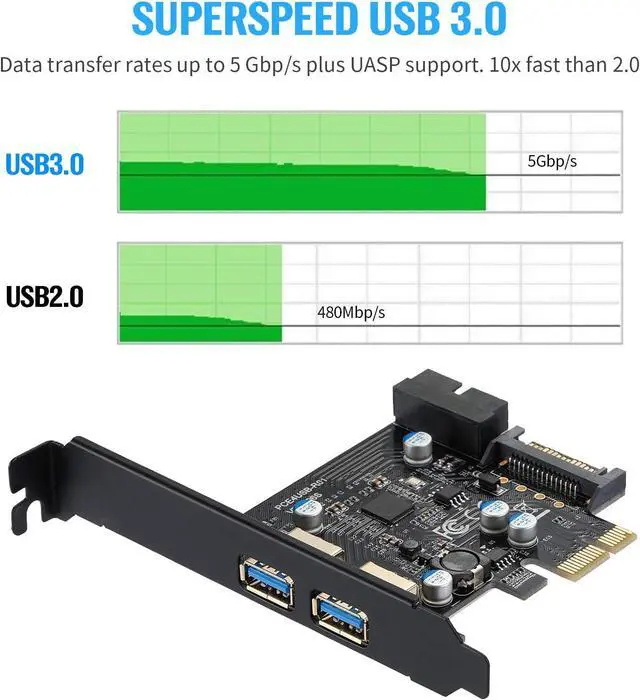
High-Speed Supports transfer rates of up to 5 Gbps when copying HD videos, music, photos and data files between USB devices and the computer at lightning-fast speeds. Note: The actual transfer speed is limited by the setting of the connected device.
Stable and easy to use The internal USB ports card is provided by the motherboard through the PCI Express 1X slot to ensure a stable connection and improve data transfer speed. Does not lose the connection problem like an external USB hub.
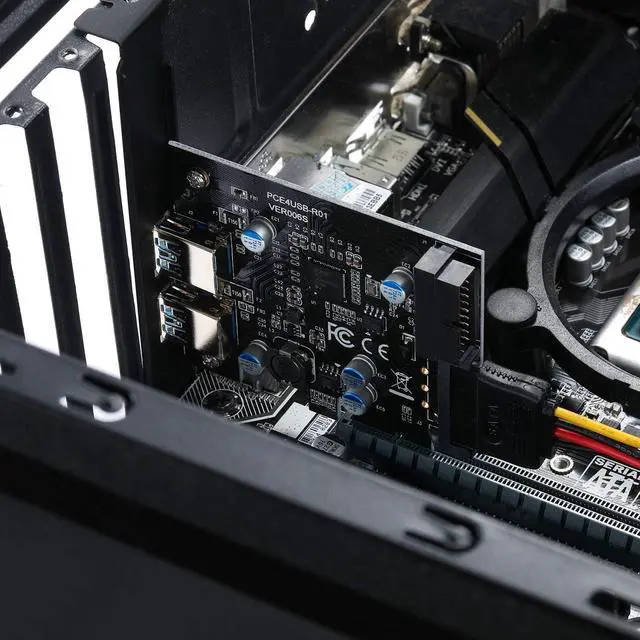
Easy to install Shut down the PC, disconnect the power supply, remove the PC case, slide the card into the PCIe socket and tighten the screws, and close the PC case cover, turn on the PC and install the driver. quick and easy installation, a simple solution to connect and use USB 3.0 devices on your standard desktop PC.





 here!
here!