Your Browsing History
- Free 30-day Returns
$22.99
Ships from China.
Meet Your Seller
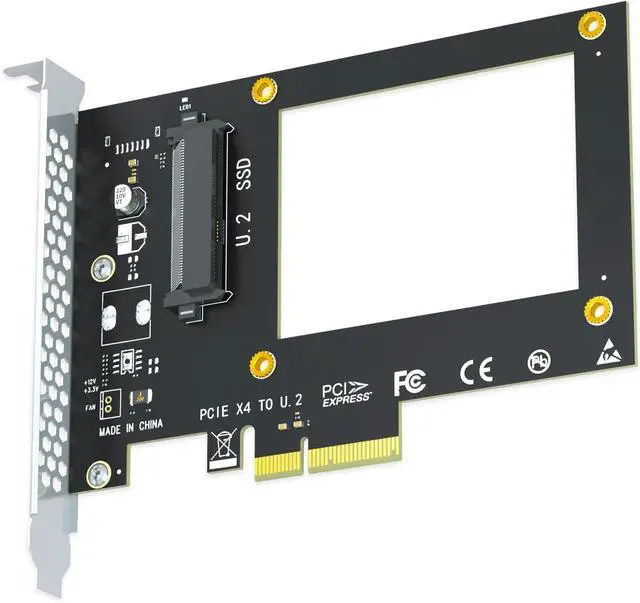
PU11 U.2 to PCIe 4.0 X4 Adapter for 2.5 Inch U.2 SSD, PCIe 4.0 X4 Full Speed
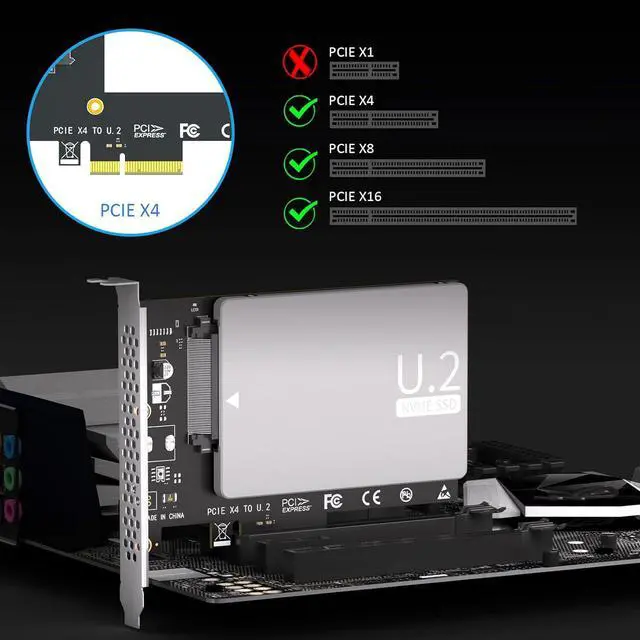
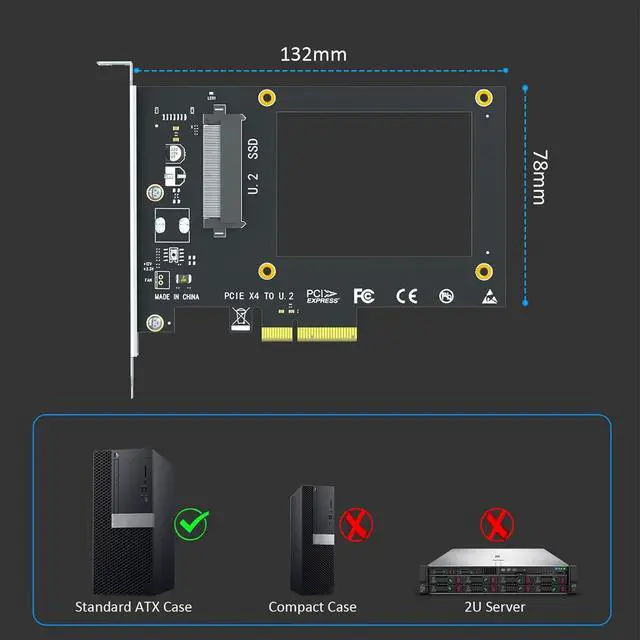
- U.2 to PCIe 4.0 X4 Adapter: It allows you to install a U.2 SSD into the U.2 (SFF-8639) slot by converting one PCIe X4/X8/X16 slot on the motherboard.
+
+
Overview
Specs
Reviews
Any questions? Our AI beta will help you find out quickly.
Try me now
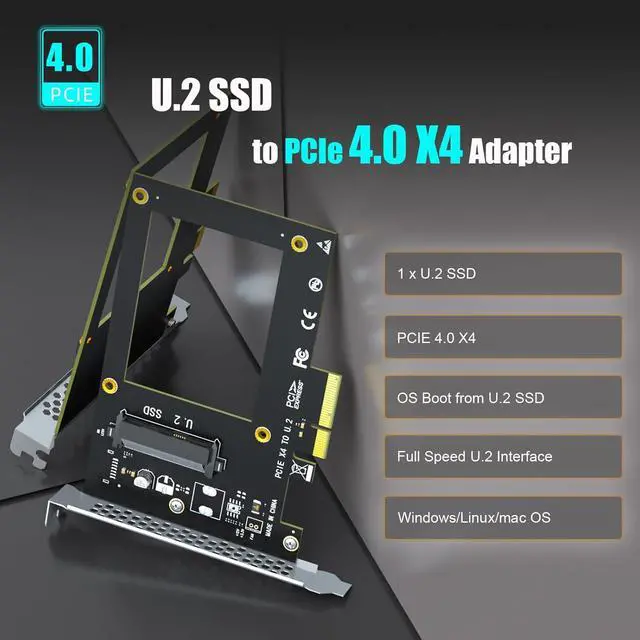
U.2 to PCIe 4.0 X4 Adapter: It allows you to install a U.2 SSD into the U.2 (SFF-8639) slot by converting one PCIe X4/X8/X16 slot on the motherboard.
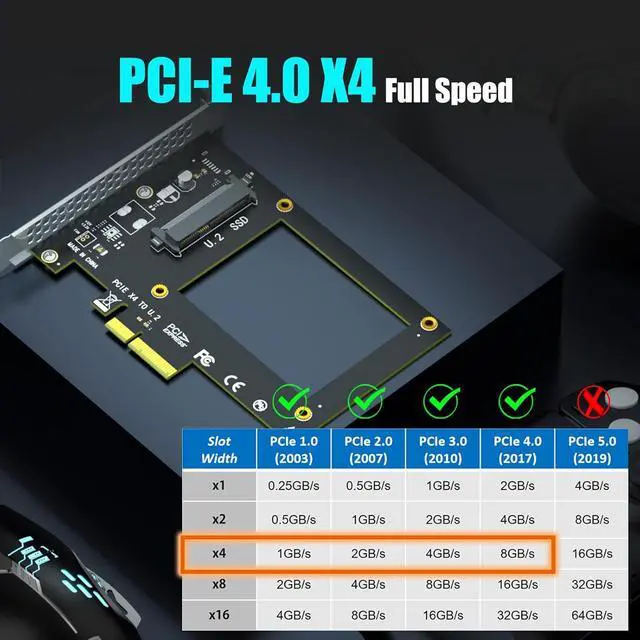
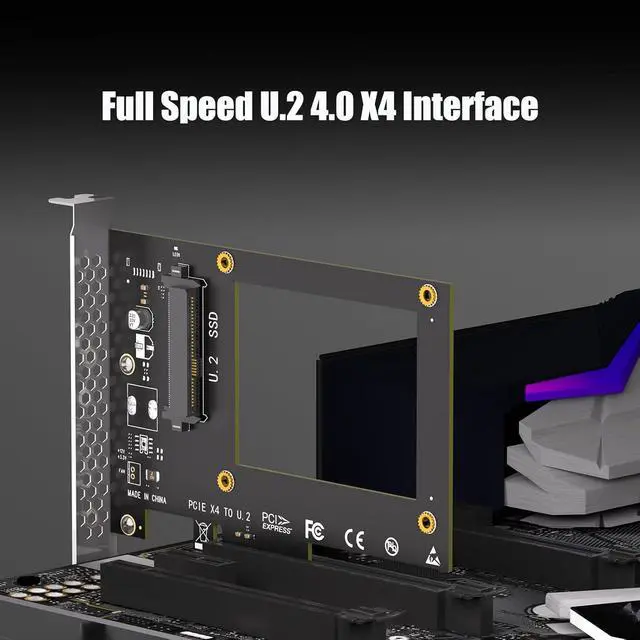
FCC and CE certified, Highly Reliable, and Stable PCIe X4 Full Speed: The U.2 SSD speed is unaffected, just as if it was installed on the motherboard
No limit to the capacity of the U.2 SSD: Support 4T/6T
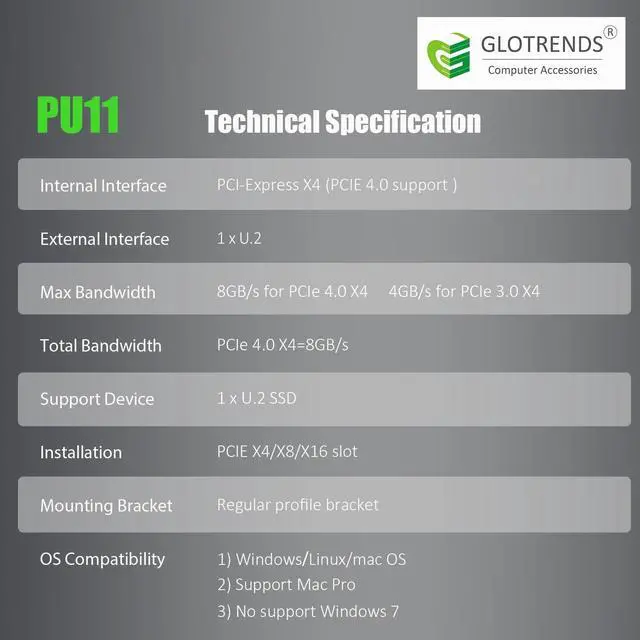
To reach PCIe 4.0 X4 (64Gbps) full speed, the CPU and motherboard PCIe slot and PCIe M.2 SSD should all be PCIe 4.0 features (Note: PCIe 4.0 is not supported on CPUs below 11th generation)
Support OS Booting: Reinstall the OS, and set up BIOS/UEFI boot from this M.2 NVMe SSD (Note: Some motherboards are too old to support OS booting. In this case, U.2 SSD can be used as storage disks)
OS compatibility: Plug-and-play in Windows 11/10/8/Linux/Mac OS (Note: Not support Windows 7). The new U.2 SSD needs to be initialized and formatted before it can be recognized by the computer host.

FCC and CE certified, Highly Reliable, and Stable PCIe X4 Full Speed: The U.2 SSD speed is unaffected, just as if it was installed on the motherboard
No limit to the capacity of the U.2 SSD: Support 4T/6T
To reach PCIe 4.0 X4 (64Gbps) full speed, the CPU and motherboard PCIe slot and PCIe M.2 SSD should all be PCIe 4.0 features (Note: PCIe 4.0 is not supported on CPUs below 11th generation)
Support OS Booting: Reinstall the OS, and set up BIOS/UEFI boot from this M.2 NVMe SSD (Note: Some motherboards are too old to support OS booting. In this case, U.2 SSD can be used as storage disks)
OS compatibility: Plug-and-play in Windows 11/10/8/Linux/Mac OS (Note: Not support Windows 7). The new U.2 SSD needs to be initialized and formatted before it can be recognized by the computer host.
Warranty & Returns
Warranty, Returns, And Additional Information
Warranty
- Please contact the Seller directly for warranty information. Warranty information may also be found on the Manufacturer's website.
- CONTACT
Return Policies
- Return for refund within: 30 days
- Return for replacement within: 30 days
- This item is covered by Connecting Technology Return Policy
Manufacturer Contact Info
- For a directory of all our manufacturers, please click below.
- Manufacturers Directory
LOADING...