

Your Browsing History






Any questions? Our AI beta will help you find out quickly.
Specifications
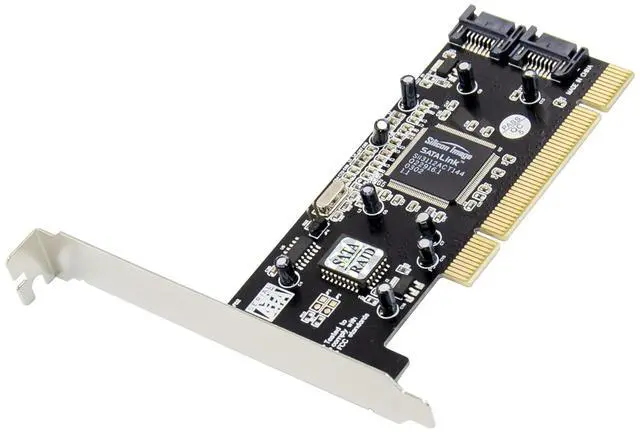
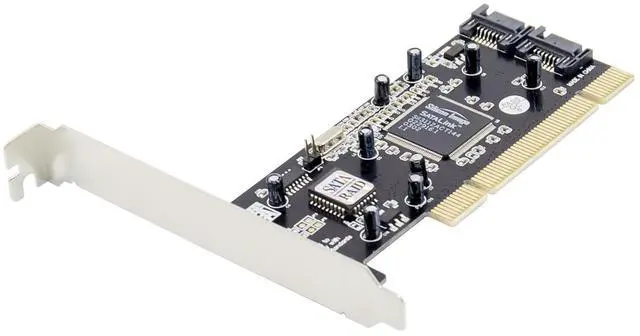
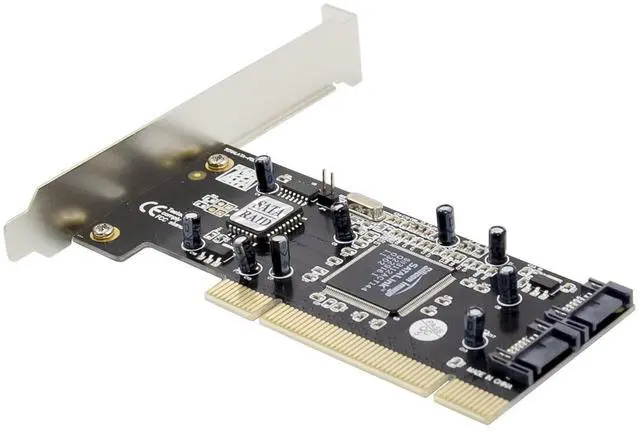
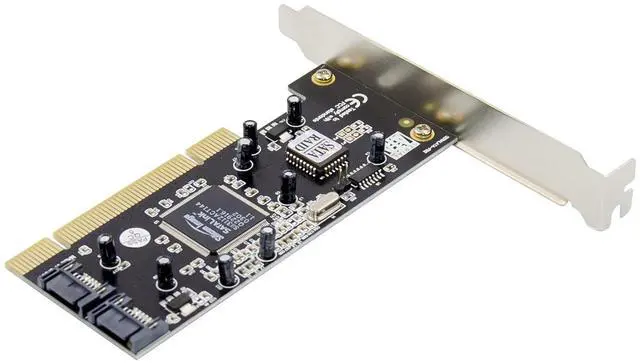
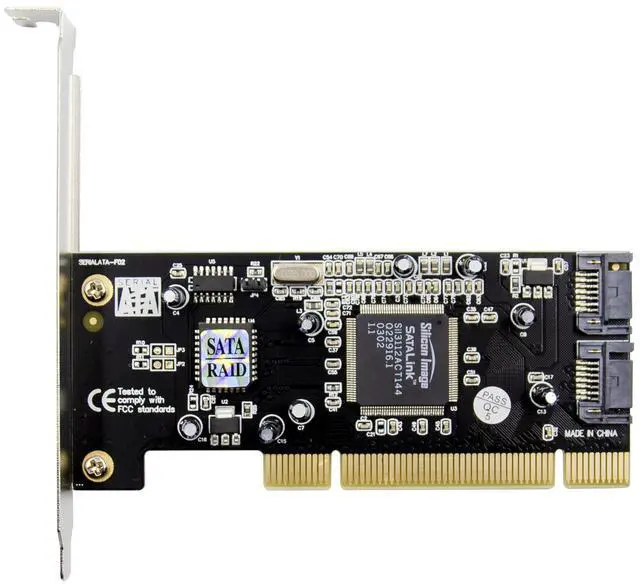
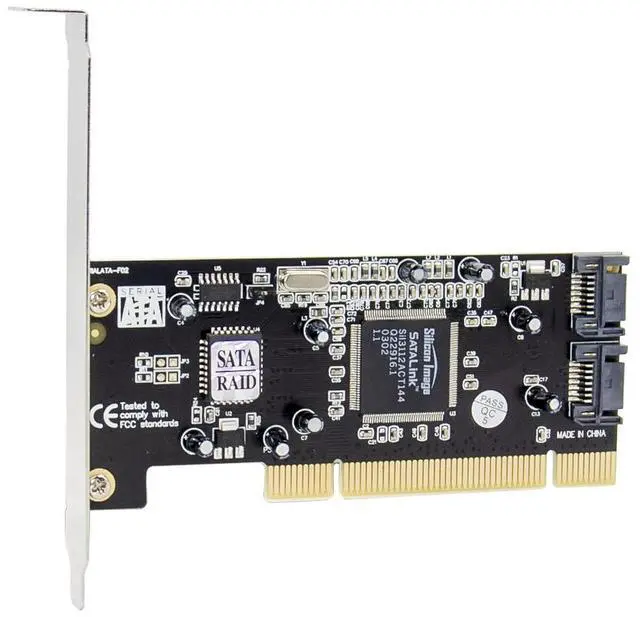
*Silicon Image SIL3112A Serial ATA(SATA) host controller chipset
*Compliant with Serial ATA Specification Revision 1.0
*Supports Serial ATA Generation 1 transfer rate of 1.5Gb/s (150MB/s)
*Compliant with PCI IDE Controller Specification Revision1.0
*Compliant with PCI Specification Revision 2.2
*Compliant with Programming Interface for Bus Masster IDE Controller Revision1.0
*Supports two independent Serial ATA channels
*Independent 256byte FIFO per Serial ATA channels for host read and write
RAID Functions(Optional)
*Supports RAID Function 0 or 1
*Supports co-exist RAID set and Non-RAID HDD
*Allow HDD with different size to be configured in a RAID set
BIOS Setup
If you already have a bootable hard disk connected to the main board IDE controller, but want to use the SATA hard disk connect to the Serial ATA host controller card as default bootable drive (Drive C).You need to set the main board BIOS to boot SCSI first. Please refer to the main board user manual for details.
Accessories
*1x User Manual
*1x Serial ATA host controller Card
*1x Serial ATA Cable
*1x Driver CD
Hardware Description
There are 2 SATA ports and 1 eSATA port. We name these ports from J1 to J3. Changing the jumper setting allows you to select between external and internal ports to use(J1 or J3).
Driver Installation
This Serial ATA host controller card has two sets of driver.
a)SIL3112RAID: Serial ATA host controller card(with RAID Function)
b)SIL3112: Serial ATA host controller card(without RAID Function)