




 here!
here!
I’m your shopping assistant for PC builds, upgrades, and everything tech.
Got questions? Ask away!
Start a conversation
here!
I’m your shopping assistant for PC builds, upgrades, and everything tech.
Got questions? Ask away!
Start a conversation
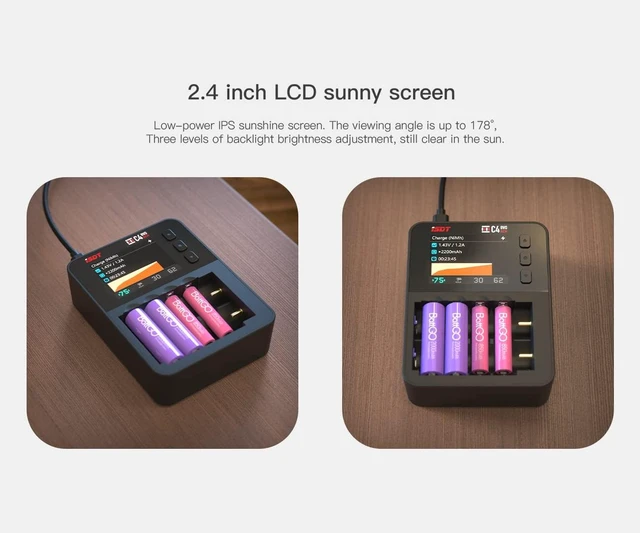



Any questions? Ask CelesteSM will help you find out quickly.
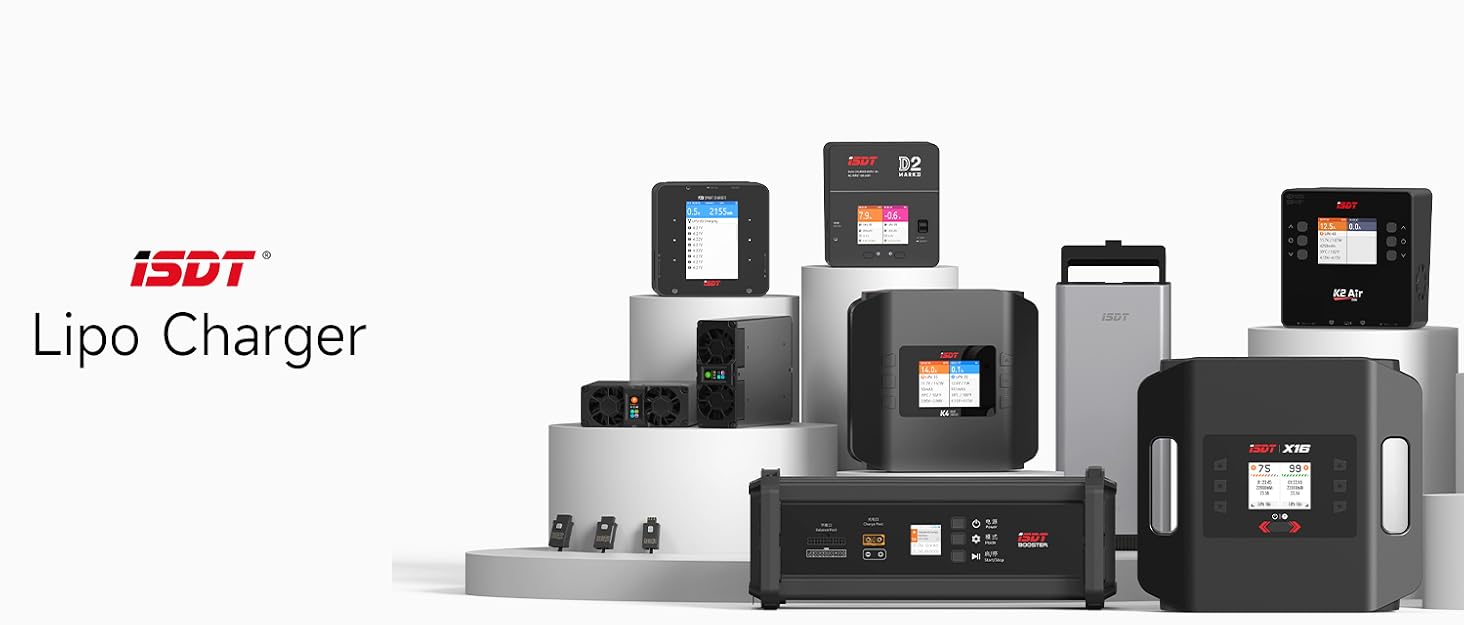

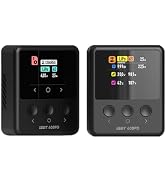
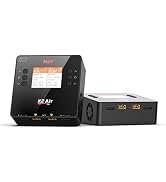
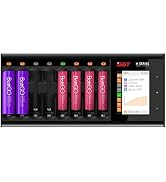
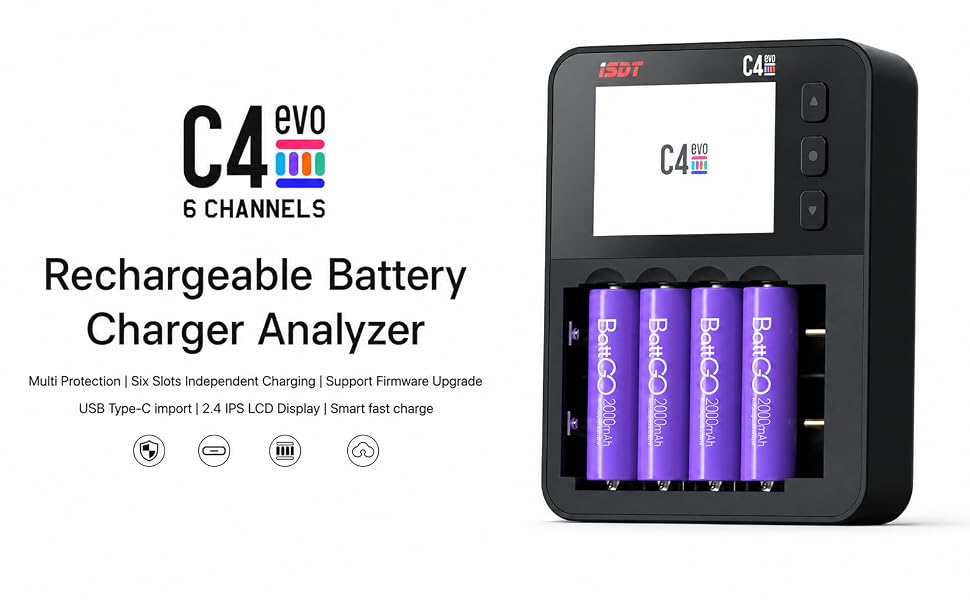
Nova New Energy gained there reputation from ISDT for their exceptional performance, reliability, and user-friendly features. Whether you're a hobbyist or a professional, iSDT chargers provide a convenient and efficient solution for charging your batteries equipment, allowing you to focus on enjoying your devices or activities without worrying about battery performance.
FAQ
Q: Why does the charger restart or flash during charging?
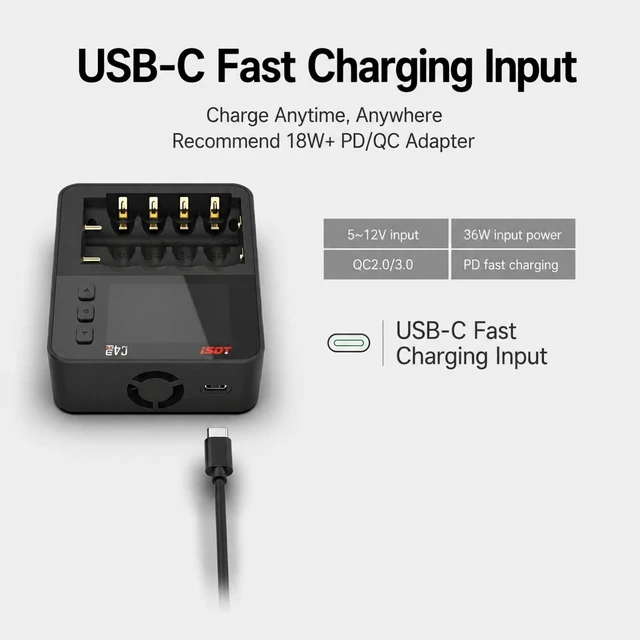
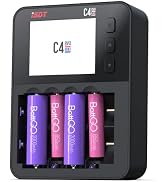
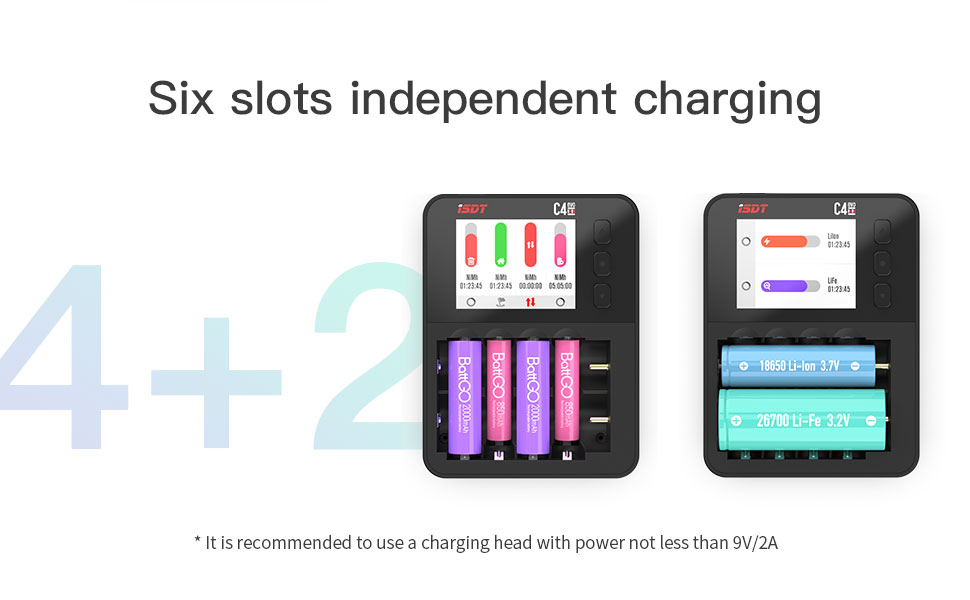
A: The C4EVO requires a fast-charging USB-C adapter (PD/QC) with at least 18W output. Low-power adapters may cause restarting, flashing, or unstable charging.
Q: Why does the battery get warm during charging?
A: The default current is up to 1.5A for faster charging, which may cause warmth. For lower heat and longer battery life, we recommend reducing it to around 0.6A.
Q: How do I charge 1.5V Li-ion batteries?
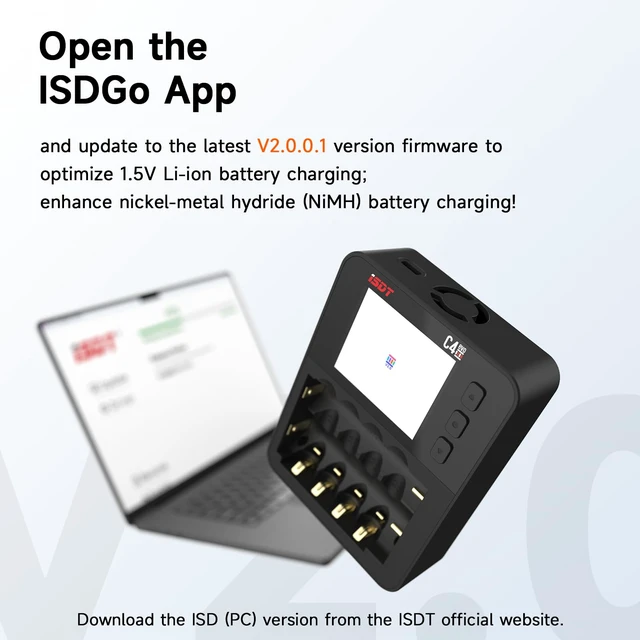
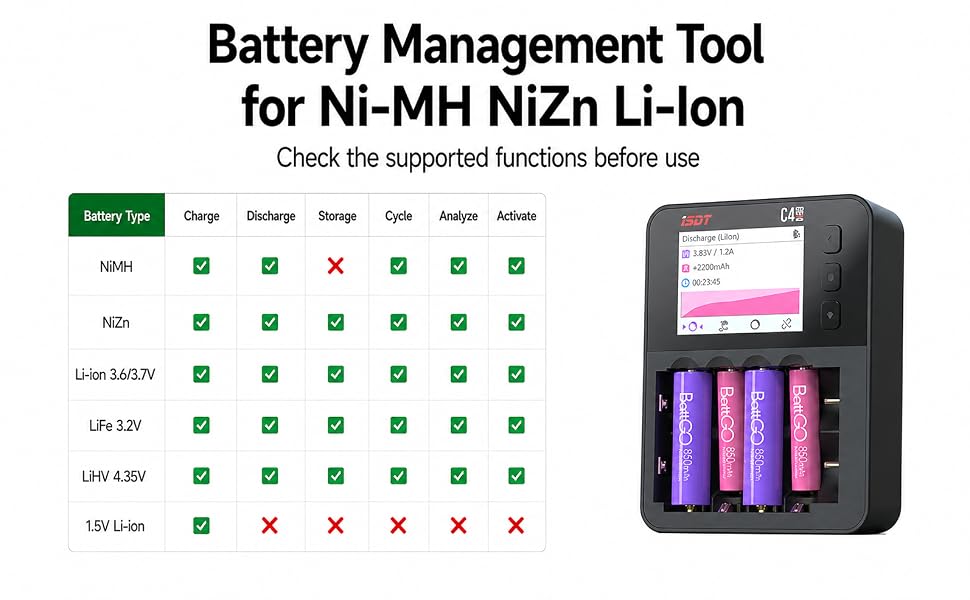
A: Update C4EVO to firmware V2.0.0.1 or later using Windows only. Then manually select “1.5V Li-Ion” mode—not the standard “Li-Ion” mode—before charging.
Q: Can C4EVO discharge or analyze 1.5V Li-ion batteries?
A: No. For 1.5V rechargeable Li-ion batteries, C4EVO supports charging only. Discharge, Analysis, Cycle, and other maintenance modes are not available.
Q: What is Destroy mode used for?
A: Destroy mode safely discharges batteries before disposal. It is designed for damaged or unwanted batteries and is not intended for normal daily use.
FAQ
Q: Why does the charger restart or flash during charging?
A: The C4EVO requires a fast-charging USB-C adapter (PD/QC) with at least 18W output. Low-power adapters may cause restarting, flashing, or unstable charging.
Q: Why does the battery get warm during charging?
A: The default current is up to 1.5A for faster charging, which may cause warmth. For lower heat and longer battery life, we recommend reducing it to around 0.6A.
Q: How do I charge 1.5V Li-ion batteries?
A: Update C4EVO to firmware V2.0.0.1 or later using Windows only. Then manually select “1.5V Li-Ion” mode—not the standard “Li-Ion” mode—before charging.
Q: Can C4EVO discharge or analyze 1.5V Li-ion batteries?
A: No. For 1.5V rechargeable Li-ion batteries, C4EVO supports charging only. Discharge, Analysis, Cycle, and other maintenance modes are not available.
Q: What is Destroy mode used for?
A: Destroy mode safely discharges batteries before disposal. It is designed for damaged or unwanted batteries and is not intended for normal daily use.
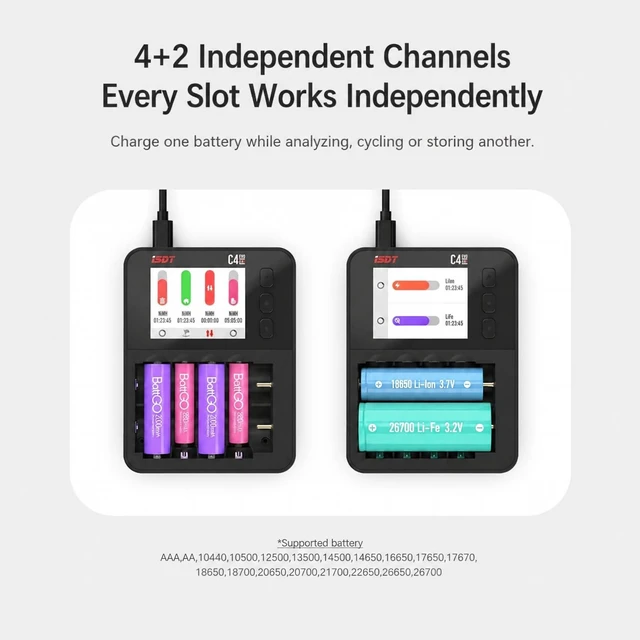
| Battery Size | AAA,AA,10440,10500,12500,13500,14500, 14650,16650,17650,17670,18650,18700, 20650,20700,21700,22650,26650,26700 |
| Support Battery Type | NiMH, NiZn, 3.7V Li-Ion, LiFe, LiHv, 1.5V Li-Ion |
| Operating Voltage Range | 5~12V(Support QC, PD protocol) |
| Charge Current Range | 0.1~3.0A(Horizontal),0.1~1.5A(Vertical) |
| Discharge Current Range | 0.1~1.5A(Horizontal),0.1~1.0A(Vertical) |
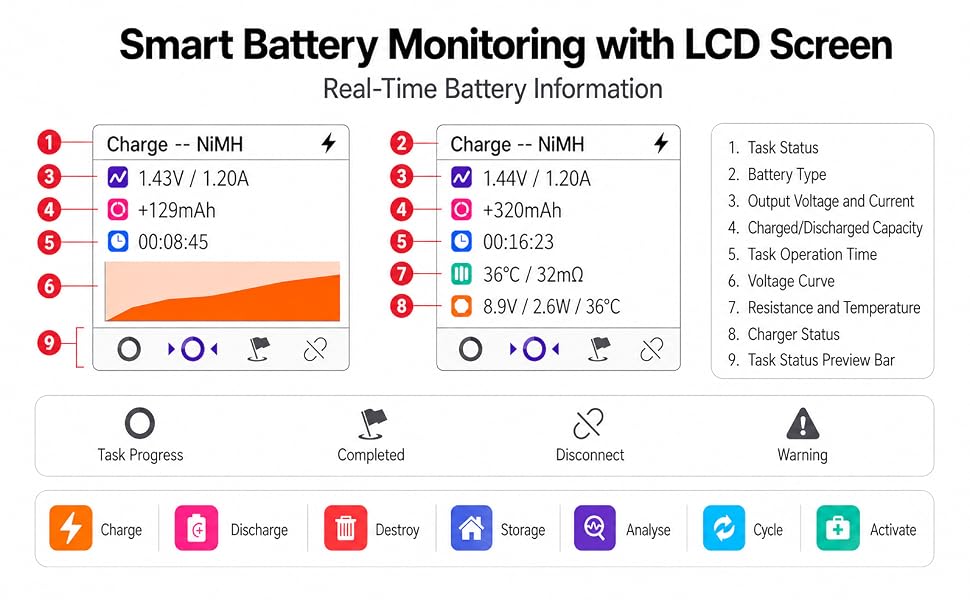
| Operation Modes | Charge, Discharge, Store, Destroy, Cycle, Activate, Analyze |
| Display | 320×240 IPS LCD |
| Voltage Measurement | ±10mV |
| Current Measurement | ±10mA |
| Standby Current Drain | <0.05mA/battery |
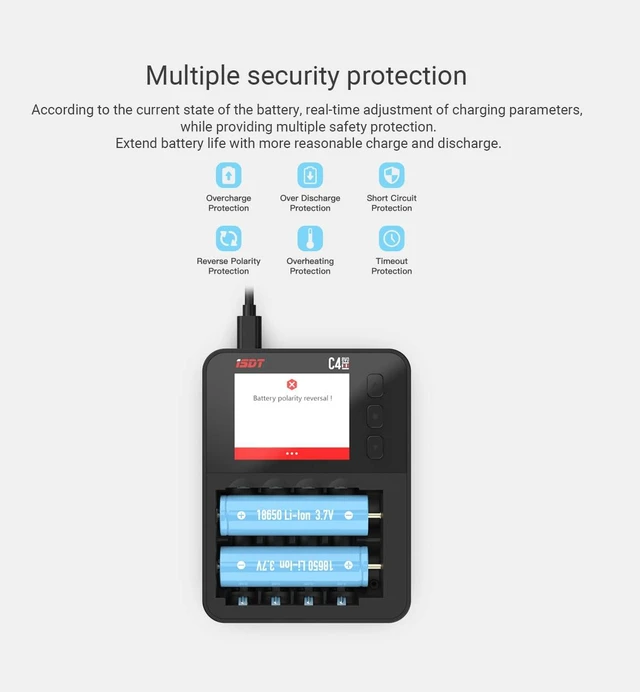
| Reverse Polarity Protection | Vertical physical anti-reverse connection, horizontal hardware anti-reverse connection |
Nova New Energy gained there reputation from ISDT for their exceptional performance, reliability, and user-friendly features. Whether you're a hobbyist or a professional, iSDT chargers provide a convenient and efficient solution for charging your batteries equipment, allowing you to focus on enjoying your devices or activities without worrying about battery performance.



