Your Browsing History
Meet Your Seller
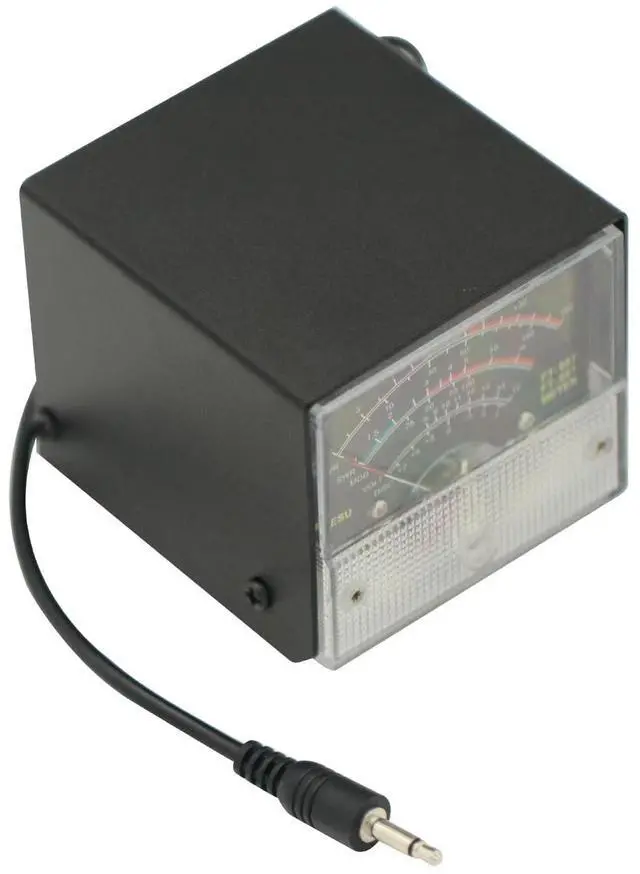
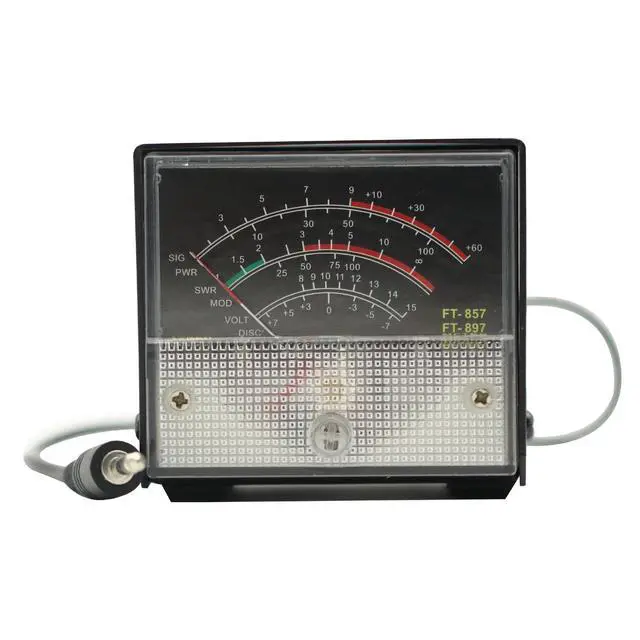
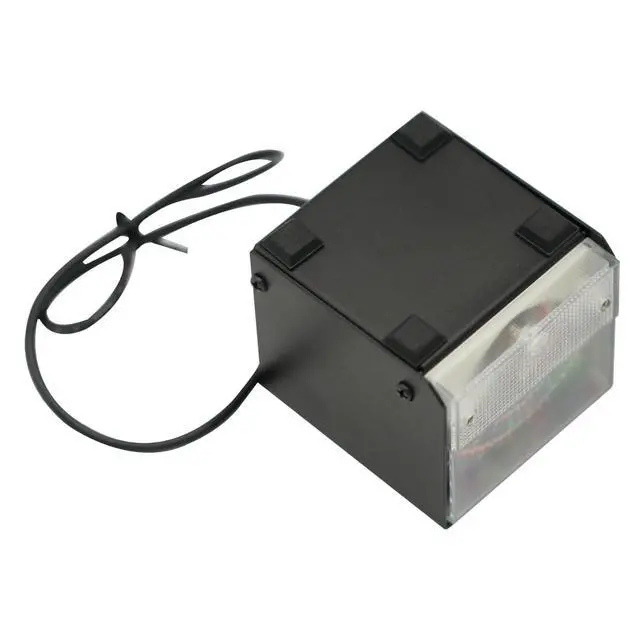
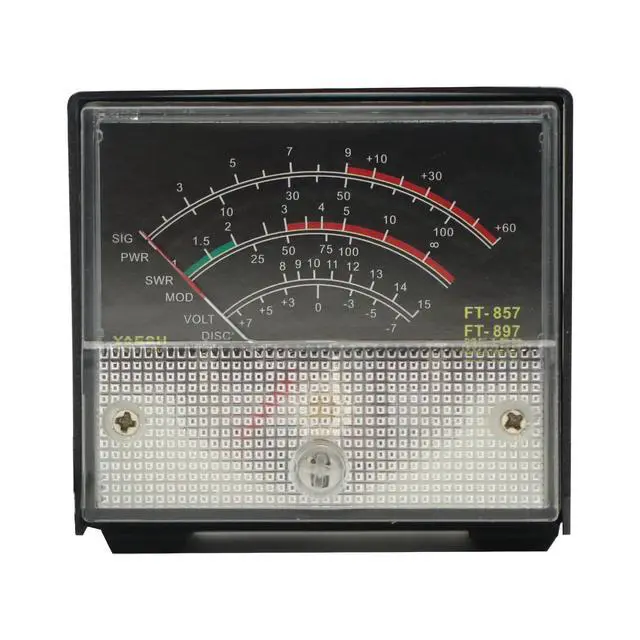
External S Meter/SWR/Power Meter Display Wave Meter for Yaesu FT-857 FT-897
- External S meter /SWR / Power Meter display wave meter For Yaesu FT-857 FT-897
+
+
Overview
Specs
Reviews
Any questions? Our AI mode will help you find out quickly.
Try me now
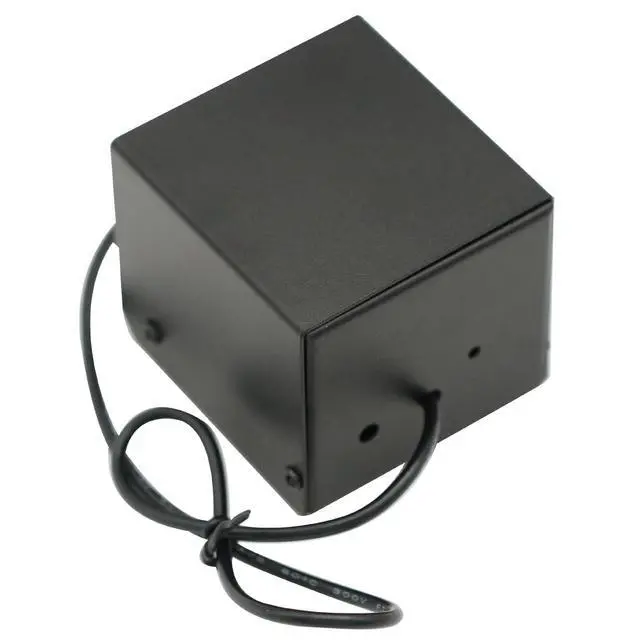
The meter has been calibrated at the time of shipment (if calibration is required), the calibration method is as follows 1, Long press [FUNC] key to enter the setup menu and enable the extended menu. 2Rotate [SELECT] to call up the setup menu item No-060 [MTR ARX SEL]. 3, Rotate [DIAL] to select FS. 4Adjust the calibration adjustment hole at the rear with a small one screwdriver to make the meter head pointer point to full scale. 5Calibration is complete! If you can't find menu 60 and 61, it's the radio hiding these 2 menus.
Long press the F key to open the menu settings, set the No. 1 menu to ON, press the F key to exit and save! *Receive display setting 1Long press [FUNC] key to enter the setting menu, enable the extended menu. 2Rotate [SELECT] to call up the setting menu item No-060 [MTR ARX SEL]. 3Rotate [DIAL] to select the external meter display content:
-SIG: Display
input signal strength -CTR: Discriminator
Center Meter -VLT: Display battery voltage.
-N/A: blank
-FS: Calibrate the external meter by outputting a standard signal of 1mA full scale at the meter socket.
-OFF: Turn off the meter. 4. Long press [FUNC] key to save the setting and exit the setting menu. *Transmit display setting* 1Long press [FUNC] key to enter the setting menu and enable the extended menu. 2Rotate [SELECT] to call up the setup menu item No-061 [MTR ATX SEL]. 3Rotate [DIAL] to select the external meter display content:
-PWR: Displays
transmit power -ALC: Display the automatic level control voltage.
-MOD: display
modulation level -SWR: Display VSWR.
-VLT: Display the power supply voltage.
-N/A: blank
-OFF: Turn off the meter.

Long press the F key to open the menu settings, set the No. 1 menu to ON, press the F key to exit and save! *Receive display setting 1Long press [FUNC] key to enter the setting menu, enable the extended menu. 2Rotate [SELECT] to call up the setting menu item No-060 [MTR ARX SEL]. 3Rotate [DIAL] to select the external meter display content:
-SIG: Display
input signal strength -CTR: Discriminator
Center Meter -VLT: Display battery voltage.
-N/A: blank
-FS: Calibrate the external meter by outputting a standard signal of 1mA full scale at the meter socket.
-OFF: Turn off the meter. 4. Long press [FUNC] key to save the setting and exit the setting menu. *Transmit display setting* 1Long press [FUNC] key to enter the setting menu and enable the extended menu. 2Rotate [SELECT] to call up the setup menu item No-061 [MTR ATX SEL]. 3Rotate [DIAL] to select the external meter display content:
-PWR: Displays
transmit power -ALC: Display the automatic level control voltage.
-MOD: display
modulation level -SWR: Display VSWR.
-VLT: Display the power supply voltage.
-N/A: blank
-OFF: Turn off the meter.
Warranty & Returns
Warranty, Returns, And Additional Information
Warranty
- Please contact the Seller directly for warranty information. Warranty information may also be found on the Manufacturer's website.
- CONTACT
Return Policies
- Return for refund within: 30 days
- Return for replacement within: 30 days
- This item is covered by LUOYIMAN Return Policy
Manufacturer Contact Info
- For a directory of all our manufacturers, please click below.
- Manufacturers Directory
LOADING...