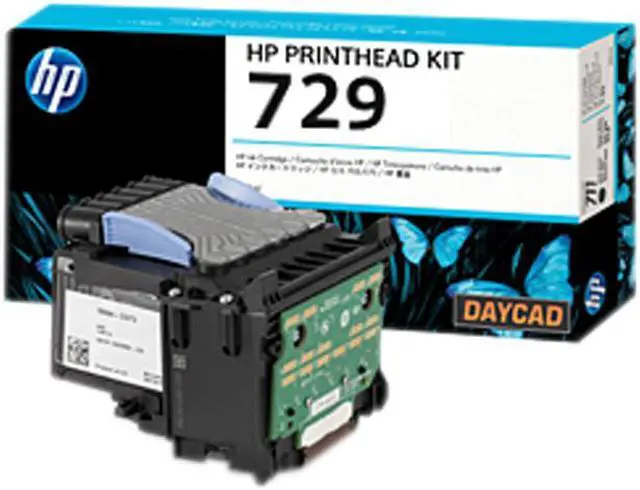
The HP 729 DesignJet Printhead Replacement Kit (F9J81A) is a replacement printhead for HP DesignJet T730 printers and T830 multifunction printers, suited to owners of those models who need a compatible printhead replacement.
Recommended For
- HP DesignJet T730 or T830 owners whose printer indicates the printhead needs replacement and who want the part designed for those models.
- Architecture, engineering, and construction teams that rely on a T730 or T830 for CAD drawings and need to restore printing after a printhead replacement alert.
- T830 multifunction-printer users who need to resume large-format print-and-scan work after the printer’s printhead needs replacement.
- Small offices and print rooms that want to replace the T730/T830 printhead themselves using HP’s model-specific replacement procedure.
Real-World Use Scenarios
- When a compatible T730 or T830 reports that its printhead needs replacing, use the F9J81A kit to carry out the indicated maintenance and return the printer to service; the printer is designed to alert users when replacement is needed.
- If a T730 or T830 has print-quality problems traced to a failing printhead, replacing it can help restore clear, consistent output; it may not solve defects caused by other printer or ink issues.
- For an office printing CAD drawings or other general-purpose large-format documents, replacing a worn printhead can help the compatible DesignJet resume producing crisp, clear prints.
- When replacing the printhead during routine printer maintenance, follow HP’s T730/T830 procedure; after installation, the printer automatically aligns the printhead using the loaded paper.
- If a T830 multifunction printer is needed for ongoing print-and-scan work, replacing its compatible printhead can help address a printhead-related interruption without changing the printer.




 here!