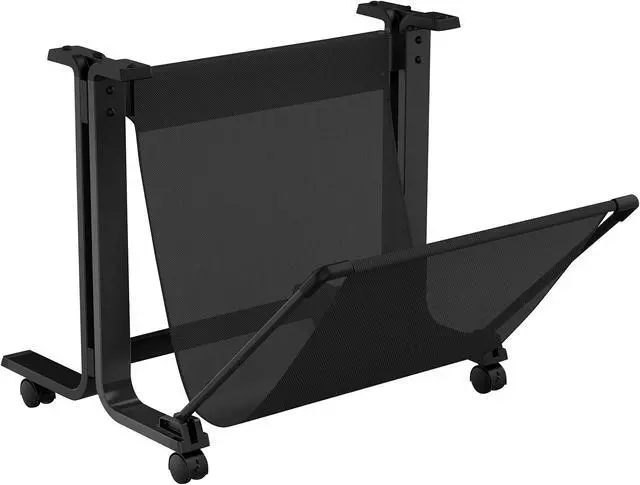
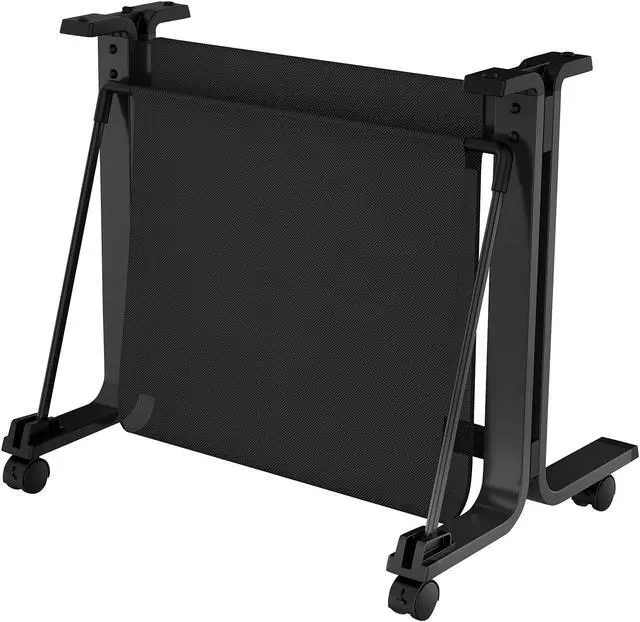
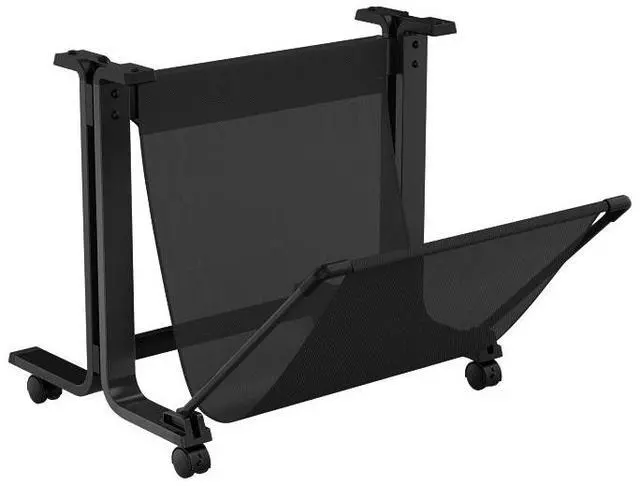
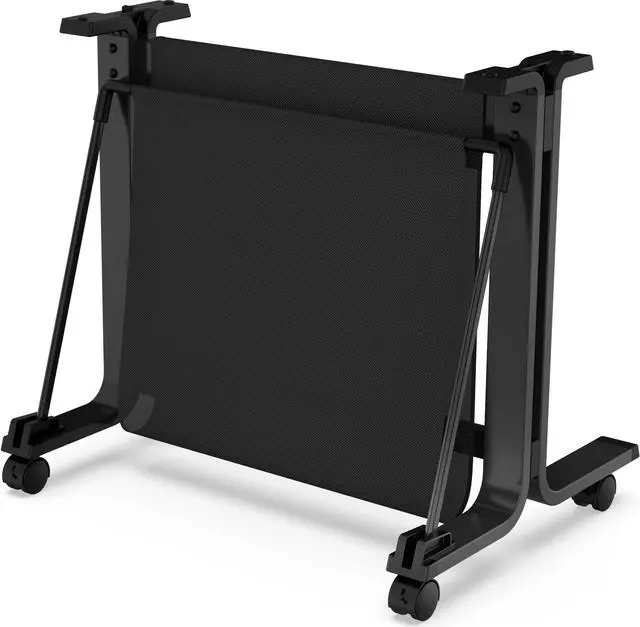
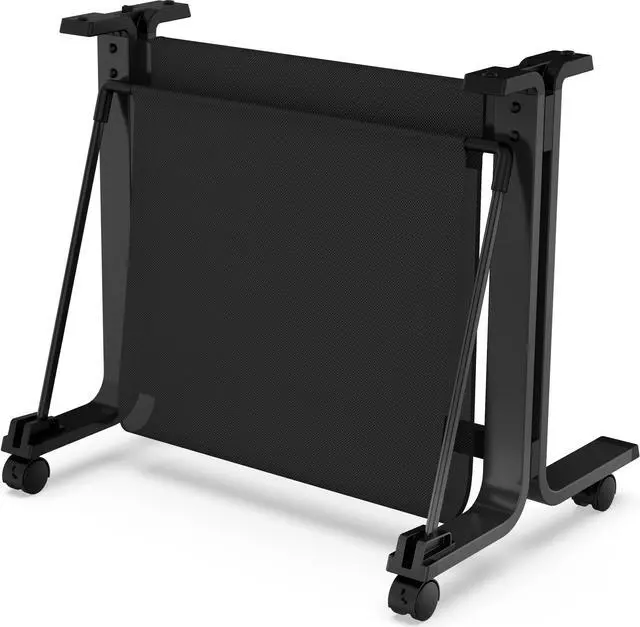
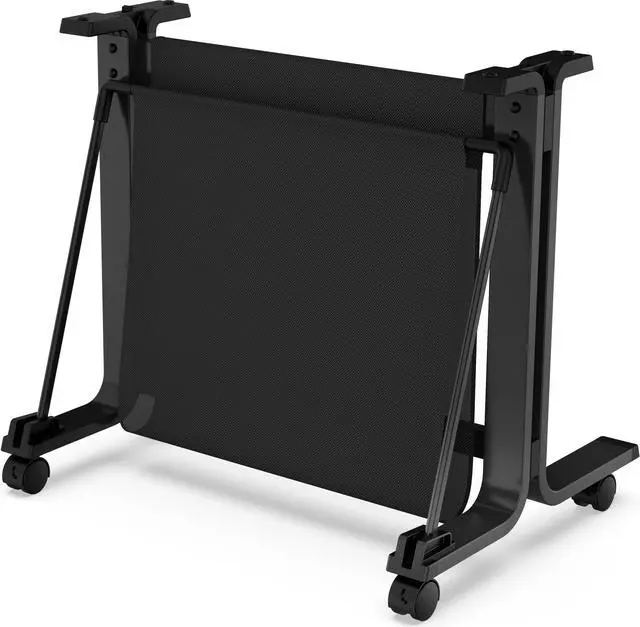
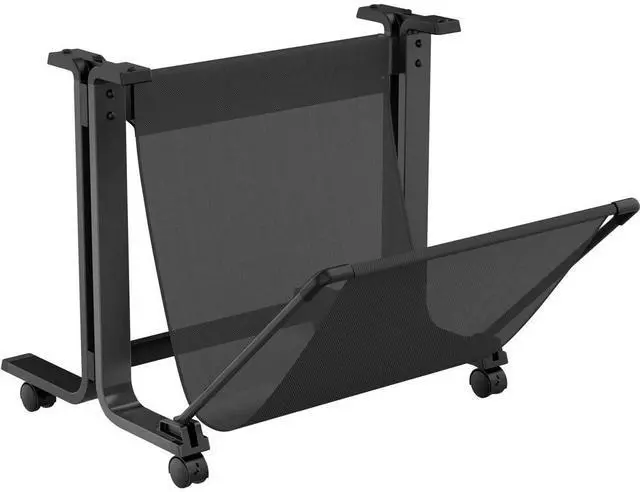
The HP DesignJet 24-inch Printer Stand (3C753A) is a black stand for HP DesignJet T100, T200, T500, and T600 24-inch printers, suited to owners who want to position their compatible printer more accessibly in an office or workgroup space.
Recommended For
- HP DesignJet T200-series owners who want to add a floor stand, since HP says the stand is not included with the T200 series.
- Shared-office teams that need to place a compatible DesignJet where multiple people can access it—or out of the way of other work.
- Users who want to free up desk or workbench space by moving a compatible DesignJet onto a separate stand.
- Office users who need to reposition a compatible large-format printer within their workspace and have it easier to access.
Real-World Use Scenarios
- In a small office where a compatible 24-inch DesignJet is taking up desk space, place it on the stand to move the printer off the work surface and keep that area available for other tasks.
- For a shared office, position the printer stand where coworkers can reach it; HP describes the stand as a way to make the printer accessible to a workgroup or keep it conveniently out of the way.
- When rearranging an office or changing the printer’s location, use the stand to move the compatible DesignJet more easily, then keep it in the chosen position; an HP customer review also reports that the stand’s wheels lock in place.
- When a compatible DesignJet is supplied without a stand, add this accessory to give it a dedicated floor-standing position instead of relying on a desk or other improvised support.




 here!