Product Name:
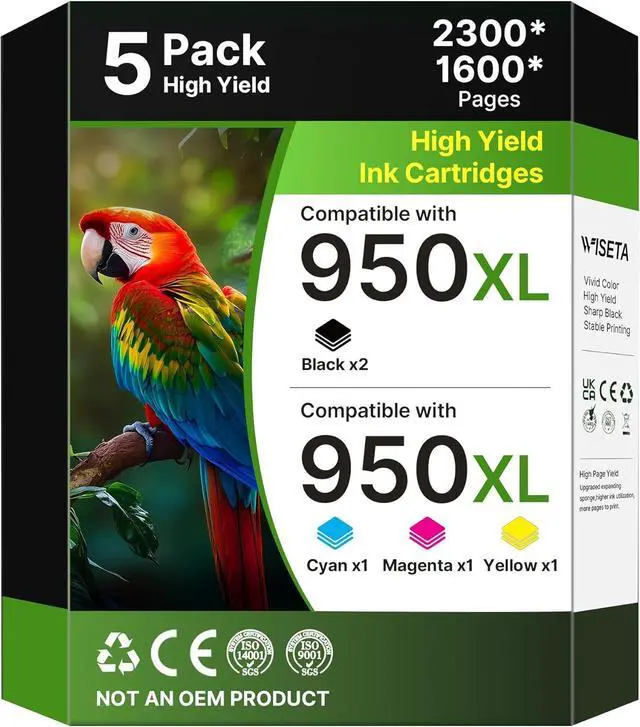
950xl and 951xl ink cartridges combo pack with the Latest Chip Version Super High Yield Replacement for HP 950 951 ink cartridges combo pack 950XL 951XL Works for Pro 8100 8110 8600 8610 8615 8616 8620 8625 8630 8640 8660 251dw 271dw 276dw Inkjet Printer C2P01FN 5-Pack, Black Cyan Magenta Yellow
Item content (C2P01FN):
2 x super high yield 950XL Black ink cartridge (CN045AN)
1 x super high yield 951XL Cyan ink cartridge (CN046AN)
1 x super high yield 951XL Magenta ink cartridge (CN047AN)
1 x super high yield 951XL Yellow ink cartridge (CN048AN)
1 x Comprehensive User Manual
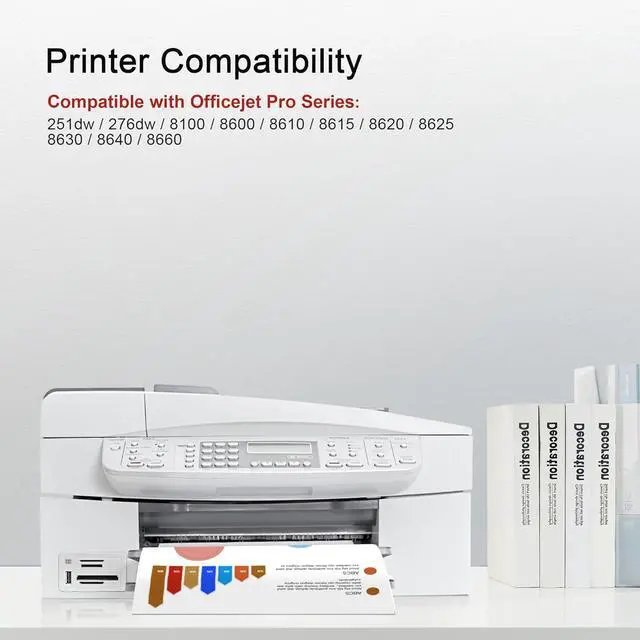
These ink cartridge for hp 950xl 951xl combo are fully compatible for select Printers:
950XL and 951xl Ink Cartridges Combo Pack work for HP OfficeJet Pro 8100 8110 8600 8610 8615 8616 8620 8625 8630 8640 8660 251dw 271dw 276dw Inkjet Printer
Warm Note: Please check your printer model before purchasing.
Some issues that you may be concerned about:
Q1: Is these 950xl and 951xl ink cartridges combo pack compatible with OfficeJet Pro 8100 printer?
A1: Yes, it works perfectly with OfficeJet Pro 8100, 8600, 8610 and 8620 models.
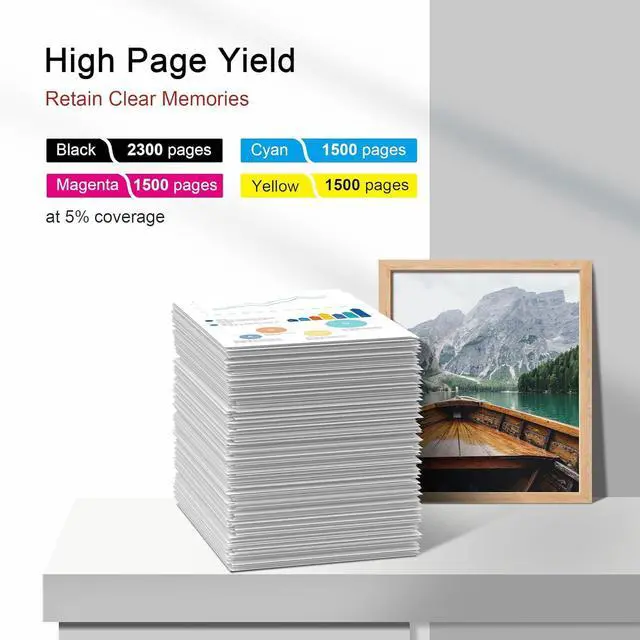
Q2: How much ink does each cartridge contain?
A2: 2 for hp 950xl black ink cartridge (CN049AN), 1 x hp951 xl cyan, 1 x hp951 XL Magenta, 1 x hp951 XL Yellow (CR314FN), 1 x User Guide
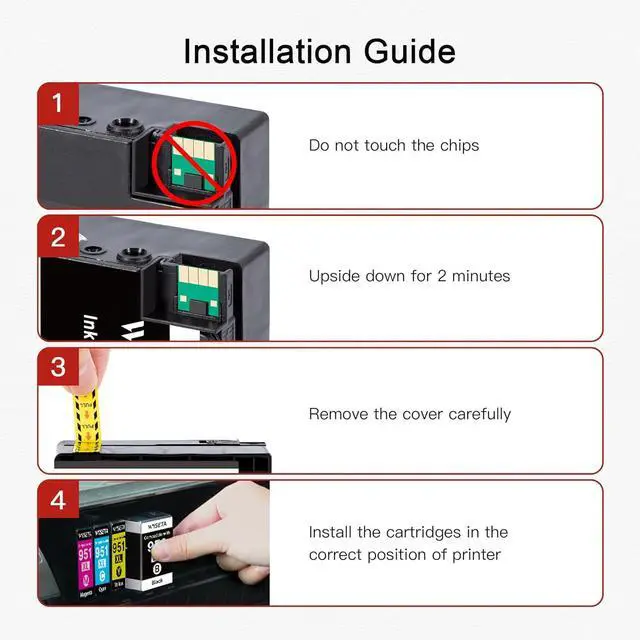
Q3: How to install the cartridges?
A3: Open printer door, remove old cartridge, upside down the cartridges for 2 minutesm remove the cover carefully and insert new one until it clicks, then close door. (Do not touch the cartridges' chip.)
Q4: What if I get "Incompatible Cartridge" error?
A4: Check model number, clean contacts, restart printer, or update firmware. If you encounter any issue when you using our 950xl and 951xl ink cartridges combo pack, we will offer you the most reasonable solution.