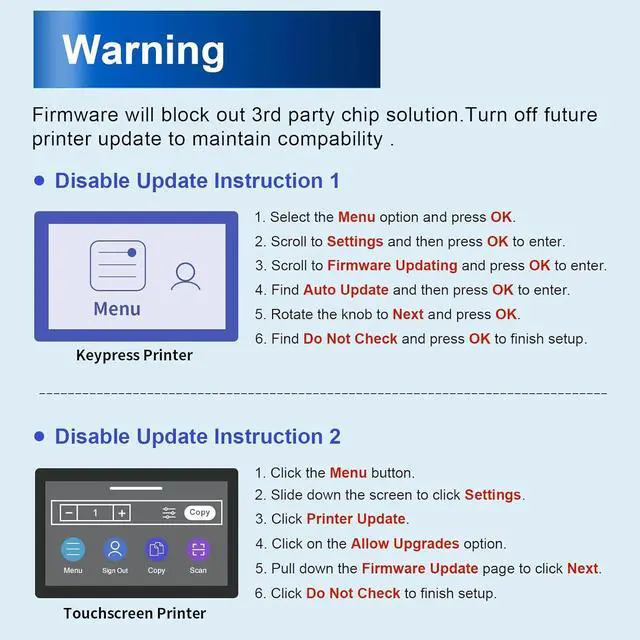
Why do I need to disable future updates to my printer?
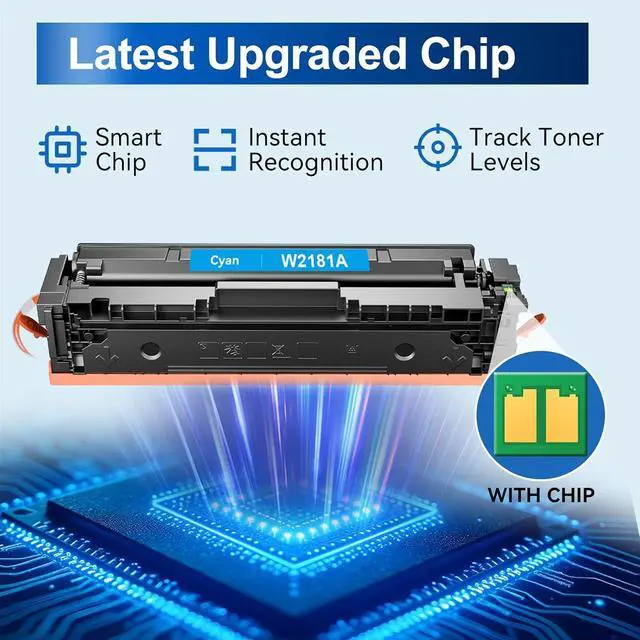
Our 218A toner cartridges use a third-party chip and will need to be disabled for future printer updates to maintain compatibility. For setup assistance, please refer to our illustrated guide or reach out to us for further assistance.
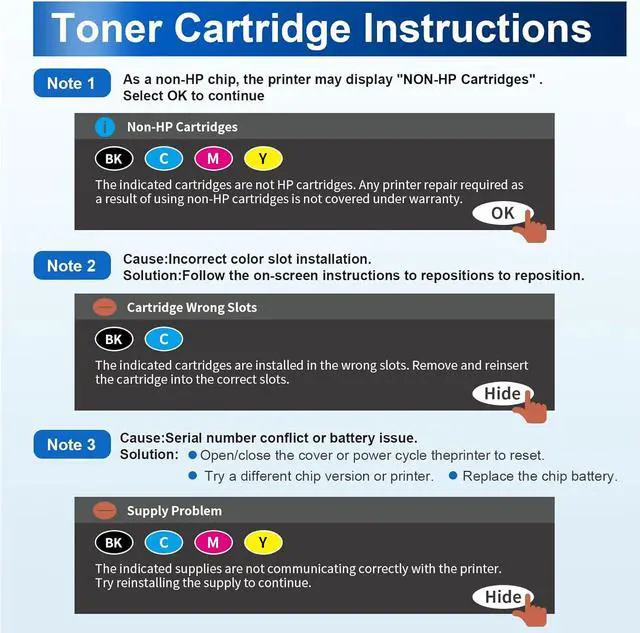
What should I do when the printer displays "NON-HP Cartridges"?
Just click "OK" to continue. Our chips are the latest and will not affect printing.
The printer displays a "Cartridges in Wrong Slots" error. What should I do?
Please follow the on-screen instructions to reinstall the cartridges: Remove and reinsert the cartridges into the slots for the correct colors, then firmly close the cover.
The printer displays "SupplyProblem". How do I resolve this?
Please open and close the printer cover or power cycle the printer to reset it. If the issue persists, try a different chip version or test with another printer. Or as a last resort, replace the chip battery.
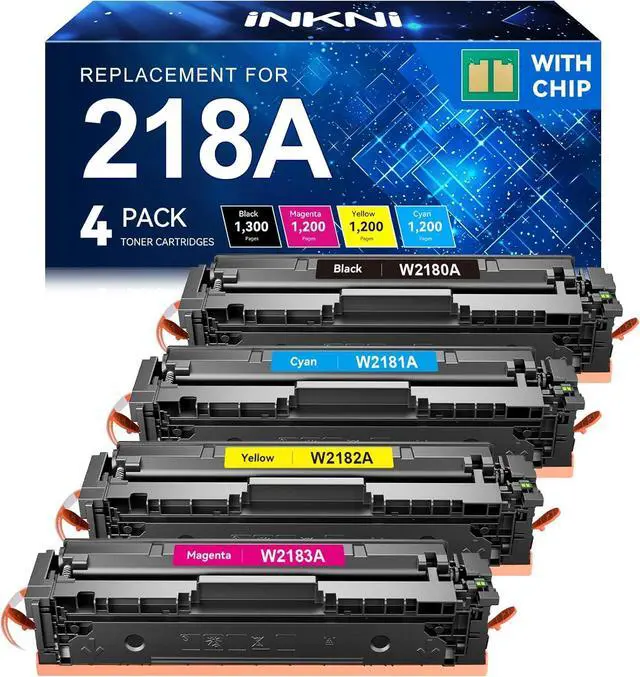
Do these 218A toner cartridges included chips?
Why do I need to disable future updates to my printer?
What should I do when the printer displays "NON-HP Cartridges"?
The printer displays a "Cartridges in Wrong Slots" error. What should I do?
The printer displays "SupplyProblem". How do I resolve this?