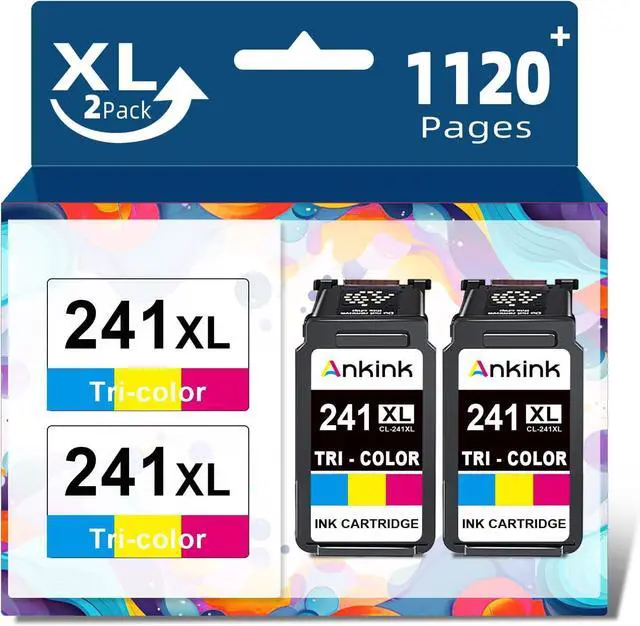
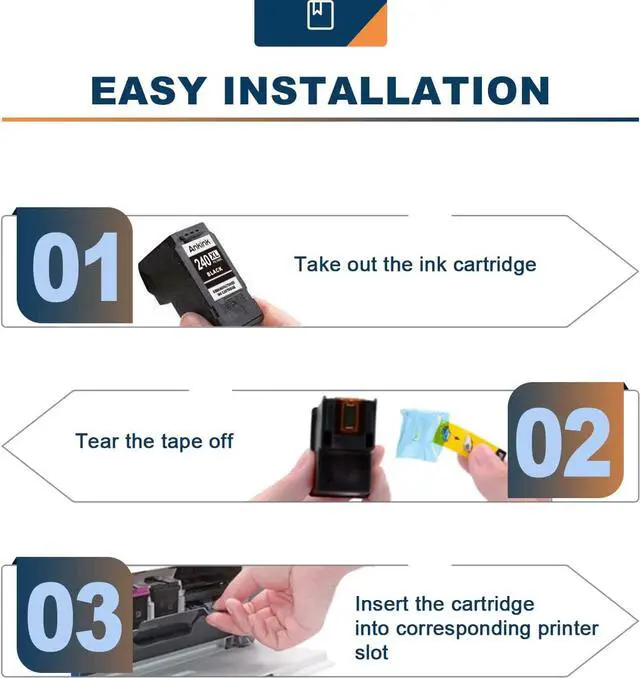
Please remove the transparent cover and pull off plastic tape before installing these cartridges. (Don't touch the chip)
When occur an error message Replace Cartridge or 'Low ink' ? Please reinstall them and try, you can try up to 5 times.
These are NON-genuine ink cartridges. Your printer may display an ink alert message such as Non-Original cartridges. Simply press Yes, Continue, Accept or OK to dismiss the prompt.
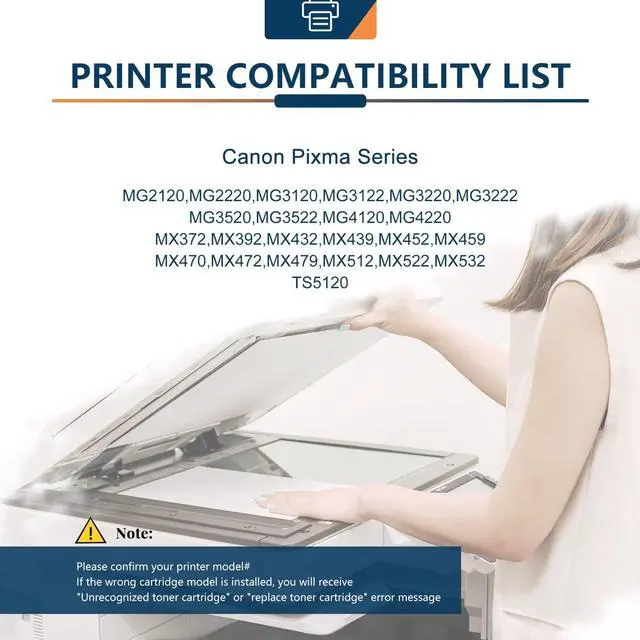
Equipped with the latest upgraded chips to ensure high compatibility.
Guides & Tips: Reliable Printing Assistant Upgraded Chips