• $90.99
  • Free 30-day Returns
  • Price alert
    Shop it at NeweggBusiness.

    Meet Your Seller

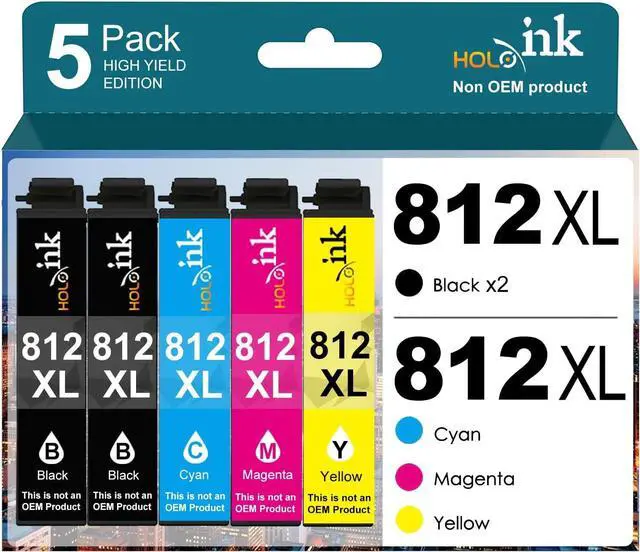
    812xl Remanufactured Replacement for Epson 812XL Ink Cartridges Combo Pack (T812XL-BCS) Works with WorkForce Pro WF-7310 WF-7820 WF-7840, WorkForce EC-C7000 Printer (2 Black, Cyan, Yellow, Magenta)

    • Package Content: 812xl Ink Cartridges Replacement for Epson 812xl ink cartridges with epson wf-7820 ink cartridges 2 x Black 822XL, 1 x Cyan 822XL, 1 x Magenta 822XL, 1 x Yellow 822XL, total 5 cartridges
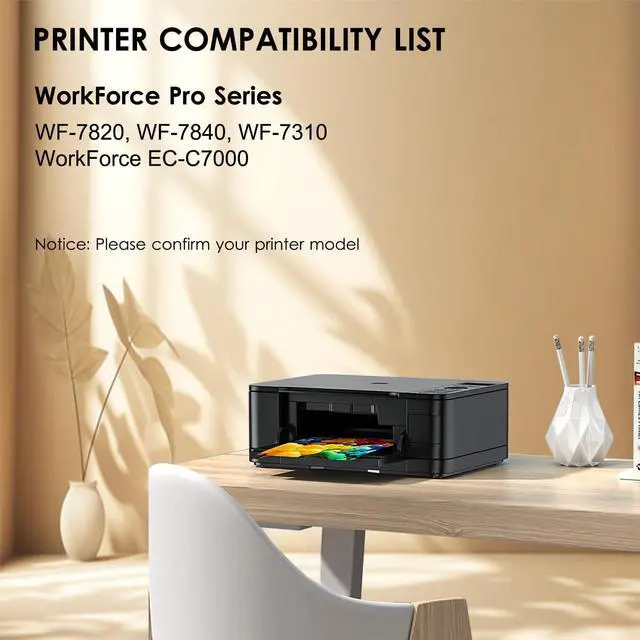
    • Printer Compatibility: WorkForce Pro WF-7310 WF-7820 WF-7840, WorkForce EC-C7000
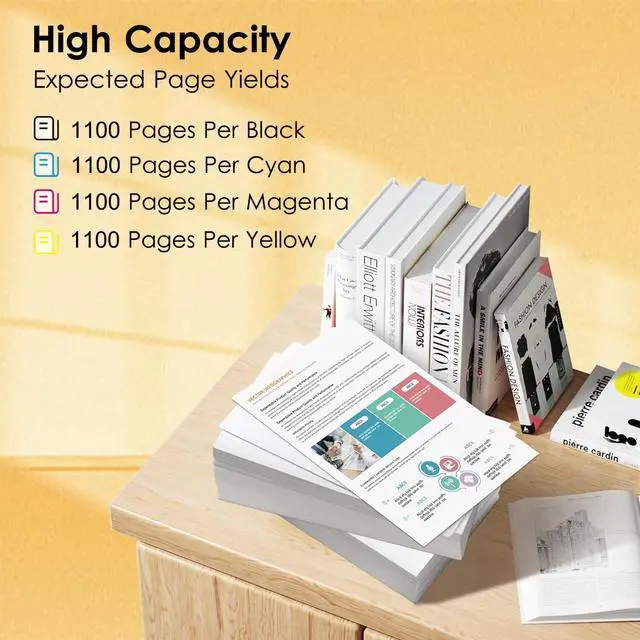
    • High Page Yield : Up to 1,100 pages per epson 822XL black ink cartridge and 1,100 pages for per epson 822XL color ink cartridge (Letter/A4, at 5% coverage)
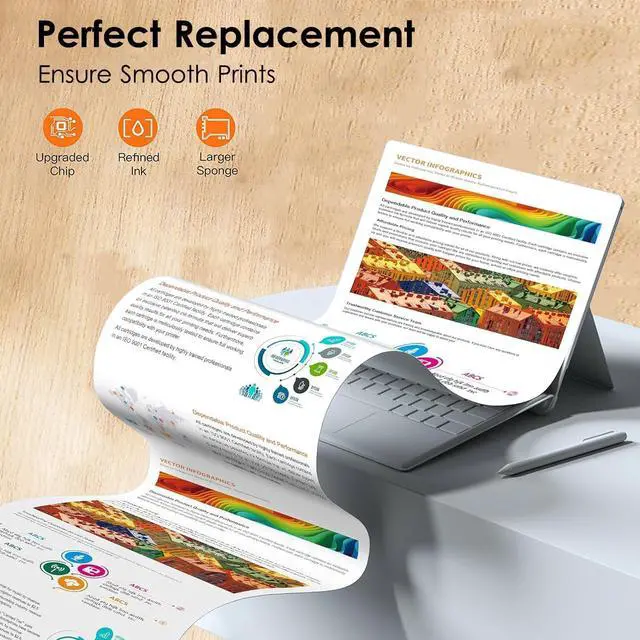
    • Crisp Text & Vivid Colors- Delivers sharp black text and vibrant colors for professional-quality printing at home or in the office.
    • Note:Please don't update your printer firmware to keep using third-party remanufactured cartridges normally. 822 822XL ink cartridges combo pack is ideal for premium quality printing.
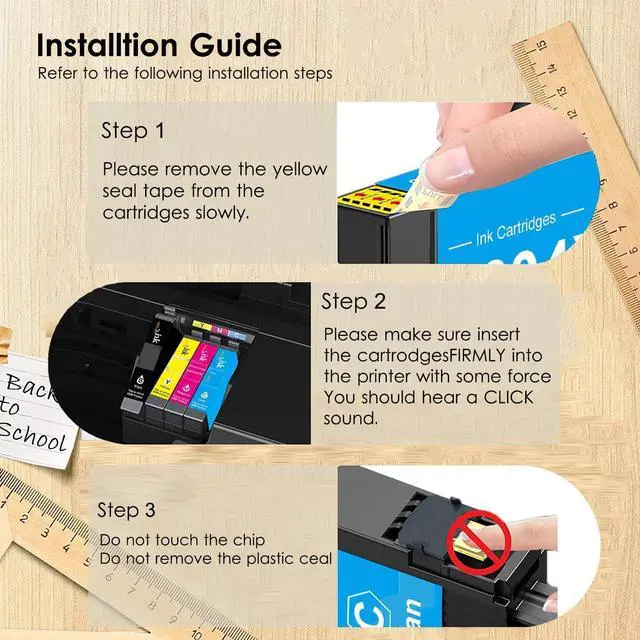
    • Troubleshooting Steps:1. Use a soft cloth or cotton swab to carefully wipe the contact points between the cartridge and the printer slot to remove any dust or residue.2.Take the cartridge out and reinstall it, making sure it is firmly an
    +
    +
    Overview
    Specs
    Reviews
    avatar

    Any questions? Our AI beta will help you find out quickly.

    How to clear "Non Genuine" error?
    The printer may prompt as Non-genuine, Previously used or Counterfeit cartridge (or similar message), you can click " OK", "Continue" or "" to bypass what printer indicates and use the cartridge directly.

    How to resolve print quality issues?
    1.Make sure the seal tape is pulled out entirely from the cartridge.
    2.Take a damp towel and gently wipe the bottom area of the cartridge slowly a few times.
    3.Peform a Printhead cleaning cycle or Clean cartridge function 2 times.

    How to resolve "ink has run out" error?
    The printer may prompt as "the following ink has run out" (or similar message), you can click the "Stop" button on the printer for more than 5S, and then the printer will to continue printing.

    TIPS (IMPORTANT INFORMATION)
    Please don't update the printer version frequently to prevent the ink cartridges from not being recognized. If you notice information to update with new firmware on your printer, we advise you not to confirm it.

    812xl ink cartridges How to clear "Low Ink" error?
    How to clear "Non Genuine" error?
    How to resolve print quality issues?
    How to resolve "ink has run out" error?
    TIPS (IMPORTANT INFORMATION)

    Warranty & Returns

    Warranty, Returns, And Additional Information

    Warranty

    • Please contact the Seller directly for warranty information. Warranty information may also be found on the Manufacturer's website.
    • CONTACT

    Return Policies

    • Return for refund within: 30 days
    • Return for replacement within: non-replaceable
    • This item is covered by honour_2 Return Policy

    Manufacturer Contact Info

    LOADING...