• $99.99
  • Free 30-day Returns
  • Price alert
    Shop it at NeweggBusiness.

    Meet Your Seller

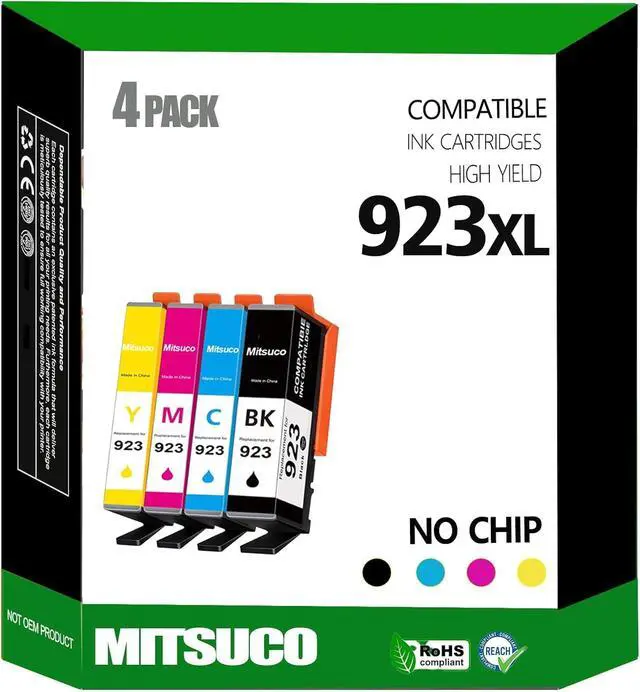
    (No Chip) 923 Ink Cartridges Replacement for HP 8135e Ink/HP Office Jet pro 8130e Ink cartridges 8138e 8139e OfficeJet 8120 8122e 8123 Printers Without Chip (Black/Cyan/Yellow/Magenta)

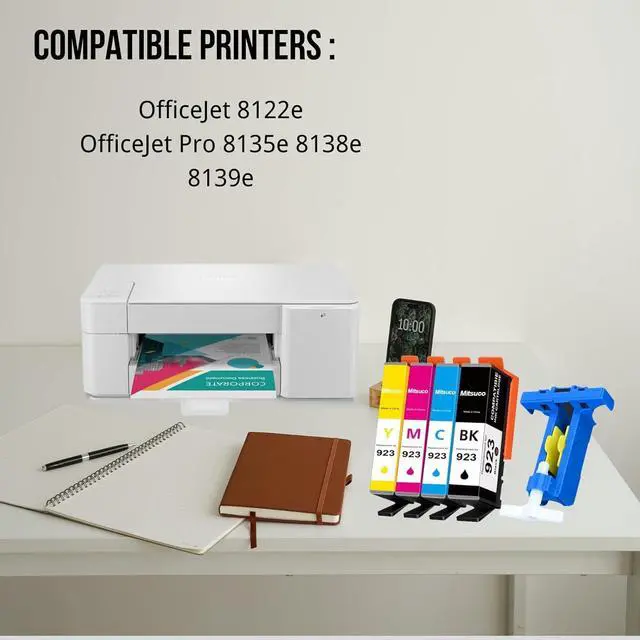
    • Compatible Printer:923 ink cartridges combo pack (Without Chip) for HP OfficeJet Pro 8130e 8135e 8138e 8139e and 8120 8122e 8123 Printers.
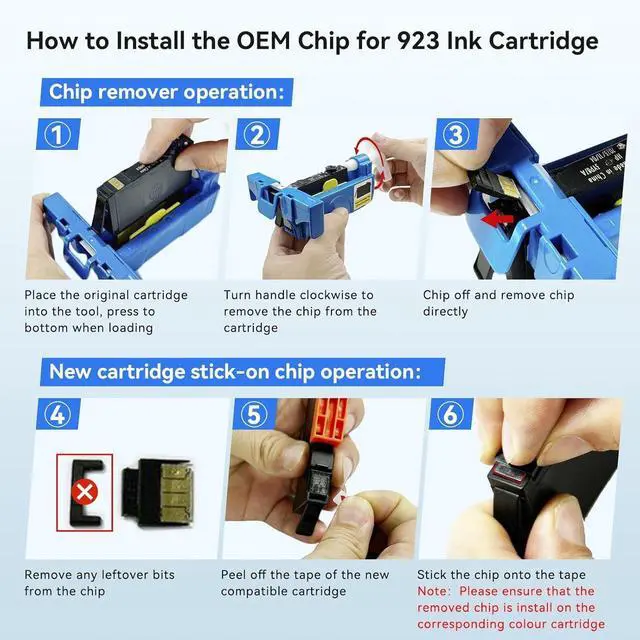
    • Quick Installation: Our 923xl ink combo pack include all necessary chip removal tools, and the removal process is simple and fast, making it easy to install the chips for our 923 cartridge combo pack.
    • High page yields: This replacement of hp 923 ink cartridges, providing more ink for higher page yields, 500 pages for black ink cartridges, 400 pages for color ink cartridges (based on 5% coverage).
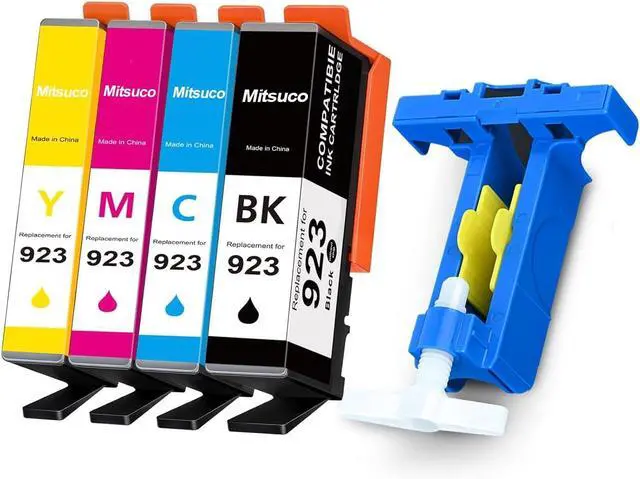
    • Package Contents:923 ink cartridges combo pack, 1 Black, 1 Cyan, 1 Magenta, 1 Yellow; 1 Chip Removal Tool, manual
    • Usage and installation steps: 1. Remove the original chip from the cartridge using the tool provided. 2. Remove the tape from the new compatible cartridge and stick the chip firmly on to complete the chip installation. 3. If you have any questions about the product, please feel free to contact us.

    +
    +
    Overview
    Specs
    Reviews
    avatar

    Any questions? Our AI beta will help you find out quickly.

    Compatible Printer:923 ink cartridges combo pack (Without Chip) for HP OfficeJet Pro 8130e 8135e 8138e 8139e and 8120 8122e 8123 Printers.
    Quick Installation: Our 923xl ink combo pack include all necessary chip removal tools, and the removal process is simple and fast, making it easy to install the chips for our 923 cartridge combo pack.
    High page yields: This replacement of hp 923 ink cartridges, providing more ink for higher page yields, 500 pages for black ink cartridges, 400 pages for color ink cartridges (based on 5% coverage).
    Package Contents:923 ink cartridges combo pack, 1 Black, 1 Cyan, 1 Magenta, 1 Yellow; 1 Chip Removal Tool, manual
    Usage and installation steps: 1. Remove the original chip from the cartridge using the tool provided. 2. Remove the tape from the new compatible cartridge and stick the chip firmly on to complete the chip installation. 3. If you have any questions about the product, please feel free to contact us.

    Warranty & Returns

    Warranty, Returns, And Additional Information

    Warranty

    • Please contact the Seller directly for warranty information. Warranty information may also be found on the Manufacturer's website.
    • CONTACT

    Return Policies

    • Return for refund within: 30 days
    • Return for replacement within: non-replaceable
    • This item is covered by honour_2 Return Policy

    Manufacturer Contact Info

    LOADING...