• $90.99
  • Free 30-day Returns
  • Price alert
    Shop it at NeweggBusiness.

    Meet Your Seller

    Regular Or Sublimation Printing Remanufactured 33XL 410XL Empty Refillable Ink Cartridges with a Single-use Chips Suitable 33XL Workforce Pro Expression XP-640 XP-830 XP-7100 XP-530 XP-630 XP-635

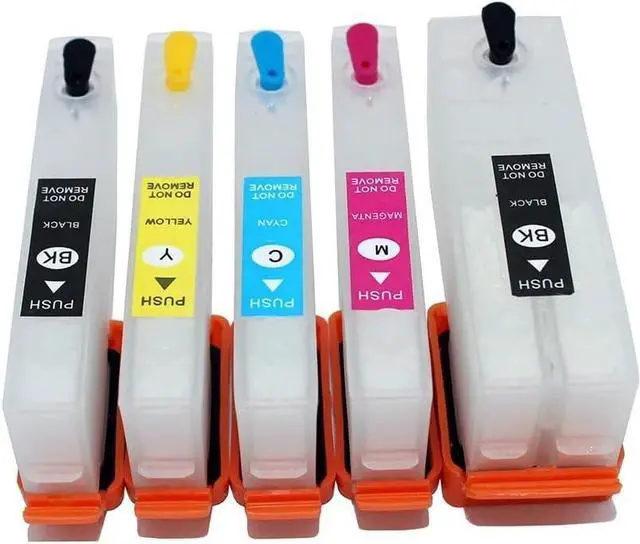
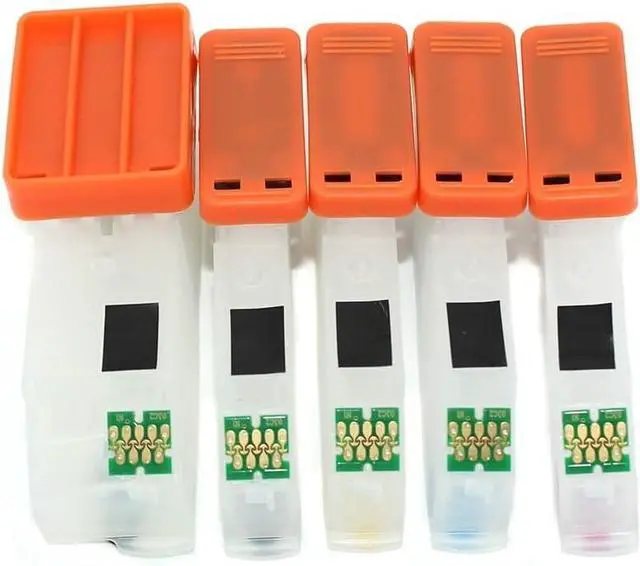
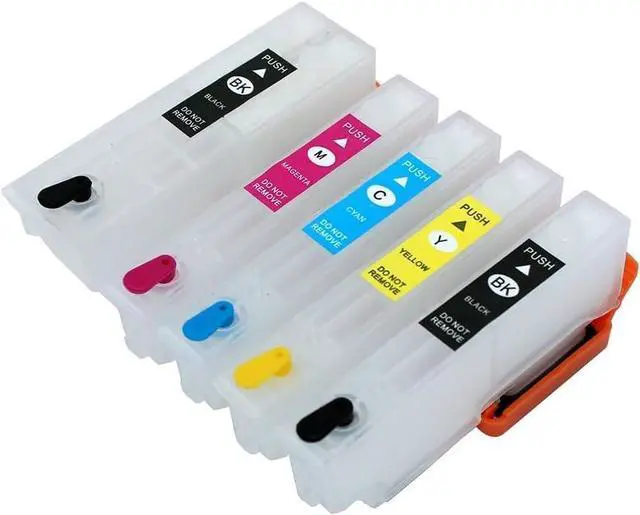
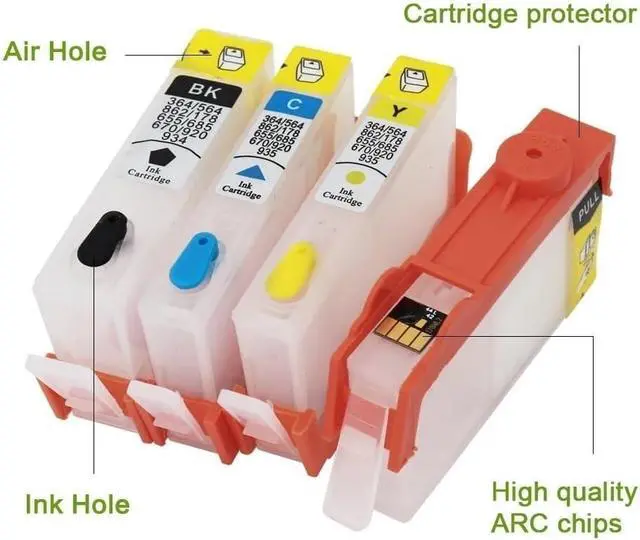
    • Packaging content: 5 empty ink cartridges+5 empty ink cartridges with 5 color markings and 5 ink injection tools, paired with disposable chips, no additional purchase required, making filling more convenient.
    • Compatible with multiple printers: Compatible with Expression XP-640, XP-830, XP-7100, XP-530, XP-630, XP-635 and other models. Please confirm your printer model before purchasing.
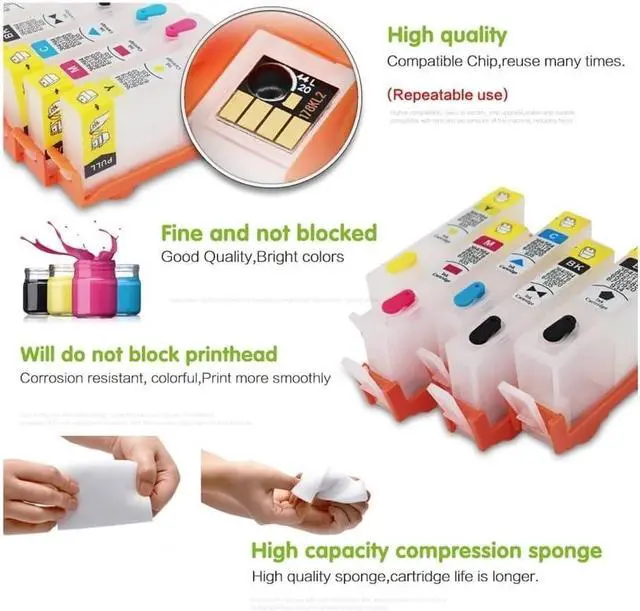
    • Transparent shell, clear and visible remaining ink: The ink cartridge adopts a transparent design, making it easy to observe the remaining ink level, more accurate ink injection, and avoiding waste.
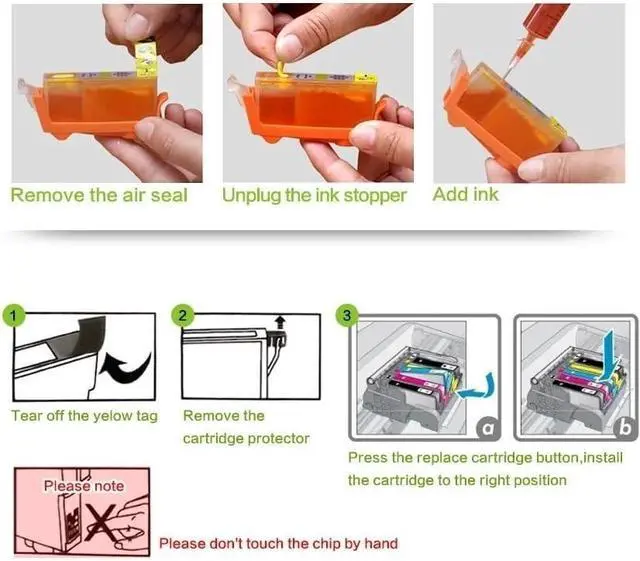
    • Simple troubleshooting: If the printer prompts "Non genuine ink", select "Yes" to continue using. If it displays' Ink cartridge empty ', simply replace the chip and refill the ink. Can't print ink? Shake the ink cartridge 4-5 times, reinstall and ensure it is installed properly.
    • Usage precautions: It is recommended to reserve 10% space when injecting ink to prevent overflow. When using a new printer for
    +
    +
    Overview
    Specs
    Reviews
    avatar

    Any questions? Our AI beta will help you find out quickly.

    Packaging content: 5 empty ink cartridges+5 empty ink cartridges with 5 color markings and 5 ink injection tools, paired with disposable chips, no additional purchase required, making filling more convenient.
    Compatible with multiple printers: Compatible with Expression XP-640, XP-830, XP-7100, XP-530, XP-630, XP-635 and other models. Please confirm your printer model before purchasing.
    Transparent shell, clear and visible remaining ink: The ink cartridge adopts a transparent design, making it easy to observe the remaining ink level, more accurate ink injection, and avoiding waste.
    Simple troubleshooting: If the printer prompts "Non genuine ink", select "Yes" to continue using. If it displays' Ink cartridge empty ', simply replace the chip and refill the ink. Can't print ink? Shake the ink cartridge 4-5 times, reinstall and ensure it is installed properly.
    Usage precautions: It is recommended to reserve 10% space when injecting ink to prevent overflow. When using a new printer for the first time, it is necessary to initialize it with the original ink cartridge. Do not upgrade the printer firmware to avoid affecting ink cartridge recognition.

    Warranty & Returns

    Warranty, Returns, And Additional Information

    Warranty

    • Please contact the Seller directly for warranty information. Warranty information may also be found on the Manufacturer's website.
    • CONTACT

    Return Policies

    • Return for refund within: 30 days
    • Return for replacement within: non-replaceable
    • This item is covered by honour_2 Return Policy

    Manufacturer Contact Info

    LOADING...