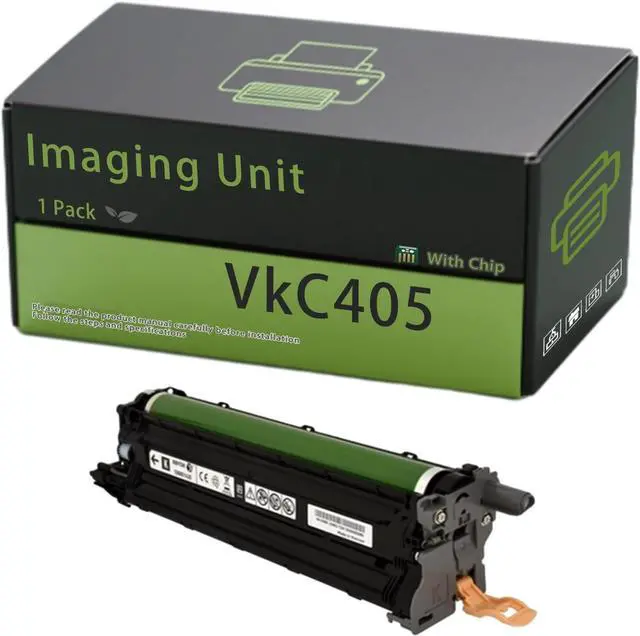
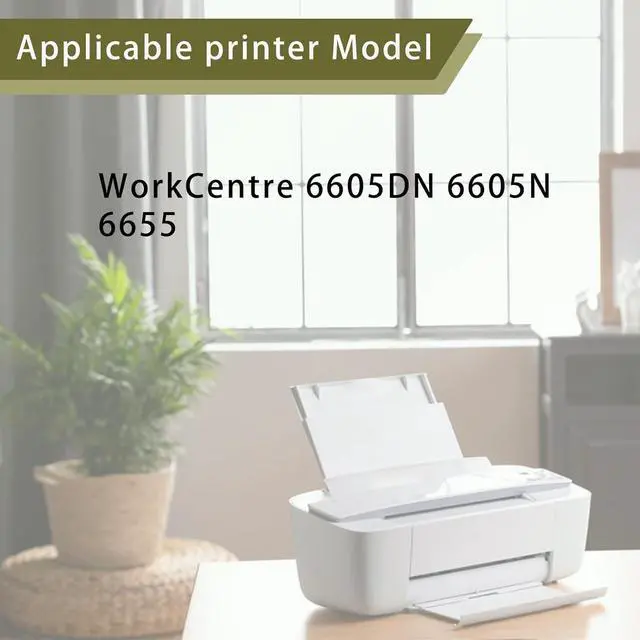
Compatible Printers: Compatible for Xerox VkC405 Imaging Unit Compatible for Xerox WorkCentre 6605DN 6605N 6655 Printers
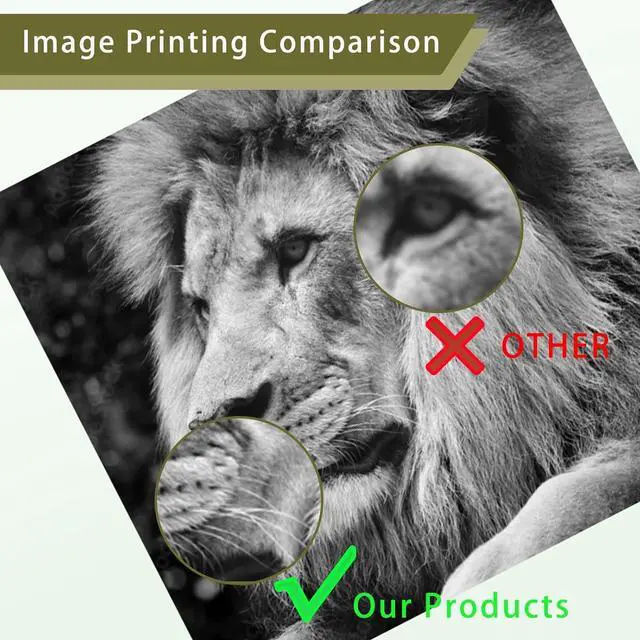
Stable output: Our Compatible for Xerox VkC405 Imaging Unit are designed to deliver to your satisfaction printing results, producing vivid text and sharp images that stand the test of time, Our VkC405 Imaging Unit mooth printing without paper jams
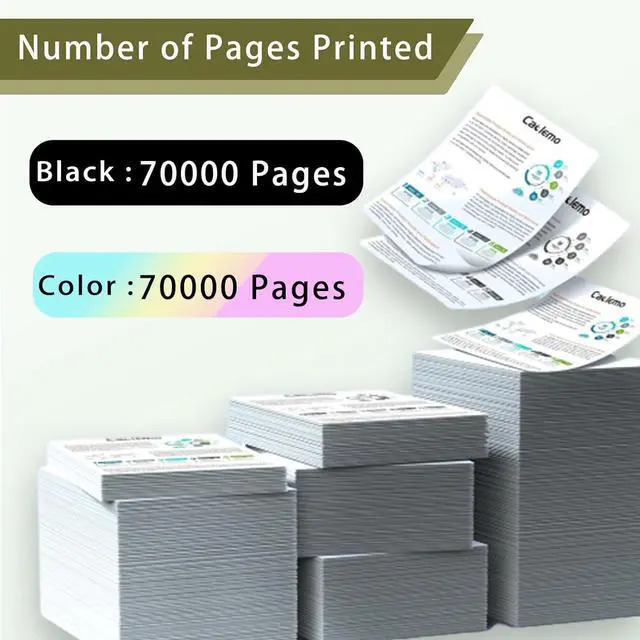
High Page Yield: Black (BK/K): High yield 70000 pages, Color(C/M/Y): High yield 70000 pages, Give your documents and photos the clarity and precision they deserve with our VkC405 Imaging Unit
Effortless Installation: VkC405 108R1121 Imaging Unit tool-free design enables a simple push-to-lock installation process, requiring no technical expertise. And are suitable for scenarios such as hospitals, school, government, company, family
Quality Standard: Our VkC405 108R1121 Imaging Unit are manufactured under strict ISO 9001 and ISO 14001 standards, ensuring top-notch quality and reliability, Smart chip ensures the compatibi
+
+
Overview
Specs
Reviews
Any questions? Our AI beta will help you find out quickly.
Try me now
{[ Compatible Model ]}
Compatible for Xerox VkC405 Imaging Unit
{[ Product Advantage ]}
Stable output: Our Imaging Unit Compatible for Xerox are designed to deliver to your satisfaction printing results, producing vivid text and sharp images that stand the test of time, Our VkC405 108R1121 Imaging Unit mooth printing without paper jams, clear effect without ghosting
Effortless Installation: Imaging Unit tool-free design enables a simple push-to-lock installation process, requiring no technical expertise. And are suitable for scenarios such as hospitals, school, government, company, family
Quality Standard: Our Imaging Unit are manufactured under strict ISO 9001 and ISO 14001 standards, ensuring top-notch quality and reliability, Smart chip ensures the compatibility and recognition of the printer, making it your best choice
{[ Imaging Unit Installation tips : ]}
1.Before Installing
Clean Hands: Please wash your hands
2.During Installation
Handle with Care: Hold by sides; avoid touching Imaging Unit
3.After Installing
Wait for Initialization: Let the printer auto-initialize Imaging Unit
{[ VkC405 Imaging Unit Important Reminder ]}
Please note that Imaging Unit and versions may vary by region. Please verify the exact model of the Imaging Unit and printer before purchasing our toner cartridges
To ensure optimal performance, avoid touching important parts on the Imaging Unit
If you can't find what you're looking for, please feel free to email us. We'll answer your questions and inquiries about Xerox and VkC405 108R1121 Imaging Unit
Learn more about the Detailed Specifications
Additional Information
First Listed on Newegg
October 26, 2025
There are no reviews yet.
Do you own this product?
Warranty & Returns
Warranty, Returns, And Additional Information
Warranty
Please contact the Seller directly for warranty information. Warranty information may also be found on the Manufacturer's website.