Post-Refill Waiting: After adding ink, wait for about 5 minutes before printing. If issues like broken lines occur (usually due to excessive air trapped in the cartridge preventing ink from reaching the nozzle), perform 1-2 printer cleaning cycles.
Cartridge Recognition Issue: In case the printer fails to recognize the cartridge after refilling, simply restart the printer
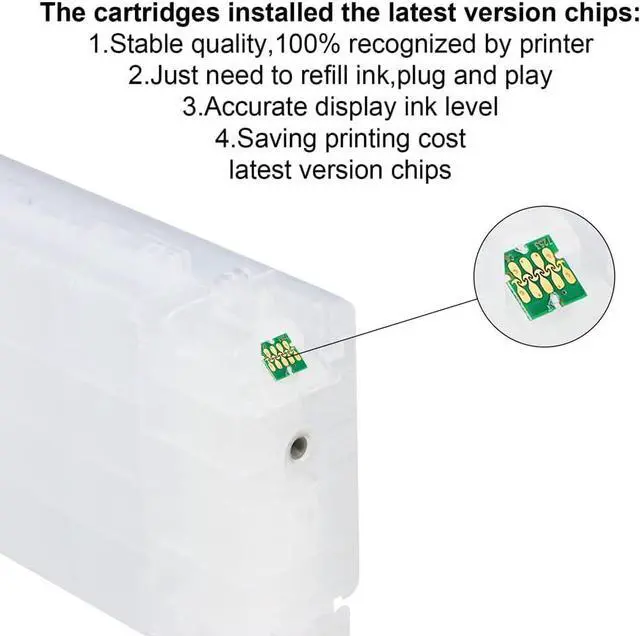
Wear & Tear from Prolonged Use Frequent cartridge changes cause poor contact between chip & printer terminals.
Low-Quality Cartridge Defective/inferior materials lead to chip dysfunction.
SOLUTION 1: Reinsert Forcefully > Repeatedly reinstall cartridge 3-5 times to reset terminal connection.
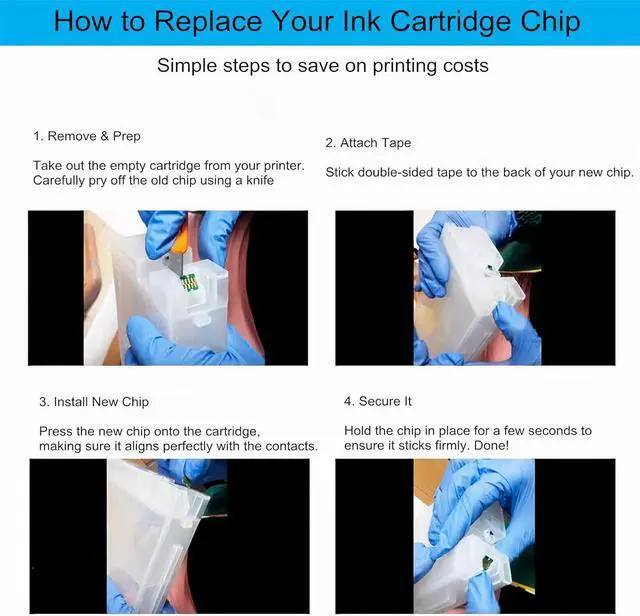
SOLUTION 2: Lift the Chip with Tape > Place TWO layers of double-sided tape under the chip Instantly raises height 2-3mm Ensures perfect contact with terminals.
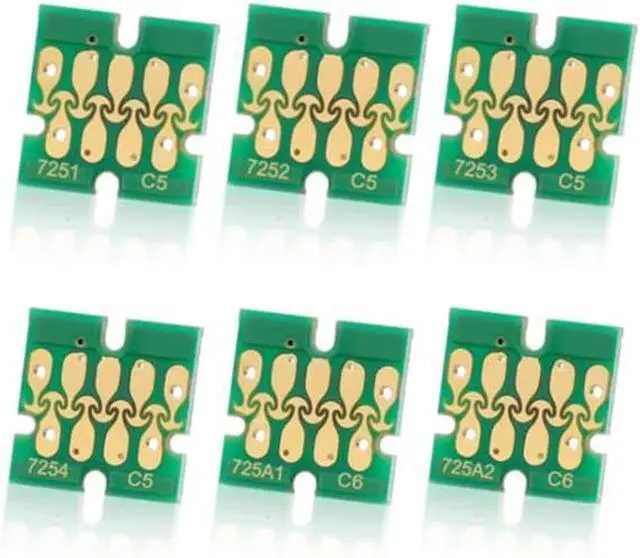
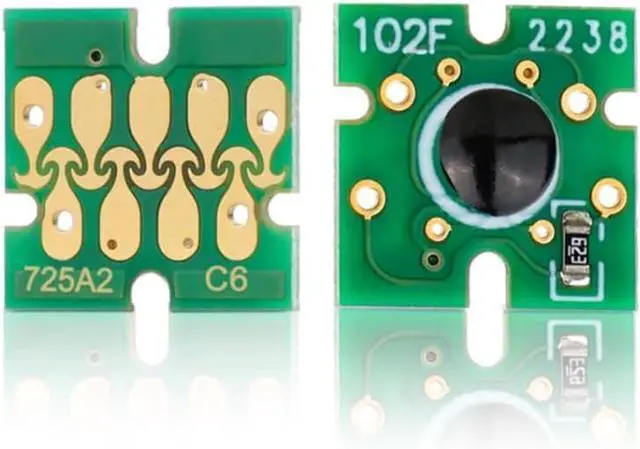
All parts for Epson F2000 F2100 DTG Printer All parts for Epson F2000 F2100 DTG Printer Epson F2000 F2100 Ink carts Avoid waiting until the ink is completely used up. Do not overfill the ink. How to use Ink Cartridge? How to Replace Your Ink Cartridge Chip? What's in the package?