• $671.99
  • Free 30-day Returns
  • Price alert
    Shop it at NeweggBusiness.

    Meet Your Seller

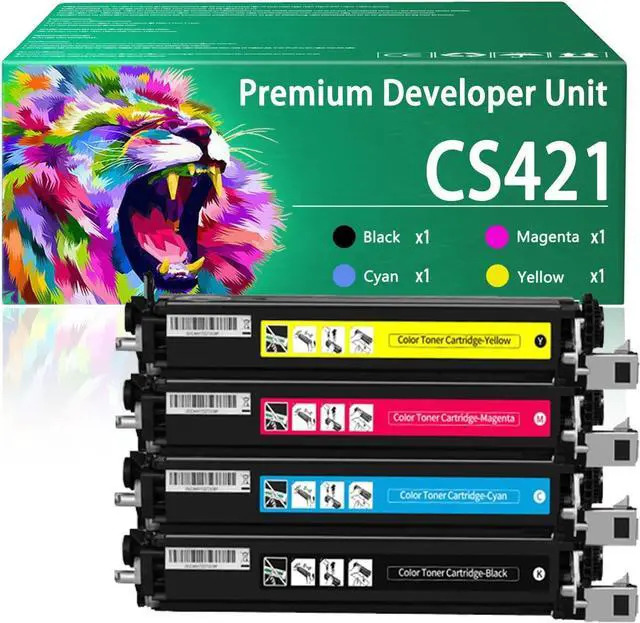
    CS421 Developer Unit Compatible for Lexmark CS421 78C0Z10 78C0Z20 78C0Z30 78C0Z40 Developer Unit Work for Lexmark CS321 CS421 CS521 CS621 CS622 CX421 CX521 Printers

    • Developer Bin ModelFor Lexmark CS421(78C0Z10 78C0Z20 78C0Z30 78C0Z40) Replacement Developer Unit.
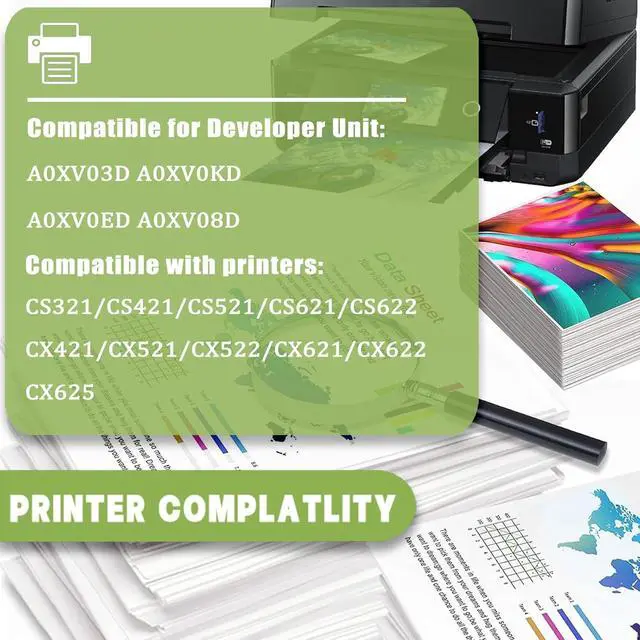
    • Compatible PrintersFor Lexmark CS321 CS421 CS521 CS621 CS622 CX421 CX521 CX522 CX621 CX622 CX625 printers
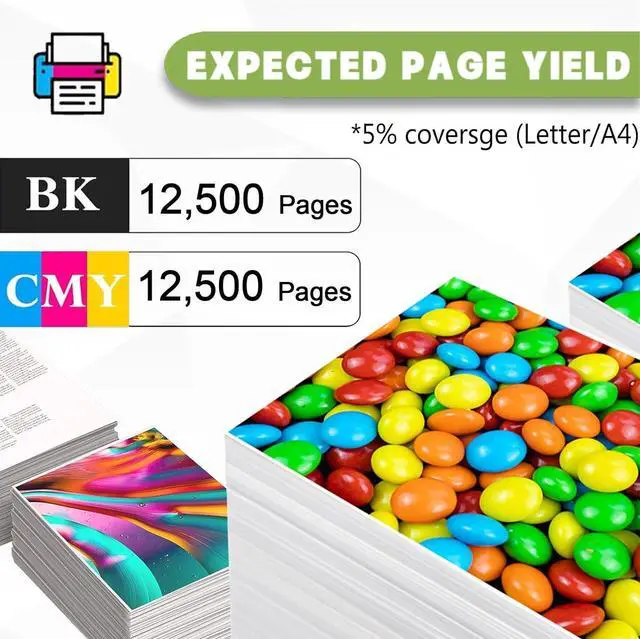
    • High Page Yield12,500 Pages in black,12,500 pages in color,(at 5% coverage on A4 papers)
    • Easy To InstallThe installation process for the 78C0Z10 78C0Z20 78C0Z30 78C0Z40 Developer Units are also simple. It can be easily installed by unpacking it. Ensuring a seamless installation experience
    • After-Sale ServiceIf you have a problem, please contact us directly, we guarantee to reply your message within 12 hours. We provide you with efficient after-sales service to ensure that all your problems can be solved satisfactorily
    +
    +
    Overview
    Specs
    Reviews
    avatar

    Any questions? Our AI beta will help you find out quickly.

    Compatible printers
    For Lexmark CS321 CS421 CS521 CS621 CS622 CX421 CX521 CX522 CX621 CX622 CX625 printers.

    Toner volumes
    78C0Z10 Black Developer Unit: 12,500 pages.
    78C0Z20 Cyan Developer Unit: 12,500 pages.
    78C0Z30 Magenta Developer Unit: 12,500 pages.
    78C0Z40 Yellow Developer Unit: 12,500 pages.

    Package Contents:
    78C0Z10 Black Developer Unit 1 pack.
    78C0Z20 Cyan Developer Unit 1 pack.
    78C0Z30 Magenta Developer Unit 1 pack.
    78C0Z40 Yellow Developer Unit 1 pack.

    Printing experience:
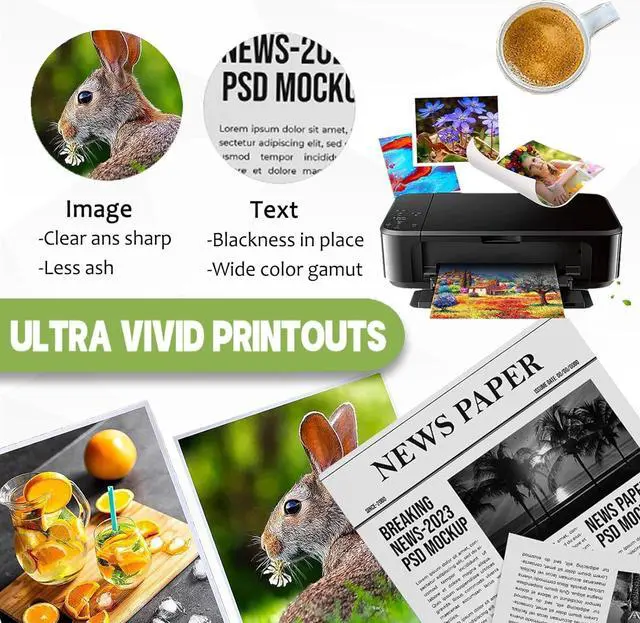
    This developer unitprint is stably tested, provides outstanding results with clear fonts and realistic images, and ensures delivery of clear text and vivid bright color. Stable output, easy to install, ready to use, safe and environmentally friendly, giving you a healthy environment.

    Instructions:
    1.If the printer displays a Not a toner cartridge message during installation, please confirm by pressing Next and you should be able to print correctly.
    2.If the printer does not recognize the toner cartridge, clean the chip with a soft cloth and reinsert the toner cartridge.
    3.If you have any questions about the product or service, please let us know. We will respond to you as soon as possible and ensure your satisfaction.

    Warranty & Returns

    Warranty, Returns, And Additional Information

    Warranty

    • Please contact the Seller directly for warranty information. Warranty information may also be found on the Manufacturer's website.
    • CONTACT

    Return Policies

    • Return for refund within: 30 days
    • Return for replacement within: 30 days
    • This item is covered by LEMITE Return Policy

    Manufacturer Contact Info

    LOADING...