• $396.99
  • Free 30-day Returns
  • Price alert
    Shop it at NeweggBusiness.

    Meet Your Seller

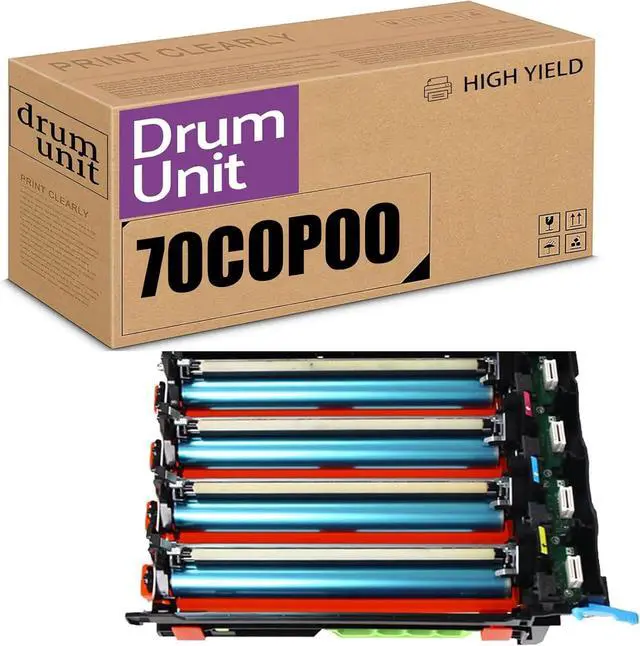
    Compatible Imaging Drum Unit Replacement for Lexmark 70C0P00 (Without Developer Unit) for CS310 CS410 CS510 CS417 CX310 CX410 CX510 CX417 Printer Imaging Unit

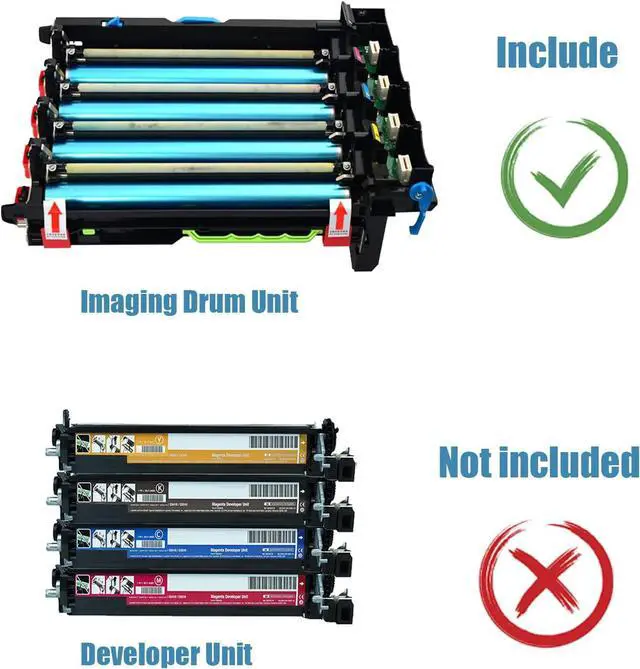
    • NOTE: This product is just a Imaging unit, without developer unit!
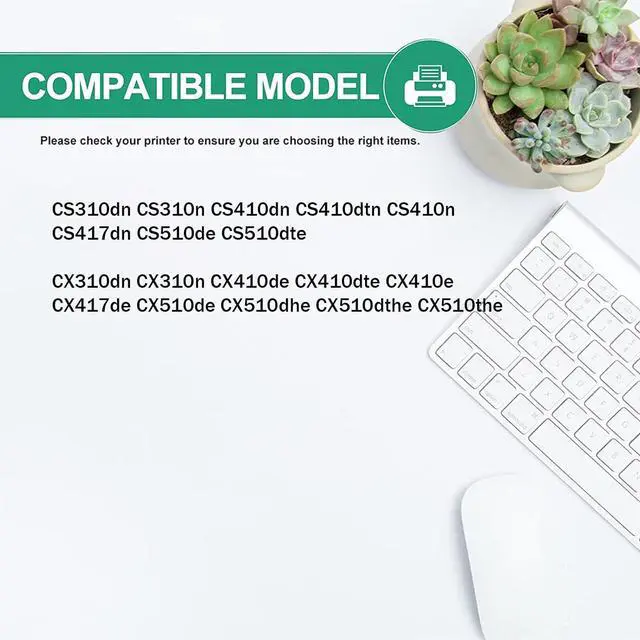
    • Compatible Printers: CS310dn CS310n CS410dn CS410dtn CS410n CS417dn CS510de CS510dte, CX310dn CX310n CX410de CX410dte CX410e CX417de CX510de CX510dhe CX510dthe CX510the
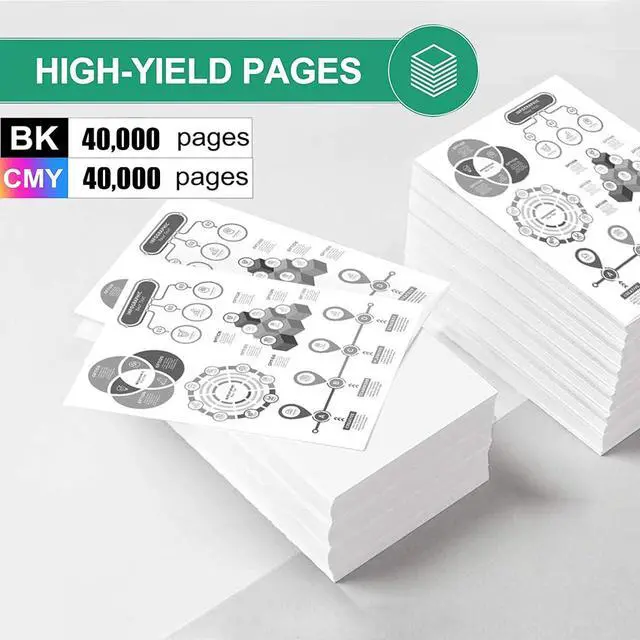
    • High Page Yield:40,000 pages at 5% coverage (Letter/A4)
    • Intelligent chip ensure toner cartridge perfectly compatible for the latest-upgraded printers. Trusted Stability and compatibility!
    • Superior quality:Professional Quality Management System strive to ensure excellent quality, keeps your print away from lines, spots and leakage.Strictest quality control to ensure that every customer enjoys stable print quality.
    • Warm Tips:Please confirm your printer model and drum unit before placing an order.We attach great importance to your shopping experience.
    +
    +
    Overview
    Specs
    Reviews
    avatar

    Any questions? Our AI beta will help you find out quickly.

    1.Compatible Printer Model:
    CS310dn CS310n CS410dn CS410dtn CS410n
    CS417dn CS510de CS510dte
    CX310dn CX310n CX410de CX410dte CX410e
    CX417de CX510de CX510dhe CX510dthe CX510the

    2.Smooth Printing:
    (1)We use high quality toner from Japan, produces high density black clear text and image. The natural verisimilitude color. It was precisely designed to deliver crisp printing result to satisfy your needs.
    (2)Our higher quality photo conductor drum provides clear and smooth printouts. Stable print quality with printing test prior to shipment keeps you away from lines, spots and leakage.
    (3)Intelligent chip ensure toner cartridge perfectly compatible for the latest-upgraded printers. Trusted Stability and compatibility!

    3.Installation steps
    Open the top cover by pulling up the lever. Then pull the print cartridge upward and out.
    Shake the new toner cartridge 5 - 6 times to spread the toner inside the cartridge,Do not touch the toner cartridge's metal part.
    Insert the toner cartridge in its slot, matching the color of the printer's labels with the toner cartridge color
    Turn right the cartridge to secure into the printer and then close the front door

    Warranty & Returns

    Warranty, Returns, And Additional Information

    Warranty

    • Please contact the Seller directly for warranty information. Warranty information may also be found on the Manufacturer's website.
    • CONTACT

    Return Policies

    • Return for refund within: 30 days
    • Return for replacement within: 30 days
    • This item is covered by LEMITE Return Policy

    Manufacturer Contact Info

    LOADING...