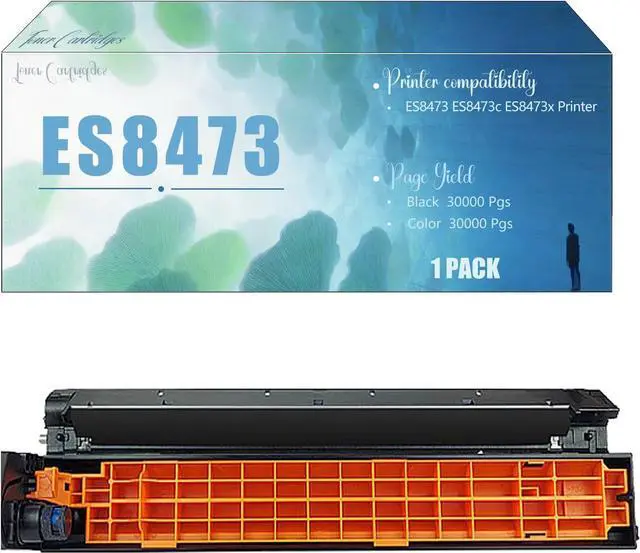
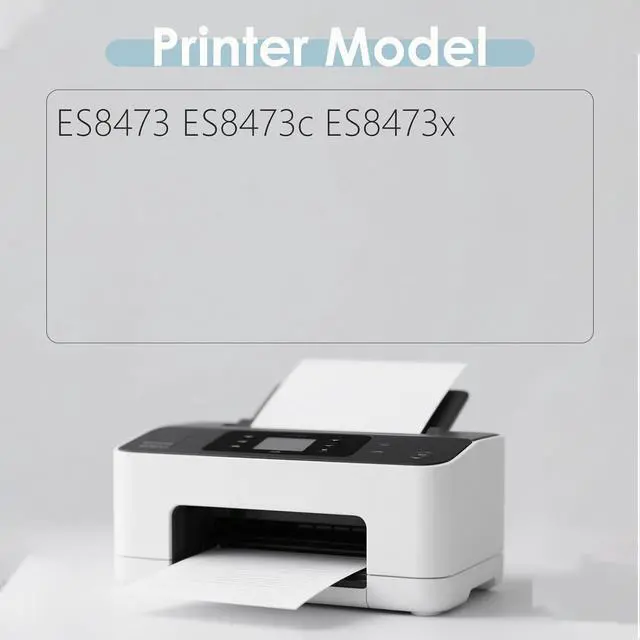
Adaptation Printer Model Confirmation
ES8473 ES8473c ES8473x Printers
Installation Steps
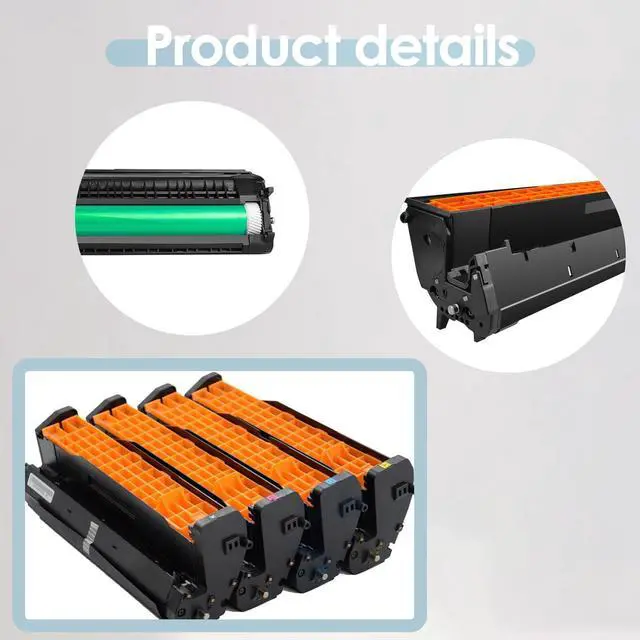
1.Before you start, turn off the printer and unplug it from the power source to avoid any electrical risks. Locate and open the door where the drum unit is housed.
2. Carefully take out the old drum unit. If your printer has indicator lights or prompts, follow them to ensure proper removal.
3. Check the new drum unit for any signs of damage or defects. Make sure all parts are in good condition.
4.Gently place the new drum unit into the printers drum compartment. Ensure it is properly aligned and securely seated. You may need to press down gently until you hear a click sound, indicating its properly installed.
5. Once the new drum unit is in place, close the printers drum access door.
6. Reconnect the power cord and turn on the printer. The printer may run an initialization process; just wait patiently.
7.Run a test print to check the print quality. Make sure the text is clear and there are no streaks or shadows. If you notice any issues, double-check the drum unit installation.