

Your Browsing History
- Free 30-day Returns
$39.73
Ships from China.

Meet Your Seller

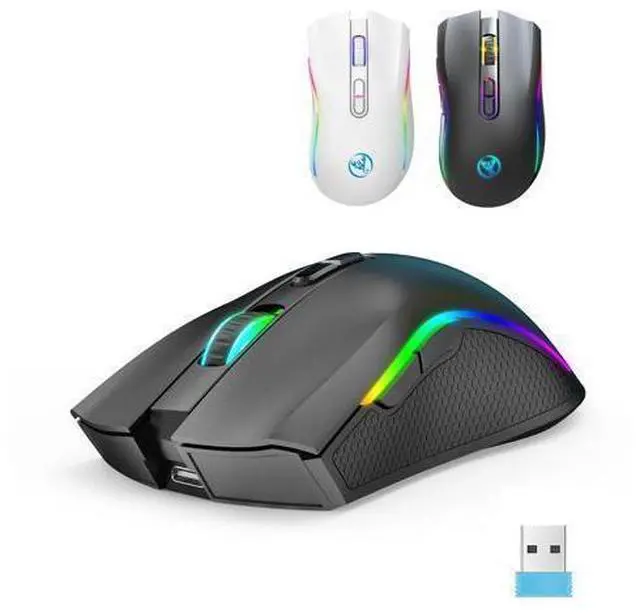
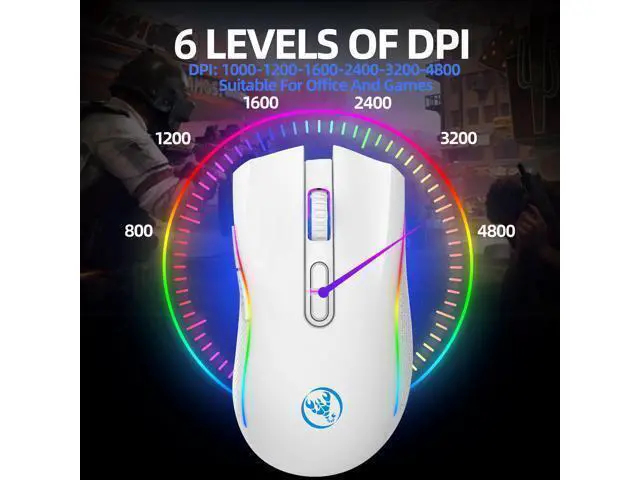
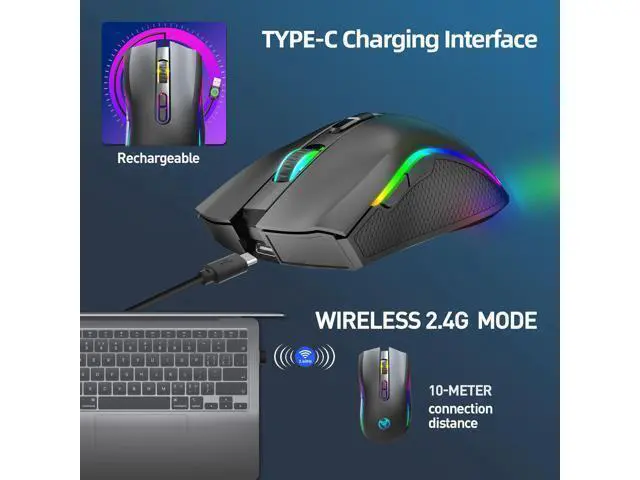
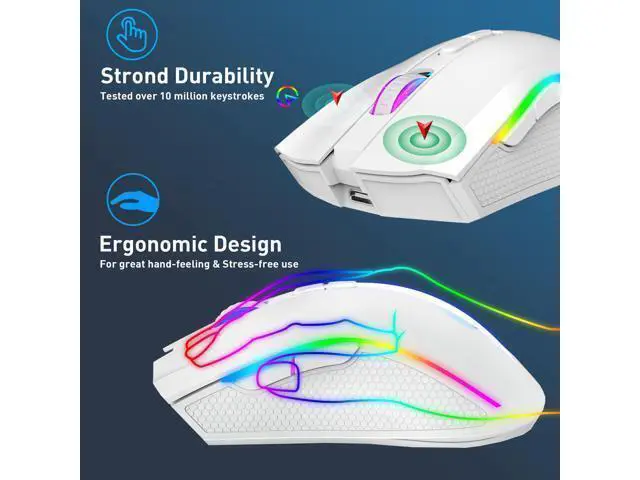
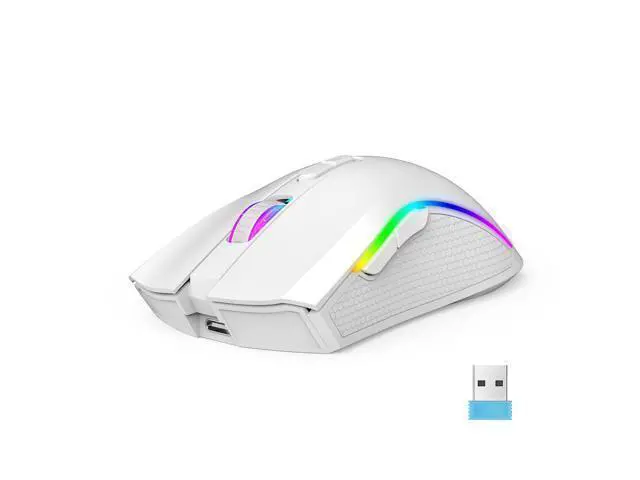
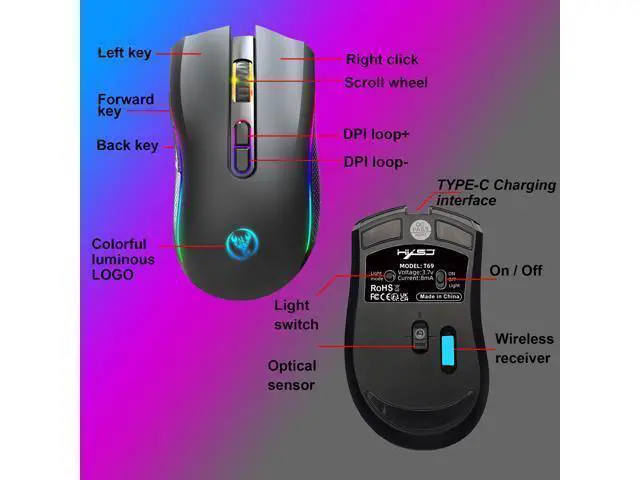
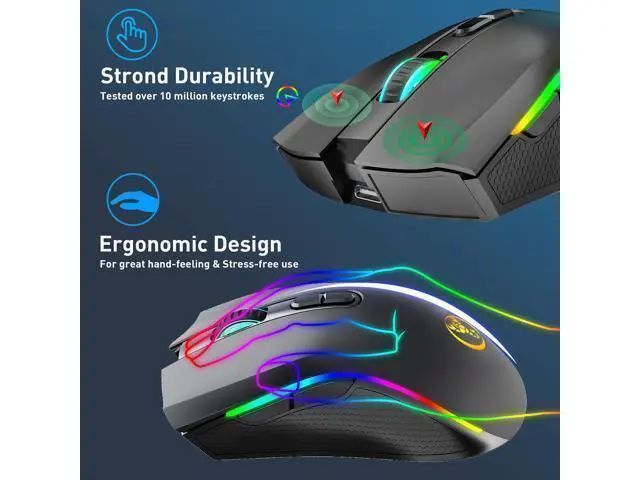


T69 2.4G RGB lighting wireless mouse with TYPE-C rechargeable interface and 7-button gaming mouse white
Limited time offer, ends 10/07 By ProGear Haven
- Package Includes:
- 1 x2.4G Wireless Mouse
- 1 x Usb Receiver
- 1 x TYPE-C charging cable(80cm)
- 1 x Instruction manua
- System compatibility:
- Compatible with IBM PC
- Win98SE/Me/2000/XP/VISTA/WIN 7/WIN8/WIN10/WIN11/Android/Apple and other latest systems
- Mouse Steps for usage:
- 1.Turn on the power switch.
- 2.Supported operating systems: XP, Win7, Win8, win10, etc.
- 3.Hardware connection: Insert the USB plug of the product into the port of USB 1.1 or above (when the product is used
- for the first time in the lower right corner of the computer, a prompt to automatically install hardware will pop up)
- 4.Move the mouse and the computer screen pointer can move accordingly, and the mouse can be used normally.
+
+
Overview
Specs
Reviews

Any questions? Our AI mode will help you find out quickly.
Try me now
Package Includes:; 1 x 2.4G Wireless Mouse; 1 x Usb Receiver; 1 x TYPE-C charging cable (80cm); 1 x Instruction manua;
System compatibility:; Compatible with IBM PC; Win98SE/Me/2000/XP/VISTA/WIN 7/WIN8/WIN10/WIN11/Android/Apple and other latest systems;
Mouse Steps for usage:; 1. Turn on the power switch.; 2.
Supported operating systems: XP, Win7, Win8, win10, etc.; 3.
Hardware connection: Insert the USB plug of the product into the port of USB 1.1 or above (when the product is used; for the first time in the lower right corner of the computer, a prompt to automatically install hardware will pop up); 4. Move the mouse and the computer screen pointer can move accordingly, and the mouse can be used normally.
System compatibility:; Compatible with IBM PC; Win98SE/Me/2000/XP/VISTA/WIN 7/WIN8/WIN10/WIN11/Android/Apple and other latest systems;
Mouse Steps for usage:; 1. Turn on the power switch.; 2.
Supported operating systems: XP, Win7, Win8, win10, etc.; 3.
Hardware connection: Insert the USB plug of the product into the port of USB 1.1 or above (when the product is used; for the first time in the lower right corner of the computer, a prompt to automatically install hardware will pop up); 4. Move the mouse and the computer screen pointer can move accordingly, and the mouse can be used normally.
Warranty & Returns
Warranty, Returns, And Additional Information
Warranty
- Please contact the Seller directly for warranty information. Warranty information may also be found on the Manufacturer's website.
- CONTACT
Return Policies
- Return for refund within: 30 days
- Return for replacement within: 30 days
- This item is covered by ProGear Haven Return Policy
Manufacturer Contact Info
- For a directory of all our manufacturers, please click below.
- Manufacturers Directory
LOADING...