• $809.42
  • Free 30-day Returns
  • Price alert
    Shop it at NeweggBusiness.

    Meet Your Seller

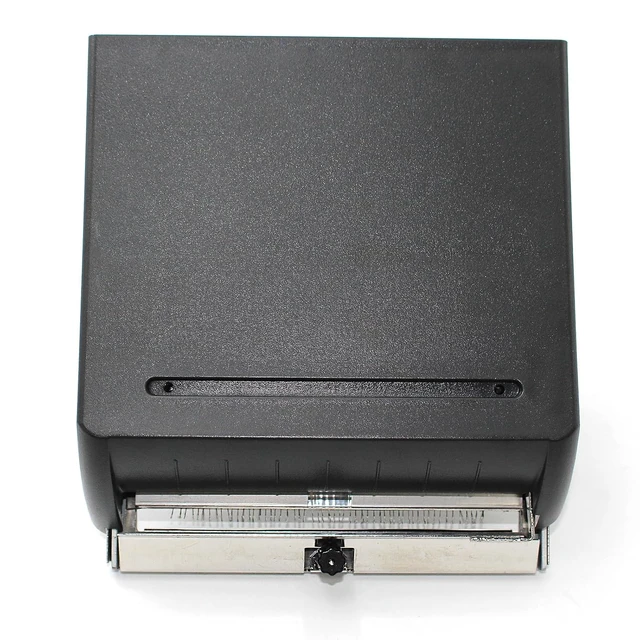
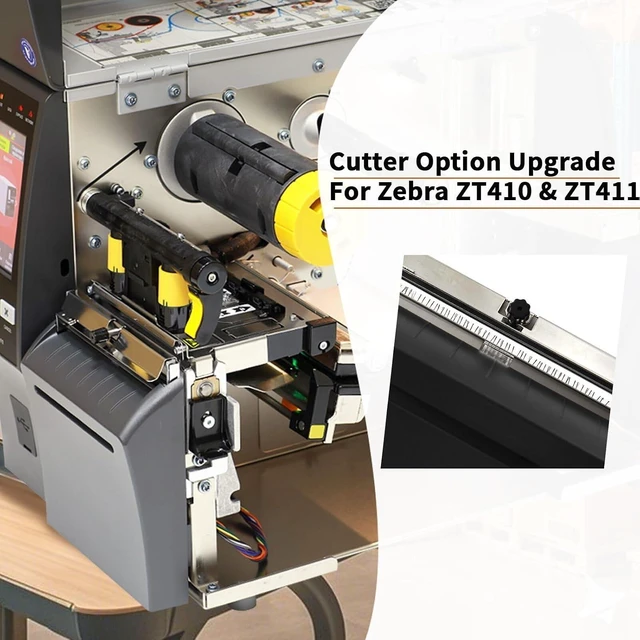
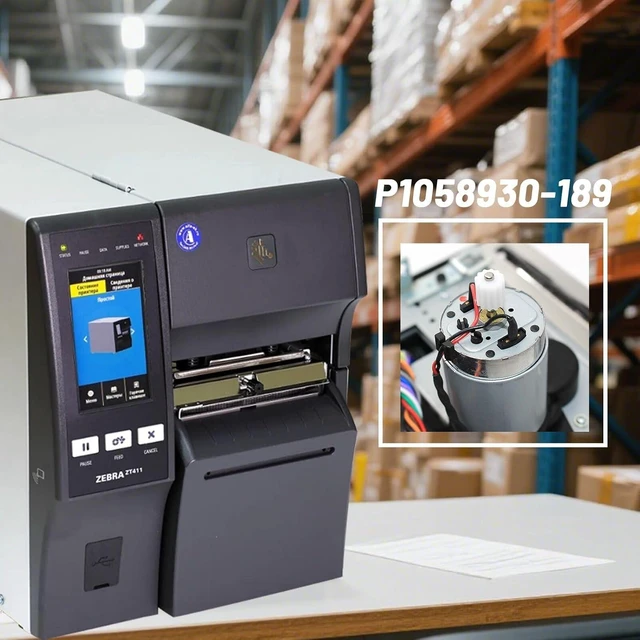
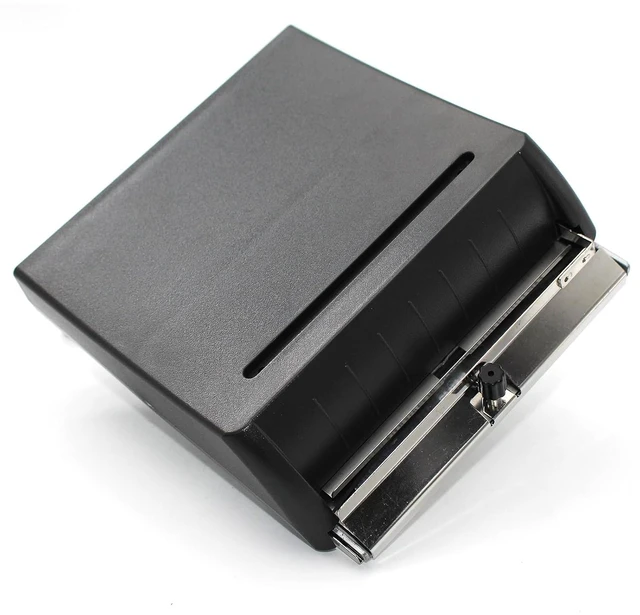
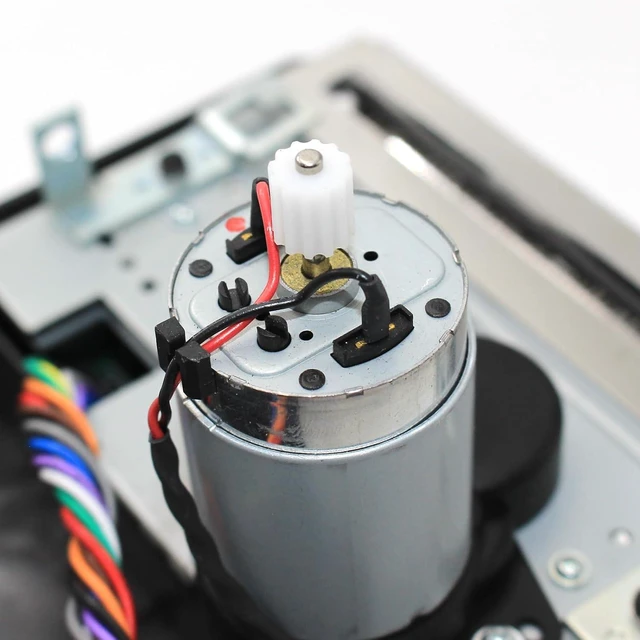
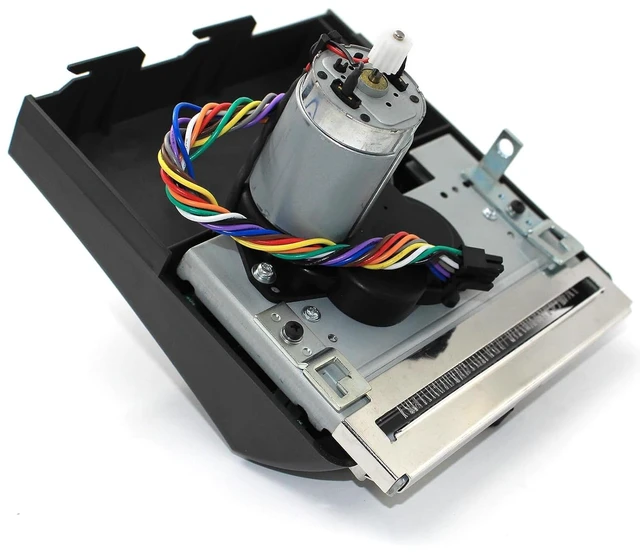
    P1058930-189 Kit Cutter Option for Zebra ZT410 ZT411 Thermal Barcode Label Printer Cutter Assy All dpi

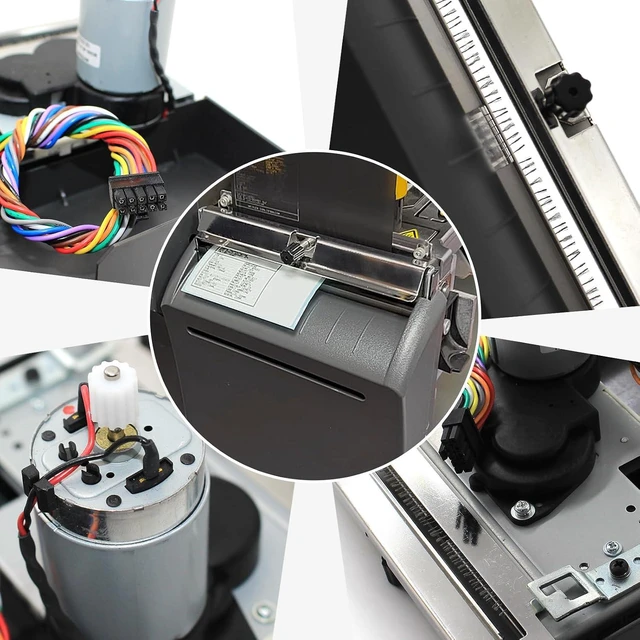
    • P1058930-189 Kit Cutter Option for Zebra ZT410 ZT411 Thermal Barcode Label Printer CUTTER ASSY All dpi; Wokr for Zebra ZT410 ZT411 Thermal Barcode Printer 203dpi 300dpi 600dpi (*Work for such as:ZEBRA ZT41142-T010000Z, ZT41143-T010000Z, ZT41146-T010000Z and ZT41042-T010000Z ,ZT41043-T010000Z, ZT41046-T010000Z.); Part number P1058930-189; What's include:1x Kit Cutter Option Upgrade ,ZT410/ZT411; Increase Efficiency:Cutting can be performed immediately after printing is completed, achieving seamless connection between printing and cutting, greatly reducing the time of the entire workflow and improving work efficiency. Especially in the case of batch printing and cutting, cutting tasks can be completed continuously and quickly, saving a lot of time and labor costs.; Thoughtful After-Sales Service: After receiving GETPARTS Printer's Parts,all customers can return and get refunded in case the purchasing is not satisfactory for any reason.Please contact us even if you have any product problems, we will solve the problem for you at the first time.
    +
    +
    Overview
    Specs
    Reviews

    Any questions? Ask CelesteSM will help you find out quickly.

    Product description Open the Media Cover 1. Open the Media Cover of printer. Turn off the printer power, unplug the power and data cables, and prepare the necessary cutter components and corresponding tools such as screwdrivers for installation. Remove the Front Lower Panels 2. Remove the Front Lower Panels of the printer. Use a small screwdriver to poke the fixing hole inside the front cover, then slide the front cover to the right and lift it out. Positioning the Cutter Assembly 3. Position the cutter assembly, confirm that the mounting bracket is correctly installed, and ensure that the position of "M" is correct.

    If not, loosen the middle screw and adjust the mounting bracket until "M" is in the correct position. Install the Cutter Assembly After installing the cutter in the correct position, it needs to be fixed and tightened with screws to prevent slipping and damage, and then connect the cutter wire to the terminal under the frame. Turn on the printer, installation is complete! Applicable models 4-Inch Cutter Upgrade Fit for Zebra ZT410/ZT411 Industrial Barcode Printers Work for
    Such as: ZT41142-T010000Z ZT41142-T01A000Z ZT41142-T310000Z ZT41042-T010000Z, ZT41042-T01000GA ZT41143-T010000Z, ZT41143-T01000GA ZT41043-T110000Z ZT41043-T010000Z *Pay attention Item doesn't fit for zebra ZT420 or ZT421 barcode printers. 4-Inch Industrial Cutter would not fit for 6-Inch Printer. Liner Take Up Spindle & Peel Assembly for Zebra ZT411 Barcode Printer 203dpi... P1105147-019 Peel Assem

    Warranty & Returns

    Warranty, Returns, And Additional Information

    Warranty

    • Please contact the Seller directly for warranty information. Warranty information may also be found on the Manufacturer's website.
    • CONTACT

    Return Policies

    Manufacturer Contact Info

    LOADING...