

Your Browsing History
- Free 30-day Returns
$12.99


Meet Your Seller


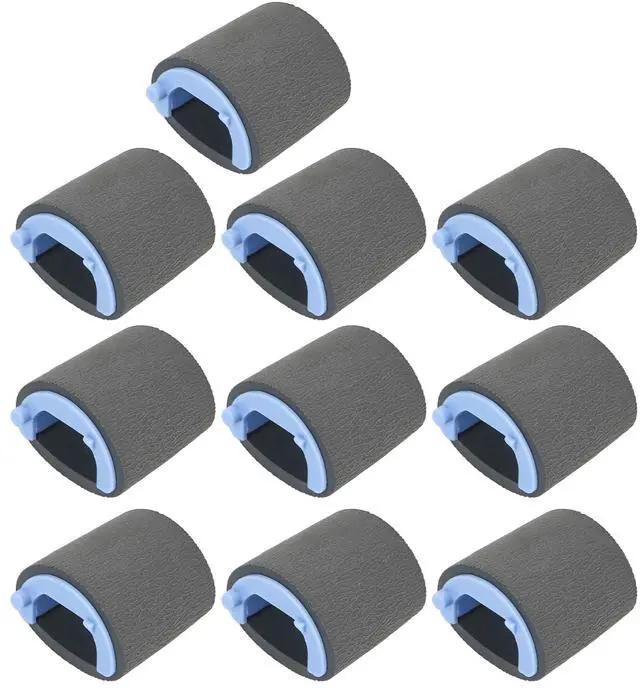
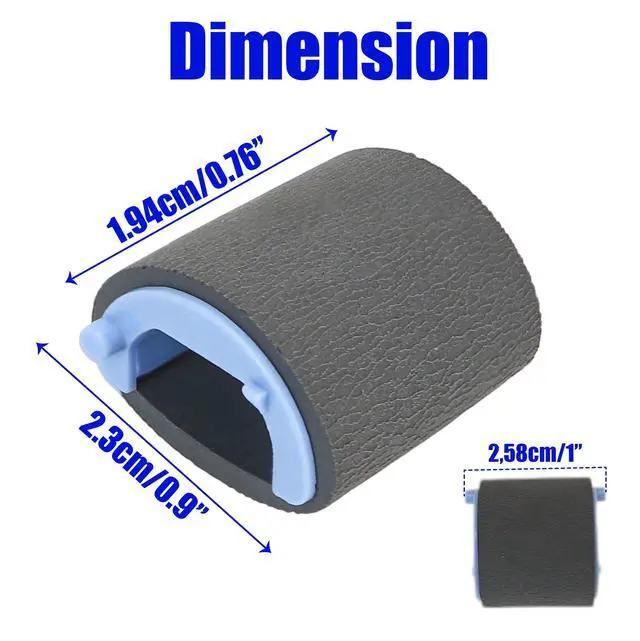
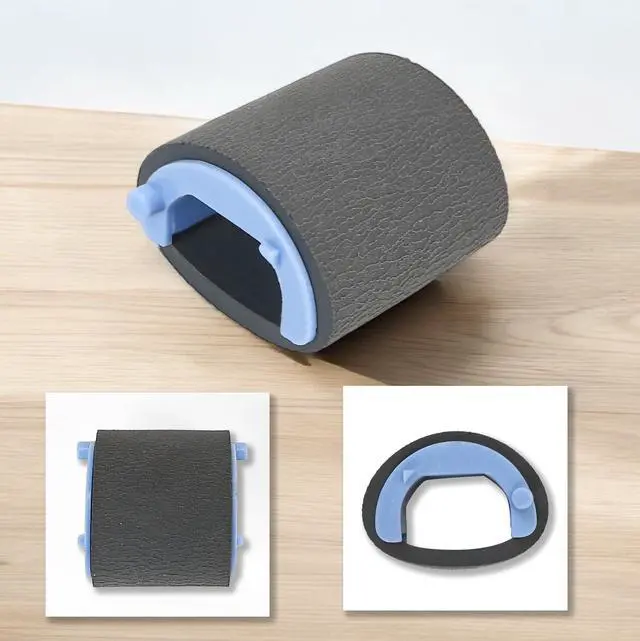
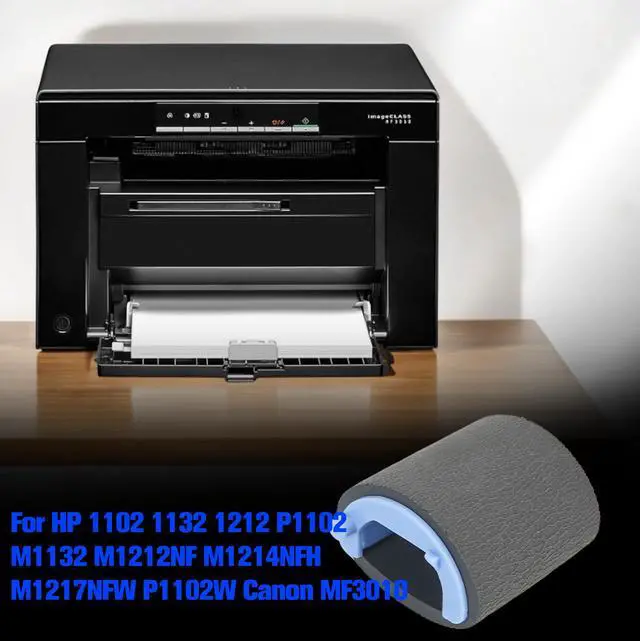
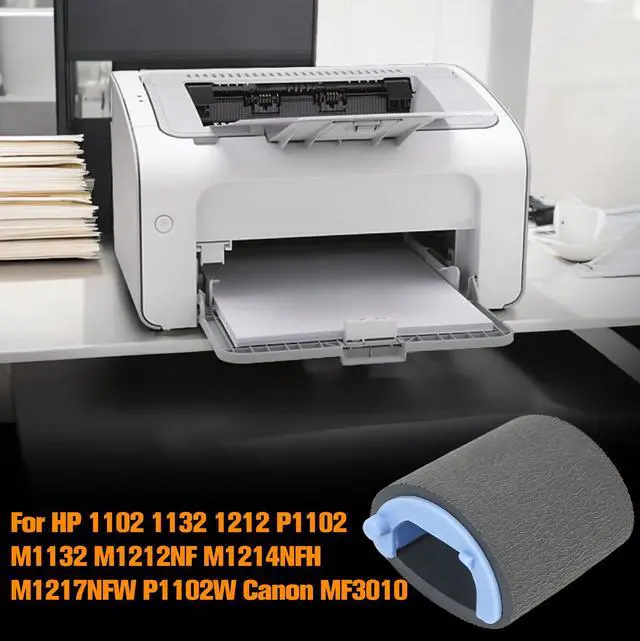
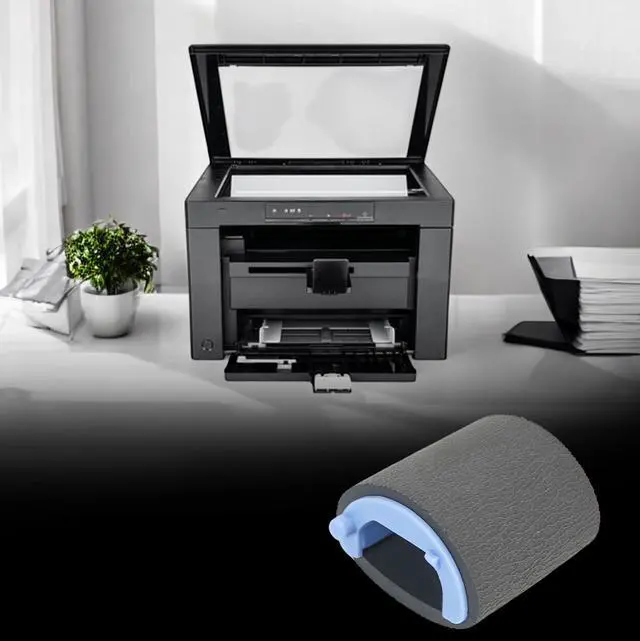
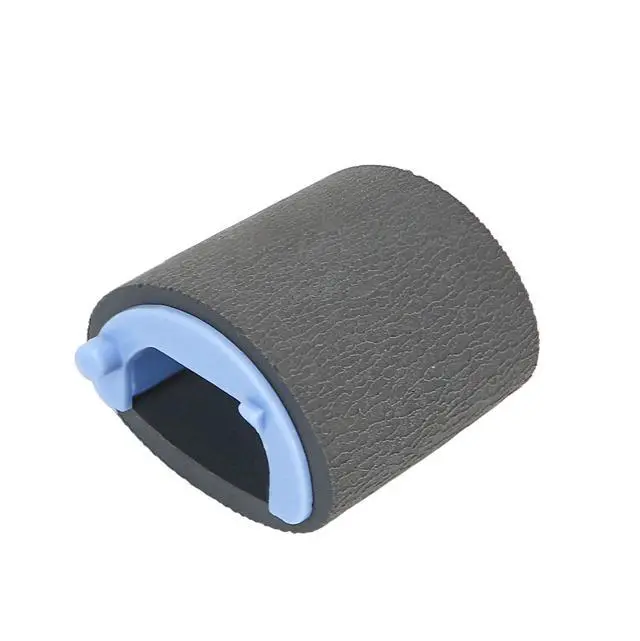


10pcs Paper Pickup Roller for HP 1102 1132 1212 P1102 M1132 M1212NF M1214NFH M1217NFW P1102W for Canon MF3010 Printer Replacement Part
- OEM PART NUMBER MATCH Replaces paper pickup roller RL1-1442-000 for the paper feed section; matching the part number helps ensure the correct fit and restores consistent paper pickup performance.
- WIDE MODEL COMPATIBILITY Designed for 1102/1132/1212 series and common P1102/M1132/M1212 series variants; ideal when you need a dependable pickup roller replacement for compatible mono laser printers.
- HIGH-GRIP PAPER PICKUP High-viscosity rubber surface improves traction to reduce multi-feed, skew, and slip; helps pull sheets cleanly to minimize jams and misalignment during printing.
- ABRASION-RESISTANT DURABILITY Built with wear-resistant material to handle repeated feed cycles; helps extend service life compared with worn rollers that cause intermittent pickup issues.
- 10-PIECE VALUE PACK Includes 10 pickup rollers for maintenance, spares, or multi-printer service; practical for shops and offices that want quick downtime reduction when feed issues appear.
+
+
Overview
Specs
Reviews

Any questions? Our AI mode will help you find out quickly.
Try me now
RL1-1442-000 Paper Pickup Roller Replacement (10-Pack)
Replace worn paper feed components and restore reliable sheet pickup with this RL1-1442-000 paper pickup roller (10-pack). Designed for the paper feed section, a fresh pickup roller helps improve grip on paper to reduce slipping, skew, and intermittent pickup issues that can lead to jams.
Key Benefits
- High-grip pickup surface helps pull single sheets smoothly and consistently
- Wear-resistant construction supports long-term use in high-cycle environments
- 10 rollers included for maintenance stocking and faster service turnaround
Compatibility
- Part No.: RL1-1442-000
- Common compatible series: 1102/1132/1212, P1102, M1132, M1212 and related variants
Installation Overview (Pickup Roller Replacement)
- Power off the printer and unplug the power cord; allow the printer to cool.
- Open the cartridge door and remove the print cartridge (avoid exposing it to direct light; cover if needed).
- Locate the pickup roller inside the printer.
- Release the small white tabs on both sides and rotate the roller toward the front.
- Lift the roller up and out.
- Install the new roller, aligning the circular and rectangular slots so it seats correctly.
- Rotate the roller away from you until both sides snap into place.
- Reinstall the print cartridge and close the door.
- Plug in and power on.
Note: Please confirm your printer model and the part number RL1-1442-000 before ordering.
Warranty & Returns
Warranty, Returns, And Additional Information
Warranty
- Please contact the Seller directly for warranty information. Warranty information may also be found on the Manufacturer's website.
- CONTACT
Return Policies
- Return for refund within: 30 days
- Return for replacement within: non-replaceable
- This item is covered by grow_up Return Policy
Manufacturer Contact Info
- For a directory of all our manufacturers, please click below.
- Manufacturers Directory
LOADING...