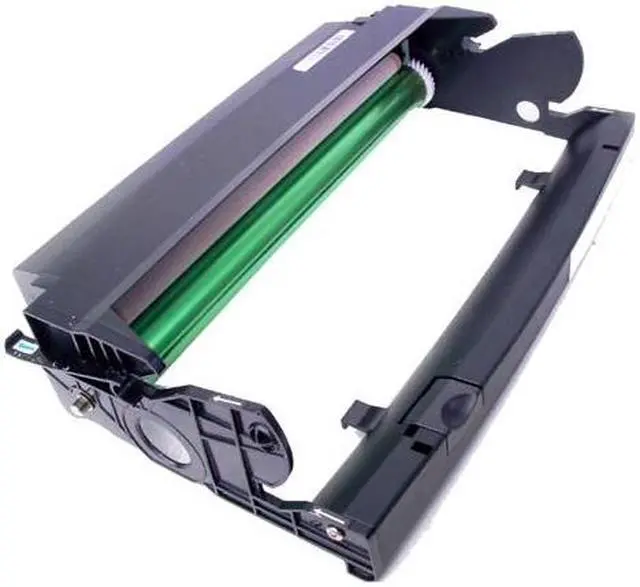
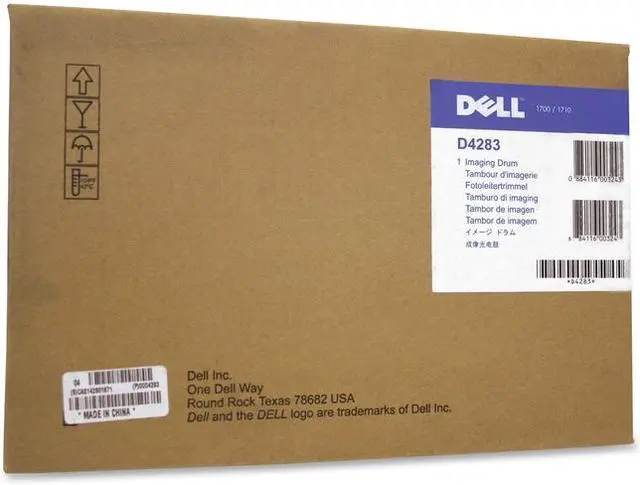
The Dell D4283 imaging drum kit is a 30,000-page black laser printer drum for Dell 1700 and 1700n printer owners who need a compatible drum component for those models.
Recommended For
- Owners of a Dell 1700 or 1700n replacing the imaging drum as part of printer maintenance; this is a drum replacement, not a replacement printer.
- Small-office teams that regularly print black-and-white documents on a compatible Dell printer and want a drum rated for approximately 30,000 pages at 5% coverage.
- Workgroups maintaining a Dell 1700n shared over a wired network who need a replacement drum for that existing printer.
- IT staff or repairers comfortable replacing a printer drum and resetting the drum counter afterward.
Real-World Use Scenarios
- When a Dell 1700 or 1700n signals that the imaging drum has reached its limit, replace the drum and reset the printer’s drum counter; otherwise, the replacement warning may remain even after the new part is installed.
- If pages develop recurring spots or marks and the drum surface is scratched or damaged, replacing the imaging drum may correct defects caused by the drum; it will not fix print problems caused by another printer component.
- When the printer’s toner still has usable life but the drum needs replacing, transfer the toner cartridge to the new drum assembly; this lets you replace the drum without automatically discarding the toner.
- For a small office that relies on a Dell 1700-series printer for routine black-and-white documents, keep a compatible D4283 drum available so a worn drum can be replaced as maintenance rather than leaving the printer waiting for a part.
- During a do-it-yourself drum replacement, remove the toner-and-drum assembly and handle the new drum promptly; Dell’s manual warns that extended exposure to direct light can cause print-quality problems.
Spec Summary
| Attribute | Value |
|---|
| Best For | Replacement imaging drum kit for Dell 1700 and 1700N printers |
|---|
| Brand | Dell Printer Accessories |
|---|





 here!
here!