AOACE Gaming PC AMD Ryzen 7 5700X [8-Core 4.6GHz], RTX 5060 8GB GDDR7, DLSS 4, VR Ready, WiFi 6E, 32GB DDR4, 1TB PCIe4 NVMe, 6 ARGB, Win11 Home
  •  
  • $1,249.99 –
  • Save: 34%
  • $49.99
  • Free 30-day Returns
  • Sold by Direct from manufacturerVIVO
    Top Rated
    4.7 (2,010 seller ratings)

    Shipped by Direct from manufacturerVIVO

    Price alert
    Shop it at NeweggBusiness.

    Meet Your Seller

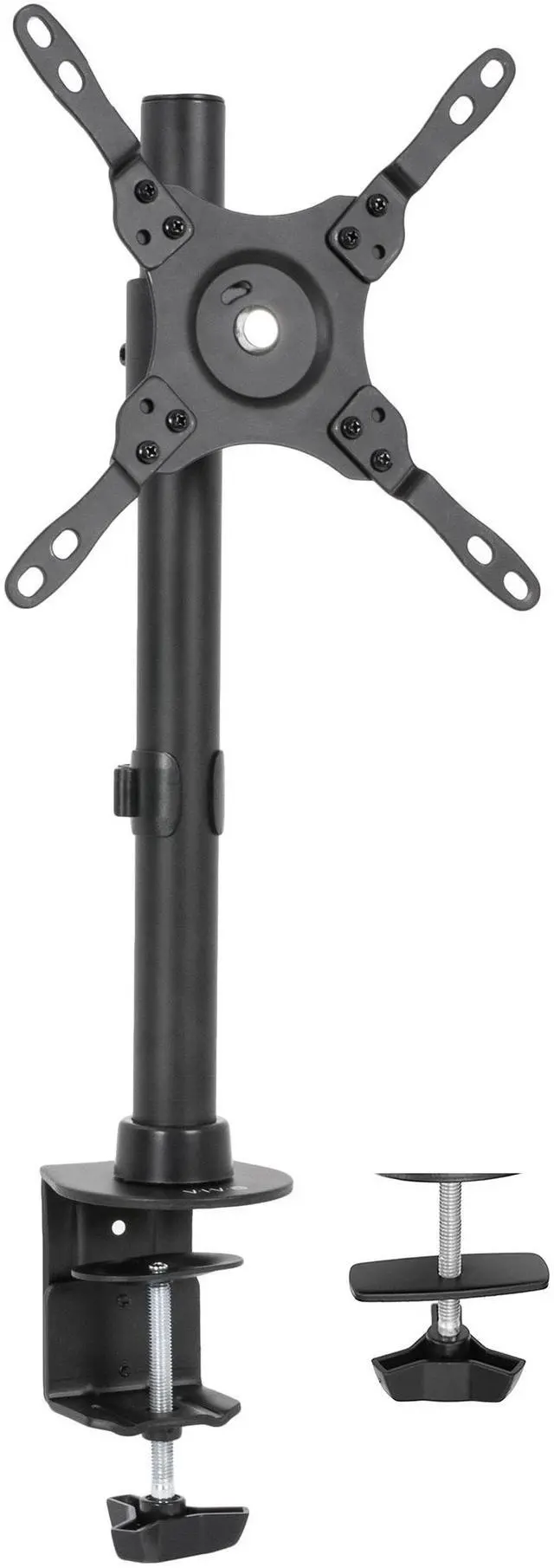
    VIVO Black TV & Ultra Wide Screen Monitor Desk Mount Stand for Screens up to 42"

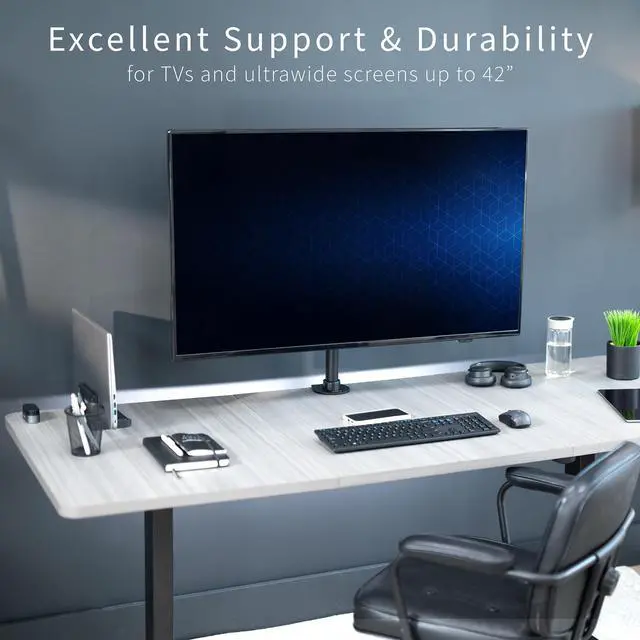
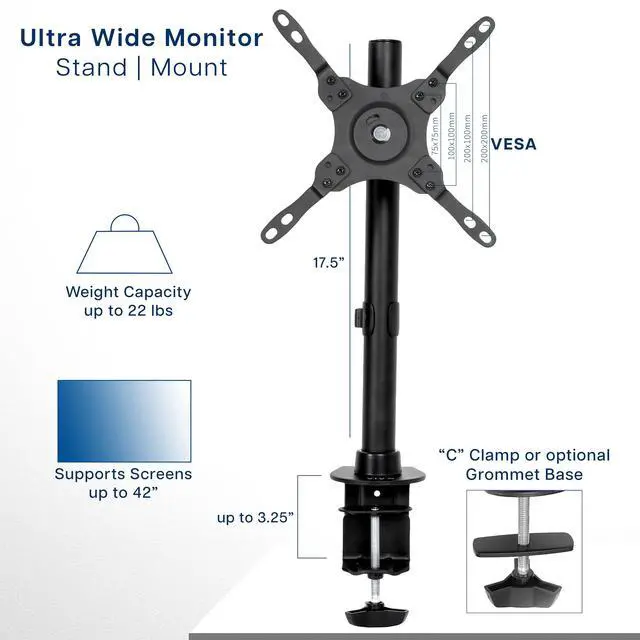
    • Ultrawide Compatibility: Fits most ultra-wide monitors, regular monitors, and TV's up to 42 in size and 22 lbs in weight. This is a standard VESA stand with 75x75mm, 100x100mm, 200x100mm, and 200x200mm mounting holes
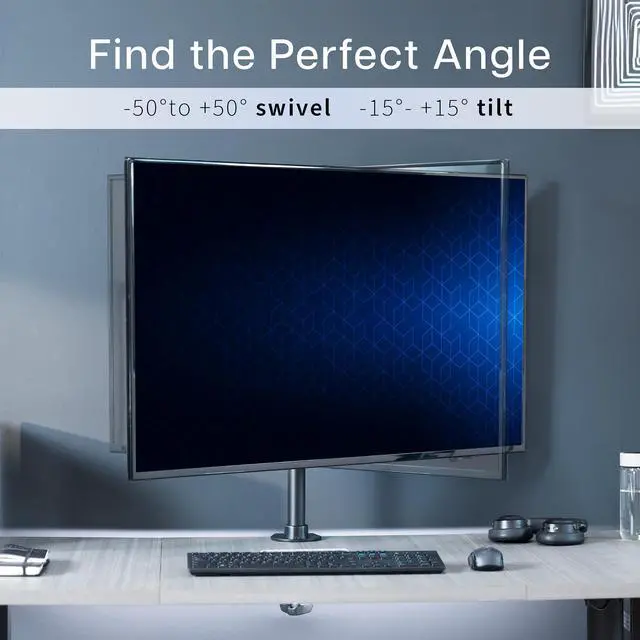
    • Articulation and Height Adjustment: Enjoy ergonomic viewing with the adjustable mounting bracket offering +45° to -45° tilt, 90° swivel, 360° rotation, and height adjustment along the center pole. Monitor can be placed in portrait or landscape orientation
    • Removable Extensions: The innovatively designed bracket extensions are removable, facilitating mounting with smaller VESA patterns
    • Drill-Free Mounting: This solid steel and aluminum stand secures to your surface of choice up to 3.25" thick via a heavy-duty C-clamp, or use the equally sturdy optional grommet mount to suit your preferred layout
    • Easy Assembly: All hardware and instructions are provided so you can get your new stand assembled and screen mounted in no time
    +
    +
    Overview
    Specs
    Reviews

    Any questions? Ask CelesteSM will help you find out quickly.

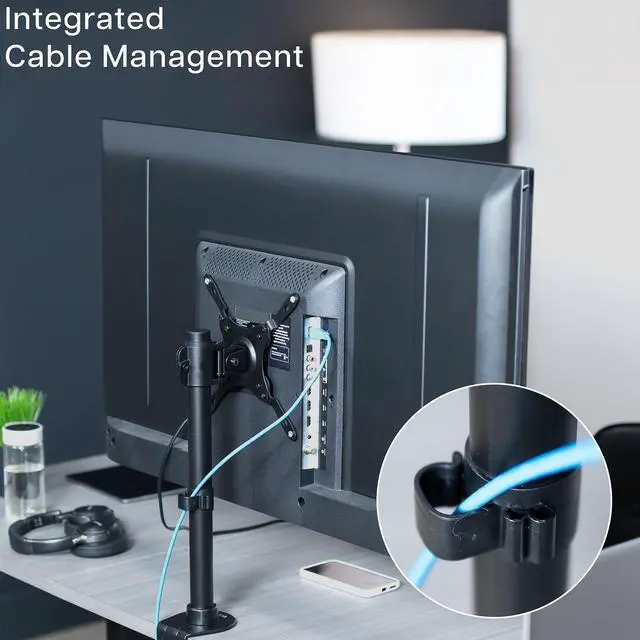
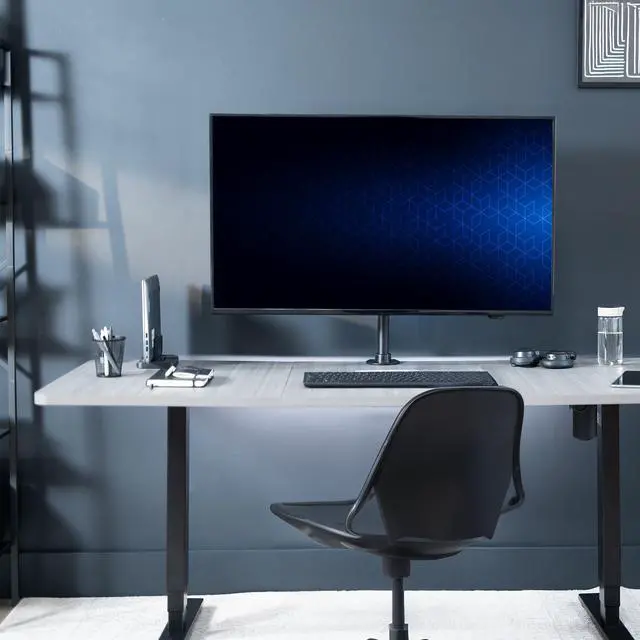
    Conveniently mount your ultrawide monitor or TV to a desk or table top with the Single Monitor Desk Mount (STAND-V101C) from VIVO! Made of high-grade steel and aluminum, this stand holds screens up to 42 in size and 22 pounds in weight. Features include articulation and height adjustability for comfortable viewing angles and glare reduction. This is a standard VESA mount with 75x75mm, 100x100mm, 200x100mm, and 200x200mm mounting holes. The bracket extensions are removable for the smaller range VESA patterns.

    Compatibility

    • Fits: Ultrawide Monitors, Regular Monitors, and TV's up to 42"
    • VESA Standard: 75x75mm, 100x100mm, 200x100mm, 200x200mm
    • Maximum Desktop Thickness: 3.25
    • Weight Capacity: 22 lbs

    Specifications

    • Color: Black
    • Material: Steel, Aluminum
    • Pole Height: 17.5
    • Articulation: +45° to -45° tilt, 90° swivel, and 360° rotation
    • Height Adjustment: Provided along the center pole
    • Mounting Options: C-clamp or Grommet
    • Screen Orientation: Portrait or Landscape

    Warranty & Returns

    Warranty, Returns, And Additional Information

    Warranty

    • Please contact the Seller directly for warranty information. Warranty information may also be found on the Manufacturer's website.
    • CONTACT

    Return Policies

    • Return for refund within: 30 days
    • Return for replacement within: 30 days
    • This item is covered by VIVO Return Policy

    Manufacturer Contact Info

    LOADING...

    The VIVO desk mount stand supports compatible TVs and monitors up to 42 inches and 22 pounds, making it suitable for users who want an adjustable screen setup without drilling into the desk; it attaches with a C-clamp or optional grommet mount.

    Recommended For

    • Desk-based workers or gamers who want to reclaim the space taken up by a monitor’s original stand, provided their screen fits the mount’s weight and VESA limits.
    • Users positioning a compatible ultrawide monitor or TV at a desk who need height, tilt, or swivel adjustment rather than a fixed tabletop stand.
    • People who switch a compatible display between portrait and landscape orientation, such as for reading long documents or viewing vertical content.
    • Users with a desk that can take a C-clamp or has a grommet hole, who want to mount a display without drilling a new hole.

    Real-World Use Scenarios

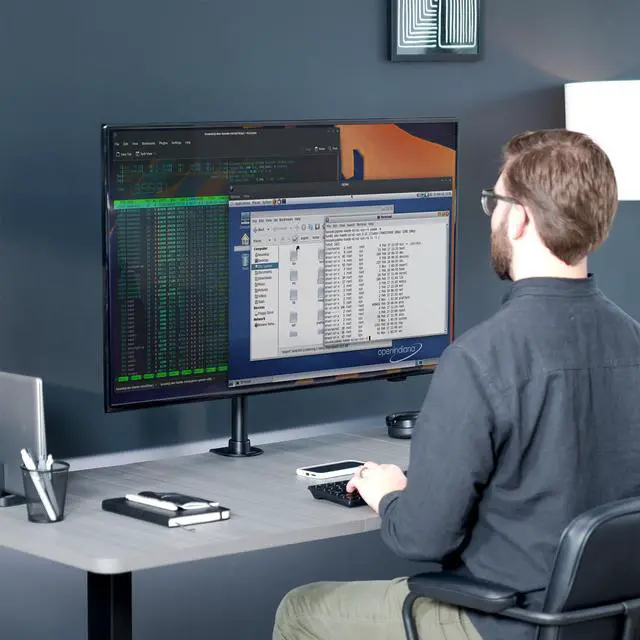
    • When a large ultrawide’s original base takes up too much desk space, clamp the screen to the desk to free the area underneath for everyday work gear. A Reddit user describes choosing this mount for a 38-inch ultrawide after looking for a desk-space-saving option; check that the screen weighs no more than 22 lb.
    • For a desk setup using a compatible TV as a large computer display, attach it to the desk instead of using its tabletop feet. A Reddit commenter describes mounting a 40-inch Samsung TV this way to reclaim space; confirm the TV’s weight and VESA pattern before installation.
    • When wall mounting is not an option, secure the screen to a compatible desk with the clamp or grommet mount. This gives the user a desk-based placement option without drilling into a wall.
    • For a screen that needs to sit at a different angle or position for viewing, adjust its height, tilt, or swivel instead of moving the desk or relying on the screen’s fixed stand. The mount’s adjustments can help accommodate different desk layouts and viewing positions.
    • When a compatible monitor is more useful in portrait orientation—for example, for viewing long documents—rotate it vertically and return it to landscape when needed. Confirm the monitor’s weight and VESA pattern fit the mount.