• $9.99
  • Free 30-day Returns
  • Sold by Direct from manufacturerVIVO
    Top Rated
    4.7 (2,010 seller ratings)

    Shipped by Direct from manufacturerVIVO

    Price alert
    Shop it at NeweggBusiness.

    Meet Your Seller

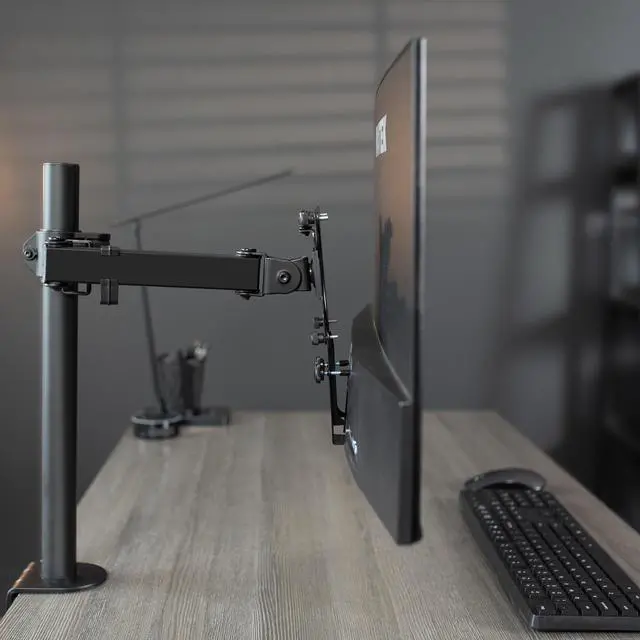
    VIVO Quick Attach VESA Adapter Designed for Viotek Computer Model NBV24CB2

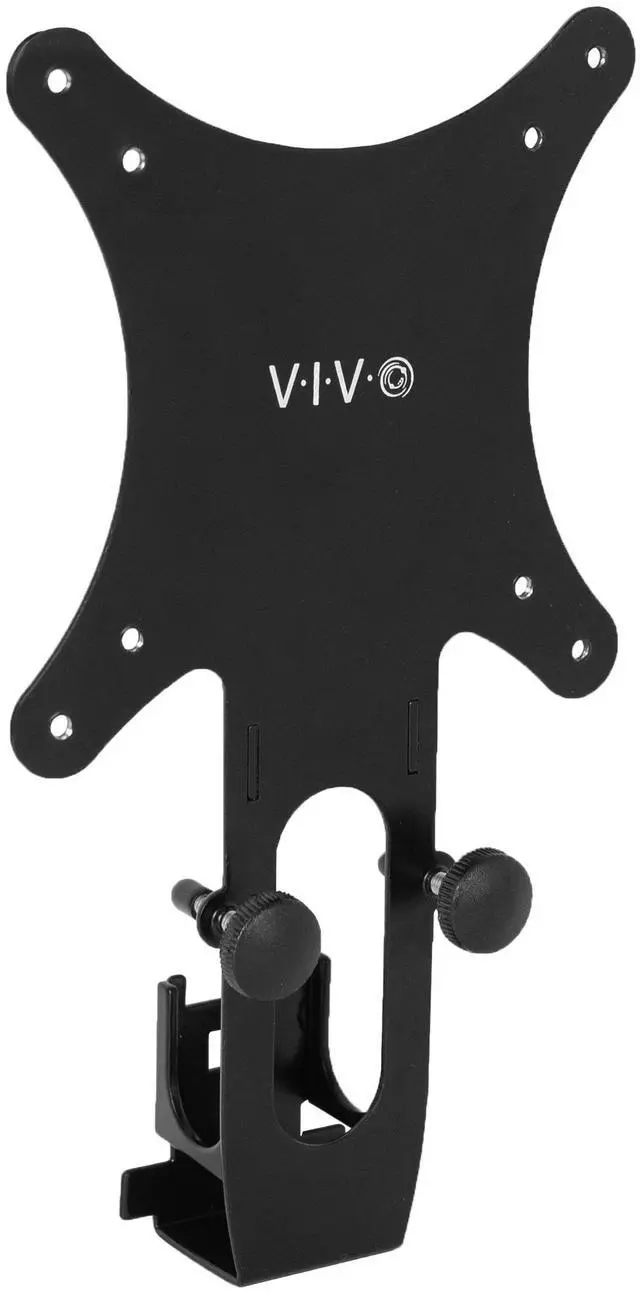
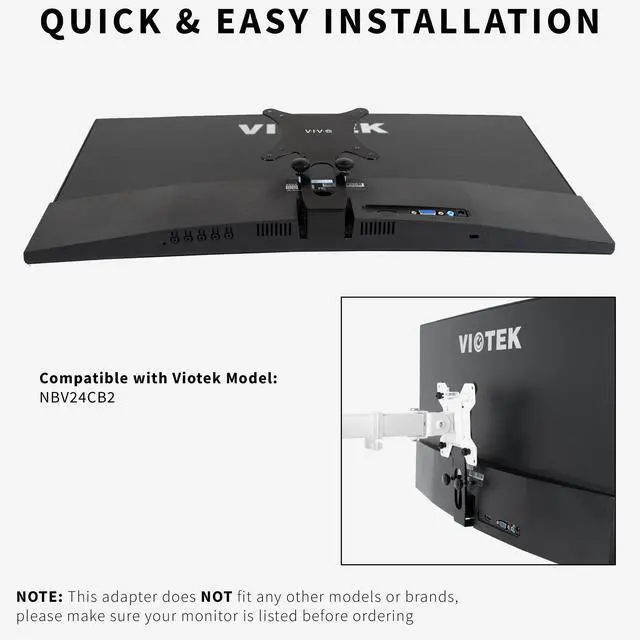
    • VIVO Quick Adapter Solutions - Please be sure and check the model of your monitor before ordering!! This bracket is designed to fit Viotek monitor model NBV24CB2 only. --Patent Pending--
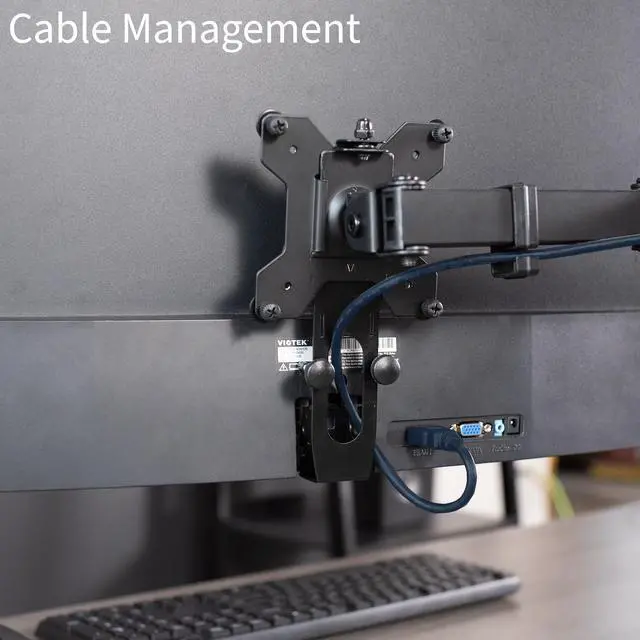
    • Cable Management - The back of the bracket features an oval opening for cable management to give your setup a clean and organized display. Slip your cables right through the slot and run them back along the mounting arm.
    • Sturdy Construction - Solid all steel construction is designed to keep your monitor safe and secure at all times.
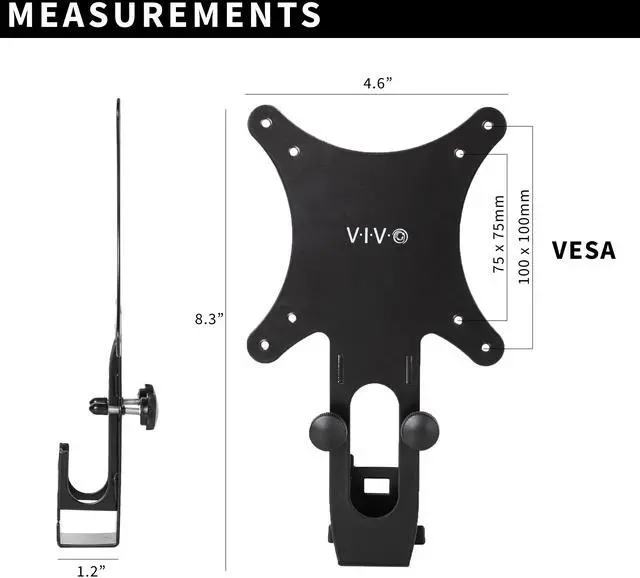
    • Compatibility - Designed only for the Viotek model listed above, this adapter provides mounting solutions for monitors that dont have VESA holes, allowing them to fit standard VESA mounts 75x75mm and 100x100mm.
    • Easy Installation - Get your Viotek monitor mounted in no time with the simple thumb bolts that secure the bracket to any VESA compatible stand or wall mount.
    +
    +
    Overview
    Specs
    Reviews

    Any questions? Ask CelesteSM will help you find out quickly.

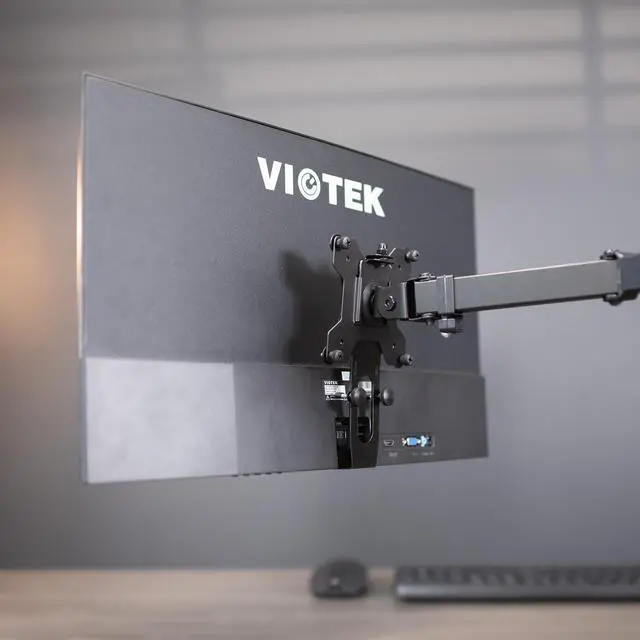
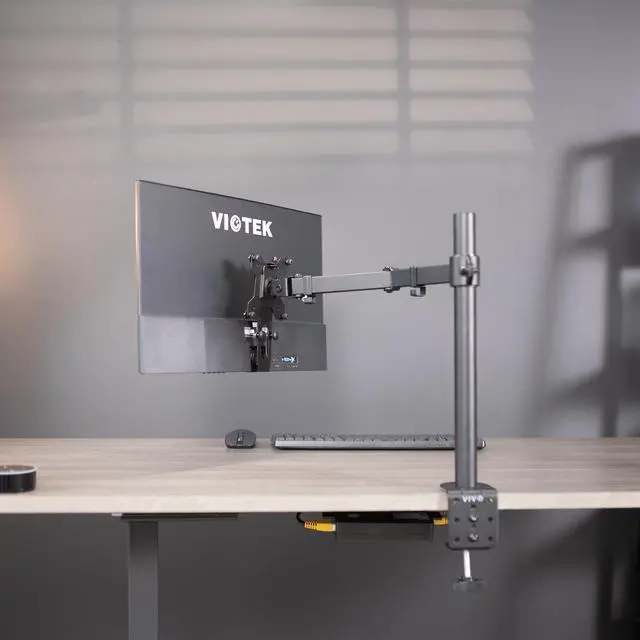
    Mount your compatible Viotek NBV24CB2 monitor with our quick attach VESA adapter bracket (MOUNT-VTK1) from VIVO! Simply remove the existing base, and snap our bracket into place for monitor mounting capabilities. This adapter is capable of fitting any VESA 75x75mm and 100x100mm stand or wall mount. Both sturdy and low-profile, the bracket is constructed entirely of durable steel to keep your monitor safe and secure. We include the hardware (simple thumb bolts) to secure the bracket to a VESA mount for an enhanced workstation experience.

    Compatibility

    • Fits Only the Following Viotek Model: NBV24CB2
    • Please Note: This adapter does not fit any other models or brands, so please check to make sure your monitor is listed before ordering!
    • VESA Compatible: 75x75mm and 100x100mm

    Specifications

    • Color: Black
    • Material: Steel
    • Bracket Dimensions: 4.6 x 1.2 x 8.3

    Warranty & Returns

    Warranty, Returns, And Additional Information

    Warranty

    • Please contact the Seller directly for warranty information. Warranty information may also be found on the Manufacturer's website.
    • CONTACT

    Return Policies

    • Return for refund within: 30 days
    • Return for replacement within: 30 days
    • This item is covered by VIVO Return Policy

    Manufacturer Contact Info

    LOADING...

    The VIVO Quick Attach VESA Adapter is a steel bracket that lets owners of the Viotek NBV24CB2 monitor attach it to a standard 75x75mm or 100x100mm VESA stand or wall mount.

    Recommended For

    • Viotek NBV24CB2 owners who want to reuse a VESA-compatible desk arm or stand instead of keeping the monitor on its original base.
    • NBV24CB2 owners setting up a wall-mounted display with a separate VESA-compatible wall mount.
    • Desk-setup users who want to route cables through the adapter’s opening when mounting an NBV24CB2.

    Real-World Use Scenarios

    • When you want to move a Viotek NBV24CB2 from its included base to a VESA monitor arm, this adapter provides the mounting connection, letting you position the screen using the arm’s supported adjustments.
    • When reclaiming desk space, you can attach the NBV24CB2 to a compatible VESA desk arm instead of keeping its factory base on the work surface; the amount of space saved depends on the arm and desk setup.
    • When mounting the NBV24CB2 on a compatible VESA wall bracket, the adapter lets you remove the factory base and position the screen on the wall; confirm the bracket’s VESA pattern and placement before installation.
    • When setting up two screens on a compatible dual-monitor stand, you can use the adapter to include the NBV24CB2 as one of the mounted displays, helping free space beneath the monitors.
    • When tidying a mounted setup, you can route cables through the adapter’s oval opening and along the mounting arm, reducing loose cable clutter behind the screen.