




 here!
I’m your shopping assistant for PC builds, upgrades, and everything tech.
Got questions? Ask away!
Start a conversation
here!
I’m your shopping assistant for PC builds, upgrades, and everything tech.
Got questions? Ask away!
Start a conversation



Any questions? Ask CelesteSM will help you find out quickly.
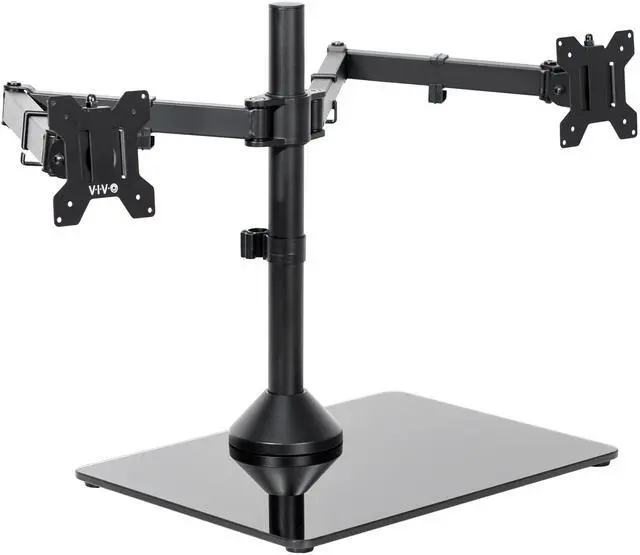
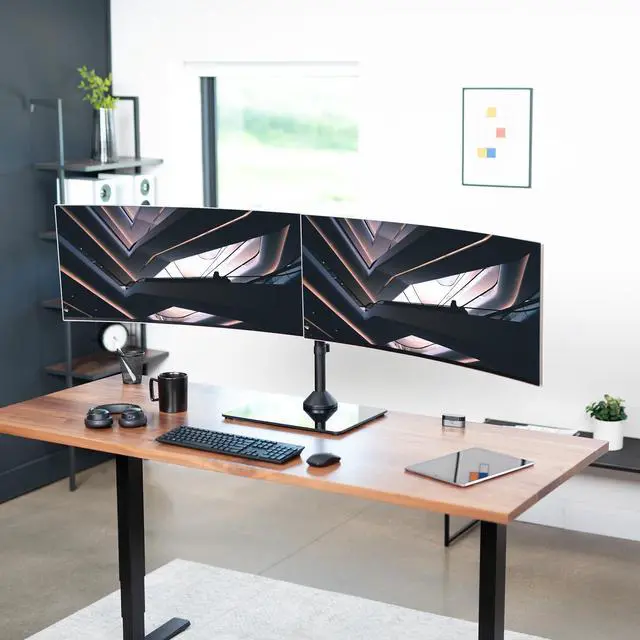
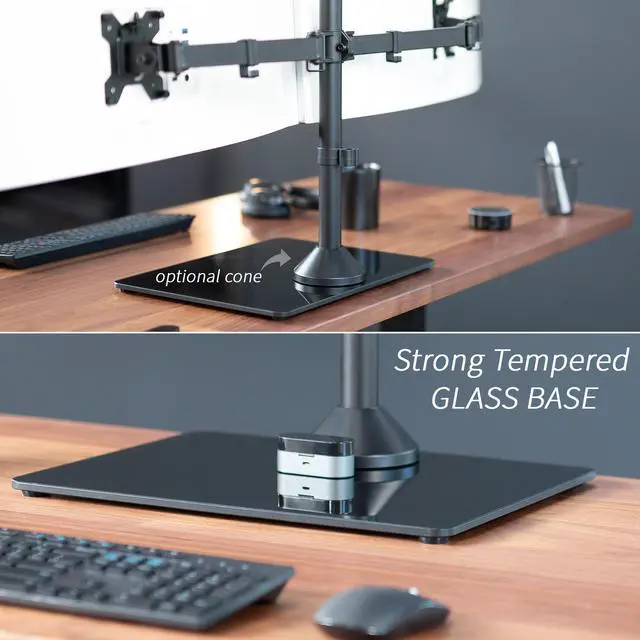
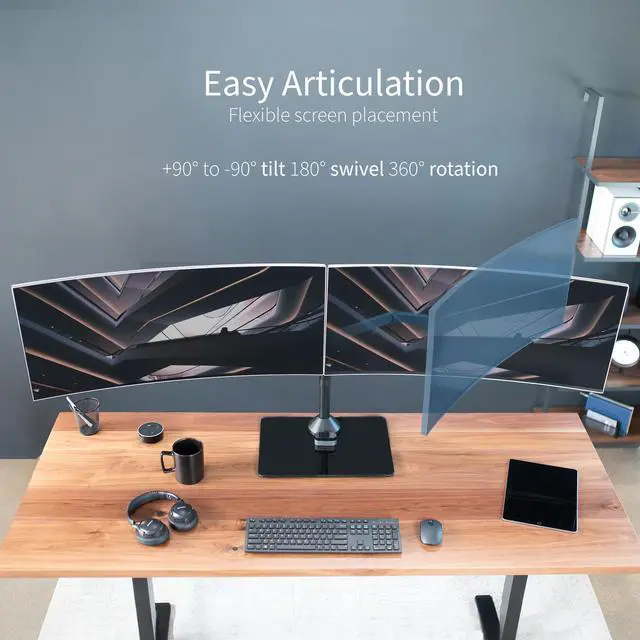
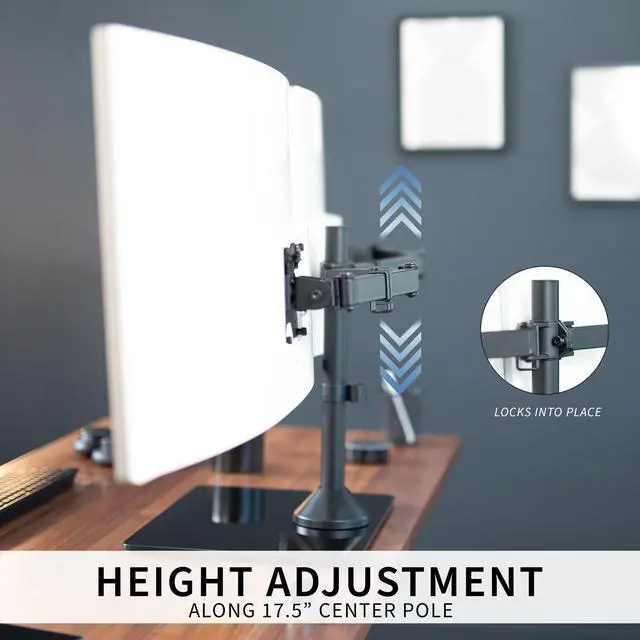
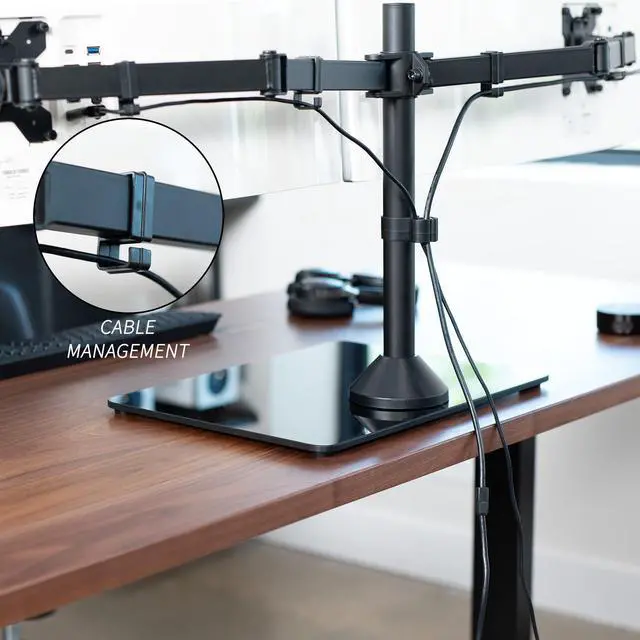
Enjoy the benefits of increased efficiency by using the Dual Ultrawide Monitor Desk Stand with Glass Base (STAND-V038FG) from VIVO! Enhance your work day with this high-grade steel stand built for scratch resistance and security. Features include arm articulation, removable VESA mounting plates, adjustable monitor height, integrated cable management, and more! Versatility of screen placement allows ergonomic viewing that eases muscle tension and reduces eye strain. The sturdy tempered glass base adds a classy look to your office while providing ample support for ultra-wide monitors. The base's durable surface also allows extra room for storage, thus freeing up valuable desk space!
Compatibility
Specifications
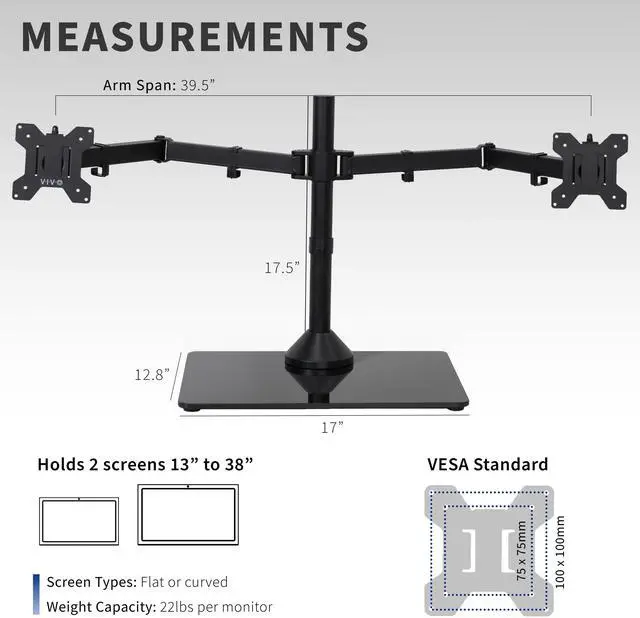
The VIVO dual monitor mount is a freestanding stand for two 13–38-inch ultrawide monitors, supporting up to 22 lb per screen with 75×75mm or 100×100mm VESA mounting. It suits workstation users who want adjustable side-by-side displays and have room for its 17 × 12.8-inch glass base.
| Attribute | Value |
|---|---|
| Best For | Dual-monitor tabletop setups with 13–38-inch monitors |
| Monitor Compatibility And Positioning | Fits monitors weighing up to 22 lb each with a 100 × 100 mm VESA pattern; articulating arms adjust in height and tilt up to 90° |
| Mount Construction And Dimensions | Black alloy-steel mount measuring 17 × 12.8 × 17.5 inches |
| Model Identifiers | VIVO STAND-V038FG |
Q: Should I choose this VIVO glass-base stand or the VIVO STAND-V002 clamp mount for two 38-inch ultrawides?
A: Choose the glass-base stand if you want a freestanding setup with a tempered-glass base and no desk clamp or grommet attachment. Both models support two monitors up to 38 inches and 22 lbs each; choose the STAND-V002 if you prefer securing the mount to the desk with its included clamp or grommet hardware.
Q: Is this better than the VIVO 32-inch glass-base version for two 38-inch ultrawides?
A: Choose the 38-inch version, STAND-V038FG, for monitors up to 38 inches wide; it supports up to 22 lbs per monitor. The 32-inch STAND-V002FG version is specified for monitors up to 32 inches, so it is the size-matched option for smaller displays.
Q: Should I get this stand or VIVO’s glass-base model for two ultrawides up to 49 inches?
A: Choose this stand for side-by-side monitors up to 38 inches and 22 lbs each. Choose VIVO’s STAND-V202LG if you want a vertically stacked setup; it supports monitors up to 49 inches and 44 lbs each.
Q: How does this compare with VIVO’s pneumatic dual-ultrawide mount?
A: Choose this glass-base stand for freestanding placement and height adjustment along a center pole. VIVO’s STAND-V102G2 is a desk-clamp or grommet-mounted alternative with pneumatic height adjustment and support for monitors up to 38 inches and 33 lbs each.
Q: Will this stand hold two ultrawide monitors?
A: It is designed for two monitors measuring 13 to 38 inches, up to 22 lb each. Each monitor must have 75 x 75 mm or 100 x 100 mm VESA mounting holes. Check the monitors’ dimensions and weight, as well as available desk space, before buying.
Q: Does it need to be clamped or screwed into the desk?
A: No. This is a freestanding mount with a tempered-glass base, so it sits on the desk without a clamp. The base measures 17 x 12.8 inches; allow room for it, and avoid pulling the monitors far forward or backward unless the stand is bolted down, as that can affect stability.
Q: Can I use one monitor in portrait orientation and the other in landscape?
A: Yes. The mount supports portrait or landscape orientation, and each screen can rotate 360 degrees. Whether a particular arrangement clears the desk or the other screen depends on the monitors’ dimensions and shape.
Q: Will it fit my monitors if they have VESA mounting holes?
A: It fits monitors with either 75 x 75 mm or 100 x 100 mm VESA mounting patterns, provided each screen is within the 13–38-inch range and weighs no more than 22 lb. A VESA pattern alone does not confirm that a monitor meets the size and weight limits.
Q: Can I use this if my desk edge is too small for a clamp?
A: Yes. It is freestanding, so it does not need a desk-edge clamp. Check that your desk has room for the 17 × 12.8-inch base, and avoid pulling the monitors far forward or backward unless the base is bolted down.
Q: Is this mount suitable if I only have one monitor?
A: It is designed for two monitors, and a Reddit commenter cautioned that it may not be a good fit for a single-monitor setup. Consider a single-monitor stand if you do not plan to add a second screen.
Q: Is assembly difficult?
A: One Reddit user described assembly as difficult but said the mount worked well afterward. Expect setup may take some effort; the product includes instructions and hardware.


