here!
I’m your shopping assistant for PC builds, upgrades, and everything tech.
Got questions? Ask away!
Start a conversation
here!
I’m your shopping assistant for PC builds, upgrades, and everything tech.
Got questions? Ask away!
Start a conversation



Any questions? Ask CelesteSM will help you find out quickly.
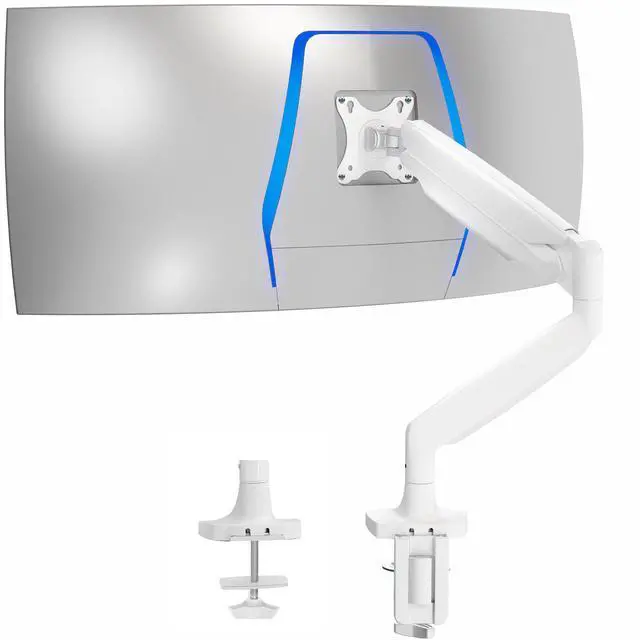
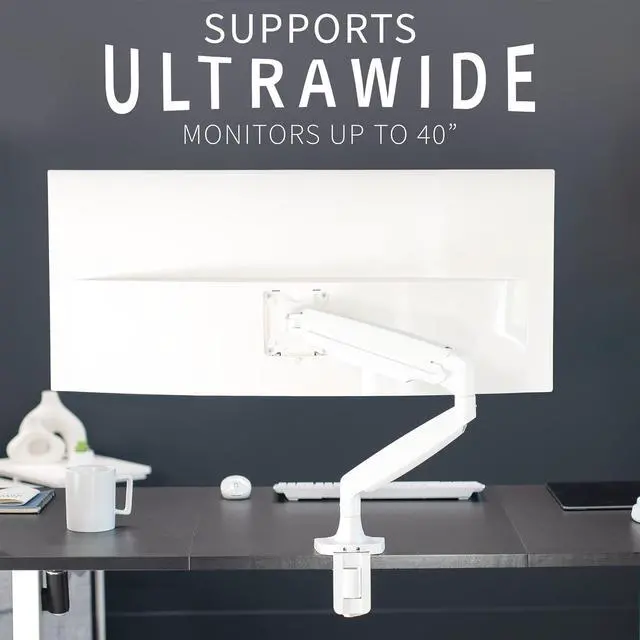
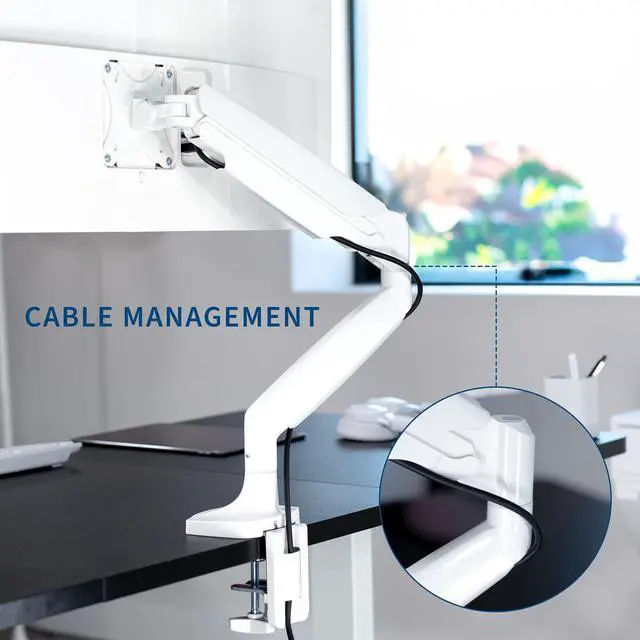
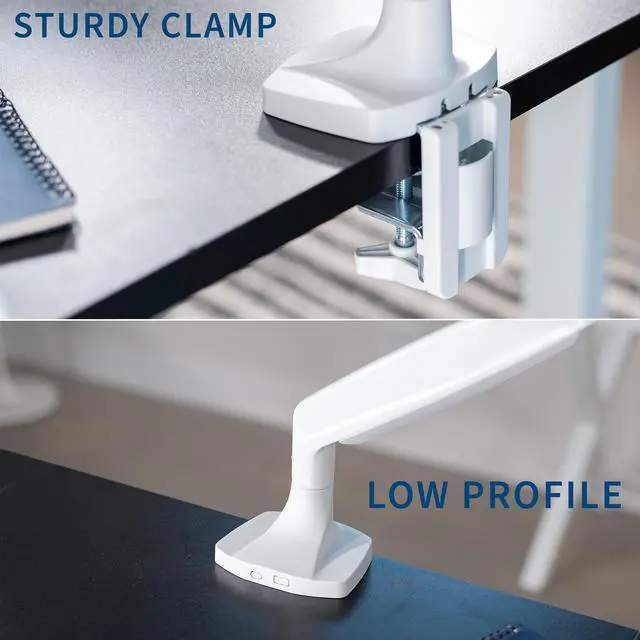
Reclaim your desk space and enjoy comfortable viewing angles with the White Pneumatic Arm Single Ultrawide Monitor Desk Mount (STAND-V101QW) from VIVO! Supporting screens up to 40, you can elevate your ultra wide monitor to an ergonomic height and adjust the viewing angle with just the touch of a hand. Featuring high-quality aluminum construction, flexible joints, smooth height adjustment, a sturdy desk clamp and grommet mount, integrated cable management, and more, this ultra-wide mount is ready to transform your workspace. All hardware and instructions are provided for easy assembly, so you can get your stand installed to your desk and monitor mounted in no time!
Compatibility
Specifications
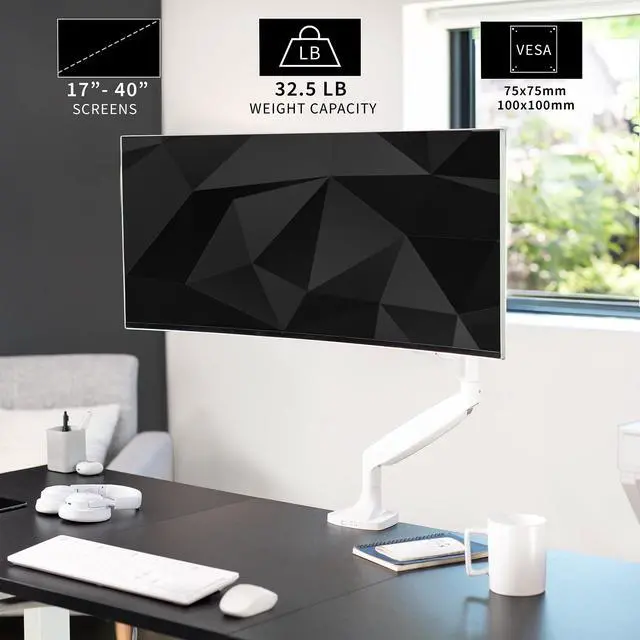
The VIVO White Single 40-inch Pneumatic Spring Monitor Desk Mount is an adjustable desk arm for people using 17- to 40-inch monitors, including ultrawides, that fit its 2.2- to 32.5-pound weight range and 75x75mm or 100x100mm VESA pattern.
| Attribute | Value |
|---|---|
| Best For | Single-monitor desk setups that need an articulating tabletop mount |
| Mount Compatibility And Adjustment | Fits monitors with a 100 × 100 mm VESA pattern and weighing up to 32.5 lb, with up to 90° of tilt |
| Mount Construction And Color | White mount made of alloy steel and aluminum |
| Model Identifiers | VIVO model STAND-V101QW |
Q: VIVO STAND-V101QW vs STAND-V100OW: which gives more positioning range?
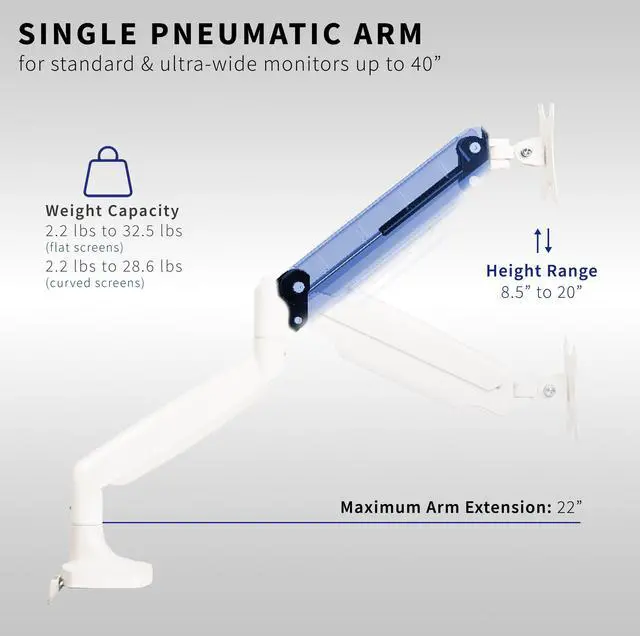
A: Choose the STAND-V101QW if you want more reach and vertical positioning for a single monitor up to 40 inches. VIVO lists up to 22 inches of extension and a screen-center height range of 8.5–20 inches for the STAND-V101QW; the STAND-V100OW lists 20.5 inches of extension and 6.7–17.5 inches of height adjustment.
Q: Should I get the VIVO STAND-V101QW or STAND-V101G1W for an ultrawide?
A: Choose the STAND-V101QW for an ultrawide up to 40 inches when full 360-degree screen rotation is useful. Choose the STAND-V101G1W for a larger ultrawide, since VIVO rates it for screens up to 49 inches and up to 33 pounds.
Q: VIVO STAND-V101QW vs STAND-V220Q: which should I choose for one or two monitors?
A: Choose the STAND-V101QW for one monitor with a single pneumatic arm. Choose the STAND-V220Q when you want two independently mounted screens; VIVO rates each arm for ultrawides up to 40 inches.
Q: Will this arm fit my 40-inch ultrawide monitor?
A: It is specified for monitors from 17 to 40 inches, weighing 2.2 to 32.5 pounds, with a 75x75mm or 100x100mm VESA pattern. Check your monitor’s weight without its stand and its VESA pattern before buying. For a curved screen, also consider that its shape can put extra leverage on the arm.
Q: Will the clamp fit my desk?
A: The C-clamp is specified for desk surfaces up to 3.2 inches thick. Check that the desk edge and underside leave enough room for the clamp to attach securely. An optional grommet mount is also included for a compatible desk hole.
Q: Can I adjust the monitor’s height and viewing angle?
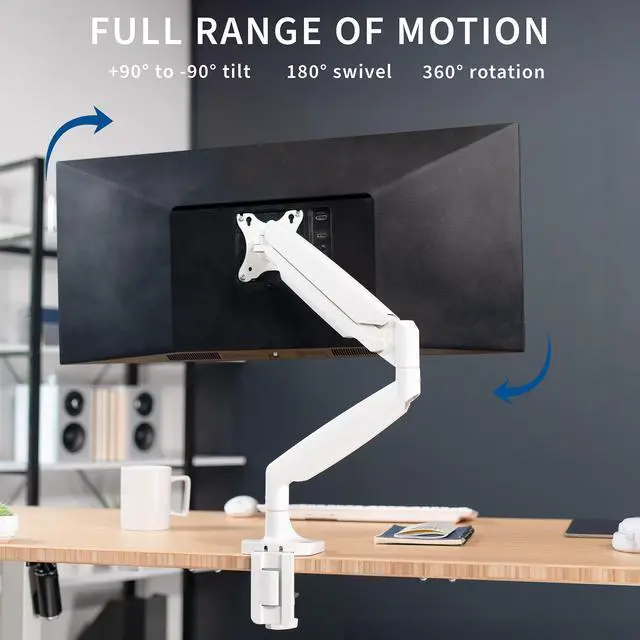
A: Yes. The pneumatic arm provides 12 inches of height adjustment, tilt from +90° to -90°, 180° swivel, and 360° rotation. These adjustments can help position a desk-mounted screen for different viewing angles; check nearby desk or wall clearance before rotating a large monitor.
Q: Is this a good choice for a desk-based home office?
A: It is suited to a fixed desk setup where you want to lift and reposition one compatible monitor, clear some space beneath its stand, and organize cables. It is a desk mount rather than a travel device, and it requires a compatible VESA pattern and a desk that can accept the clamp or grommet mount.
Q: Should I worry about spring failures reported for other VIVO ultrawide arms when considering the STAND-V101QW?
A: A Reddit thread reports failures involving a different VIVO V101 model. In that discussion, a reply to a buyer asking specifically about the STAND-V101QW said it was okay and advised checking that the tilt joint is properly tightened, especially with a heavier monitor. The thread does not establish long-term reliability for the STAND-V101QW.
Q: What should I check when mounting a heavier monitor on the STAND-V101QW?
A: A Reddit reply addressing the STAND-V101QW recommends making sure the tilt joint is properly tightened for a heavier monitor. The product data also specifies a 2.2–32.5 lb capacity and 75 × 75 mm or 100 × 100 mm VESA patterns; check that your monitor meets both requirements.