




 here!
I’m your shopping assistant for PC builds, upgrades, and everything tech.
Got questions? Ask away!
Start a conversation
here!
I’m your shopping assistant for PC builds, upgrades, and everything tech.
Got questions? Ask away!
Start a conversation
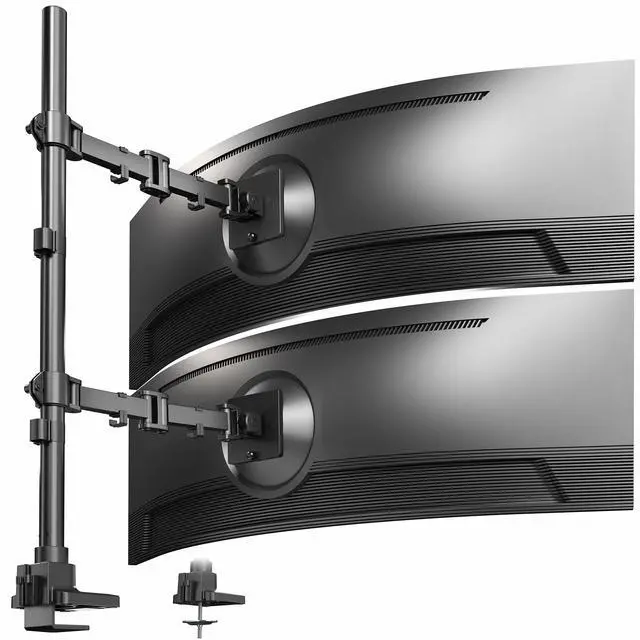
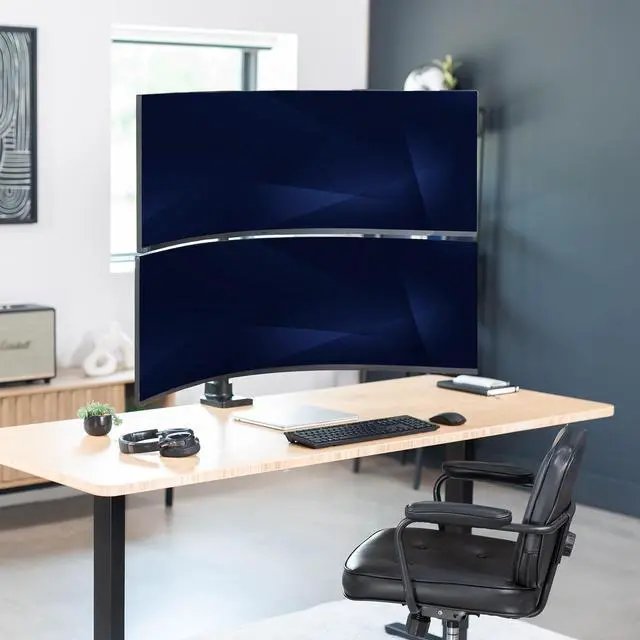



Any questions? Ask CelesteSM will help you find out quickly.
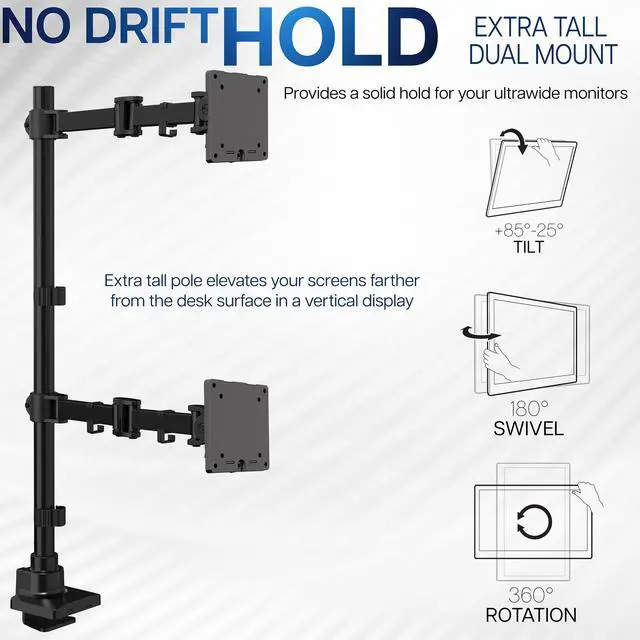
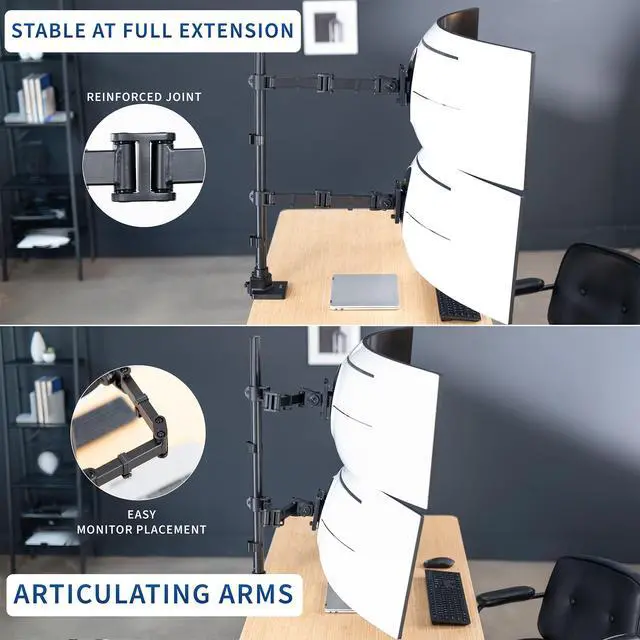
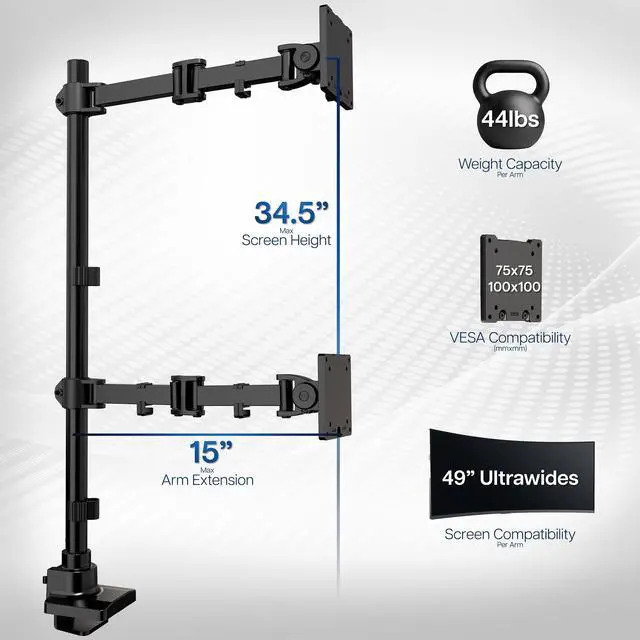
Clear up valuable desk space with a solid stand for your large screens with the Dual Ultrawide Monitor Extra Tall Desk Mount (STAND-V120T) from VIVO! This heavy-duty dual-arm mount attaches to the back of your desk, freeing up space that the original stands would occupy. An advanced arm design and tilt joint hold two ultra wide screens up to 49 in size and 44 lbs in weight (each), elevating your large monitors for optimal viewing angles. The mounting brackets use universal VESA patterns 75x75mm and 100x100mm, and the heavy-duty C-clamp installs to desks with no drilling required, protecting your table surface.
Compatibility:
Screen Size: Up to 49 Ultrawides
VESA Standard: 75x75mm and 100x100mm
Desktop Thickness (C-clamp): 0.4 to 1.7
Desktop Thickness (Grommet): 0.4 to 1.5
Weight Capacity: 44 lbs per screen
Specifications:
Color: Black
Material: Steel, Aluminum, Plastic
Pole Height: 34.7
Arm Span: 29.2
Arm Extension: 17.5" (per arm)
Maximum Screen Height: 34.5 (center screen)
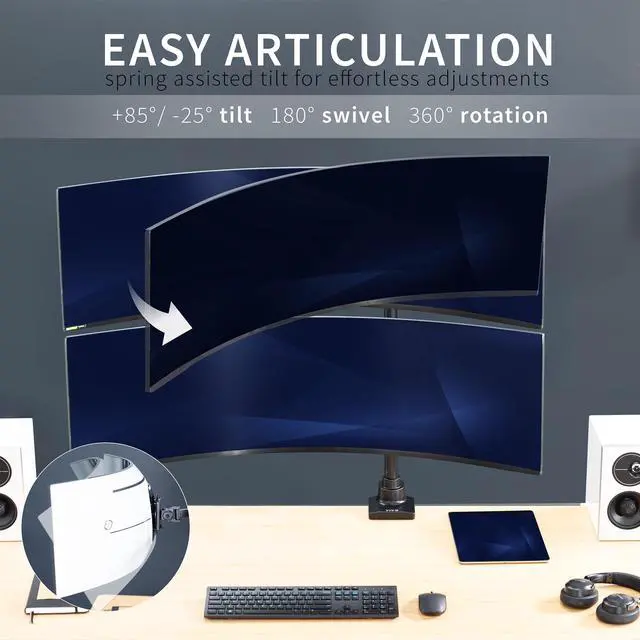
Articulation: +85° to -25° tilt, 180° swivel, and 360° rotation
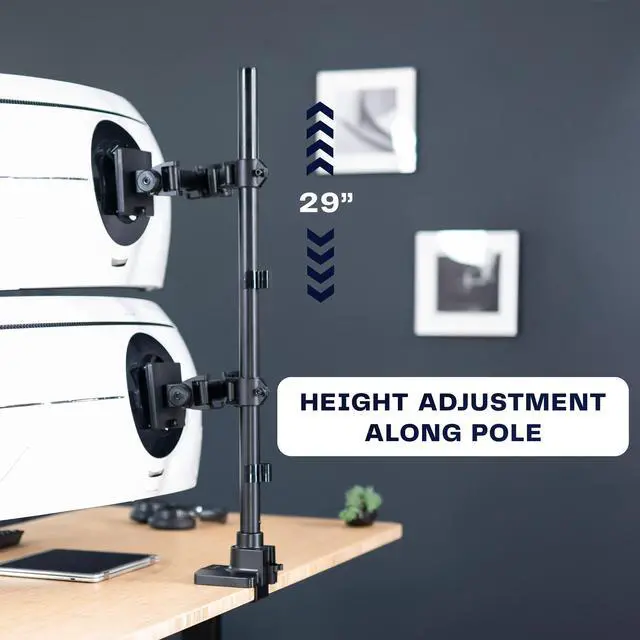
Height Adjustment: 29 (Provided along the center pole)
Screen Orientation: Portrait and Landscape
The VIVO Dual Ultrawide Monitor Extra Tall Desk Mount is a dual-screen desk mount for people who want to position two ultrawide monitors up to 49 inches and 44 pounds each, with adjustable height, tilt, swivel, and rotation.
| Attribute | Value |
|---|---|
| Best For | Tabletop mounting and positioning of compatible monitors up to 49 inches |
| Monitor Compatibility And Capacity | For monitors up to 49 inches and 44 pounds, with a 100 × 100 mm VESA hole pattern |
| Adjustment And Movement | Articulating design with a maximum tilt angle of 85° |
| Mounting | Tabletop mount |
| Materials And Finish | Black finish with a steel, aluminum, and plastic enclosure |
| Dimensions And Weight | 33.9 × 4.7 × 35 inches; 15.87 pounds |
| Model Identifiers | VIVO STAND-V120T |
Q: Should I choose the VIVO STAND-V120T or STAND-V120K for two large ultrawide monitors?
A: Choose the STAND-V120T for its extra-tall pole and height adjustment along the center pole. Choose the STAND-V120K if you want pneumatic arms to raise and lower the screens; both models are specified for ultrawides up to 49 inches and 44 lb per screen.
Q: VIVO STAND-V120T or STAND-V012 for a dual-monitor setup?
A: Choose the STAND-V120T for ultrawides up to 49 inches and up to 44 lb per screen. The STAND-V012 is specified for two smaller screens, up to 27 inches and 22 lb each, and has a 39-inch pole for height adjustment.
Q: How does the VIVO STAND-V120T compare with the STAND-V002F?
A: The STAND-V120T is the fit for larger ultrawides, supporting screens up to 49 inches and 44 lb each. The STAND-V002F is a desk stand for smaller monitors, with configurations listed for screens up to 27 or 38 inches and height adjustment along its center pole.
Q: Can this mount hold two 49-inch ultrawide monitors?
A: It is rated for two monitors up to 49 inches, with a maximum weight of 44 lb per screen. Before buying, check that each monitor also has 75 × 75 mm or 100 × 100 mm VESA mounting holes.
Q: Will the clamp fit my desk?
A: The provided product information specifies a maximum desk thickness of 1.7 inches for the C-clamp and 1.5 inches for the grommet mount. Measure the mounting area and check that it has enough clearance before choosing an installation method.
Q: Can I adjust the monitors after mounting them?
A: Yes. The mount provides height adjustment along the center pole, plus tilt, swivel, and 360-degree rotation. These adjustments can help position the screens for your viewing setup.
Q: What should I check before mounting my monitors?
A: Check each monitor’s weight and VESA hole pattern, then confirm that your desk supports the chosen clamp or grommet installation. This mount supports up to 44 lb per screen and VESA patterns of 75 × 75 mm or 100 × 100 mm.
Q: Can this mount hold two 49-inch ultrawides stacked?
A: The VIVO STAND-V120K is described as supporting monitors up to 49 inches and 44 lb each when stacked. Before buying, check that both monitors are within the weight limit and have compatible 75×75 mm or 100×100 mm VESA holes.
Q: Can I use it for a 49-inch monitor with a smaller screen above it?
A: A Reddit user reports using the STAND-V120K with a 49-inch Samsung G9 and a 27-inch monitor above it for about a year and a half without sag or tilt. Check each screen’s weight, VESA pattern, and placement before installation.
Q: Will my desk safely support this mount and two ultrawide monitors?
A: The mount’s rated capacity does not guarantee that a desk can support the clamped load. In one STAND-V120K discussion, a user described the mount as sturdy but reported creaking and visible flex in the desktop. Use a rigid desk and check the clamp area for flex before loading the monitors.


